

Filter Bar
Advanced search filters for your calendar
Allow users to search for events by category, tag, venue, organizer, day of the week, time of day, and price.
Includes updates & support for one year.
Includes updates & support for one year.
Includes updates & support for one year.
Includes updates & support for one year.
Includes updates & support for one year.
Unlimited and multisite licenses are also available.
Countless ways to filter your calendar
Help visitors to your WordPress site find the events they’re looking for on a busy calendar with filters for virtual events, venue, date, category. and more.
Filter Bar Features
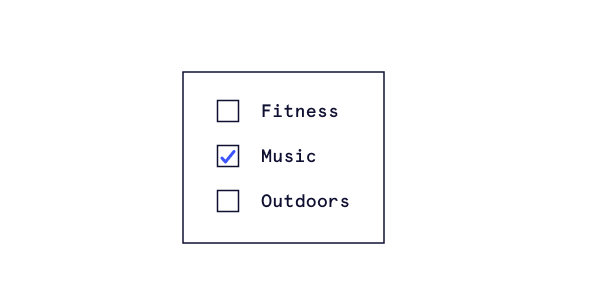
Add filters to your calendar
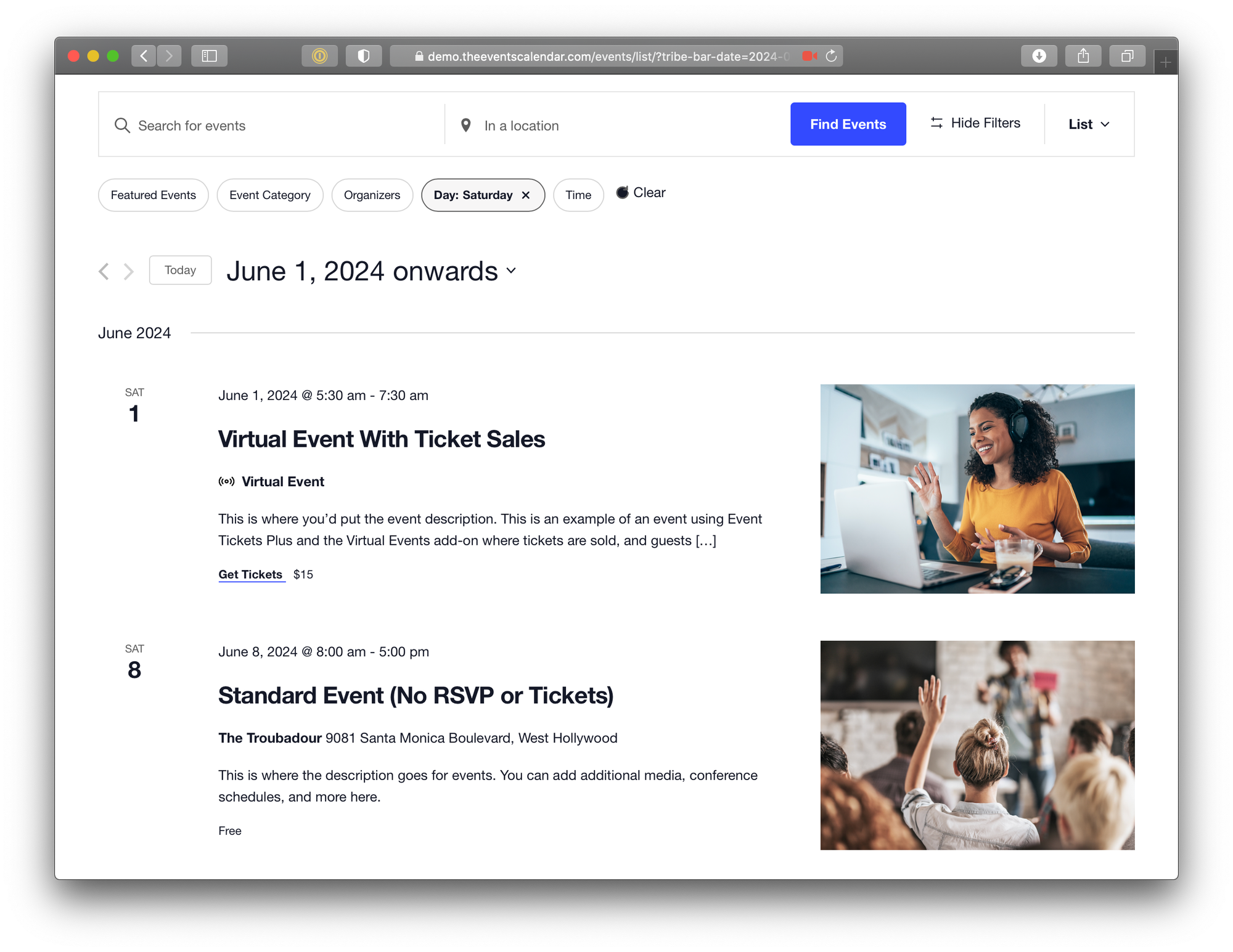
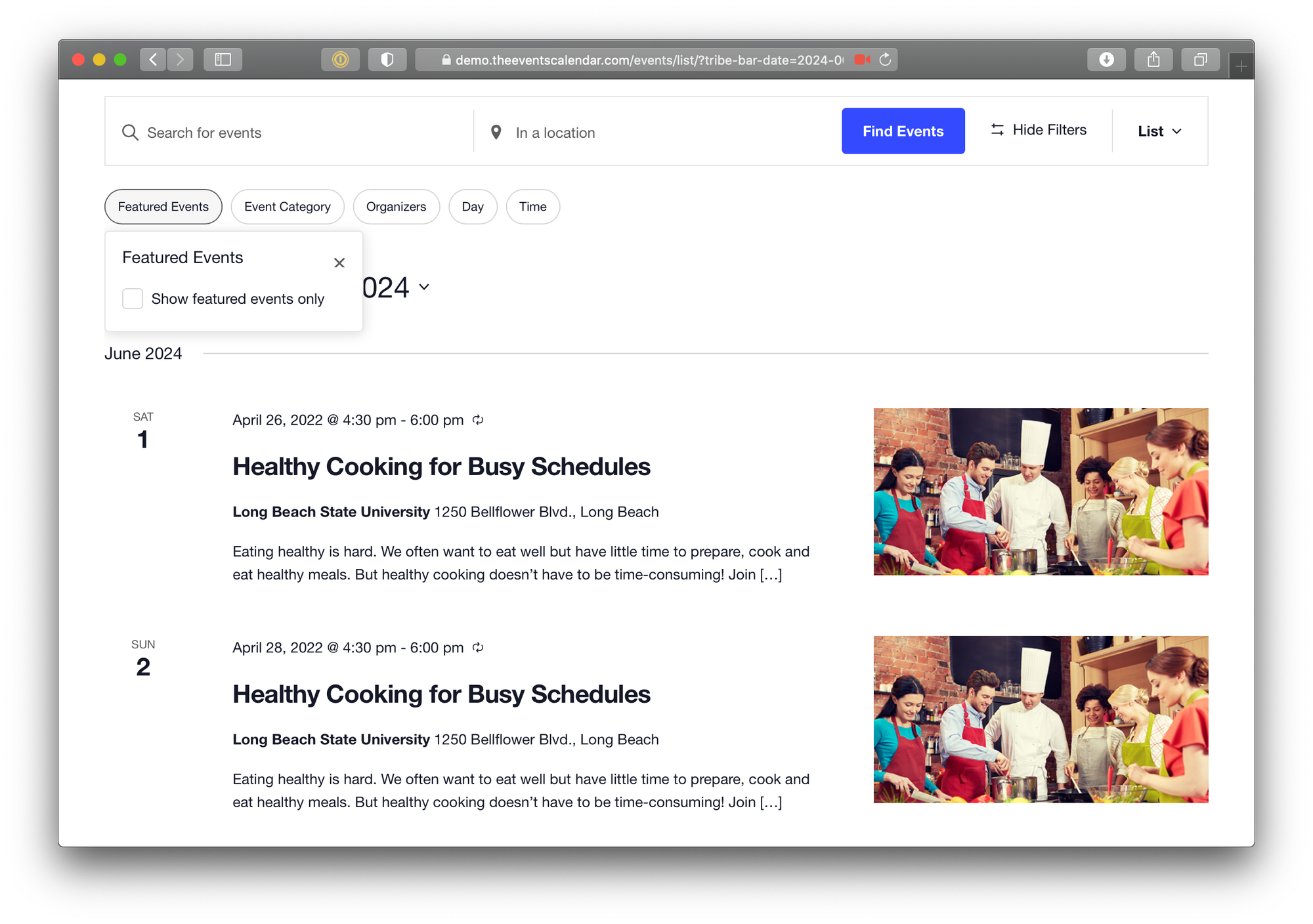
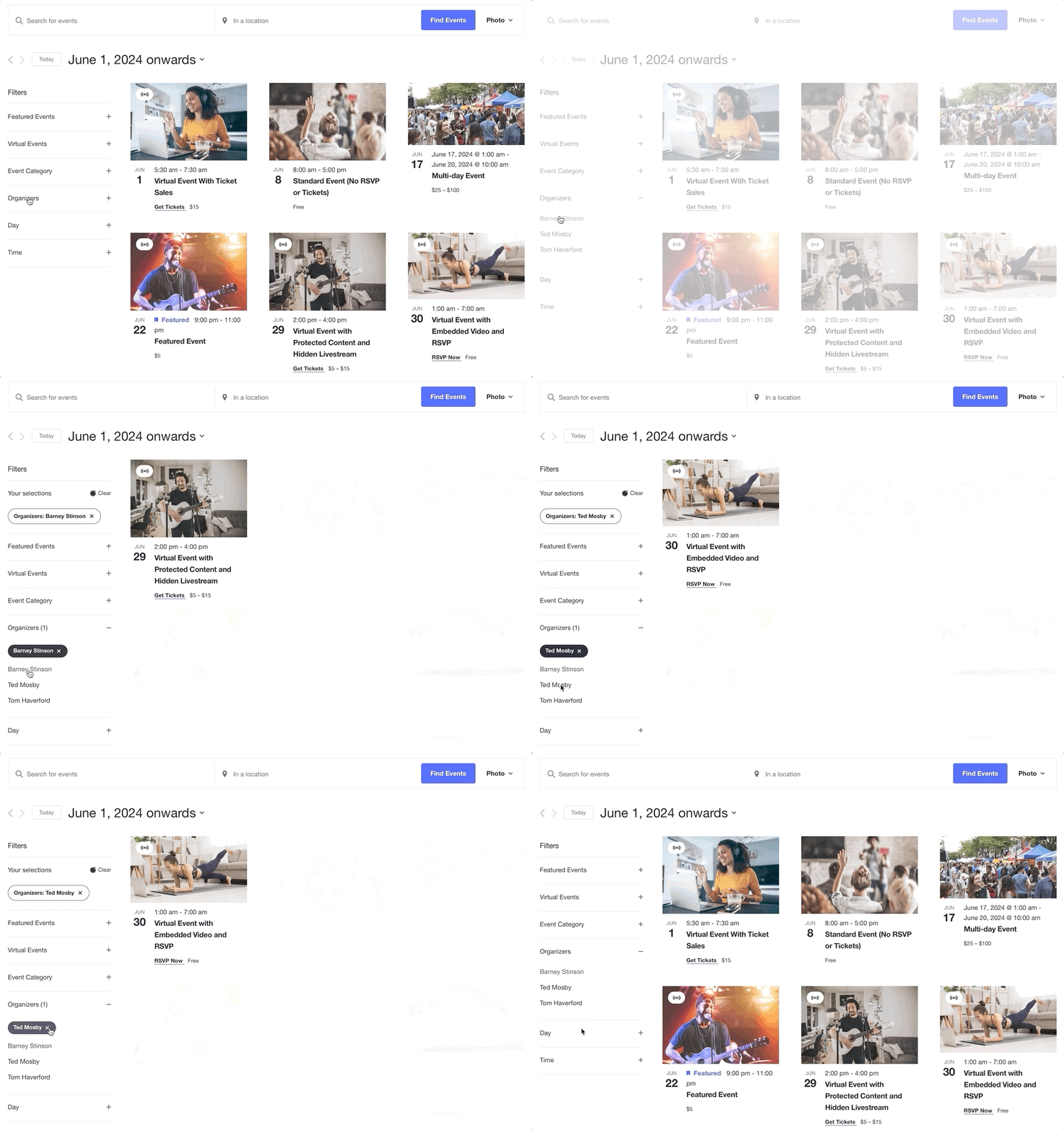
Create a bar at the top of the calendar where users can narrow down events.
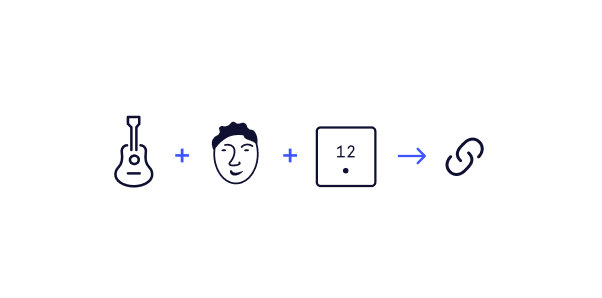
Appended URL
All filters append the calendar URL, so you can share a pre-filtered calendar with others.

Custom Filters

If you’re using Events Calendar Pro, you can create your own custom calendar filters.

Flexible layout
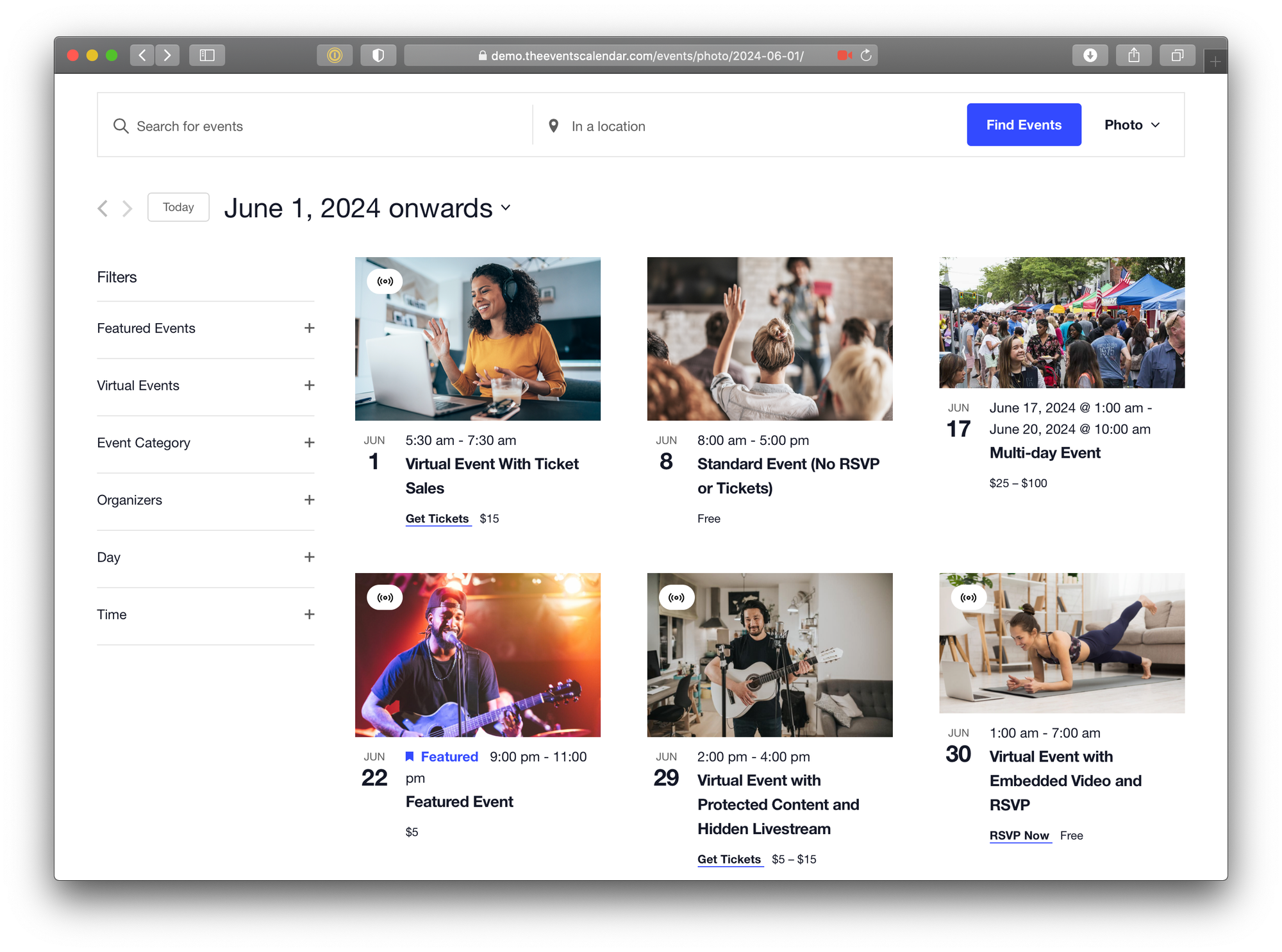
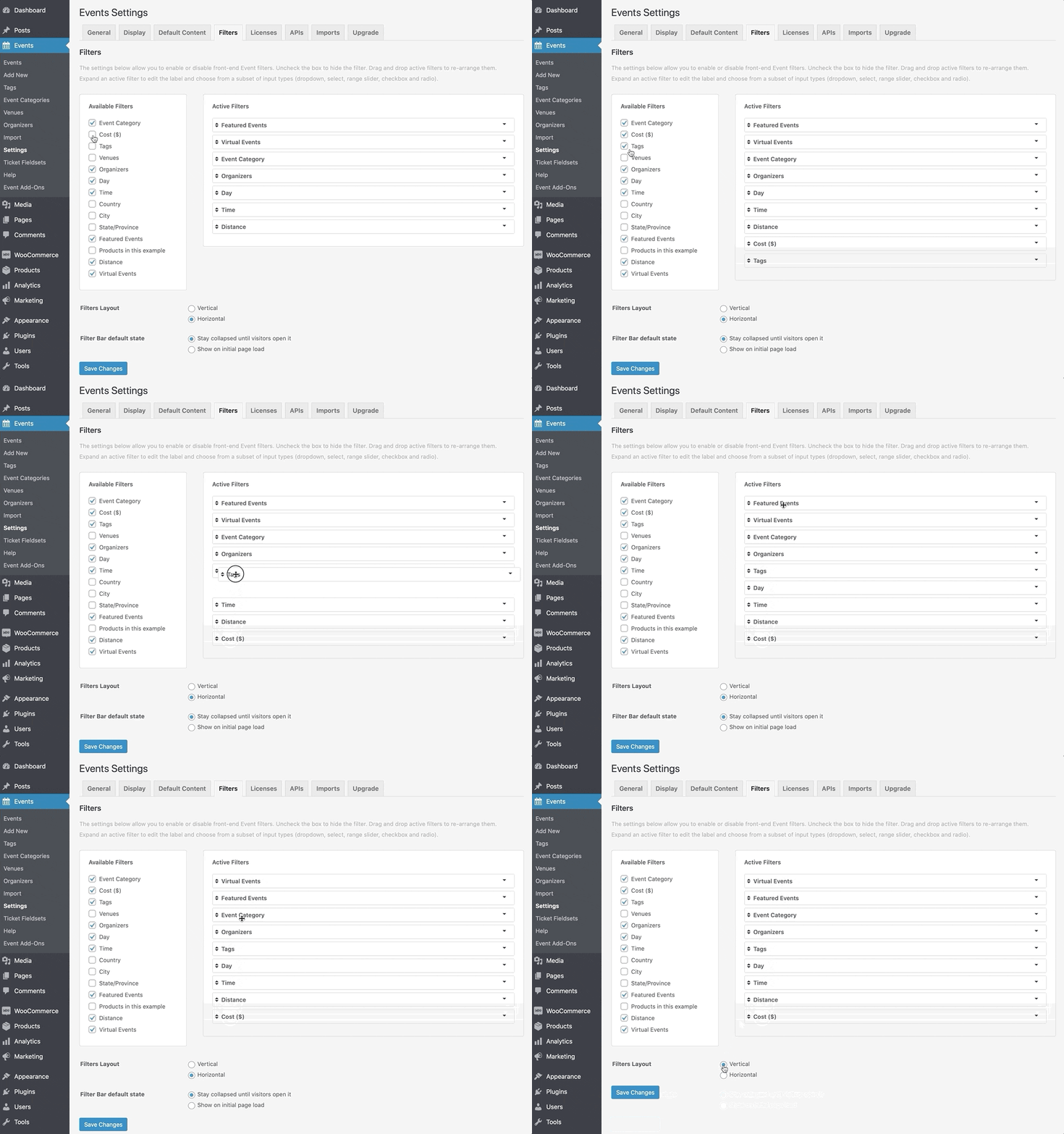
Position your filter bar vertically or horizontally on the calendar.

Responsive design
The filter bar looks great and works on any size screen or device.
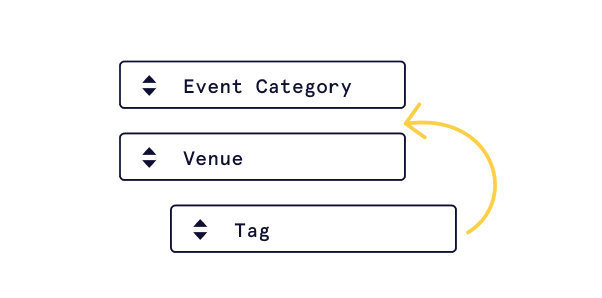
Display controls
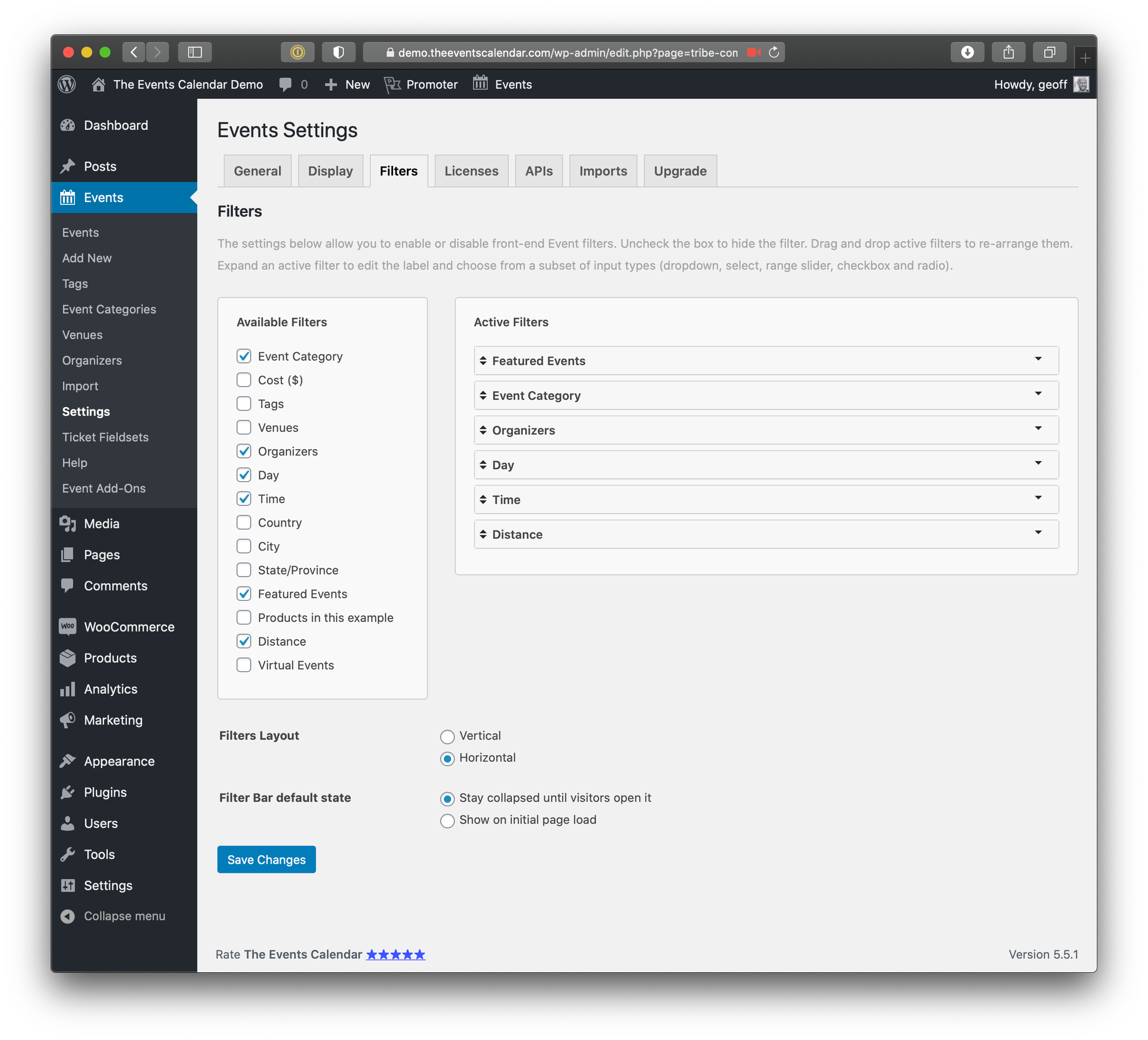
Choose to display all your filters, or only certain ones. You pick the order.

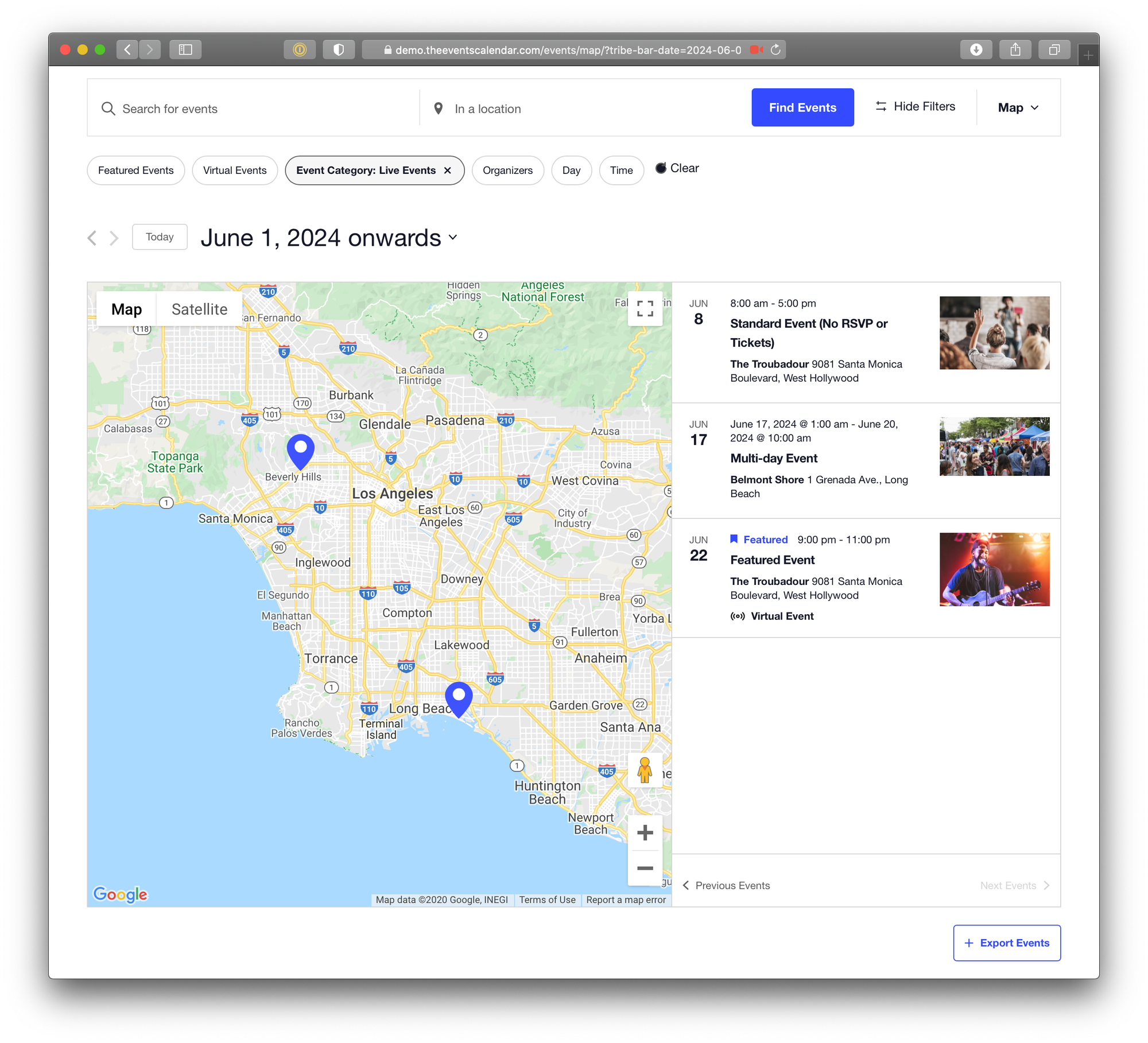
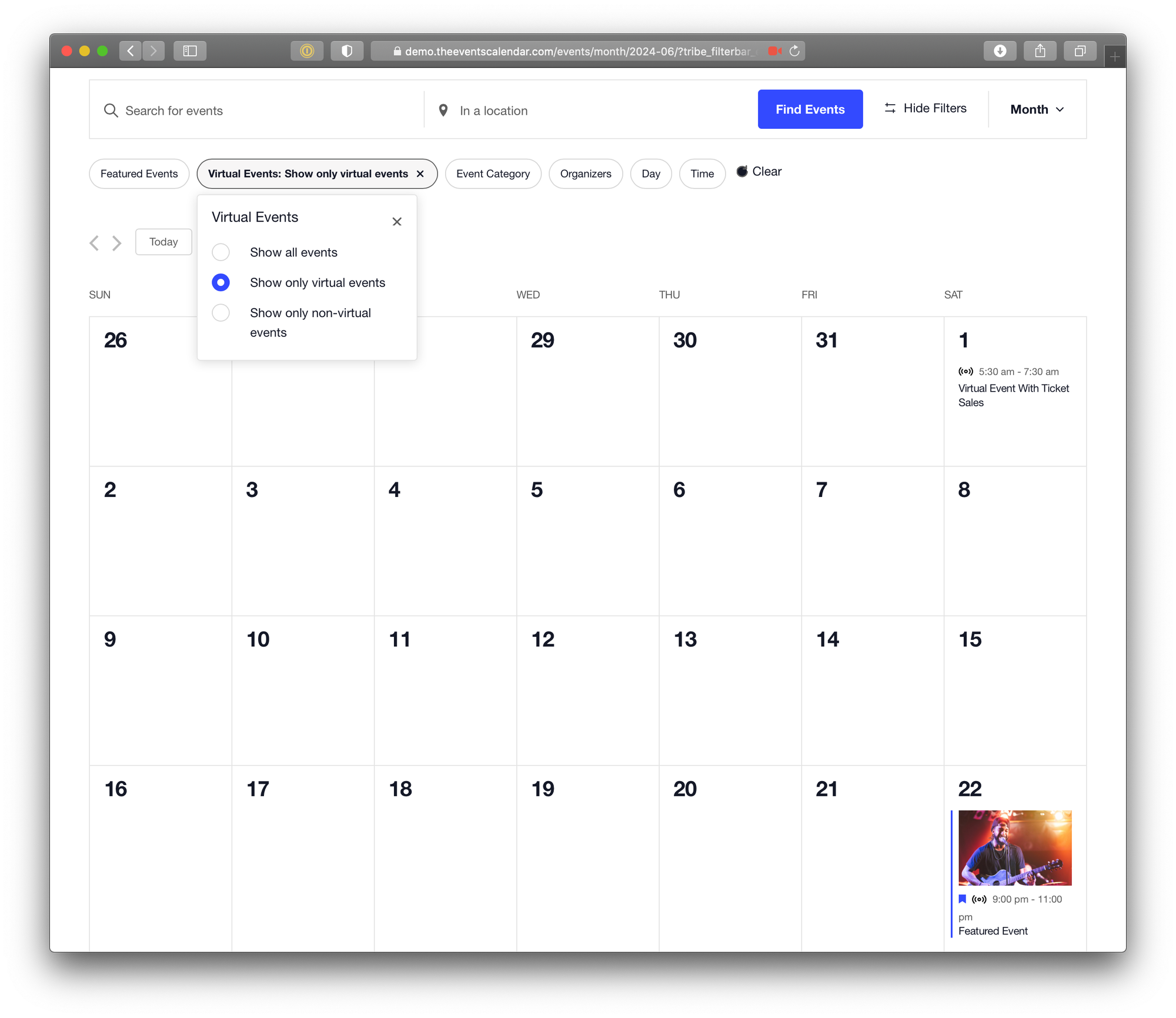
Virtual Events
If you’re using Virtual Events, you can display Virtual Events as a filter
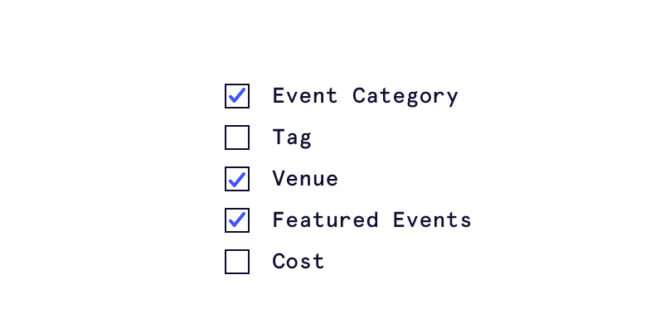
Customizable
Choose which filters to show.
Screenshot Gallery
Take a look at how Filter Bar works from the WordPress dashboard.
Frequently Asked Questions

Import, sort, and organize events
Save when you bundle Event Aggregator, Filter Bar, and Events Calendar Pro.
Choose your license
Includes updates & support for one year.
Includes updates & support for one year.
Includes updates & support for one year.
Includes updates & support for one year.
Includes updates & support for one year.
Unlimited and multisite licenses are also available.