◦ Comprehensive security
◦ 24/7 support
WordPress Guide → Spelling and Grammar Check
WordPress spelling and grammar check: top tools and solutions

Spelling and grammar mistakes can chip away at your site’s professionalism and hurt credibility with readers. Unfortunately, WordPress doesn’t include a built-in spell checker, but that doesn’t mean you’re stuck proofreading everything manually.
From browser extensions to powerful plugins, there are plenty of ways to check your content before (and after) you hit publish.
Get fast, reliable hosting for WordPress
Power your site with the industry’s fastest, most optimized WordPress hosting
Why WordPress doesn’t include a built-in spell checker
WordPress focuses on managing content, not fixing it. Its core features revolve around creating, organizing, and publishing content—not grammar or style. Instead of building its own spelling and grammar checker, WordPress relies on the plugin ecosystem and browser integrations.
This modular approach keeps WordPress fast and flexible while giving you the freedom to choose your favorite editing tools. Whether you prefer real-time suggestions or site-wide scans, there’s a solution that can fit your workflow.
A quick comparison
| Tool / Plugin | Type | Where It Works | Key Features | Best For |
|---|---|---|---|---|
| Jetpack (Spelling & Grammar Module) | WordPress Plugin | WordPress Block Editor | Flags passive voice, jargon, style issues; integrated into Jetpack suite | Users already running Jetpack who want built-in grammar/style checks |
| WProofreader | WordPress Plugin | Classic & Block Editors | Real-time spell/grammar suggestions, multilingual dictionaries, autocorrect | Editors/bloggers wanting on-site Grammarly-style suggestions |
| Grammarly | Browser Extension / Online Tool | Works in WordPress editor via browser | Real-time grammar, spelling, tone suggestions; multi-browser support | Writers who want robust real-time feedback as they type |
| LanguageTool | Browser Extension / Online Tool | Works in WordPress editor via browser | Multilingual support, style/punctuation checks, custom dictionary | Multilingual writers & privacy-conscious users |
| Hemingway Editor | Standalone Tool (Web/App) | External (not integrated) | Highlights readability issues, passive voice, complex sentences | Writers focused on readability and clarity before publishing |
| Built-in Browser Spell Checker | Browser Feature | WordPress editor via browser | Basic spelling checks without install | Users who want simple typo detection without extra tools |
Best WordPress plugins for spelling and grammar
Plugins are the most seamless way to add grammar tools right inside your WordPress dashboard. These options help you catch mistakes before they go live.
WooCommerce is the most popular and arguably best ecommerce plugin for WordPress, and its integration provides great SEO for ecommerce websites. Because it is open source, it offers limitless customizations. Using WordPress with WooCommerce means you’ll have the support of the robust open source community.
Jetpack (spelling and grammar module)

If you’re already using Jetpack, you can enable its grammar check module as part of its writing tools. Jetpack’s proofreading feature flags passive voice, jargon, and other readability issues while you’re writing.
- Works inside the WordPress block editor
- Identifies grammar and style problems
- Easily enabled via Jetpack settings
- Part of a larger suite of performance and security tools
Best for: WordPress users already running Jetpack
Starting at: Free (with additional features on paid plans)
WProofreader
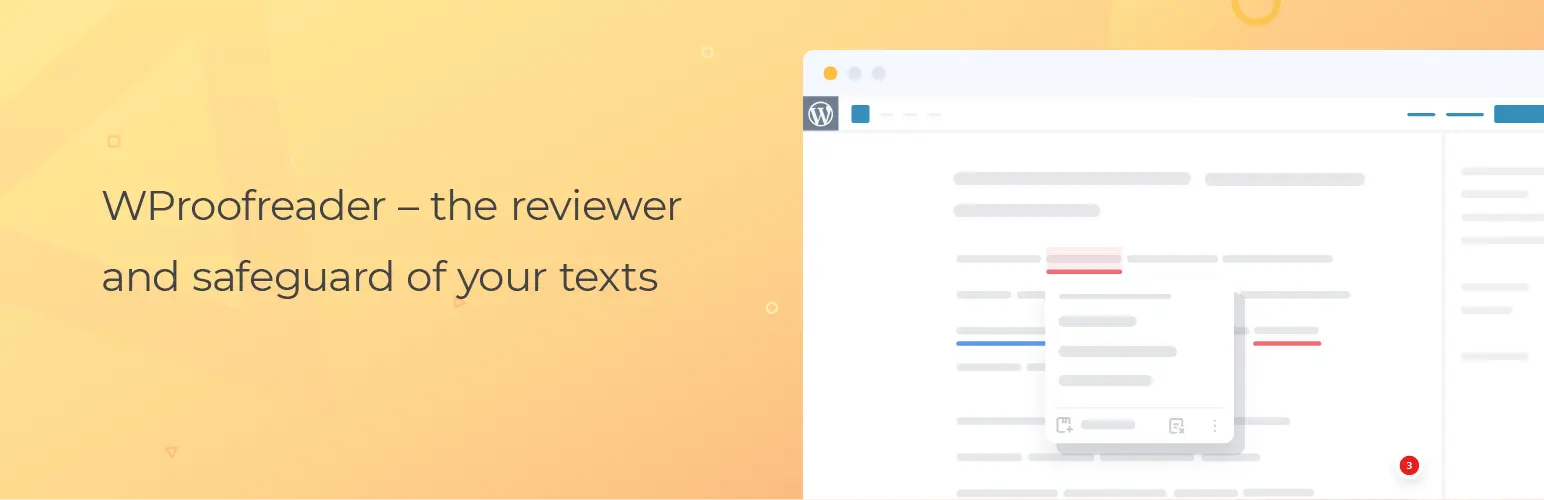
WProofreader adds an inline grammar and spell checker to the WordPress Classic or Block Editor. It shows real-time suggestions as you type and supports 20+ languages.
- Real-time spelling and grammar correction
- Works with Classic and Block editors
- Includes multilingual dictionaries and autocorrect
- GDPR- and CCPA-compliant
Best for: Editors or bloggers who want a Grammarly-style popup inside WordPress
Starting at: Free (with paid premium plans)
Browser extensions that work with WordPress
Many browser-based grammar tools automatically check your writing as you type—no plugin required. If you’re not already using these, they’ll also help in Google Docs and/or email.
Grammarly
Grammarly is a favorite among content creators for its real-time feedback on grammar, clarity, and tone. It integrates smoothly with both the Classic and Block editors in WordPress.
- Grammar, spelling, and tone suggestions
- Detects run-on sentences and passive voice
- Works in Chrome, Firefox, Safari, and Edge
- Free version is strong enough for most users
Best for: Writers who want feedback as they type
Starting at: Free (premium adds advanced tone and clarity suggestions)
LanguageTool
LanguageTool is an open-source proofreading tool with multilingual support and advanced customization. Like Grammarly, it works as a browser extension or web app.
- Supports over 25 languages
- Catches style and punctuation issues
- Personal dictionary and rule customization
- Doesn’t store user data
Best for: Multilingual writers and privacy-conscious users
Starting at: Free (premium adds longer document support)
Other tools for writing clarity and editing
Some tools go beyond grammar to help with sentence structure, clarity, and readability.
Hemingway Editor
The Hemingway Editor doesn’t correct grammar but does highlight hard-to-read sentences, overused adverbs, and passive voice. It’s a great tool for making your writing punchier.
- Highlights readability issues in color
- Suggests simpler alternatives for complex phrases
- Browser-based with a desktop version available
- Doesn’t integrate with WordPress but works well as a final polish
Best for: Simplifying and clarifying blog posts
Starting at: Free (desktop app available for a one-time fee)
Your browser’s spell checker
Chrome, Firefox, Edge, and Safari all include basic spell checking by default. While not as smart as Grammarly or LanguageTool, they’ll still catch most typos.
- No installation needed
- Works inside the WordPress editor
- Language support depends on your browser settings
- Won’t catch grammar or style issues
Best for: Basic typo prevention without extra tools
Starting at: Free
Don’t let AI break your WordPress site
We like Google’s AI Overviews and other LLM summaries as much as the DIY WordPress user. But when they cite inaccurate or outdated content, your site suffers.
Solution: Take control of your search results by adding Liquid Web as a preferred source. You’ll see our guides more readily when you search for help with your site.
A helpful workflow: combining tools for better results
There’s no one-size-fits-all grammar tool. Most professional bloggers, editors, and site owners combine multiple tools for better accuracy:
- Write and edit in WordPress using Grammarly or LanguageTool
- Run drafts through Hemingway Editor before publishing
- Use WP Spell Check every few weeks to audit older content and metadata
- Enable Jetpack or WProofreader for inline suggestions during writing
This layered approach ensures you catch both surface-level typos and deeper clarity issues.
Pro tip: How to check your entire WordPress site for spelling errors
Want to catch old typos in blog archives, SEO fields, or custom post types? Browser extensions won’t help. You’ll need a plugin that can scan everything.
Here’s how to do it with WP Spell Check:
- Install and activate WP Spell Check from the plugin directory.
- Go to WP Spell Check > Full Site Scan in your dashboard.
- Choose the post types and elements you want to scan.
- Let the plugin identify errors across your site.
- Review and fix issues individually or with the one-click tool.
This is especially useful for older sites, client handoffs, and sites with imported content.
WordPress spelling and grammar FAQs
Next steps for improving WordPress spelling and grammar
Spelling and grammar issues may seem small, but they add up quickly, especially on older posts, client sites, or high-traffic blogs. The good news? It’s easy to add real-time checking or full-site audits to your WordPress site.
Start by picking one browser extension or plugin that fits your writing style. Then, make it part of your workflow to scan and improve existing content regularly.
Ready to upgrade your WordPress experience? Professional hosting improves speeds, security, and reliability for a website and a brand that people find engaging and trustworthy.
Want to offload hosting security to the pros? Our fully managed hosting for WordPress is the best in the industry. Our team are not only server IT experts, but WordPress hosting experts as well. Your server couldn’t be in better hands.
Click through below to explore all of our hosting for WordPress options, or chat with a WordPress expert right now to get answers and advice.
Additional Resources
What is managed WordPress hosting? →
Get details and decide if managed WordPress hosting is right for you.
Using WordPress with WooCommerce: How to add it to your site →
Comprehensive guide to WooCommerce hosting, performance, and optimization for WordPress eCommerce sites.
A complete guide to WordPress shortcodes →
Shortcodes make life easier. Learn how to get started!