Using the recapture platform and plugin on your site

Being able to recover abandoned carts can be a pain to deal with on your site depending on whether you decide to go with a plugin that stores the abandoned cart data directly in the site’s database.
One of the best options to deal with abandoned cart recovery on your site is using Recapture. Recapture is a platform with plugins for integration which means it will not cause performance issues on your site when dealing with abandoned cart recovery.
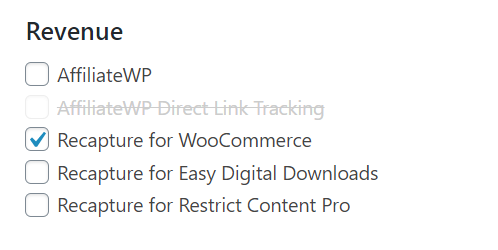
To install the Recapture plugin you can do so directly from the Liquid Web Installer in wp-admin on your site. The Recapture plugins are available for WooCommerce, Easy Digital Downloads, and Restrict Contact Pro plugin integrations.
Get fast, reliable hosting for WordPress
Power your site with the industry’s fastest, most optimized WordPress hosting
How to use the recapture platform and plugin
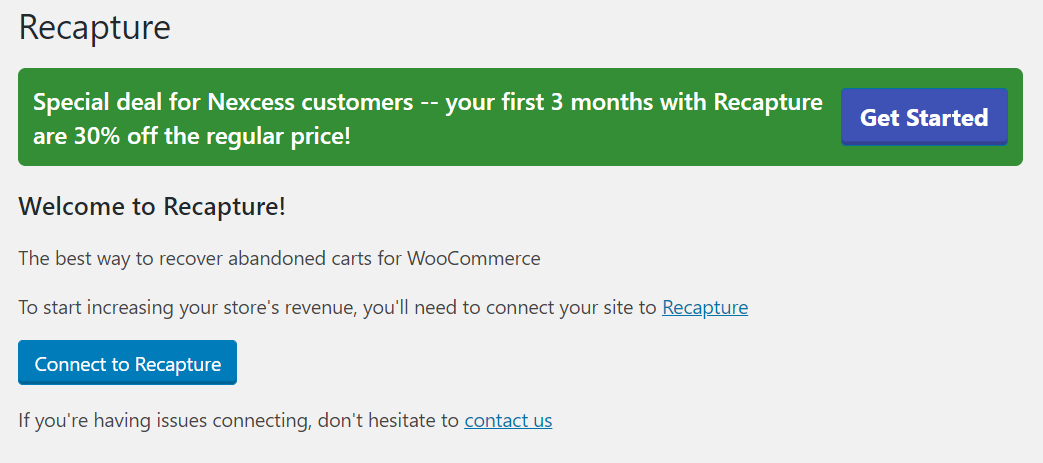
After the Recapture plugin has been installed it will add a new admin menu into wp-admin called Recapture. You will need to click on the Connect to Recapture button and then follow the steps to create an account in Recapture.
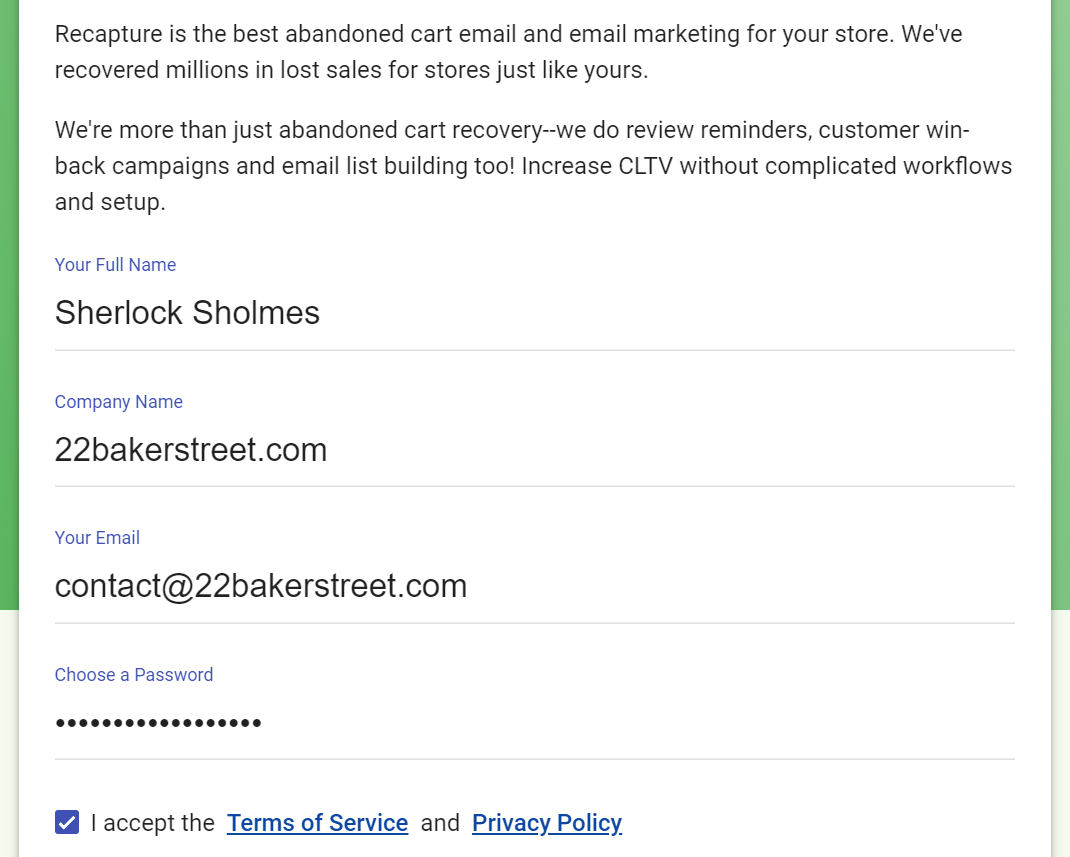
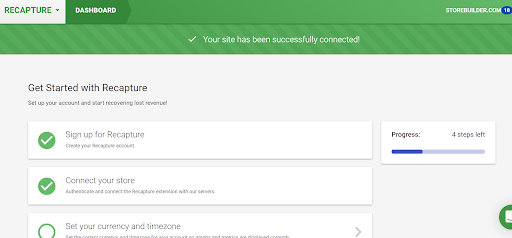
Once an account is created follow the dashboard setup steps for Recapture for your site.
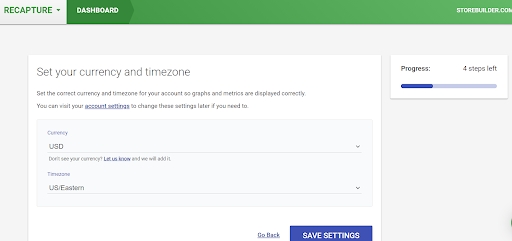
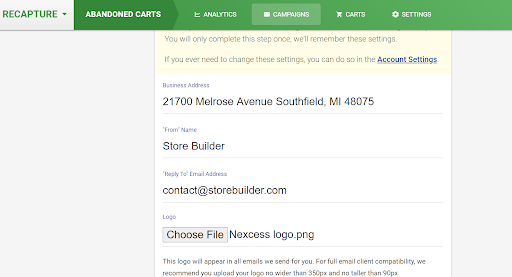
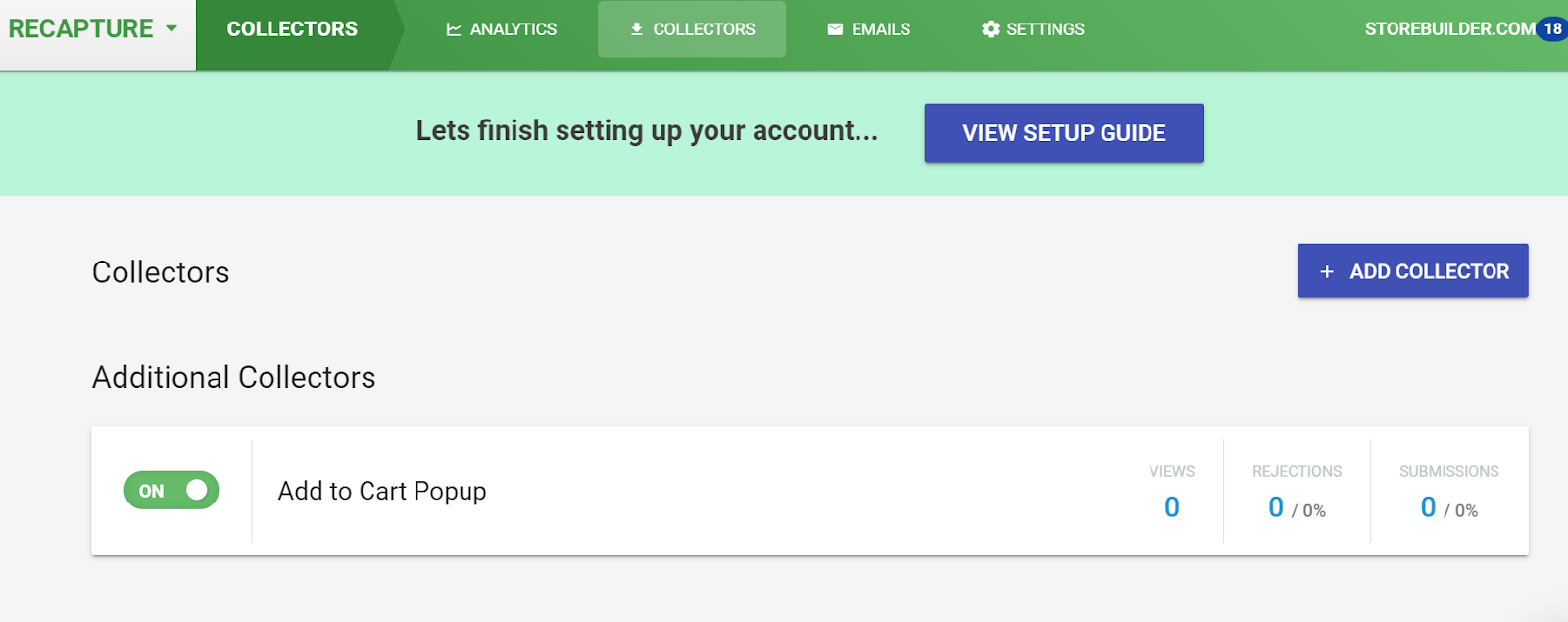
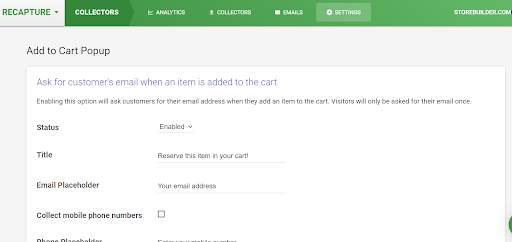
You can use the existing default collectors like the add to cart popup by toggling them to be active or create your own ones specific to your site. Common questions related to Recapture can be answered by reading the FAQ.
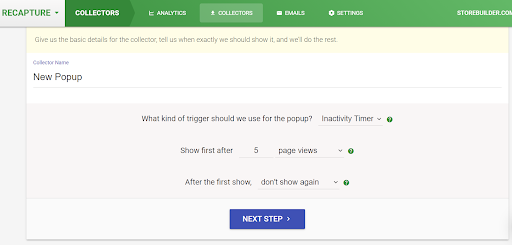
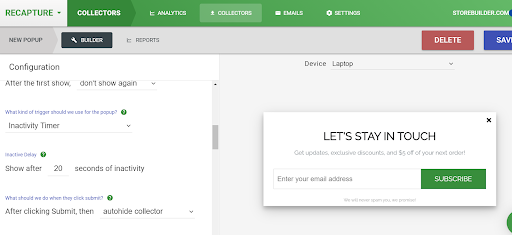
On the newly created popup collector, you can select exactly what it will look like on the site using the builder.
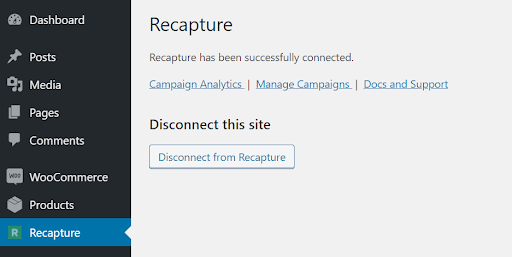
Once you have gone through the basic setup when you check back wp-admin on the site Recapture will now show that it is connected to the Recapture platform.
Recapture common account-related questions can be found here. How to set up and edit campaigns can be found here. Any cart questions can be found here.
Recapture has a very easy to use dashboard where you view analytics about your site. The analytics dashboard can be accessed directly from this link. The campaign dashboard can be accessed from this link. The live cart feed in the dashboard can be accessed from this link.

Recapture can be integrated with both Mailchimp to send email leads into a Mailchimp list or with Zapier. Being able to connect Recapture to your Zapier account will mean a whole range of integrations are now possible to send email data to.

Recapture is a feature-complete platform with very easy to use plugins to integrate with commonly used plugins on your site for being able to recover abandoned carts.
For 24-hour assistance any day of the year, contact our support team by email or through your Client Portal.
Additional resources
How to check if a WordPress plugin is safe →
Check whether a WordPress plugin is safe before you install it.
5 best seo plugins for WordPress →
Learn to optimize your site with these top seo plugins.
Best WordPress contact form plugins →
Choose the top WordPress contact form plugins for your site.
