Edit your content, text, and media using Kadence blocks

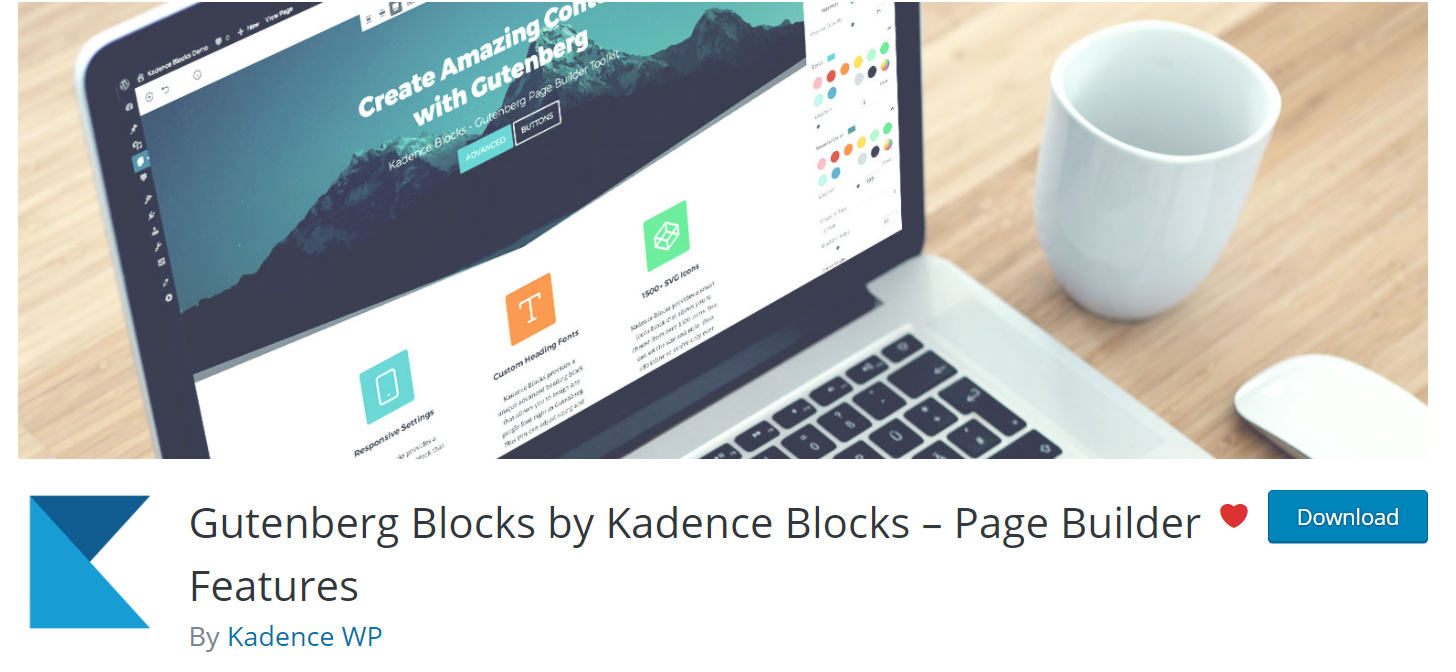
Your brand new site is powered by the Kadence theme with the Kadence blocks plugin. The Kadence blocks plugin extends the block types that are provided by the block editor which is built into your WordPress site.
Get fast, reliable hosting for WordPress
Power your site with the industry’s fastest, most optimized WordPress hosting
Editing content with Kadence blocks
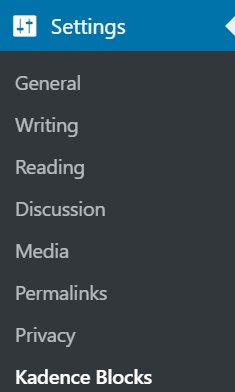
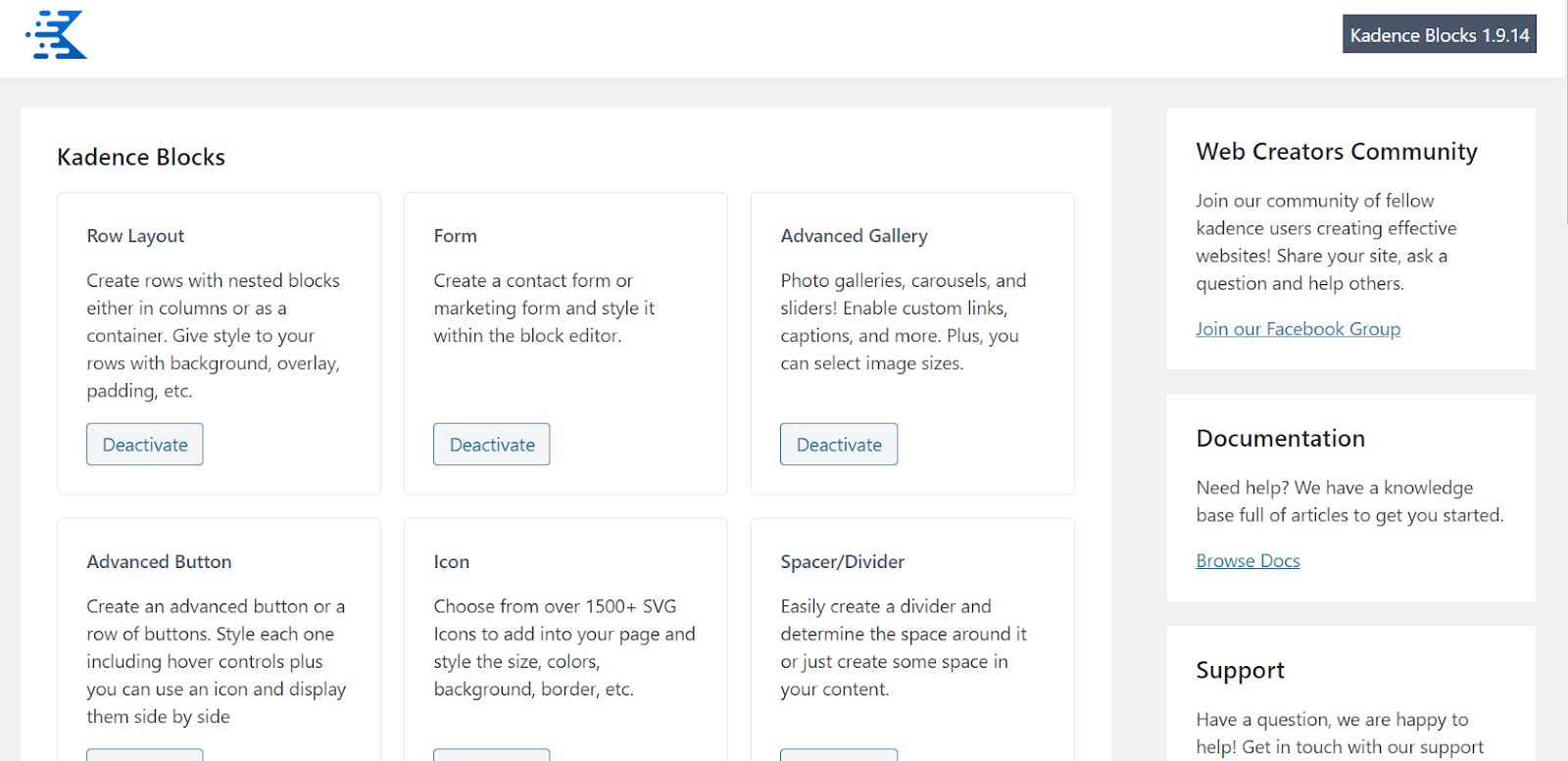
You probably won’t have to change these settings but you may want to remove some blocks. If so, here’s how you can control which Kadence blocks are activated or deactivated on your site from this menu name;
Settings > Kadence Blocks
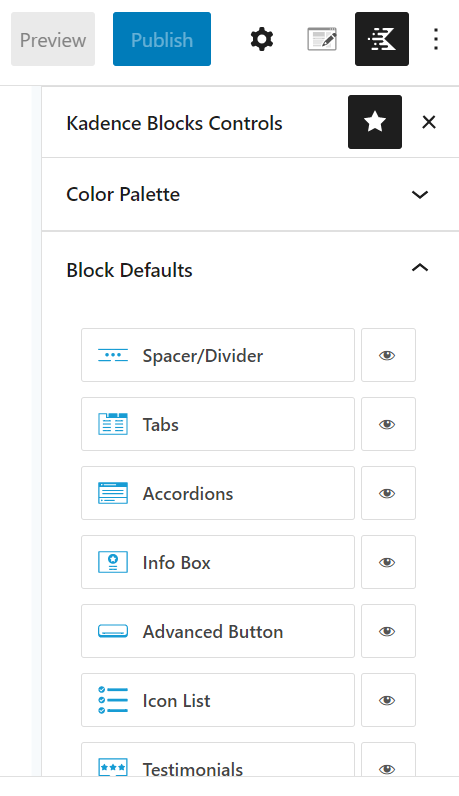
 You can set the block defaults for the Kadence blocks by following this help article.
 The Kadence Blocks plugin includes a wide range of blocks such as tabs, advanced icons, advanced buttons, advanced heading, row layout, spacer/diver, form blocks, and a number of other options. To find help articles about any of the extra Kadence blocks can click on this help article.
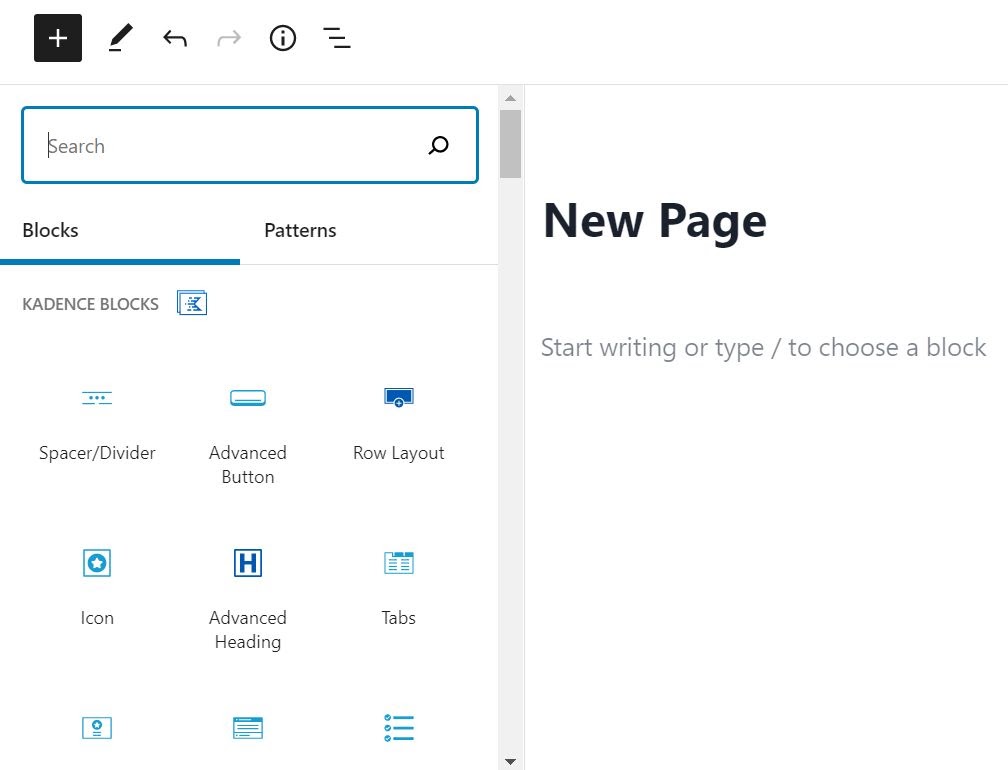
To add a new block on an existing page or post you can search for the block by name or go click on all blocks and the Kadence blocks will be listed. Once you add a new block then you can edit the block and once you have finished you can save the draft, publish and then preview the changes made on the page, or if you have published the page you can then view the page.
Using the block editor along with the Kadence blocks plugins will allow you to easily make visual changes to your site on the page that you want to look different.
For 24-hour assistance any day of the year, contact our support team by email or through your Client Portal.
Additional resources
8 best subscription plugins →
Build recurring revenue with these top subscription plugins.
9 best booking and appointment plugins →
Learn to simplify scheduling with leading booking plugins.
6 cart abandonment options →
Recover more sales with leading cart abandonment plugins.
