◦ Comprehensive security
◦ 24/7 support
WordPress Guide → Plugins → Best Survey
6 best WordPress survey plugins

Curious which service clients want you to add or which products would do better in your online store? Ask your customers by creating a survey with a WordPress survey plugin.
Research and data should drive the decision-making process in your business. Website analytics and sales data can only tell you so much. Market research surveys help you gain valuable insights into your customers’ wants and needs. This guide to the best WordPress survey plugins in 2024 will help you decide how best to add surveys to your WordPress website.
Get fast, reliable hosting for WordPress
Power your site with the industry’s fastest, most optimized WordPress hosting
What to look for in a WordPress survey plugin
WordPress survey plugins come with various features, from simple survey plugins to more complex ones for businesses. How do you know which one is right for you? Think about the types of surveys you need and identify the plugin with features to support those surveys.
- Question Types. How many types of questions and responses does the plugin support? Will your respondents need to upload files or rank or rate selections?
- Customizations. Can you customize the look and feel of the survey to match the rest of your website?
- Integrations. Do you need to sync survey data into your CRM or use your email service to follow up with respondents? Make sure the survey plugin you choose supports the integrations you need.
- Reporting and analysis. Surveys don’t help much if you can’t interpret the data. Look for plugins that have data visualization tools and built-in reporting capabilities.
- Mobile responsiveness. This point should go without saying in 2024, but make sure your surveys work on small screens. More than half of your respondents will probably take the survey from their phones.
In addition to features, evaluate costs to determine the best WordPress survey plugin for your business.
Benefits of using a WordPress survey plugin
As an alternative to using a plugin, you could use a program like SurveyMonkey or even Google Forms. But, these programs don’t offer the same benefits as a plugin.
- Styling. Match your survey design to your website.
- Integrations. Tie your survey into the systems you already use to run your website.
- Data Control. Maintain total control of your customer data inside your WordPress databases instead of with a third party.
6 picks for the best WordPress survey plugin
- WPForms
- Formidable Forms
- Gravity Forms
- QSM: Quiz and Survey Master
- Crowd Signal
- YOP Poll
1. WPForms
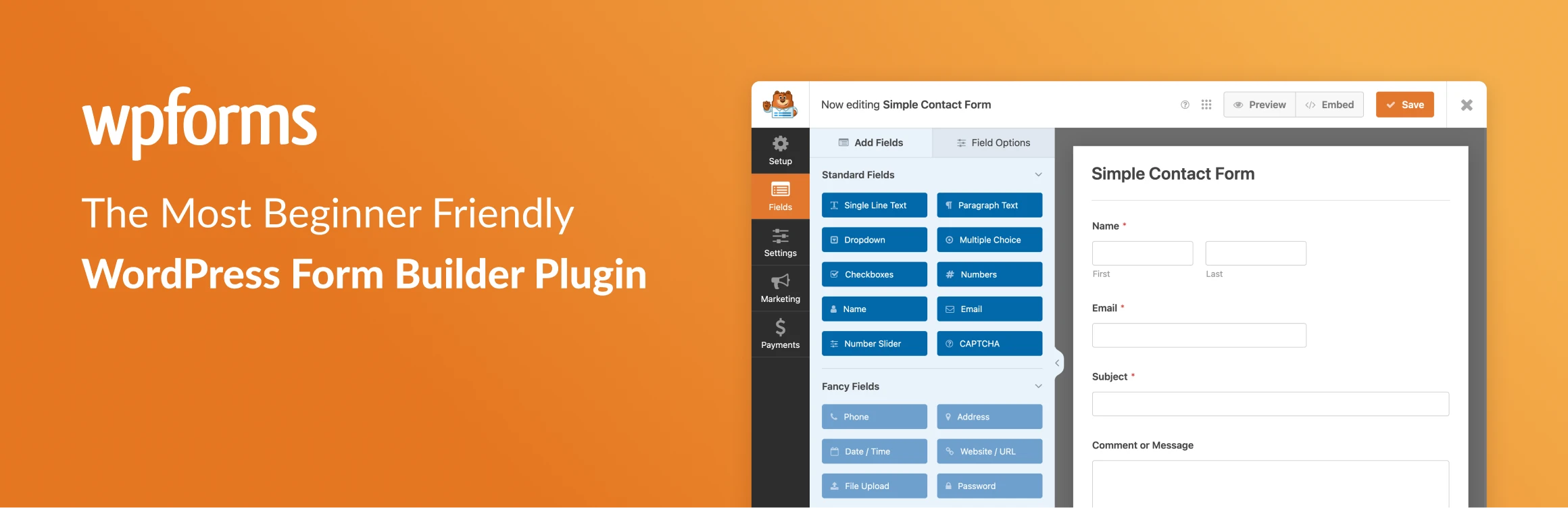
WPForms is one of the most popular drag-and-drop form builders for WordPress. The plugin offers a simple interface that streamlines the process of creating forms.
Pricing
WPForms offers four pricing tiers:
- Basic at $79 per year
- Plus at $199 per year
- Pro at $399 per year
- Elite at $599 per year
Features
Survey creators will like the advanced field options, validations, and conditional logic. The plugin also includes templates to jumpstart your survey or form creation process. At the Pro and Elite levels, WPForms includes a survey and poll add-on. The survey add-on includes data analysis and visualization tools to simplify displaying and digesting survey results. The add-on also includes NPS scoring, Likert field questions, and real-time poll results.
2. Formidable Forms

Formidable Forms is another drag-and-drop form and survey creation plugin for WordPress. The plugin makes creating complex forms easier and includes visualization tools to display results.
Pricing
Formidable Forms offers four pricing tiers:
- Basic at $79 per year
- Plus at $199 per year
- Business at $399 per year
- Elite at $599 per year
Features
Formidable Forms includes multiple field and question types, templates, and conditional logic. You’ll need to upgrade to the Business or Elite plans for the full survey and polls toolset. The higher-priced plans include additional templates, question types, and survey-specific features. The survey options include limiting responses to prevent the same person from submitting multiple times, reporting with graphs and charts, and automatic scheduling so you can close surveys at a certain date or after collecting a set number of responses.
3. Gravity Forms
Gravity Forms is another popular drag-and-drop survey creation and form-building tool for WordPress. The plugin boasts a user-friendly interface and an ample list of integrations with email systems, CRMs, and payment portals.
Pricing
Gravity Forms offers three pricing plans:
- Basic at $59 per year
- Pro at $159 per year
- Elite at $259 per year
Features
Don’t let the lower price fool you. Gravity Forms’ feature set is on par with the other drag-and-drop survey tools on this list. All plans include unlimited forms, validations, conditional logic, and multi-page forms. Survey, poll, and quiz features are only available on the top-tier Elite plan. Survey field type options include Likert Scale, running, rating, checkboxes, dropdowns, and open text fields. The Elite plan’s survey features also enable you to view, filter, and analyze survey results in your WordPress dashboard.
4. QSM: Quiz and Survey Master

Unlike other plugins built for form building, this one focuses specifically on surveys and quizzes. The emphasis on surveys comes at the expense of the user interface. Creating surveys in this plugin is not as simple as some of the form-builder plugins we’ve already reviewed.
Pricing
QSM offers three pricing plans:
- Basic for $129 per year
- Plus for $179 per year
- Pro for $199 per year
QSM also sells lifetime licenses in lieu of annual subscriptions.
Features
QSM is a great option because, unlike the first three plugins we’ve reviewed, you don’t have to upgrade to the highest-paid plan to unlock survey features. Survey field questions and analysis are included even on the Basic plan. You’ll only need to upgrade to unlock additional integrations and conditional logic. The interface is slightly more clunky to use and isn’t as easy to customize. QSM includes themes you can pick from to determine how your survey displays. If you want to customize the style of your survey to match your site exactly, you’ll probably want to choose a different plugin.
5. Crowd Signal
Crowd Signal is a survey-building tool from Automattic, the team behind WooCommerce, Tumblr, and WordPress.com (Yes, there is a difference between WordPress.com vs. WordPress.org). With this easy-to-use tool, you can start collecting customer feedback in no time.
Pricing
Crowd Signal offers three pricing plans:
- Free
- Premium at $180 per year
- Business at $540 per year
Features
The Free plan limits you to 2,500 responses. For unlimited responses and surveys with branching, you’ll need to upgrade to a paid plan. While Crowd Signal includes a WordPress plugin, the paid plans include access to the software’s full platform. You can embed surveys in emails or on other websites. Crowd Signal is a great option if you need to collect survey responses outside of your WordPress website.
6. YOP Poll

YOP Poll is an open-source survey plugin for WordPress. The plugin doesn’t offer the same features as the more robust form-building plugins on this list, but it could work for simple surveys.
Pricing
Free plugin with no required subscription or add ons.
Features
YOP Poll allows you to add a simple multiple-choice poll question to any page or post in WordPress. The plugin includes an option to ask for additional information. So you could add custom questions to the end of the polls. You’ll have to export the additional custom fields from WordPress and use another tool to view and analyze the data. This tool could work if you need to collect quick data or insights such as what visitors think or a new website. But if you need to ask follow-up questions or do an in-depth analysis, you’ll want to pick a more feature-rich plugin.
Getting started with a WordPress survey plugin
Deciding which plugin to use depends on the types of surveys you need and your budget. Many of the plugins also work for different types of forms. You’ll want to consider what other uses you’d have for a form builder to decide which of these plugins work best for your website.
As your business and website grow, you may find that you need to upgrade your hosting. That’s where Liquid Web comes in. We’ve been leading the industry in hosting for WordPress sites, for decades. And when you select managed WordPress hosting, our team of experts will manage server security for you.
Click below to explore options or start a chat with one of our WordPress hosting experts now to get answers to your questions and further guidance.
Additional resources
What is a WordPress plugin? →
A complete beginner’s guide to WordPress plugins and how to manage them
Best WordPress community plugins →
7 community plugins that make your website a hub of activity
How to check if a plugin is safe →
Simple steps to evaluating a plugin before you install and activate it

Lindsey Miller is a WordPress and WooCommerce expert and Chief Executive Officer of Content Journey. She has been working with WordPress since 2010 when she started her first WordPress blog. Since then she has attended WordCamps all over the world and had the honor of speaking at many WordCamps and other WordPress events such as WooSesh and WordFest.