◦ Comprehensive security
◦ 24/7 support
WordPress Guide → Plugins → Best Security
4 best WordPress security plugins

WordPress powers over 40% of all websites on the internet, making WordPress the most popular global content management system.
But that also makes WordPress the world’s favorite platform for hackers to attack.
In 2020, Patchstack found 582 unique security vulnerabilities in WordPress core and third-party themes and plugins. This means you need to prioritize your website security.
How can you improve your website security?
You can use the best WordPress security plugins. Read on to find out more:
Get fast, reliable hosting for WordPress
Power your site with the industry’s fastest, most optimized WordPress hosting
What are WordPress security plugins?
WordPress security plugins protect your website from malware attacks. Think of them like antivirus software, but for your website. They also help improve your SEO and website rankings.
Security plugins help you:
- Prevent brute force hack attempts on your website from bots.
- Prevent your core PHP and database files from being corrupted by malicious code.
- Audit your WordPress site for security threats and clean up infected files.
- Perform malware removal and repair corrupted files.
- Create real-time backups for your website in case you lose your data.
Besides protecting you from hackers, malware, and DDoS attacks, WordPress security plugins track other installed plugins on your website to auto-update and avoid security vulnerabilities.
Choosing the best WordPress security plugin for your website
While choosing the best WordPress website security plugin, keep the following things in mind:
- Customer support: Choose a plugin that offers excellent customer support. You may need its services to recover from a security breach.
- Extensive features: Make sure the plugin has all the essential features, including a firewall and two-factor authentication.
- Frequent updates: Choose a plugin that frequently updates to tackle the latest threats.
- Optimized code: The plugin should protect your website without interfering with your website’s speed or core functionality.
- Regular notifications: The plugin should regularly notify you about your website’s health.
Best WordPress security plugins
- Wordfence
- Jetpack
- Solid Security Pro
- All in One WP Security & Firewall
1. Wordfence

Wordfence is another excellent WordPress security plugin, especially if you’re looking for website firewall protection. Unlike Sucuri, Wordfence is local to your website and can perform deep scans and provide end-to-end encryption for connections to your website.
Wordfence has one of the best user interfaces as far as security plugins go. You can navigate complicated security functions easily and manage your website from the Wordfence dashboard.
Key features:
- User-friendly dashboard to manage website’s activity, scans, and login attempts
- Malware scanner that protects against real-time threats
- Malware signature updates, IP blacklists, and firewall rules
- Two-factor authentication
- Free web application firewall (WAF)
- Brute force protection
- IP address blocking
Best WordPress security plugin for: Small businesses and WooCommerce websites.
Price: Free with limited features. Premium plans start at $99/year.
2. Jetpack
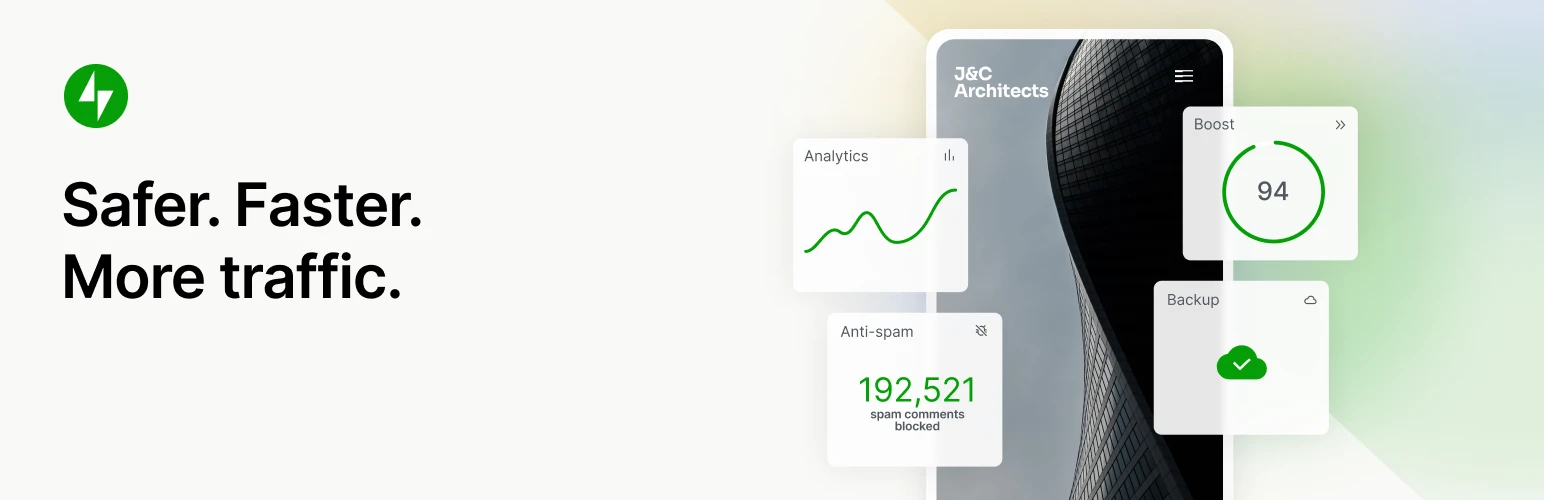
Jetpack offers a suite of security tools for your WordPress website. When you activate the protection module, Jetpack instantly secures your login page.
Jetpack’s anti-spam feature blocks malware and gives you regular reports of on-site activity.
Key features:
- One-click website backup and restore
- Priority support for premium users
- Downtime monitoring
- Activity logs and plugin updates
- 30-day archive
- Brute force attack protection
- Jetpack Anti-spam
Best WordPress security plugin for: Customers looking for all-round security and SEO functionality.
Price: Free with limited features. Premium version plans start at $4.92/month when billed annually.
3. Solid Security
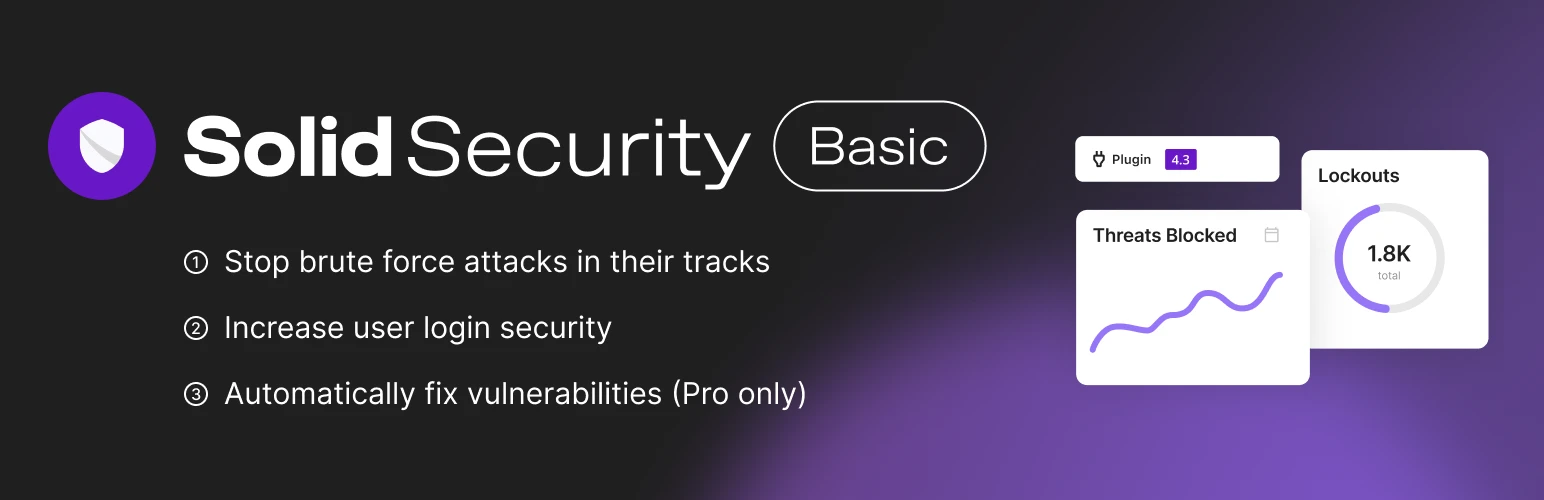
Solid Security Pro protects your website by stopping automated attacks, monitoring your website, and enforcing strong passwords. It also scans for plugin security vulnerabilities and offers brute force protection to secure your website further.
Key features:
- Google authenticator and CAPTCHA integration to add extra security for your login page
- File change detection for files ruined by malware
- Back up for .htaccess and wp-config files
- Bot blocking and spam protection
- Two-factor authentication
- Malware scanning
Best WordPress security plugin for: Customers looking for a beginner-friendly solution.
Price: Free plugin with limited features. Premium plans start at $60/year.
Note: Solid Security Pro is included free of charge on all managed WordPress and WooCommerce plans from Liquid Web.
4. All-In-One Security (AIOS)
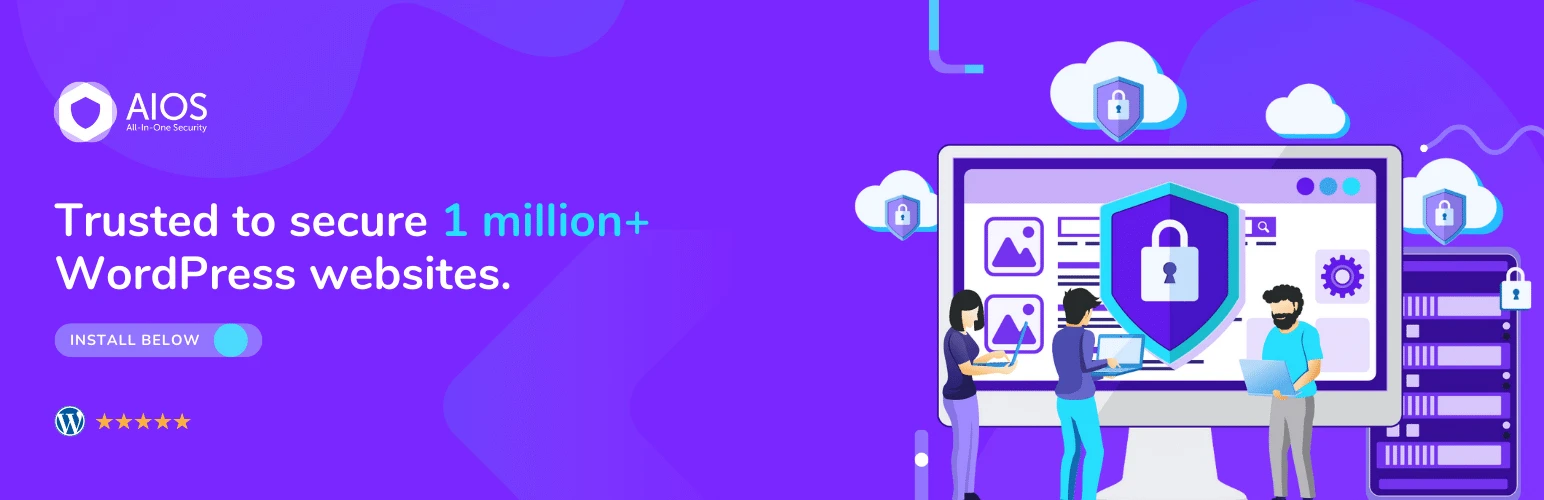
All in One WP Security & Firewall plugin offers bulletproof security for your website. You can get security similar to pro versions of other security plugins. Its intuitive interface makes this plugin easy to use.
All in One WP Security also displays visual data using graphs and meters, which suits beginners and new users.
Key features:
- Malicious PHP code and SQL injection protection
- Secure data backups and database
- Comment spam protection
- Blacklist tool and brute force protection
- Bot blocking
Best WordPress security plugin for: Customers looking for a free security plugin.
Price: Free
Getting started with WordPress security plugins
Securing your WordPress website is a straightforward process if you have the right tools.
By choosing a plugin from the list, you can secure your WordPress website with just a few clicks. While no security plugin can make your website 100% safe, these plugins give you robust security against most of the WordPress threats you face every day.
WordPress site security, of course, begins with secure web hosting, and that’s where Liquid Web comes in. All of our WordPress servers come with a variety of security considerations and features, and when you select managed WordPress hosting, our team of experts will manage server security for you.
Click below to explore options or start a chat with one of our WordPress hosting experts now to get answers to your questions and further guidance.
Additional resources
What is a WordPress plugin? →
A complete beginner’s guide to WordPress plugins and how to manage them
WordPress security checklist →
18 steps anyone can take to improve the overall security of their WordPress site
How to check if a plugin is safe →
Simple steps to evaluating a plugin before you install and activate it

Maddy Osman is a WordPress expert, WordCamp US speaker, bestselling author, and the Founder and SEO Content Strategist at The Blogsmith. She has a B.A. in Marketing from the University of Iowa and is a WordCamp Denver organizer.