◦ Comprehensive security
◦ 24/7 support
WordPress Guide → Plugins → Backup
Best WordPress backup plugins [2026]

Your WordPress website represents countless hours of work and valuable content – can you afford to lose it all in an instant? Malicious hacks, failed updates, or accidental deletions can strike without warning. That’s why having a reliable backup solution isn’t just an option – it’s essential for every WordPress site owner.
There are dozens of backup plugins available. So which do you choose? We’ve done the heavy lifting and analyzed the top contenders to bring you this comprehensive guide to the 11 best WordPress backup plugins.
Get fast, reliable hosting for WordPress
Power your site with the industry’s fastest, most optimized WordPress hosting
The best WordPress backup plugins for reviewed
Ready to backup your WordPress website? Here are 11 of the best WordPress backup plugins to choose from.
| Plugin name | Free version | Starting price | Sites included | Cloud storage | Real-time backups | Key Features |
|---|---|---|---|---|---|---|
| Solid Backups | ✗ | $99/year | 1 site | ✓ | ✓ | Real-time backups, malware detection |
| UpdraftPlus | ✓ | $70/year | 2 sites | ✓ | ✓ | Multisite support, migration features |
| BlogVault | ✗ | $99/year | 1 site | ✓ | ✗ | Own cloud infra-structure, incremental backups |
| Duplicator | ✓ | $49.50/year | 2 sites | ✗ | ✗ | Excellent migration tools |
Jetpack Backup | ✗ | $4.95/ month | 1 site | ✓ | ✓ | Mobile app access, point-in-time restore |
| WP Time Capsule | ✗ | $49/year | 2 sites | ✓ | ✓ | Staging site testing, incremental backups |
| WPvivid | ✓ | $49/year | 2 sites | ✓ | ✗ | Image optimization, one-click migration |
| BackWPup | ✓ | $69/year | 1 site | ✓ | ✗ | Encrypted backups, emergency restore |
| Backup Migration | ✓ | $29.98/mo | 1 site | ✗ | ✗ | Simple interface, basic features |
| WP Database Backup | ✓ | $9/year | 1 site | ✓ | ✗ | One-click operations, basic features |
| BackUpWordPress | ✓ | Free | Unlimited | ✗ | ✗ |
1. Solid Backups
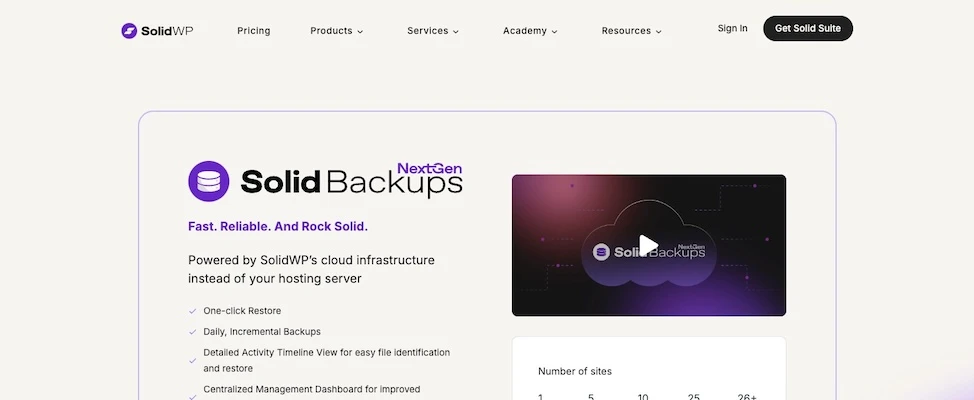
Solid Backups is one of the oldest WordPress backup plugins. The first version was released in 2010 by SolidWP, and since then, it has been constantly updated and upgraded yearly.
With Solid Backups WordPress backup plugin, you will be able to create a complete website backup or just specific parts of it. For example, you can create a backup of only your WordPress theme, plugins, database, and so on. Due to its numerous features, many users claim Solid Backups is one of the best WordPress backup plugins.
Features
- Real-time automatic and scheduled backups.
- Integrates with Google Drive, Dropbox, and Microsoft OneDrive.
- Additional security features, such as malware detection.
- Previous version database rollback without full restore execution.
- Possibility to create backup profiles.
- Specific WordPress file backup and restoration.
- Database repair and scanning.
Pricing
Solid Backups starts at $99 per year for one site, $199 per year for five sites, and $299 per year for 10 sites. SolidWP also offers a few bundles that include the plugin.
2. UpdraftPlus

UpdraftPlus is easily one of the best plugins to backup your WordPress website. All of your databases and files will be automatically backed up on the schedule you choose.
UpdraftPlus also offers one of the most important features for a backup plugin: you can choose to store your backups on the server or send them to a remote storage provider, such as Google Drive or Dropbox.
Features
- Includes both automatic and manual backups.
- Backups can be restored straight from the WordPress control panel.
- Migrator add-on offers the ability to clone your WordPress website and migrate it to a new host or domain.
- Incremental backups are included, meaning you can choose only to backup changes to your files that have been carried out after the last backup.
- Can backup WordPress multisites.
- Amazing expert customer support.
Pricing
UpdraftPlus’ free version offers most of its features for one WordPress website. Automatic backups are included, along with backing up to a third-party tool (such as Google Drive or Dropbox) and one-click website restoration.
Premium versions start at $70 per year for up to two websites, $95 per year for up to 10 websites, $145 per year for up to 35 websites, and $195 per year for unlimited websites.
3. BlogVault
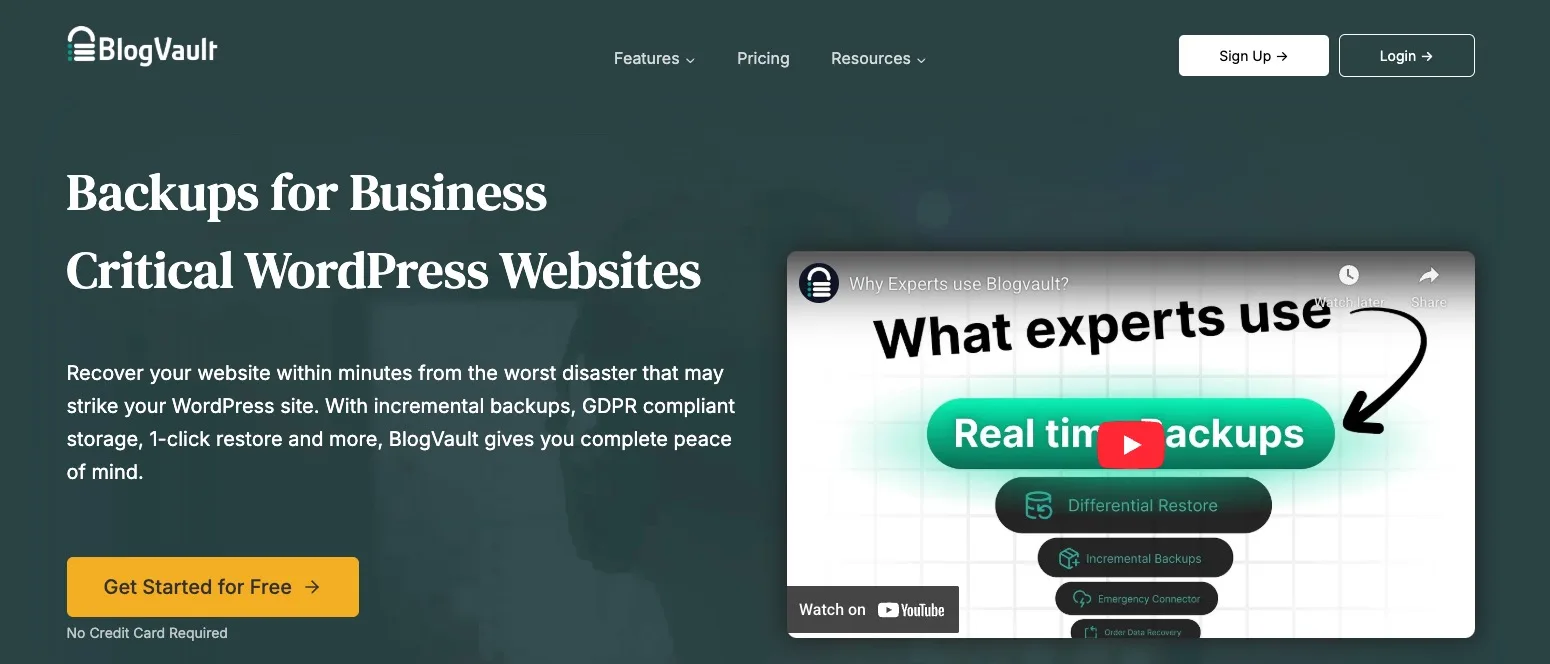
BlogVault’s main feature is saving your backed up WordPress website on its cloud infrastructure, enabling you to save your hosting plan resources.
With BlogVault, you can create unlimited backup copies and activate incremental backups. You can also customize the plugin to create a backup of your website after a certain period of time has passed.
Features
- Third-party service integration for backup storage.
- Reduces your server’s load by activating incremental backups.
- Supports WordPress multisites.
- Can integrate BlogVault with Malcare for extra security options.
- Ability to restore your website even if it’s fully down.
- Easy to use.
Pricing
BlogVault only offers premium versions. The Basic plan starts at $99 per year for one site, Plus starts at $299 per year for one site, and Pro starts at $499 per year for one site. Higher-priced tiers are available for three sites and 10 sites.
4. Duplicator
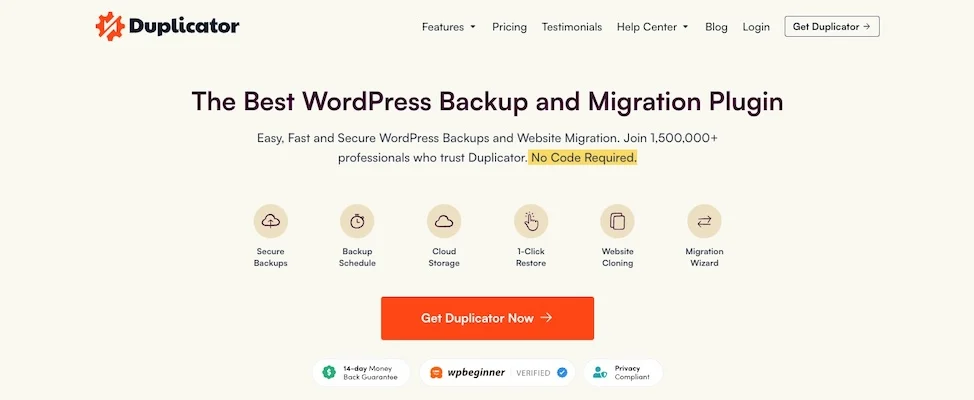
Duplicator is one of the best backup plugins for WordPress websites that offers almost all of the essential features in its free version, which is comparable to paid plugins.
With Duplicator, you can backup your whole website or just certain parts, such as plugins, databases, and files. Besides backups, you can easily clone or migrate your WordPress website. The only downside of this WordPress backup plugin is that the free version doesn’t include third-party storage implementations.
Features
- Manual backup of a whole WordPress website or just the parts of it.
- Possibility of cloning or moving your WordPress site between hosts or domains without any downtime.
- Full website migration without the need to manually import and export SQL scripts
Pricing
Even though the free version of Duplicator enables you to safely backup and migrate your WordPress website, the premium features are amazing and worth looking into.
Basic plans start at $99 for two sites. Features include drag-and-drop installs, scheduled backups, third-party cloud storage (such as Google Drive, Amazon S3, and FTP), and more.
5. Jetpack VaultPress Backup
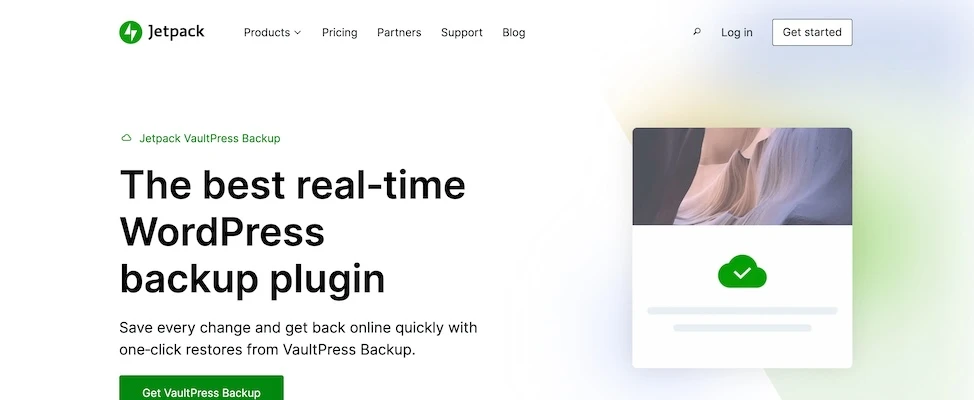
Jetpack VaultPress Backup was integrated into the popular Jetpack plugin that was created by WordPress’ parent company, Automattic.
With Jetpack Backup, you can restore your website from a backup with one click. This plugin stores all of your automated backups safely on the cloud without slowing down your website.
Jetpack Backup is simple to use, meaning you don’t have to worry about coding or complicated settings.
Features
- Restore your website in one click.
- Jetpack’s mobile app enables you to restore your website anywhere and anytime.
- Backs up both your website’s databases and files.
- Can restore your website from a specified point.
- Schedule real-time automatic backups.
- Incremental backups are available.
Pricing
Jetpack VaultPress Backup doesn’t offer a free plan.
Premium plans start at $9.95 per month, billed annually. You can also purchase the security bundle, which includes Jetpack Backup, Akismet, and Jetpack Scan, and starts at $19.95 per month.
6. WP Time Capsule
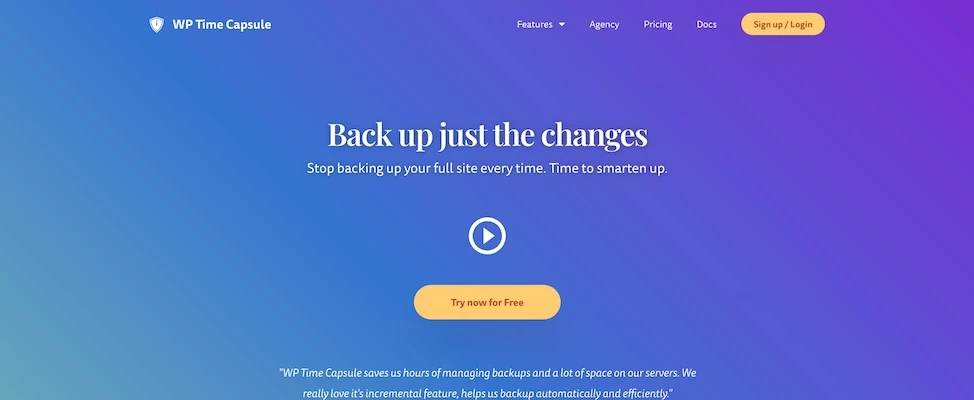
WP Time Capsule backs up every change that has been made on your website, so you won’t have to worry about the safety of your files since the backups are always automatically up to date. Your website is protected from hackers, meaning that in the worst case scenario, if your website is hacked, you will be able to restore it with just one click.
With WP Time Capsule, you can test the updates and changes you made to your website in the staging site without any downtime. Furthermore, you can store your backups using third-party tools for complete control.
Features
- Can restore specific files or your complete WordPress website.
- Can restore your website with just one click from the WordPress dashboard.
- Test updates on a staging site without downtime.
- Integrates with third-party cloud storage tools.
- Ability to restore your website, even if it is completely down.
Pricing
WP Time Capsule doesn’t offer a free version.
Premium versions start with the business plan at $49 per year, which allows you to backup up to two websites and store them for 30 days. The freelancer plan costs $99 per year for up to 10 websites, and your backups are stored for 120 days.
Finally, the agency plan costs $199 per year and allows you to backup unlimited websites, all of which will be kept safe for 365 days.
7. WPvivid
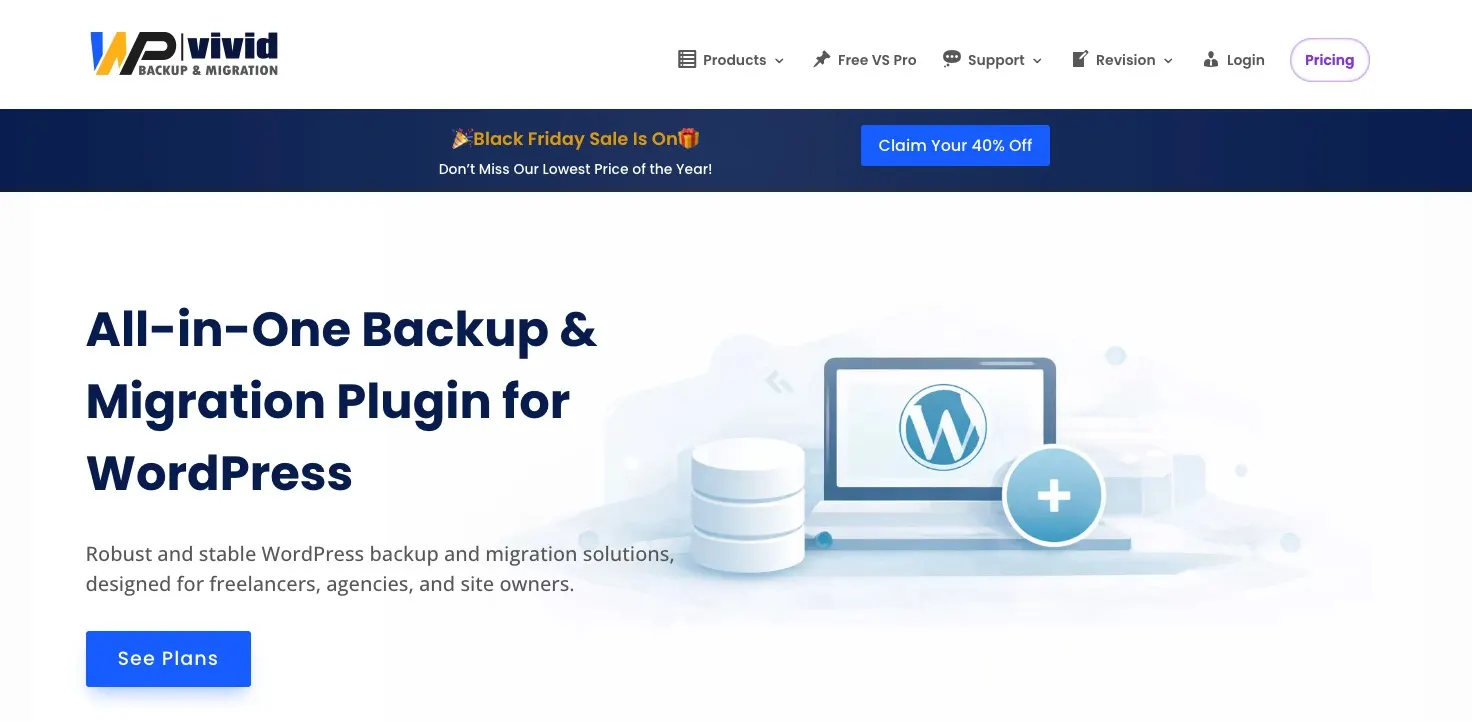
With WPvivid, you will be able to backup, migrate, and use staging features for your WordPress website. This plugin is designed for all kinds of users, from agencies to website owners and freelancers.
WPvivid supports third-party cloud storage — you can save your backups on Amazon S3, DigitalOcean Spaces, Microsoft OneDrive, Google Drive, Dropbox, FTP, or SFTP. Complete beginners will have no problem using WPvivid as it is simple to install and use.
Features
- Restores backups with just one click.
- Possibility to filter large files from a backup.
- Can migrate or move your whole site with just one click.
- Scheduled automatic backups of your WordPress website.
- Ability to clean up unused or specific images.
Pricing
A free version of WPvivid with limited features is available.
If you choose to go with a premium version, it starts with the blogger plan at $49 per year for up to two domains. The freelancer plan is $69 per year for up to 10 domains, the small business plan costs $99 per year for up to 50 domains, and the ultimate plan costs $149 per year for an unlimited number of domains. Lifetime pricing is also available for each plan.
The premium versions also support third-party cloud storage tools pCloud, Wasabi, and Backblaze.
8. BackWPup
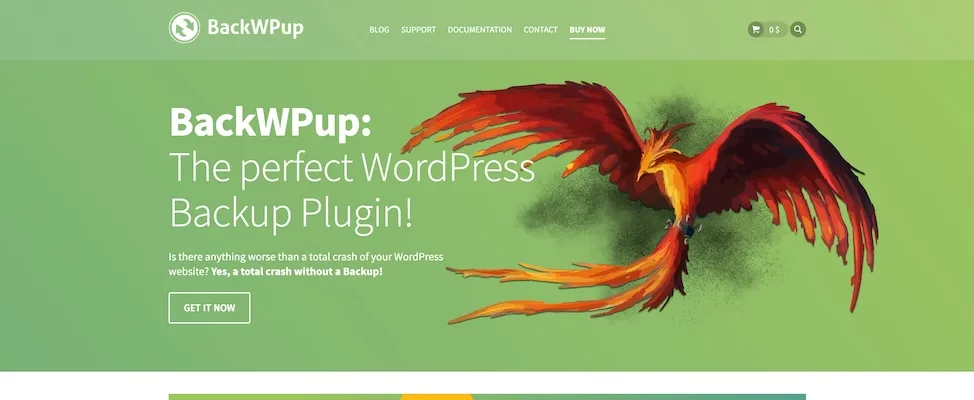
BackWPup enables you to backup your complete WordPress website and save it on third-party tools such as Amazon S3, Dropbox, FTP, and many others.
Note that the free version of BackWPup comes with very few features. While this plugin is easy to use and configure to the best of your requirements, it could be somewhat difficult for a complete beginner to use all of the features efficiently.
Features
- Backup files are encrypted.
- Your WordPress website can be backed up both automatically and manually.
- Emergency restore tool is available for bringing up your completely crashed website.
- Integrates with third-party cloud storage tools.
Pricing
It could be said that the free version of BackWPup should just be used just testing as it includes very few features. The premium versions include:
- Standard plan: $69 for one website, renews at $39 per year.
- Business plan: $119 for up to five websites, renews at $59 per year.
- Developer plan: $199 for up to 10 websites, renews at $99 per year.
- Supreme plan: $279 for up to 25 websites, renews at $149 per year.
- Agency plan: $349 for up to 100 websites, renews at $199 per year.
9. Backup Migration

Backup Migration may be the simplest to use WordPress website backup plugin that you can find on the market. You can schedule automatic daily, weekly, or monthly backups.
On top of that, it is also possible to completely migrate your website with just a few clicks.
Even though Backup Migration does not offer as many features as other WordPress backup plugins, it has everything you need for completely backing up and restoring your entire website.
Features
- Restores your website completely with just one click.
- Choose which files and databases you want to backup.
Pricing
Backup Migration is free with limited features.
The premium version, called BackupBliss, costs $29.98 + $6 VAT per license for non-commercial websites and $39.98 + $8 VAT per license for commercial websites. The license lasts for 180 days, after which it is automatically renewed for $23.98 (non-commercial) or $31.98 (commercial). You can cancel the license at any time.
10. WP Database Backup

WP Database Backup by Backup for WP makes backup creation and website restoration extremely simple. With just one click, you will be able to create a backup or restore your WordPress website. You can choose between manual and automatic backups, which can be stored on third-party cloud storage tools, such as Google Drive, Dropbox, Amazon S3, or FTP.
Features
- Very simple to install and configure.
- Automatic scheduled backups.
- Possibility to directly download your backup files from the WordPress dashboard.
- Implementation of third-party cloud storage tools.
- One-click backup and restoration.
Pricing
WP Database Backup offers a free version that includes basic features.
Premium versions are available at Backup for WP if you want extra features, such as third-party storage implementation, automated backups, website cloning, and website migration.
Premium plans include:
- Personal: $9 per year for one website.
- Multiple: $19 per year for three websites.
- Webmaster: $49 per year for 10 websites.
- Freelancer: $89 per year for 25 websites.
- Agency: $159 per year for unlimited websites.
- Lifetime: $199 for 10 years for unlimited websites.
11. BackUpWordPress
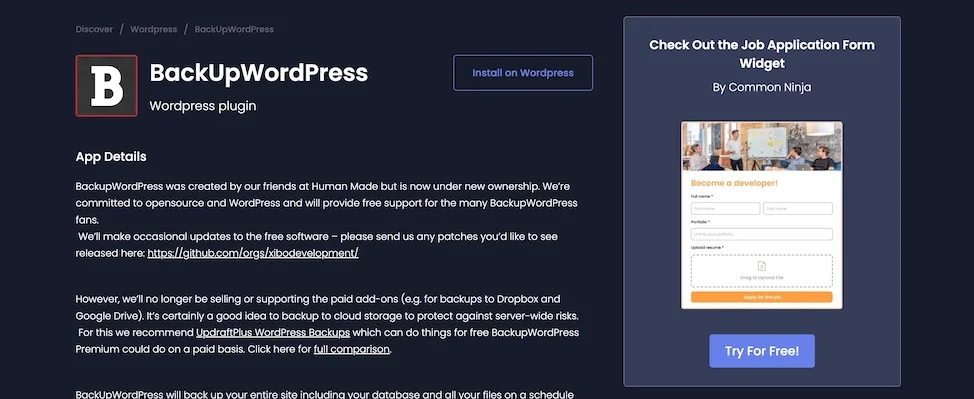
BackUpWordPress only offers a free version of its backup plugin, meaning integration with third-party cloud storage tools is not available. For more robust features, we recommend you go with a premium plan from one of the other backup plugins on this list.
Features
- Extremely simple to use — no setup is required.
- Possibility to email every backup file to yourself.
- Supports both Windows and Linux servers.
- Possible to manage multiple backup schedules.
Pricing
A limited, free plan is available. Paid plans start at $60/year.
Getting started with a WordPress backup plugin
While each of these backup plugins offers unique advantages, the key is finding the one that aligns with your specific needs:
- For agencies managing multiple client sites, solutions like UpdraftPlus or WPvivid offer excellent multi-site capabilities.
- If you’re running an ecommerce site where every transaction matters, real-time backup plugins like Jetpack Backup or WP Time Capsule provide crucial protection.
- For those just starting out, free options like Duplicator offer solid basic functionality.
However, the most reliable WordPress backup strategy starts with your hosting provider.
Unlike basic hosting providers, Liquid Web delivers enterprise-grade backup protection as standard. Every WordPress site hosted with Liquid Web benefits from:
- Automatic daily backups stored securely off-site
- 30-day backup retention
- One-click restore functionality
- Development environments for testing restores
- 24/7/365 expert support
Plus, with Liquid Web’s 100% uptime guarantee and proactive security measures, you’re not just getting backups – you’re getting complete peace of mind for your WordPress site.
Ready to give your WordPress site the protection it deserves? Compare Liquid Web’s WordPress hosting plans today and discover why thousands of businesses trust us with their critical web presence.
Additional resources
What is a WordPress plugin? →
A complete beginner’s guide to WordPress plugins and how to manage them
How to ask WordPress plugin devs for help →
(… and how NOT to.)
How to check if a WordPress plugin is safe →
7 considerations to check and some common red flags

Neil Golden earned his PhD in Archaeology, but nowadays, he uses the Linux command-line tools in his role within the Liquid Web Abuse and Security Operations Department. Instead of mammoths, he hunts for malware on Linux servers. In his free time, Neil composes music, reads novels, and travels the world.