Rust VPS
Rust VPS: How to create a private server for better gameplay
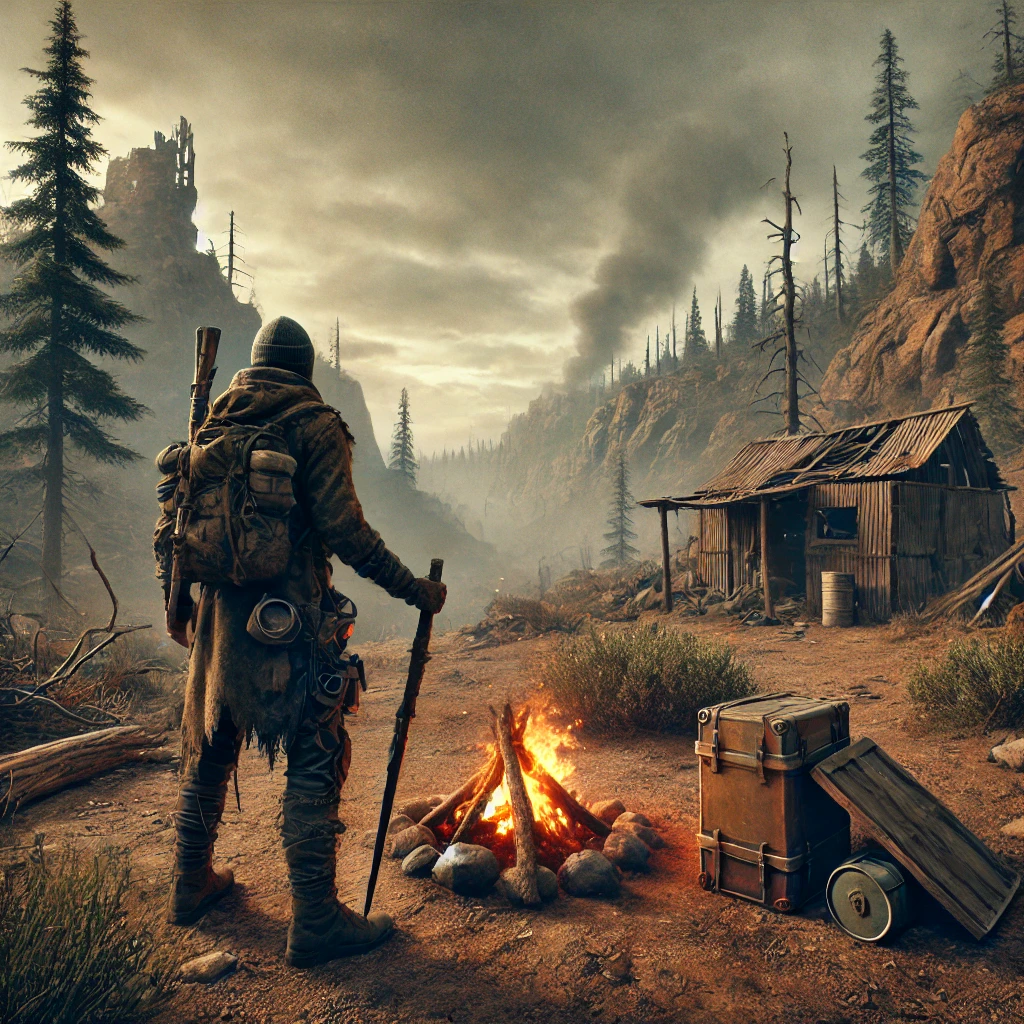
Rust is pure survival. You’re up against wild animals, freezing nights, and players who’ll take you out for loot. It’s like DayZ meets Minecraft, but way more brutal.
A VPS gives you control to play on your terms, whether you’re practicing, building, or just want a break from the chaos.
Why set up a private Rust server?
Rust is a multiplayer-only game with limited PvE, so why set up a private server? Plenty of reasons
- Escape the grind: If you’re tired of random raids and losing your loot overnight, a private server lets you escape the public grind.
- Practice without the pressure: For new players, a private server means you can get comfortable with builds, survival strategies, and the world itself without the constant threat of PvP ambushes.
- Total control: Run your rust server your own way. Decide who joins, when raids happen, or keep it strictly PvE.
Starter
Good for solo play or small groups
$17
/mo
CPU
2 vCPU
Memory
4 GB
Storage
80 GB
Bandwidth
3 TB
Survivalist
Ideal for most players and mods
$45
/mo
CPU
4 vCPU
Memory
8 GB
Storage
240 GB
Bandwidth
5 TB
Outpost
Built for large groups and intense PvP
$90
/mo
CPU
6 vCPU
Memory
16 GB
Storage
440 GB
Bandwidth
7 TB
Why a Rust VPS?
If you want a serious Rust setup, A VPS gives you what you need without the cost and hassle of an entire dedicated server. Here’s how the options compare:
Shared hosting isn’t built for Rust. You’ll be sharing resources with other sites, which means lag and crashes when action heats up. Imagine your server choking mid-raid because someone else’s website gets busy.
Dedicated hosting gives you all the power, but it can be overkill for a lot of gamers. It’s costly and only really worth it if you’re running a massive community or heavy mods.
VPS hosting is the sweet spot. You get resources dedicated to your server alone: CPU, RAM, and storage—all locked in to keep gameplay stable. It’s secure, performs smoothly, and doesn’t come with the high cost of a dedicated server.
A VPS gives you:
- Scalability: Scale up RAM and CPU easily as your server or player count grows.
- Cost-effective power: Get solid performance without paying for a full dedicated server.
- Full customization: Root access lets you add mods, adjust settings, and set your own rules.
- Reliable performance: Dedicated resources keep things running smooth, even during big raids or intense firefights.
How to set up a Rust VPS
First, choose the right specs. For Rust, get a VPS with at least:
- Dual-core 3.4 GHz or higher
- 8 GB minimum, ideally 12-16 GB for more players
- 64 GB of disk space
- 100 Mbps bandwidth
These are minimums. The bigger your map, the more players, or the heavier your mods, the more power you’ll need, so pick a VPS that will work with your setup.
Once you’ve got your VPS, setting up Rust is simple:
- Install SteamCMD to grab the Rust server files.
- Set up server config: Create a config file to define settings like server name, max players, and map size.
- Open port 28015 so players can connect.
- Launch the server and log in through Rust.
- Dial in the settings: Customize everything in-game—mods, PvE/PvP rules, map size, you name it.
And you’re all set. Time to start surviving Rust your way.
Getting started with a Rust VPS
Explore all of our cloud VPS solutions and choose or configure a virtual game server that meets your specific needs. Not sure where to start? Chat with an expert and get all your questions answered. →

Alex Napier is an Affiliate Program Manager at Liquid Web and a gaming marketing specialist. He blends data with creativity to build engaging communities. Outside of work, Alex enjoys exploring new games, crafting tabletop worlds, and connecting with the gaming community.