

Switching between different Kadence Elements Types
If you start building a Kadence Element and discover it doesn’t work quite the way you initially thought, you can switch to a different Kadence Element Type. For example if you start building a Kadence Element Template, but later decide that it is not an area to be replaced, rather an area you want to add to an area of your site, you can easily switch the element you started with and reconfigure it to another element.
Doing so is simple. Click the “Element Type” and you will see an option to change to another element type.
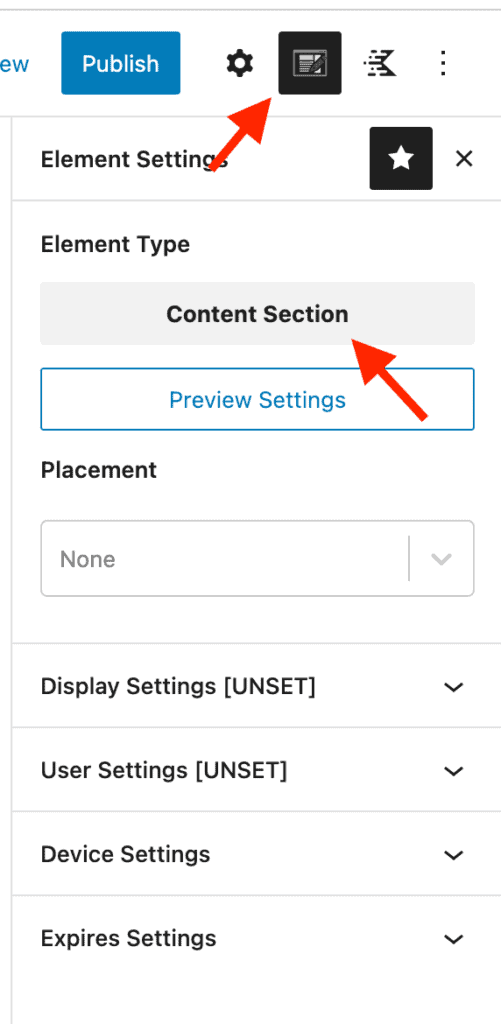
Make sure you review all of the various settings from Placement Settings, Display Settings, etc. to ensure that the new settings are set to your desired configuration.