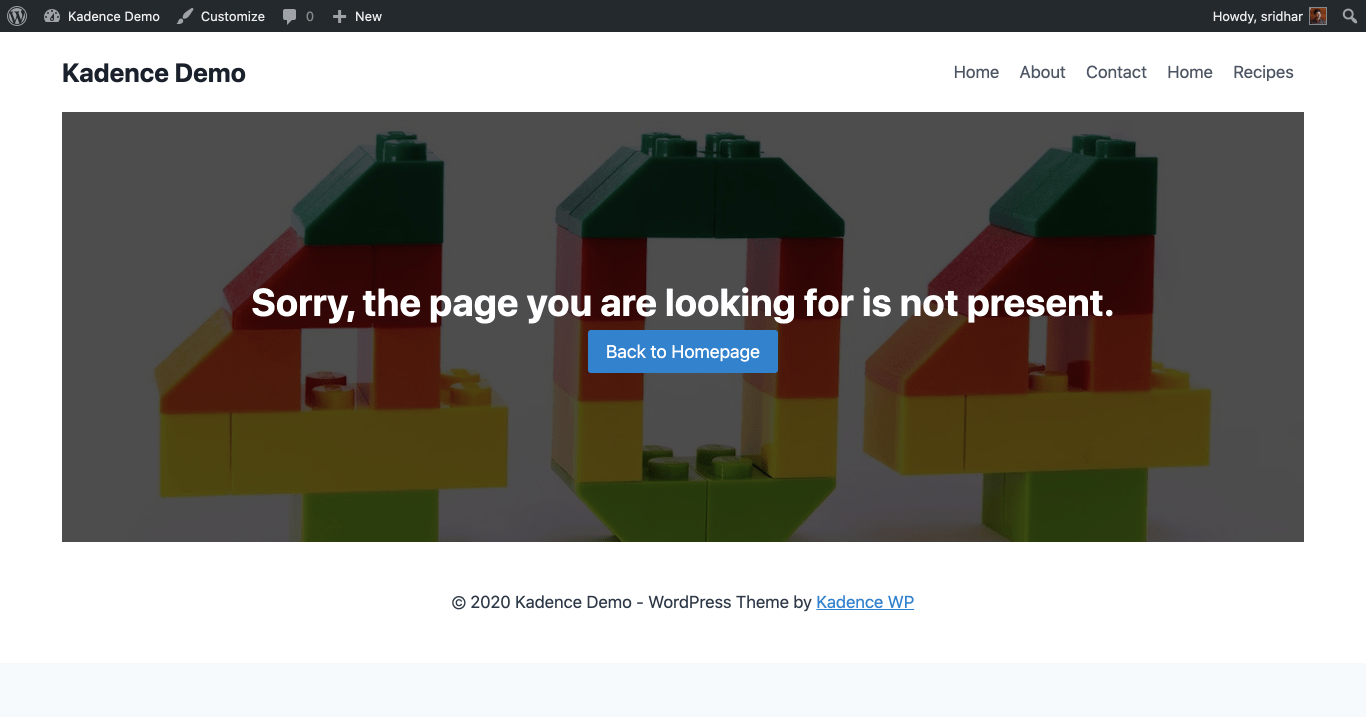
How to make a custom 404 page
The Hooked Elements feature of the Kadence Theme Kit Pro plugin makes it possible to build your 404 Not Found page visually using WordPress blocks. A 404 page is what appears when a visitor navigates to a URL on your website that does not exist.
Install and Activate Theme Kit Pro
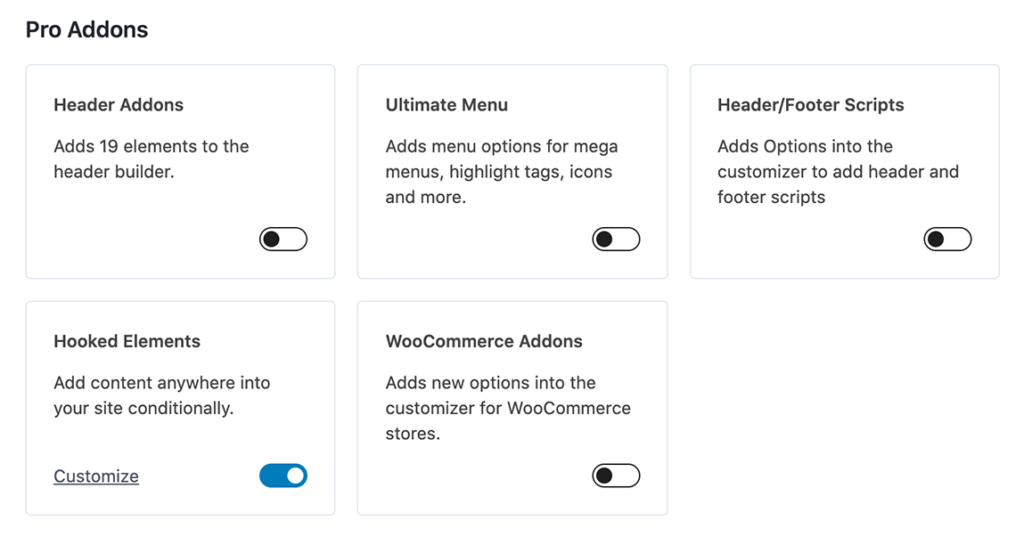
Install and activate the Kadence Theme Kit Pro plugin. Theme Kit Pro is included in Kadence Plus and Ultimate Plans, or it can be purchased separately.
- Navigate to Appearance → Kadence
- Enter your license key if you have not already done so.
- Enable Hooked Elements.
Create a new Hooked Element
Navigate to Kadence → Elements in the WordPress Admin menu.
Click Add New to create a new Element.
Click Template Element from the Element Type Selection Menu.
Building the 404 Page
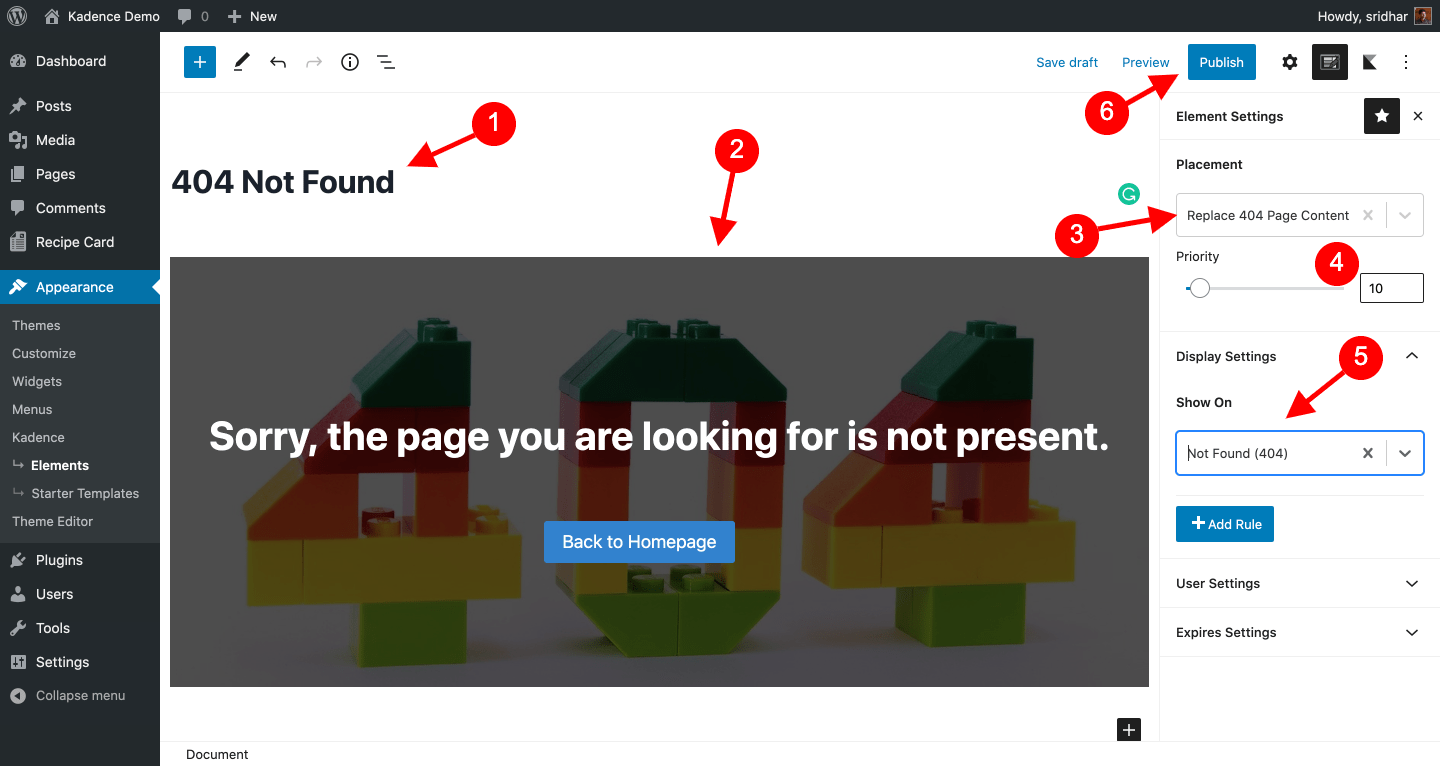
- Enter a title (e.g. “404 Not Found”).
- Build the 404 page content using blocks.
Click on the Edit icon next to the gear icon at the top right to go to the Element’s settings.
- Placement: Replace 404 Page Content
- Priority: 10
- Under Display Settings: Set the Show On option to: Not Found (404).
- Click Publish.
Testing the 404 Page
To check how your new 404 page actually appears, visit a random URL on your site that does not exist. (e.g. https://yoursite.com/notfound). You should see something like: