How to Import, Export, and Reset Kadence Theme Customizer Settings Using Starter Templates Plugin
If you’re working with the Kadence theme, you may need to import and export customizer settings occasionally. This can be especially helpful if you’re a developer and need to transfer settings between different sites. This tutorial will show you how to import and export customizer settings using the Starter Templates Plugin.
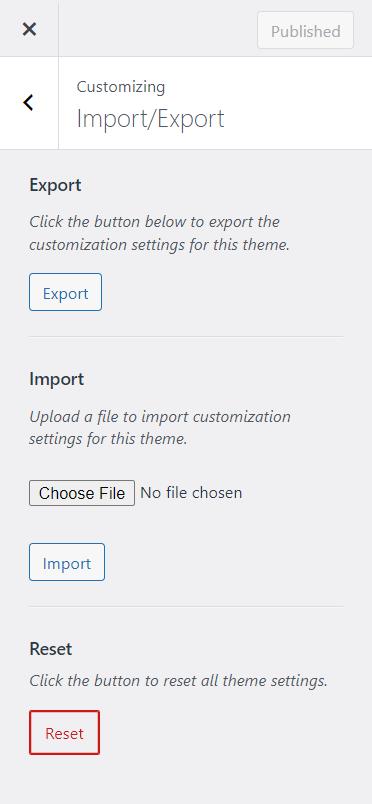
To import and export Kadence’s customizer setting, you need to install the Starter Templates Plugin. After activating the plugin, navigate to Appearance > Customize > Import/Export.
Export / Import
Click the Export button to download a file (kadence-theme-export.dat). You can import an exported Kadence theme export data file by clicking the Choose File button, selecting the file from your system, and clicking the Import button. After successfully importing a file, the browser refreshes.
Reset
If you want to reset all theme settings to default values, press the Reset button. This will restore all of the theme settings to their original values.