Snackbar Style Notices
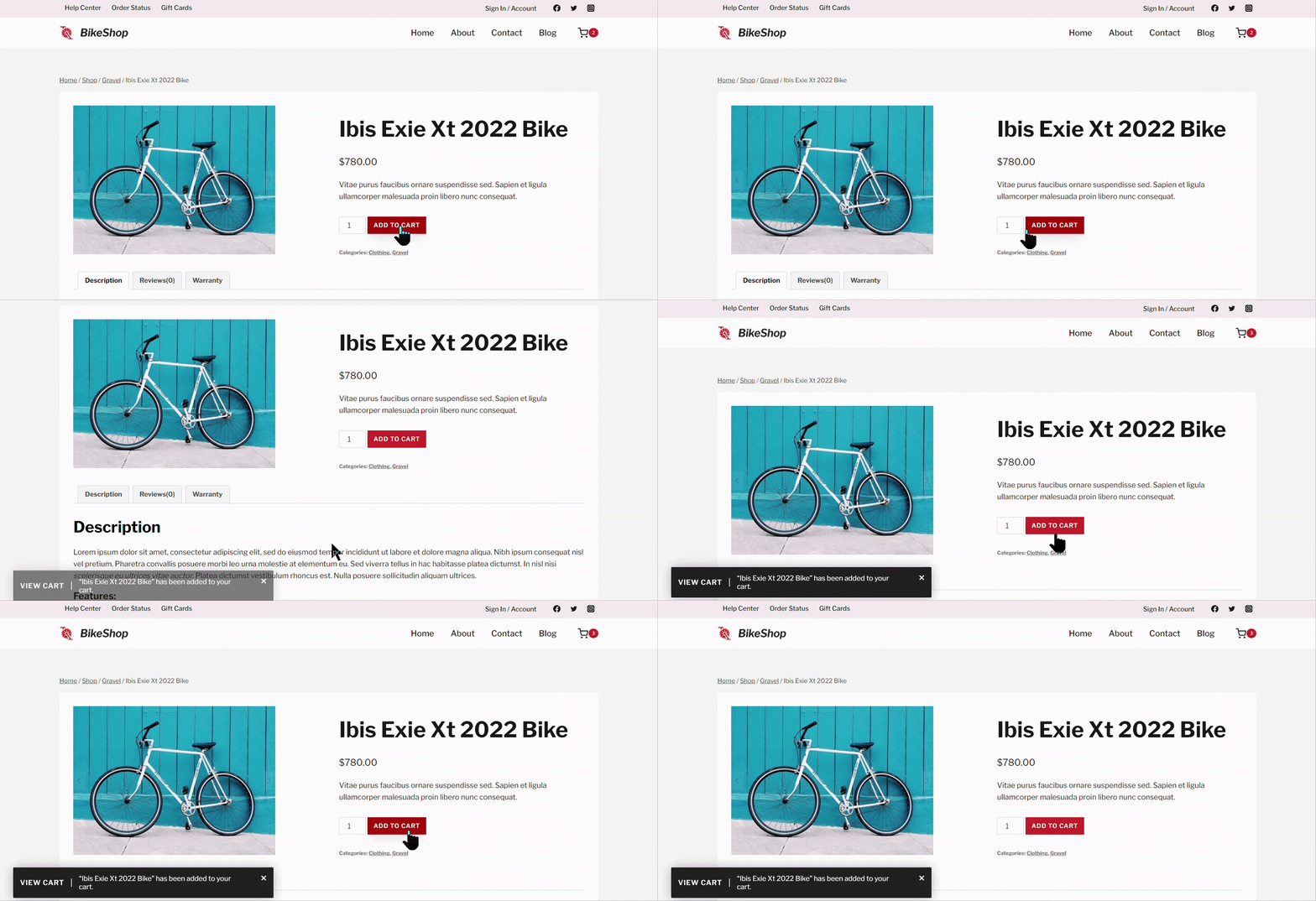
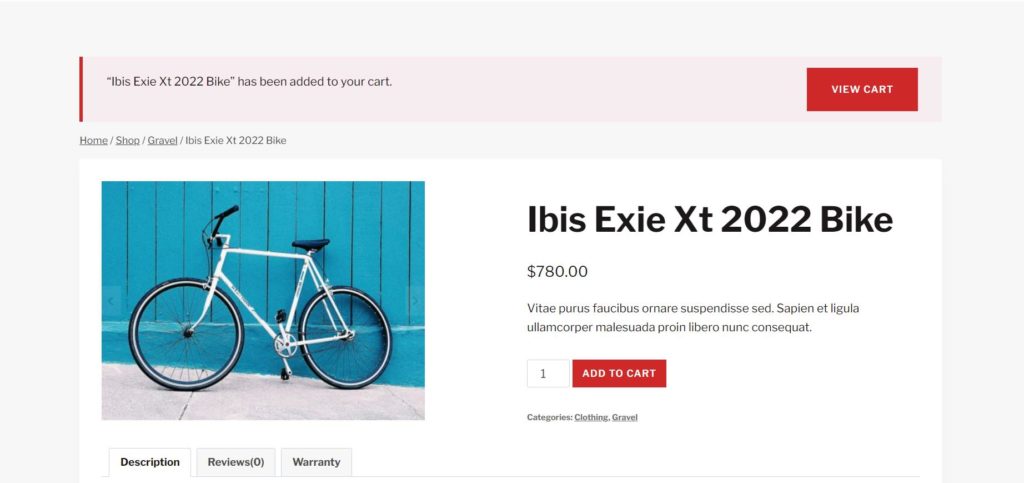
Shop Kit includes a feature for snackbar style notices. Snackbar style notices add flair to your WooCommerce notices by providing a “snackbar” notice that appears at the bottom of the screen. The notices include the same information as the standard notices provided by WooCommerce.
How to Enable Snackbar Style Notices
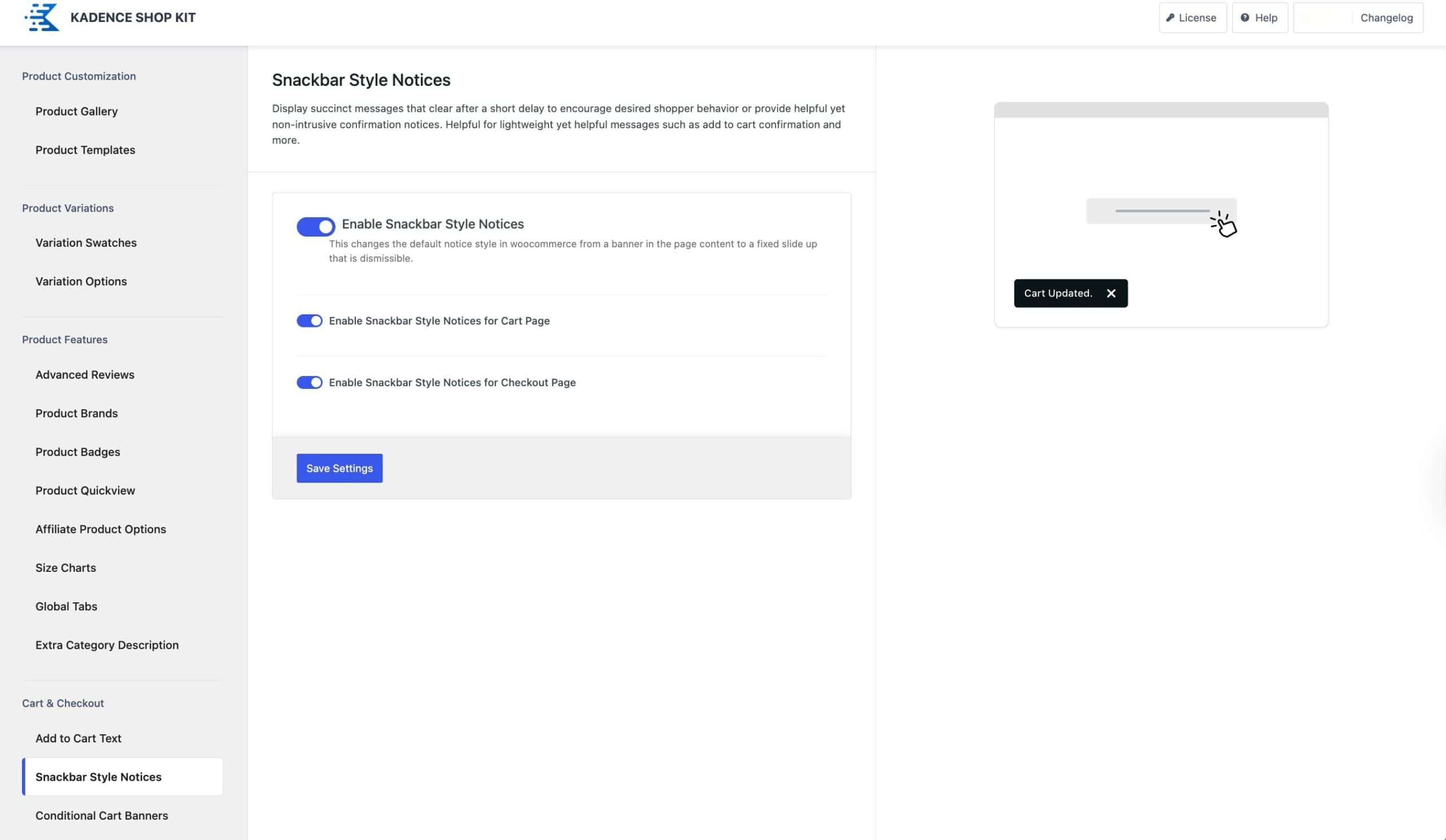
To use snackbar style notices, you must enable the feature in the admin menu at Shop Kit → Snackbar Style Notices. After you enable the feature, you have two more options to add the notices to the cart and checkout pages.
When AJAX Add to Cart is enabled, standard WooCommerce notices will not be displayed. As a result, Snackbar notices also will not appear.