Help Docs Software Kadence Kadence Shop-kit How to Set Variation Options

How to Set Variation Options

Kadence Shop Kit allows you to set a few Variation Options. Products in your store can have variable products with different prices, and this feature allows you to set the price(s) that appear for your variable products. There are three options available.

  • Show Price Range ($lowest – $highest)
  • Show lowest price only
  • Show highest price only
Shop Kit Variation Options Output Options

Show Price Range ($lowest – $highest)
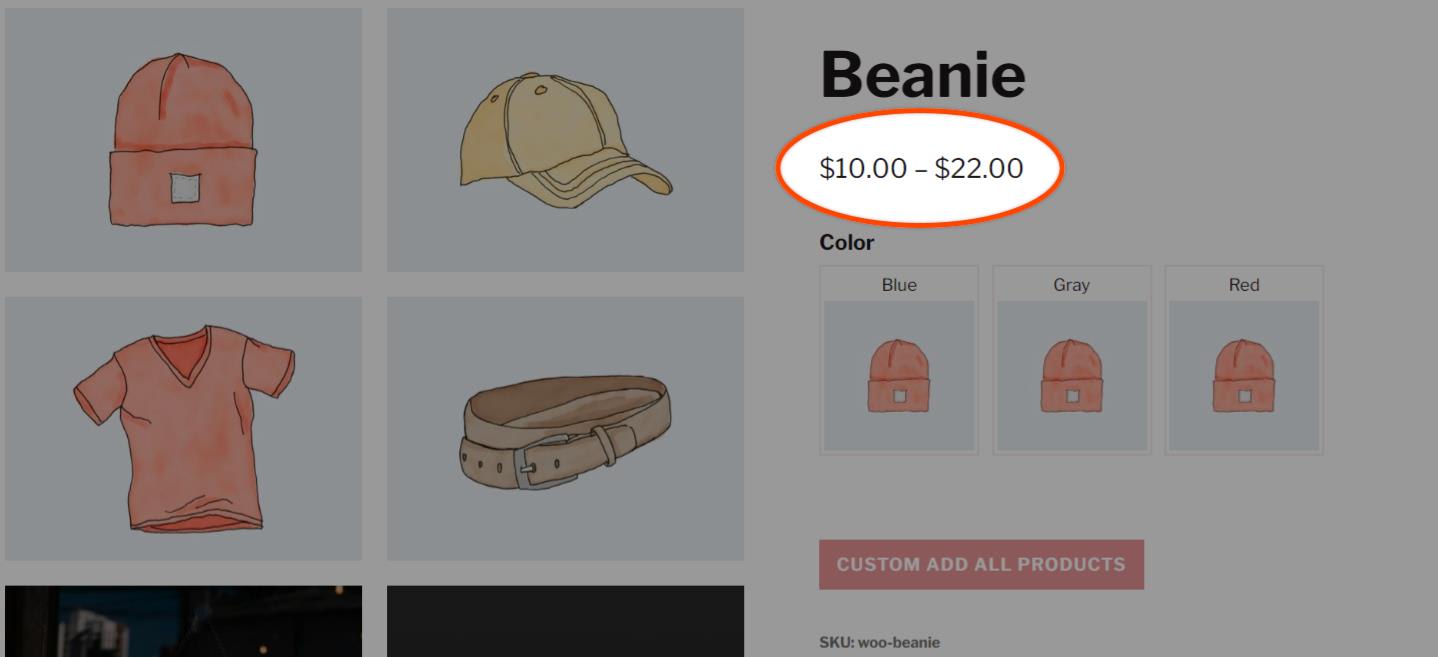
Lowest to Highest Variation Option
Lowest to Highest Variation Option Product Page

Show lowest price only

Before and After Text for Variation Options
Lowest only Variation Option

Show highest price only

Highest price only variation options
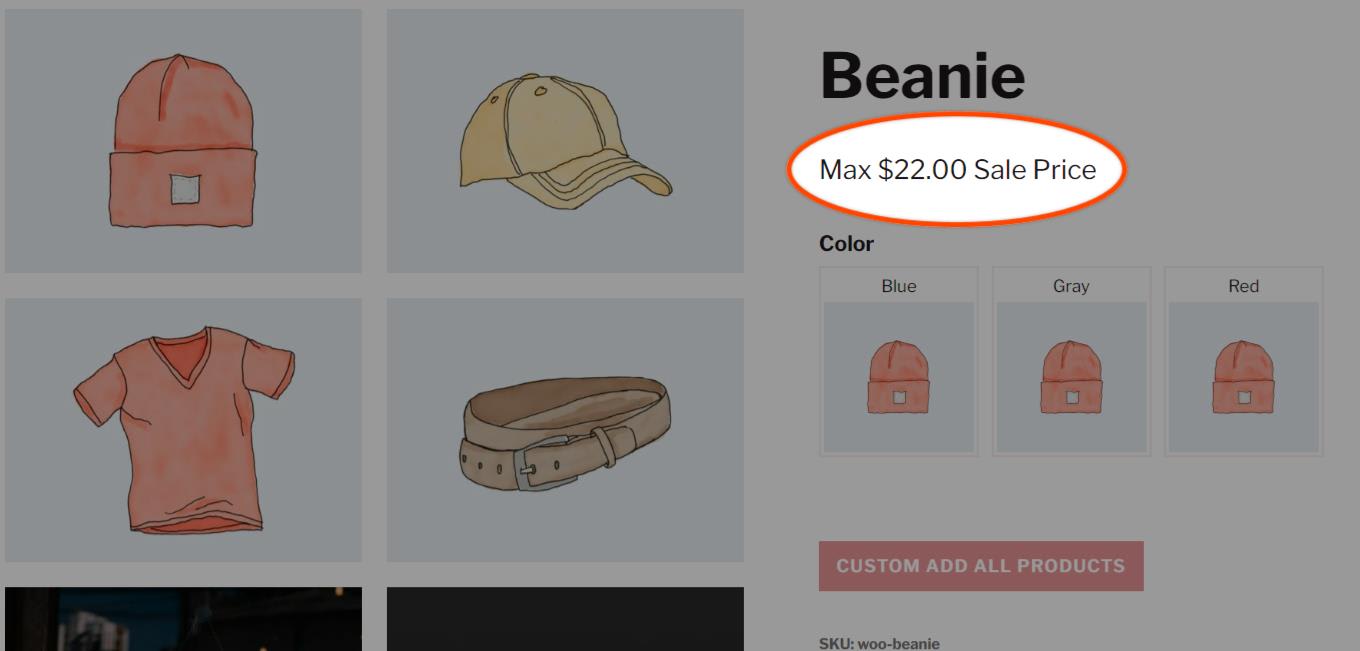
Higest only variation sale price product page
Highest only variation sale price product page
Was this article helpful?