Woo Template Block – Product: Rating
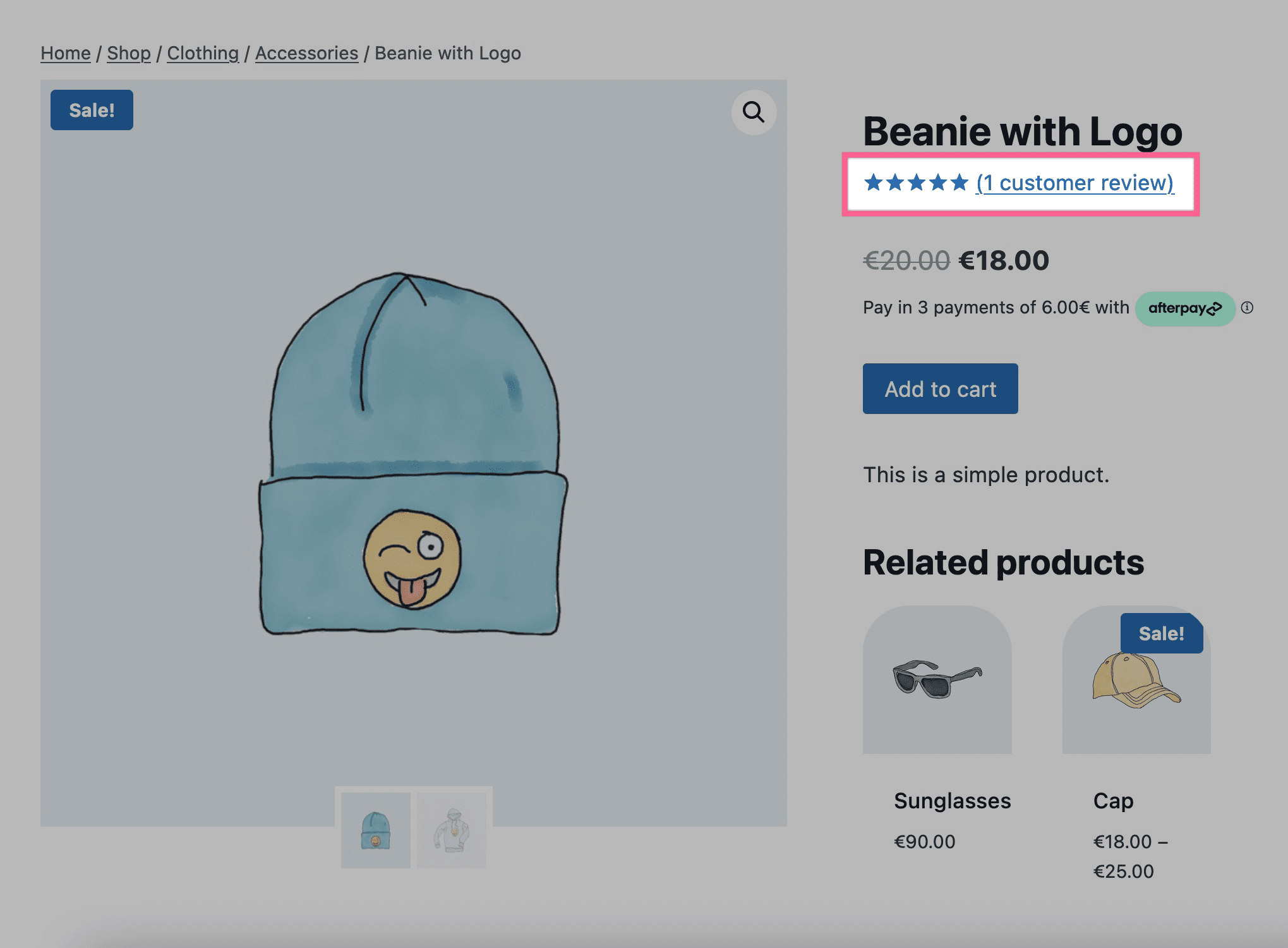
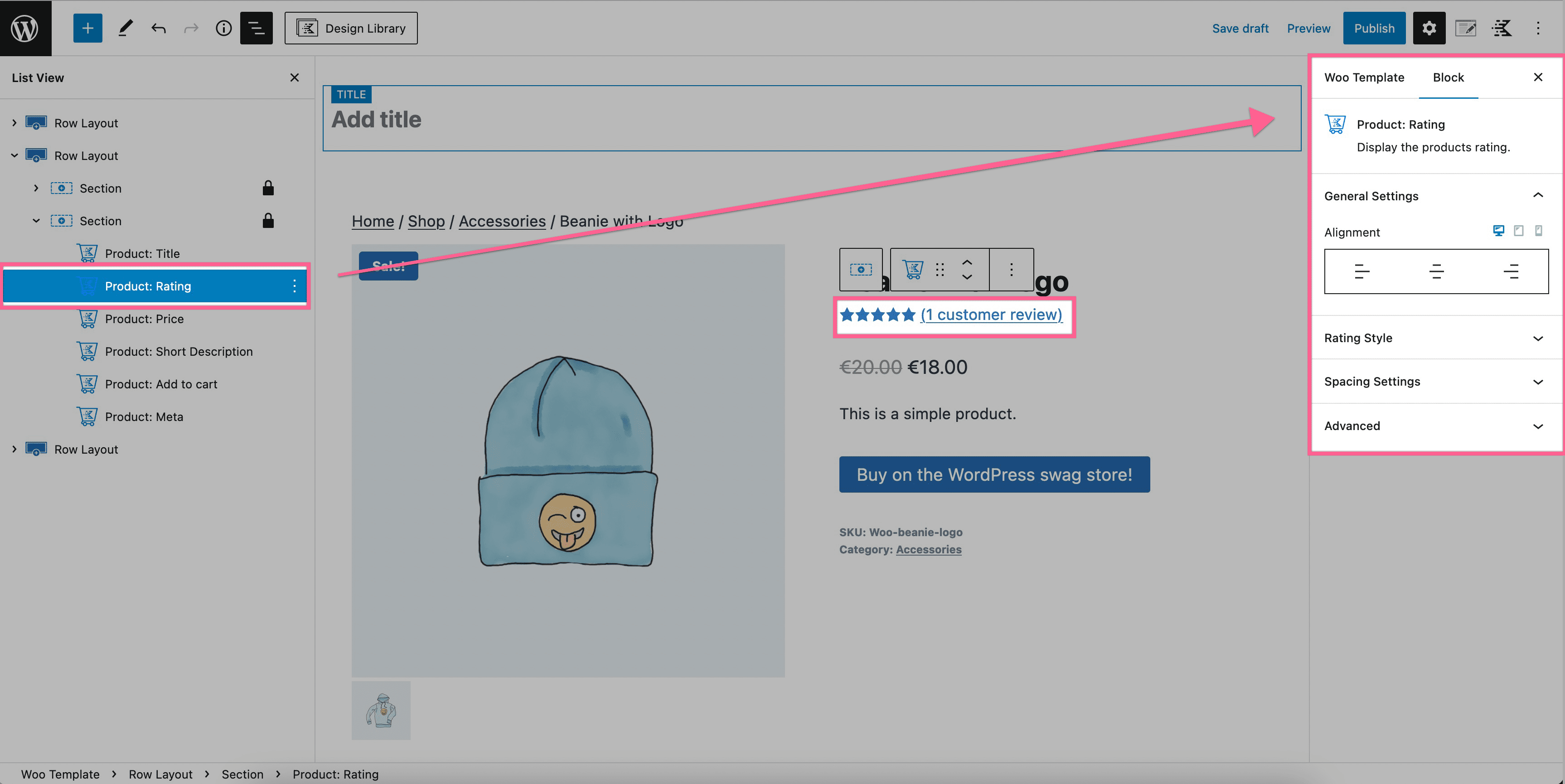
The Product: Rating block allows you to display the rating of a product on your Woo Template.
How To Enable Product Reviews
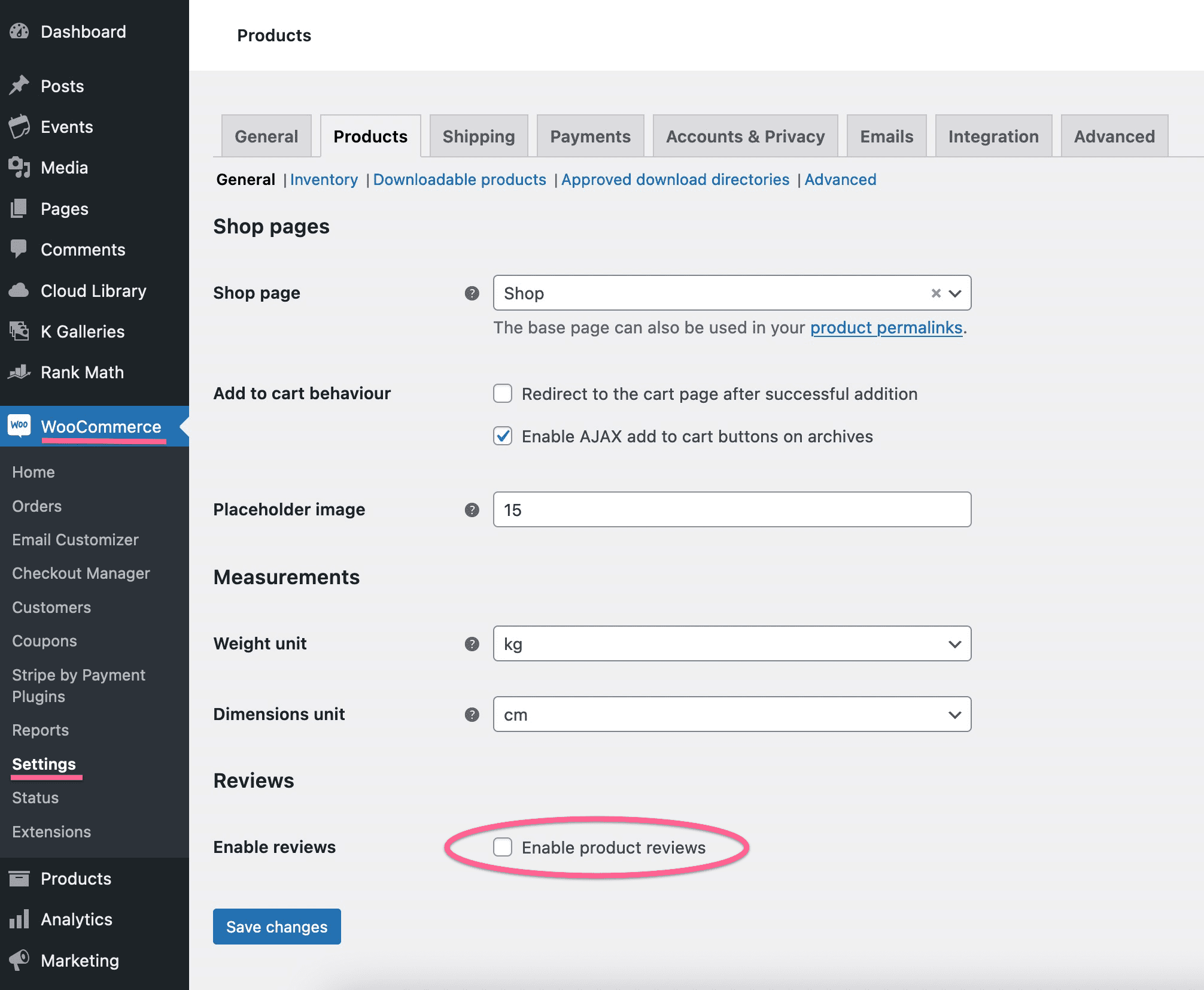
In order to see a product rating, you must enable product reviews in your WooCommerce settings.
Go to your WordPress Dashboard, navigate to WooCommerce > Settings, and then click on the Products tab.
Look for the Product Reviews option and enable the checkbox selection.
Product: Rating Block
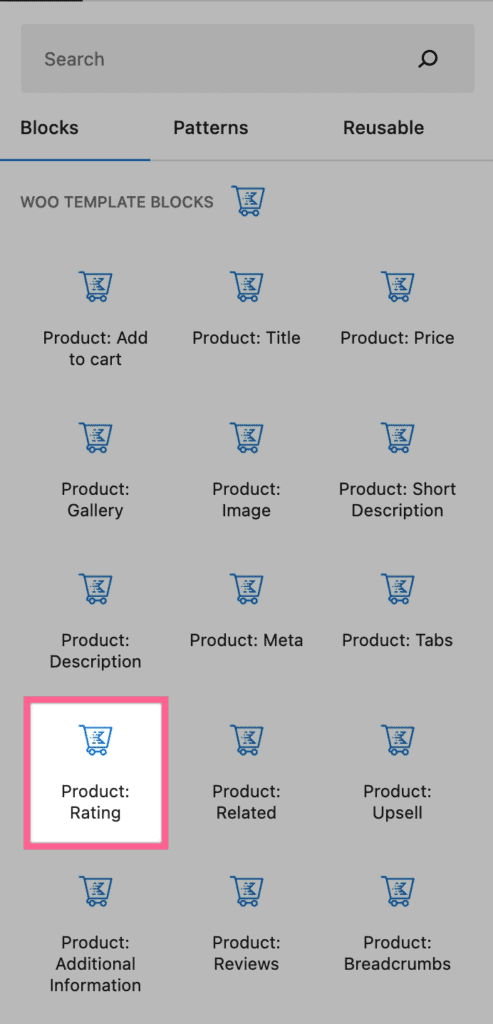
You can add a new Product: Rating block to your Woo Template just like any other block. You can find it under the Woo Templates block section.
Product: Rating Block Settings
You can customize your Product: Rating block by accessing its Block Settings.
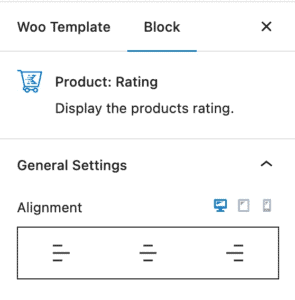
General Settings – You can adjust the alignment of your Product: Rating block for desktop, tablet, and mobile devices.
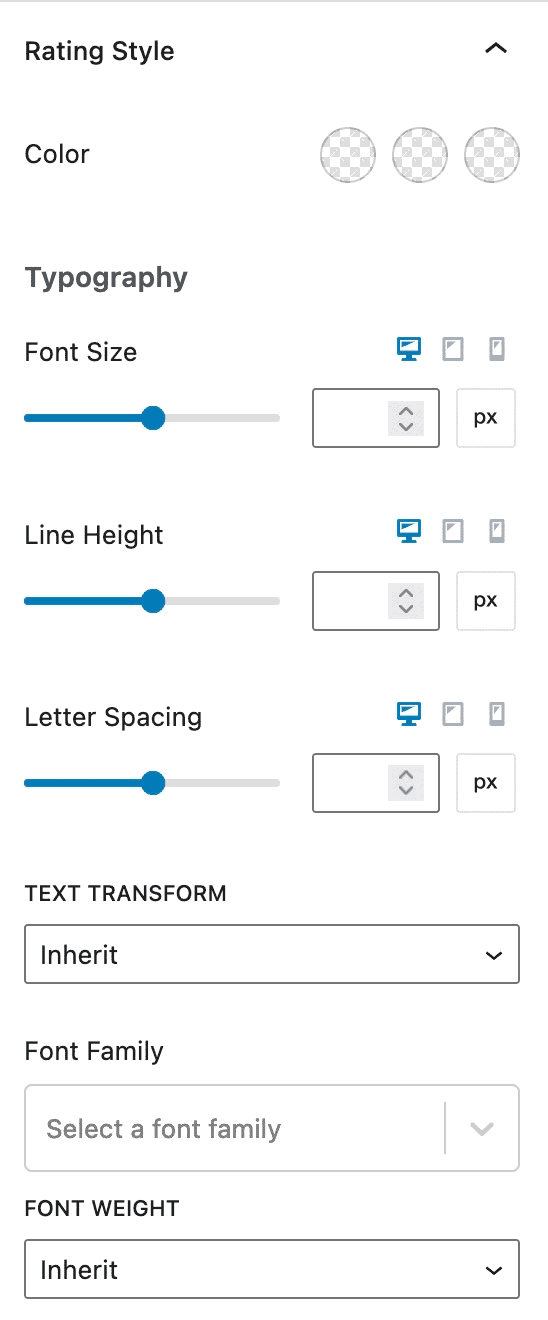
Rating Style – You can customize the colors of your Product: Rating block and typography settings for mobile, tablet, and desktop devices.
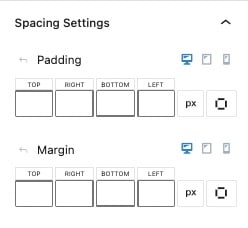
Spacing Settings – You can adjust the padding and margin of your Product: Rating block for desktop, tablet, and mobile devices.
Advanced Settings – You can add custom CSS classes to your Product: Rating block.