

Woo Template Block – Product: Description
When creating Woo Templates, you can access the Product: Description. This block displays the description of the current product.
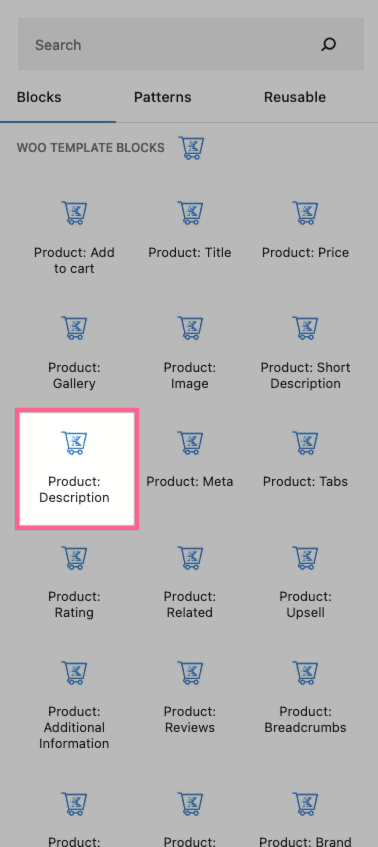
Find the Product: Description block under the Woo Template Blocks section and add it to your template like any other block.
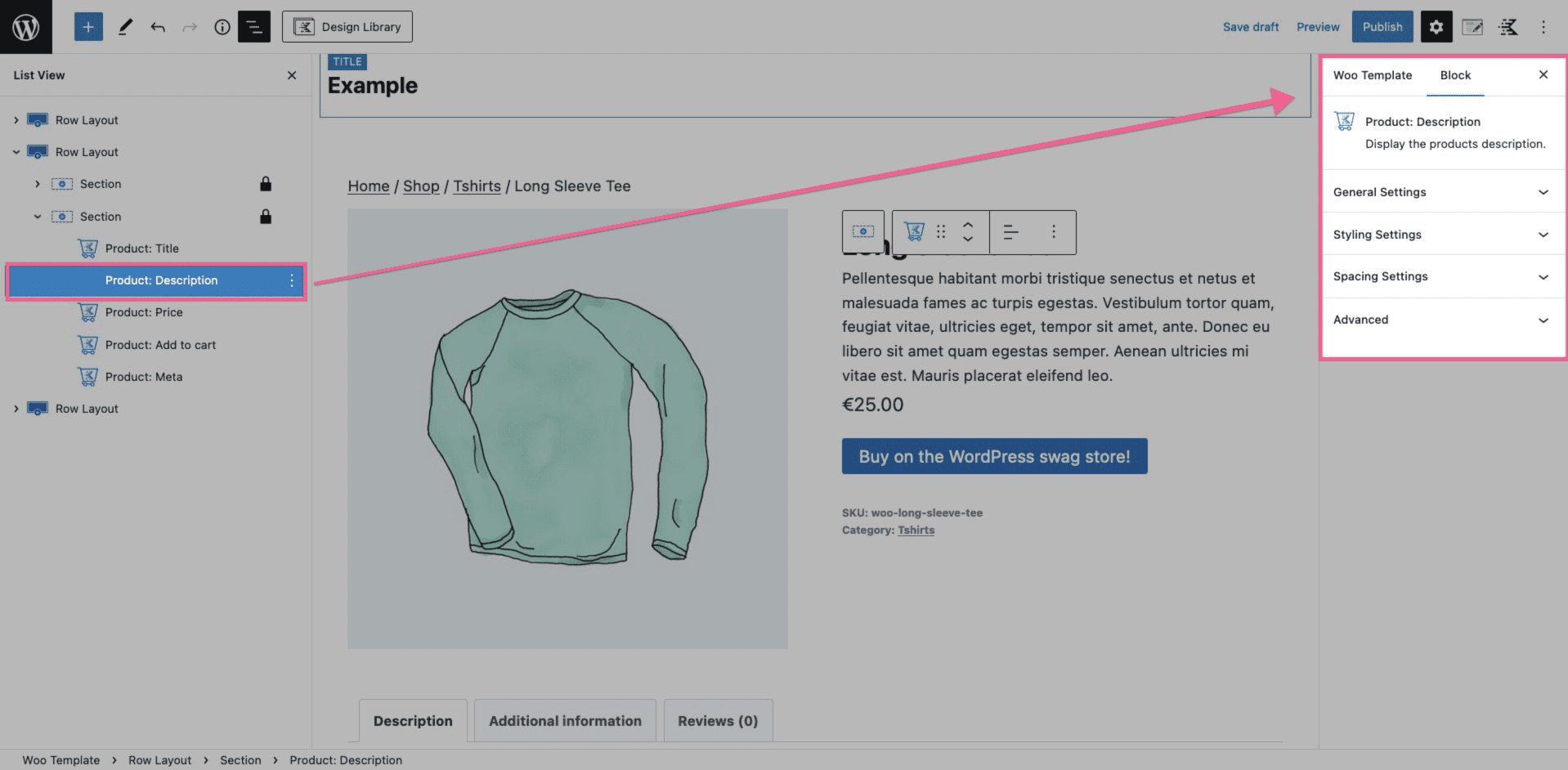
Product: Description Block Settings
You can modify different Block Settings of your Product: Description block.
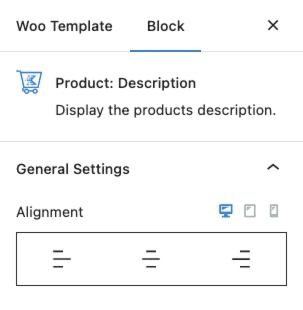
In the General Settings of the Product: Description, you can change the alignment of your Product: Description.
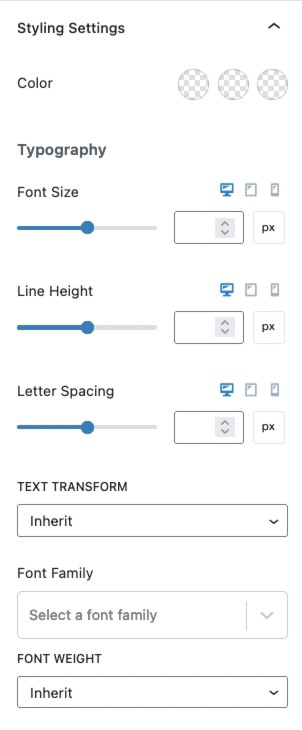
The Styling Settings allow you to adjust the color and typography settings of your Product: Description.
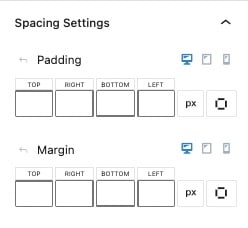
Spacing Settings
You have the ability to adjust the Spacing Settings for your Product: Description block. These settings will allow you to adjust the margin and the padding of your block. You can adjust the padding or margin for desktop, tablet, and mobile devices.
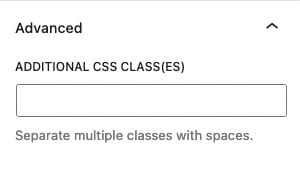
Advanced
The final setting is the Advanced setting. The Advanced setting allows you to add Additional CSS Class(es) that will be applied to this block.