

How to Install & Activate Kadence Shop Kit
The Kadence Shop Kit plugin extends the functionality of WooCommerce using Kadence. Shop Kit offers exclusive features such as Woo Templates, Variation Swatches, Checkout Editor, and more!
Installing Kadence Shop Kit
Installing the Kadence Shop Kit plugin is easy. Just follow the steps below to get started.
Once you have access to the Kadence Shop Kit Plugin, you can download it from your Downloads page.
You will see Kadence Shop Kit listed in your Downloads list. You can click on the Download button to download the Kadence Shop Kit ZIP file. Be sure to leave the file compressed and don’t unzip it.

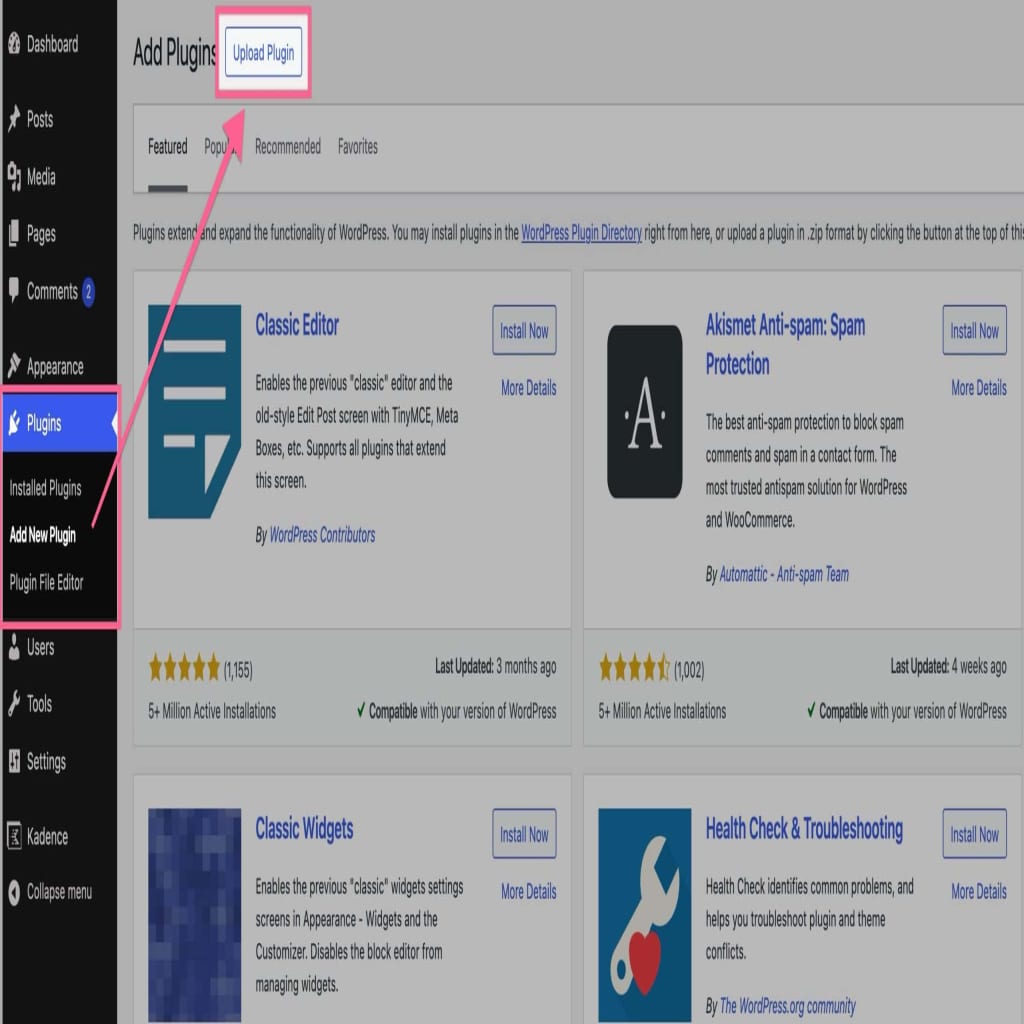
Next, navigate to your WordPress Dashboard and go to Plugins -> Add New Plugin. At the top of the Add New Plugin page, click on the Upload Plugin button.
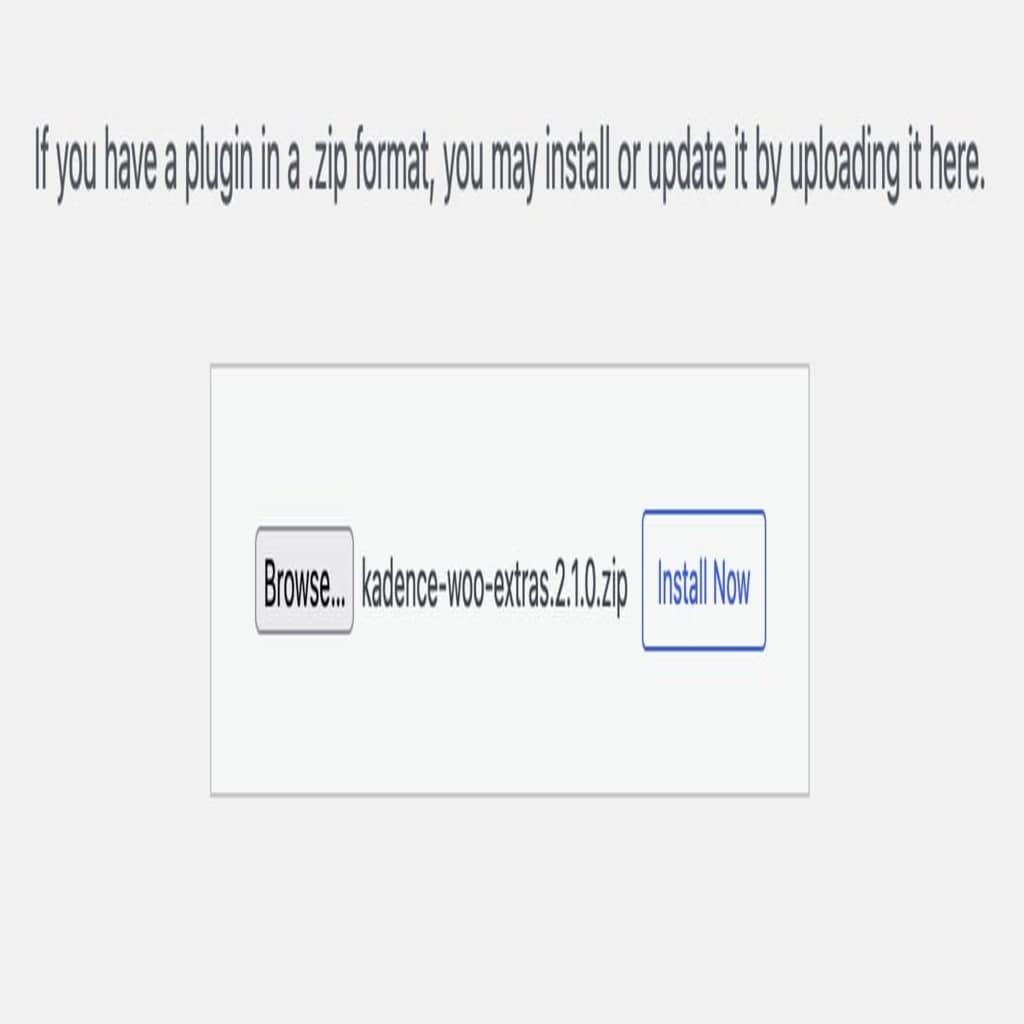
Then, click on the Choose File button and select your Kadence Shop Kit zip file. Once you have selected the file, click the Install Now button.
Once the plugin is installed, click the blue Activate Plugin button to activate your plugin. Now your Kadence Shop Kit plugin is Activated on your website. You must now License your plugin.
Licensing Kadence Shop Kit
Legacy License (pre May 12, 2026) Activation
Once you activate the Kadence Shop Kit plugin, you will get a prompt in your WordPress Dashboard that says Kadence Shop Kit is not activated. Click here to activate. Click on the link in the prompt to get to your Kadence Shop Kit Settings.
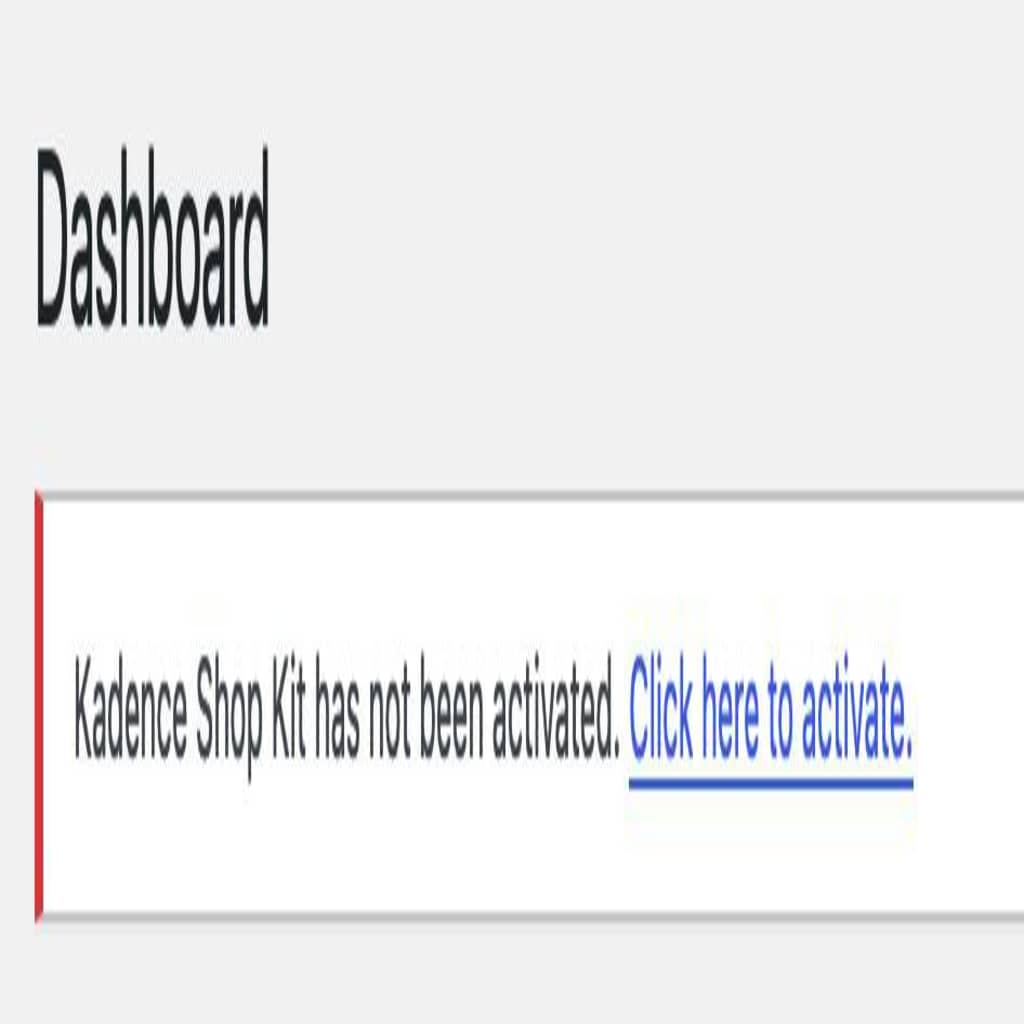
Once you click on the link, you will be brought to your Kadence Shop Kit Settings page. If you do not get the prompt in your Dashboard, you can simply navigate to your WordPress Dashboard -> Shop Kit page to get here manually.

Once you are on the Kadence Shop Kit Page, you can input your License API Key and License your Kadence Shop Kit plugin. Your License API Key can be found on your Customer Portal page. You can click on the Copy button next to your License Key to copy it directly to your clipboard.

Once you have your API Key, you can input it in your Kadence Shop Kit License Key input field and press the Save Changes button.

That’s it, your Kadence Shop Kit plugin is now Activated and Licensed on your website!
Shop Kit Features
Shop Kit offers many valuable features that can help your e-commerce solutions. You can view a list of Shop Kit features below.
You can read more documentation on Kadence Shop Kit by clicking here.