

My Account Page
You can access your Kadence Account using the My Account Page on the Kadence website. Here you can download products, upgrade your subscription, and much more. Below we will overview the My Account Page and what you can do from it.
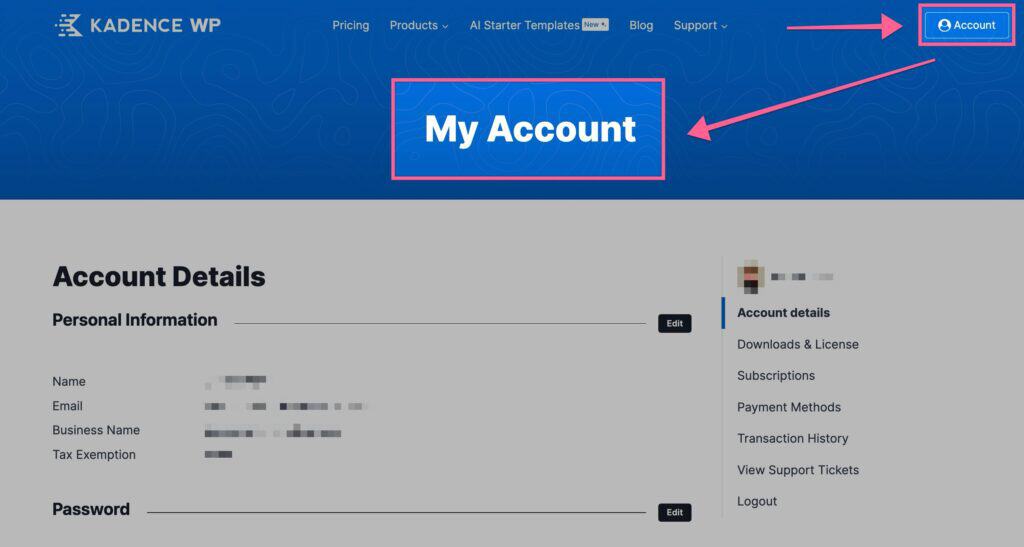
Account Details
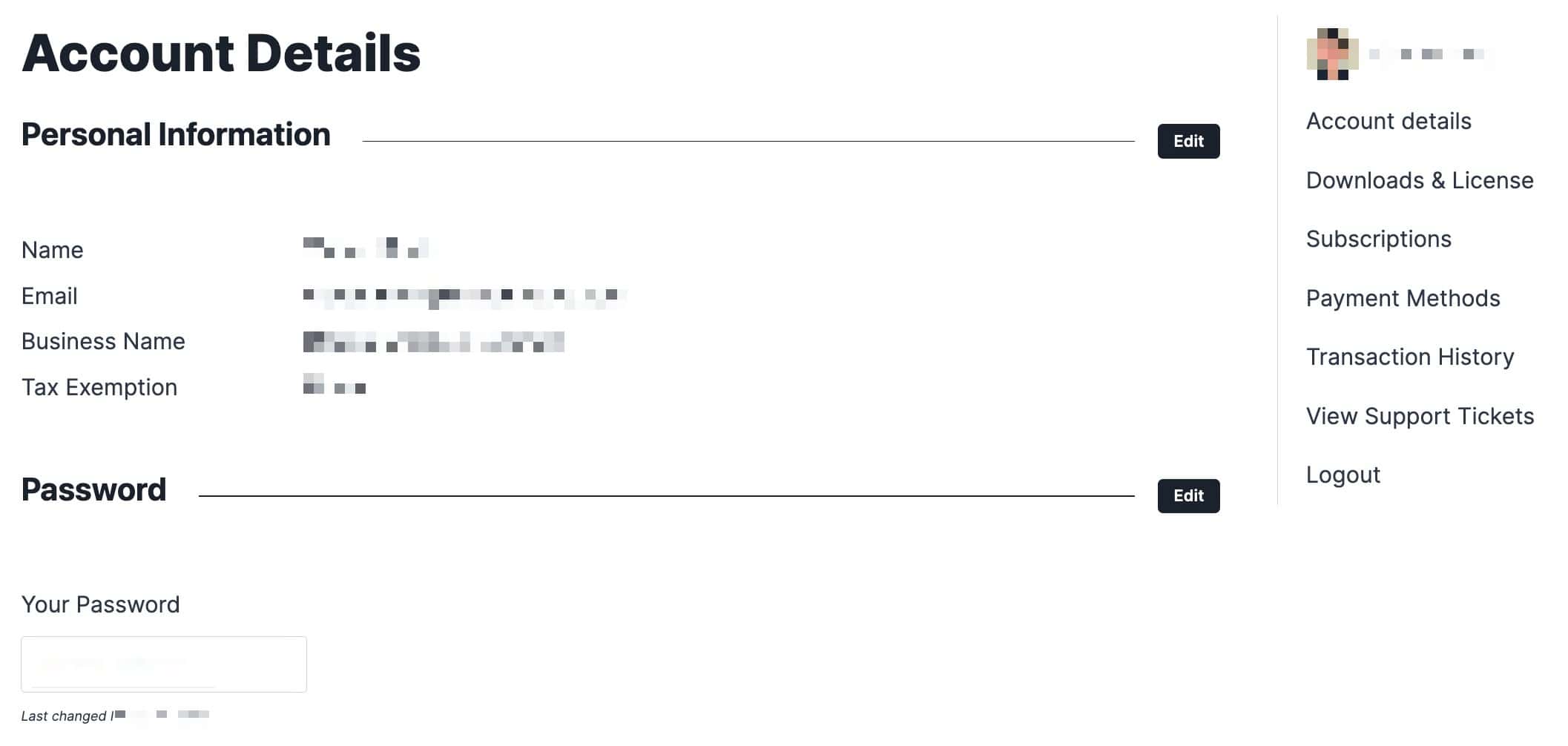
You can use the Account Details page to modify the details on your account. This includes your Personal Information (name, email, business name, and tax exemption status). You can also update your password here. You can click on the Edit buttons next to the type of information you wish to change. Then, you can make and save the changes to your account details.
Downloads & Licensing
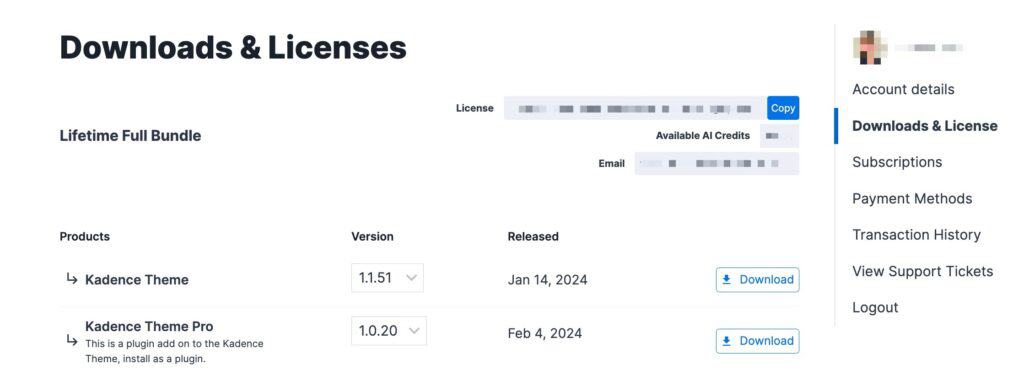
You can access your License API Key, Ai Credit Balance, and Product Downloads using the Downloads & Licensing page.
Downloading Earlier Versions
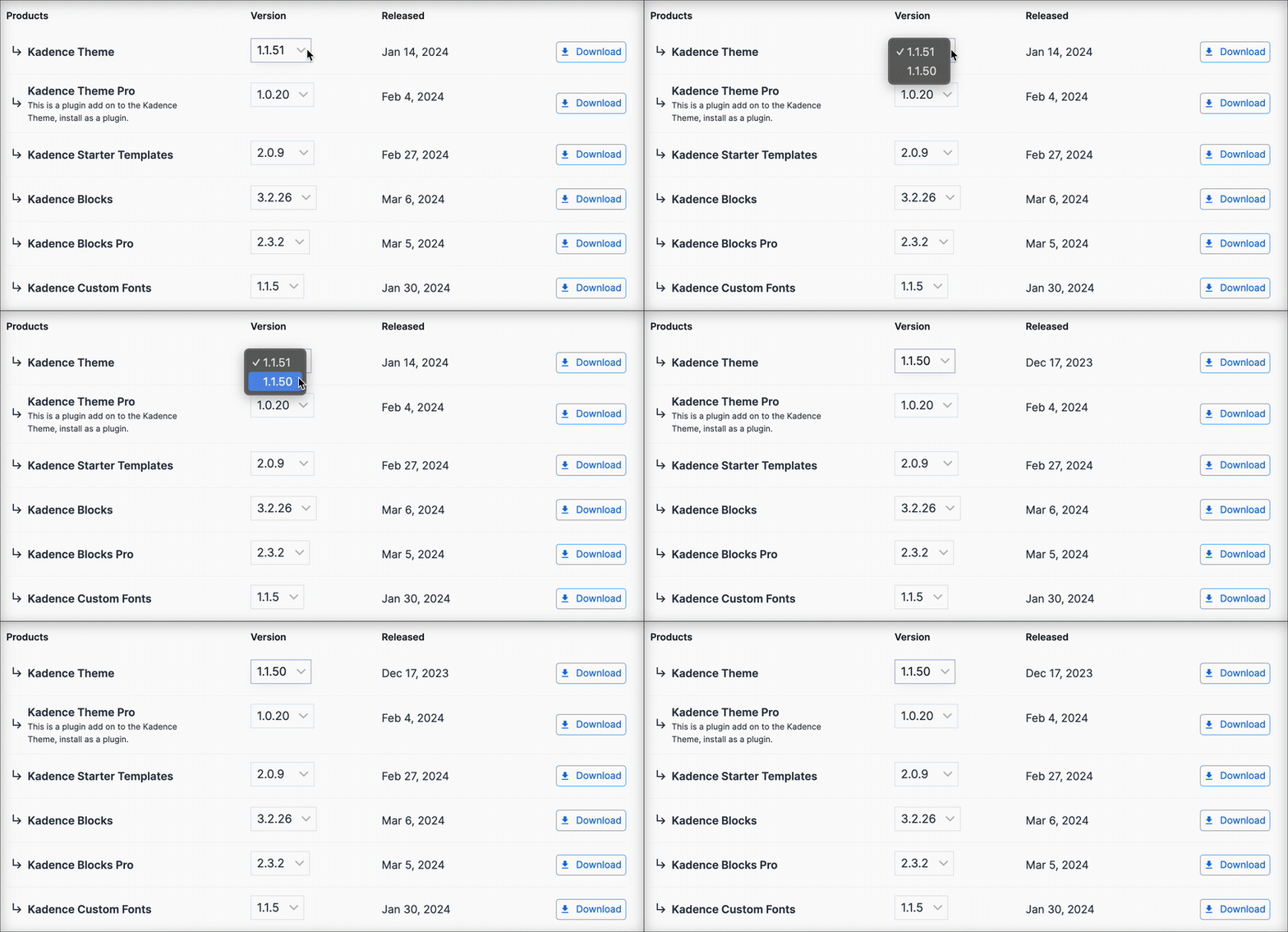
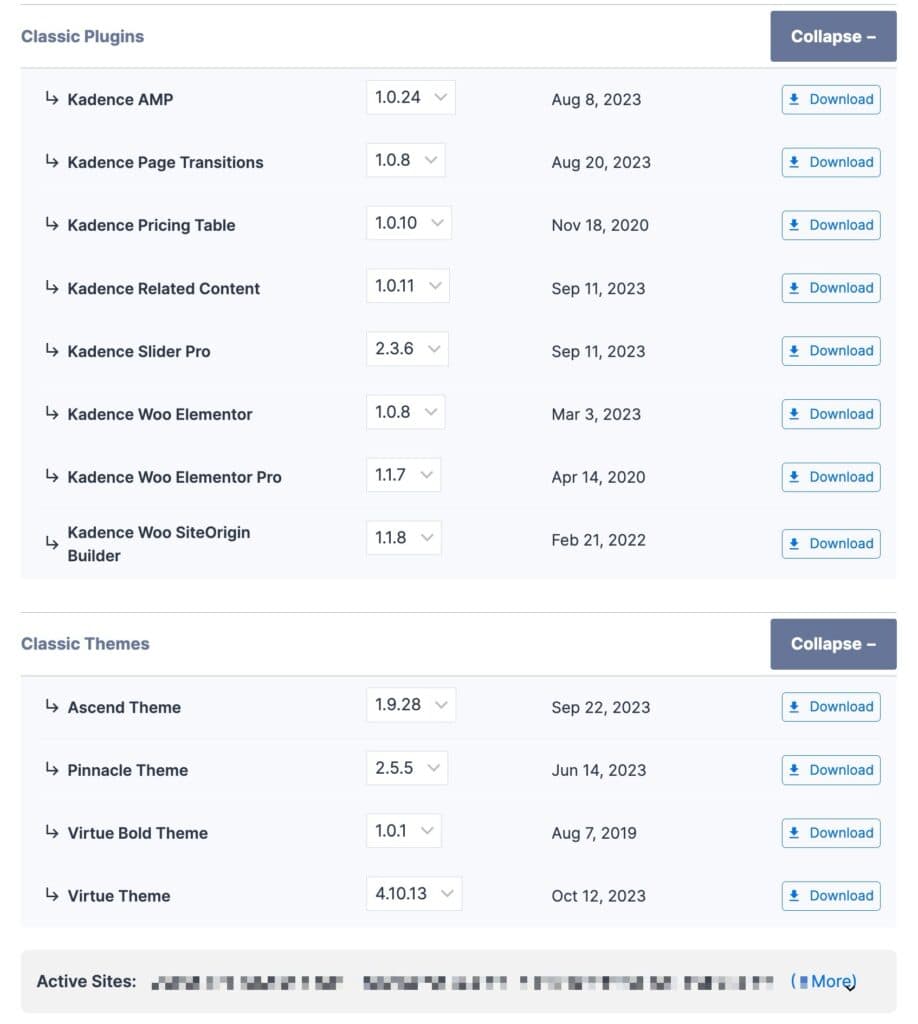
You can download an earlier version of your Kadence Theme or Plugin. You will see a dropdown selection menu for each product version. You can select an earlier version of that product as needed.
Classic Themes & Plugins
Below your modern product downloads, you will have two expandable tabs. One for our Classic Plugins and one for our Classic Themes. These are older Kadence products that are still maintained and usable.
Subscriptions
You can access the Subscriptions page to view your current subscription(s), upgrade your plan to a higher tier, renew early, and all things related to subscriptions.
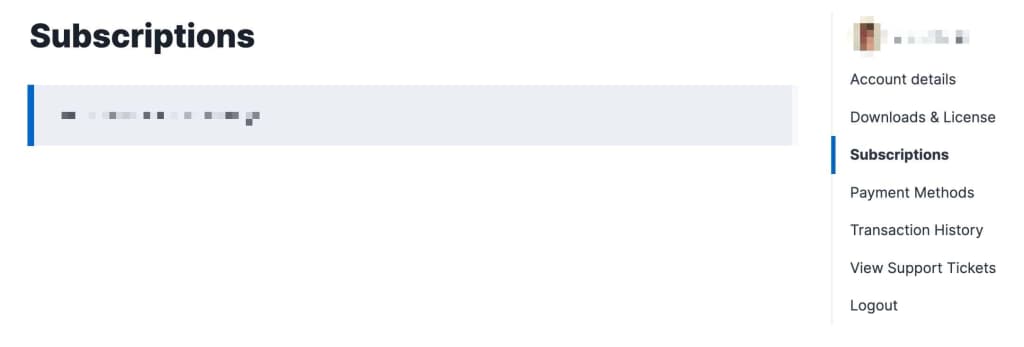
Under your Subscription Number, you will have access to your Subscription Details. This includes information like when your subscription was purchased, when it expires, the cost of renewal, and the option to enable or disable Auto-Renewal.

Upgrading Your Subscription
You can upgrade your Subscription directly from the Subscriptions page. If you have a current subscription, you will see a button to upgrade it any higher-tier plans (If available). The price will be prorated based on your current subscription costs and how long you are into that subscription. This is a great solution for users who may hold a single plugin license and want to upgrade to a Plan. Or in the instance that someone may have the Express Plan and want to upgrade to the Ultimate or Lifetime Ultimate Plans.

Renew your Subscription Early
You can also renew your Subscription Early. When viewing your Subscription Details, under the Auto Renew Toggle, you will see a blue link that says Renew Early. You can click on it to complete an early renewal.

Payment Methods
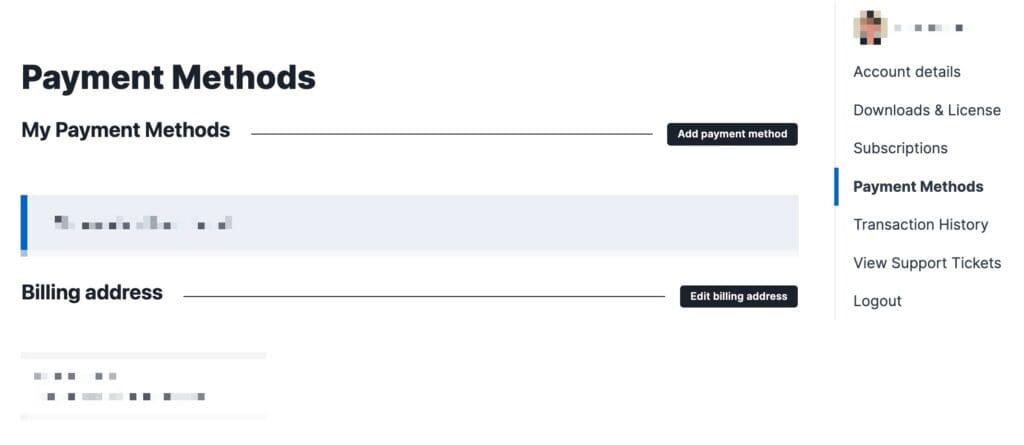
You can add or edit your Kadence payment methods using the Payments Method page. You can also edit your Billing Address from this page.
Transaction History
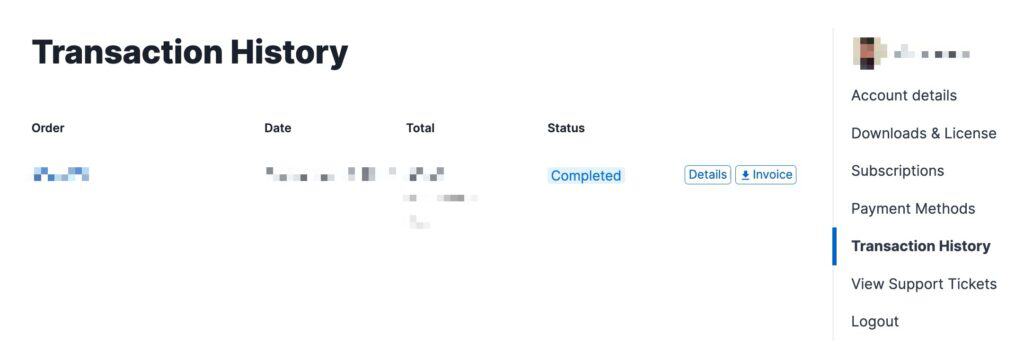
You can view all of your Kadence transactions using the Transaction History page. This will state your Order Number, Date, Total, and Status. You can click on the Details button to view your Invoice. You can click on the Invoice button to download your invoice.
View Support Tickets
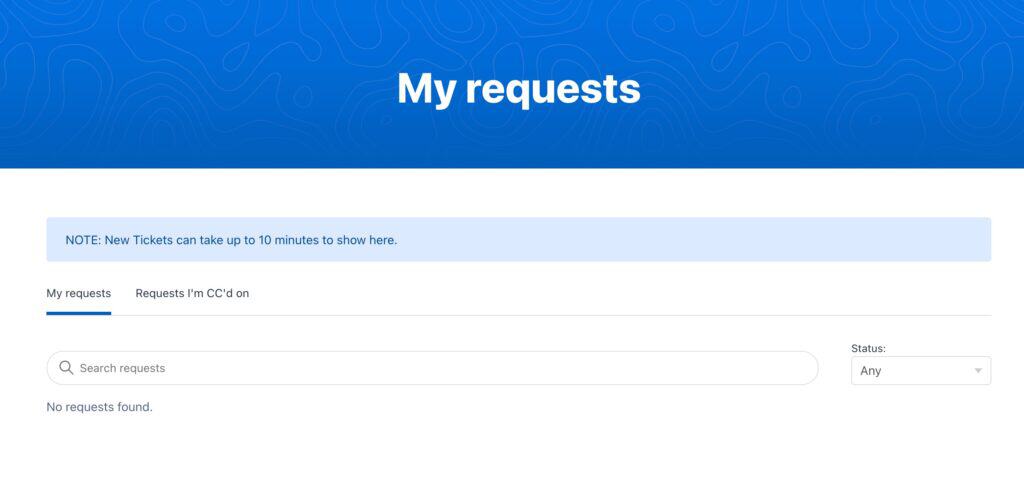
If you have a Support Ticket open with us, you can access it using the View Support Tickets page. Here you can view your requests and requests that you are cc’d on. You can click here to open a new Free Support Ticket. You can click here to open a new Premium Support Ticket.
Extra Links/Features
At the bottom of the My Account Pages, you will have a few Buttons/Links you can use to navigate our website. This allows you to access your account information easily and also provides resources such as the Knowledge Base and Kadence Blog. You can also use the Support button to open up a new support ticket.
