

How to Add a ‘View More Details’ Link to Quickview
If you want to add a button or link to your Quickview popup that allows customers to go directly to the single product page, you can do so with this guide.
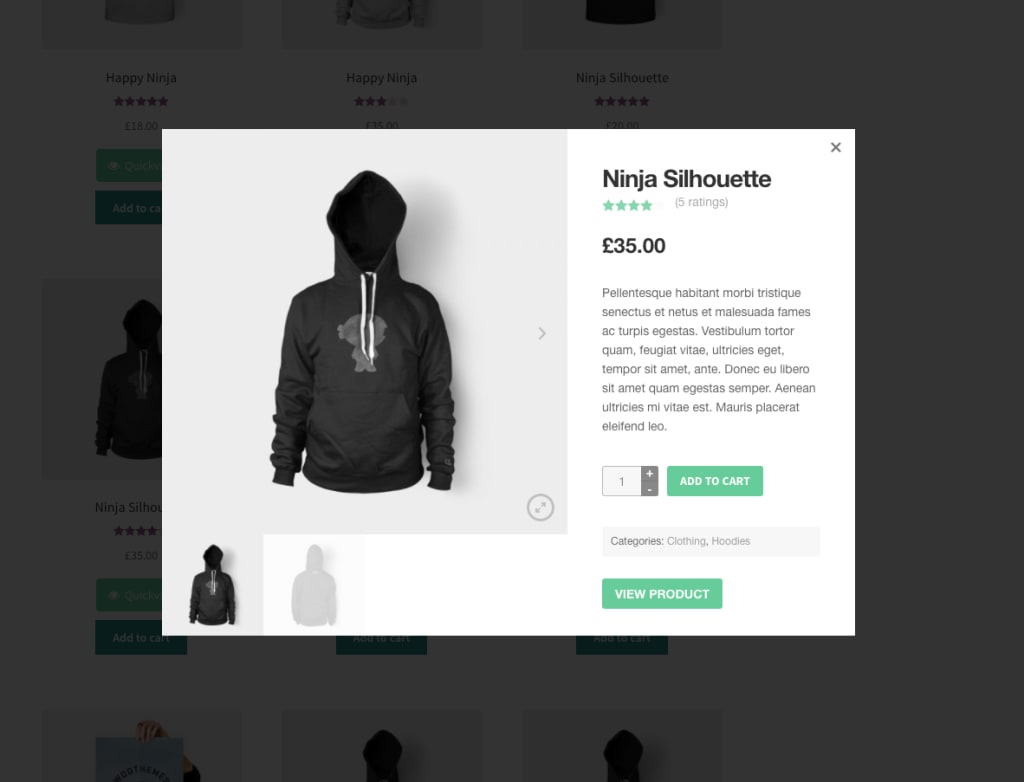
To do this, add the following code to your website’s functions file, or use the Code Snippets plugin:
Note: There are plenty of hooks you can use to customize this further.
function iconic_quickview_summary( $product_id, $post, $product ) {
    if( ! empty( $_POST['variation_id'] ) ) {
        $product = wc_get_product( $_POST['variation_id'] );
    }
    printf( '<a href="%s" class="button">%s</a>', $product->get_permalink(), __( 'View Product', 'iconic' ) );
}
add_action( 'jck_qv_summary', 'iconic_quickview_summary', 100, 3 );