

Getting started: Creating your First Kadence Conversion
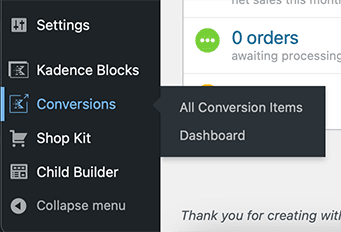
Kadence Conversions will be a left sidebar option below Settings with the Kadence logo next to it.
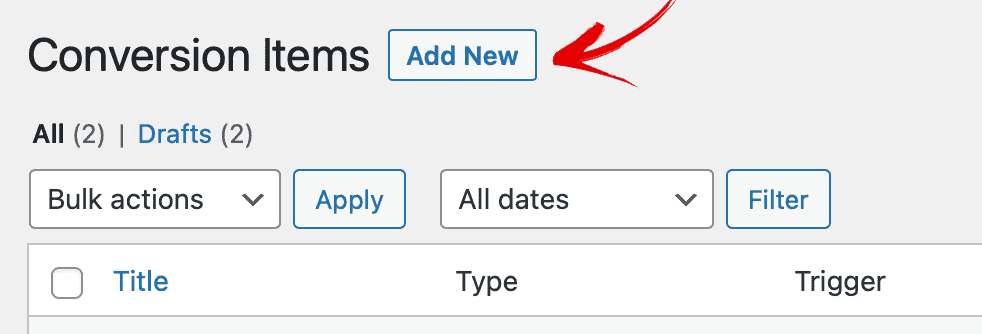
On the “All Conversion Items” page, click “Add New” at the top of the page.
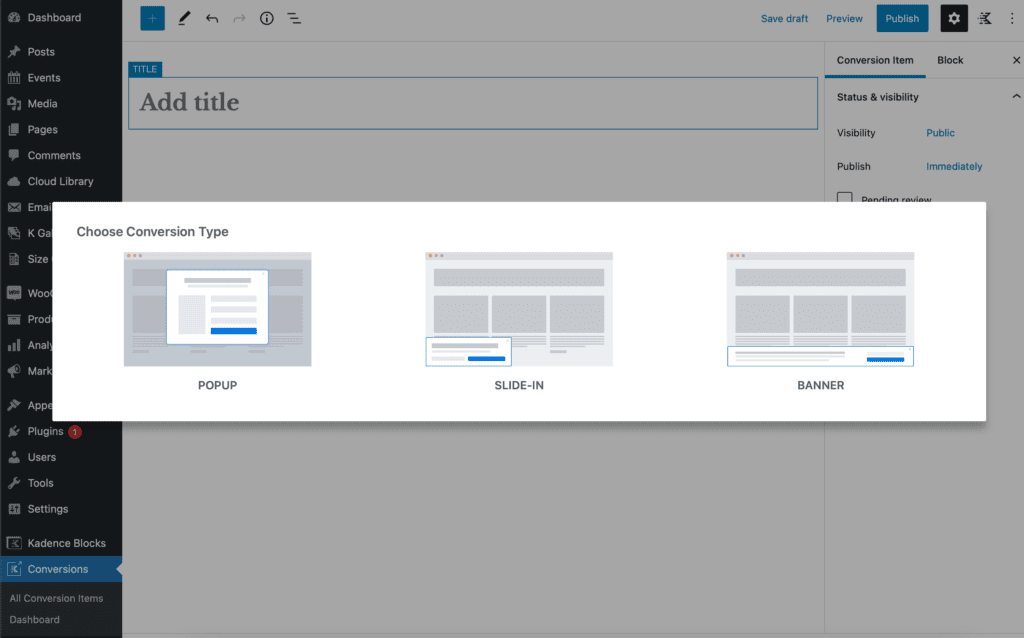
Next, choose which type of Kadence Conversion element you’d like to work with. You can choose popup, slide-in, or banner.
You’ll then choose either a blank conversion or use one of the starter popups, slide-in, or banners to help you get started. You can customize the images, the colors, and all other settings later.
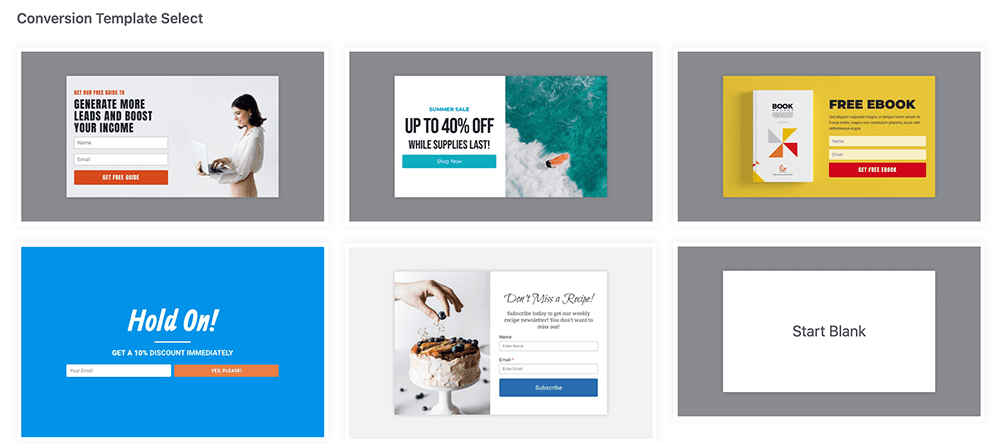
Popup starters 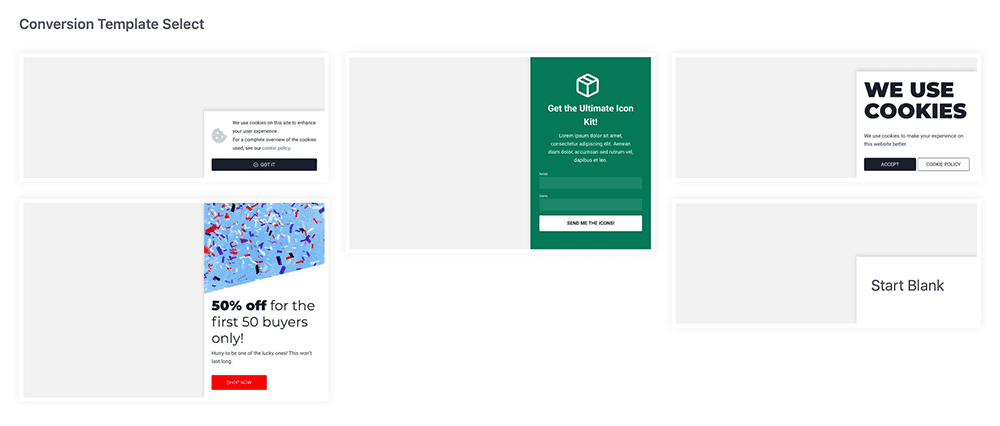
Slide-in starters 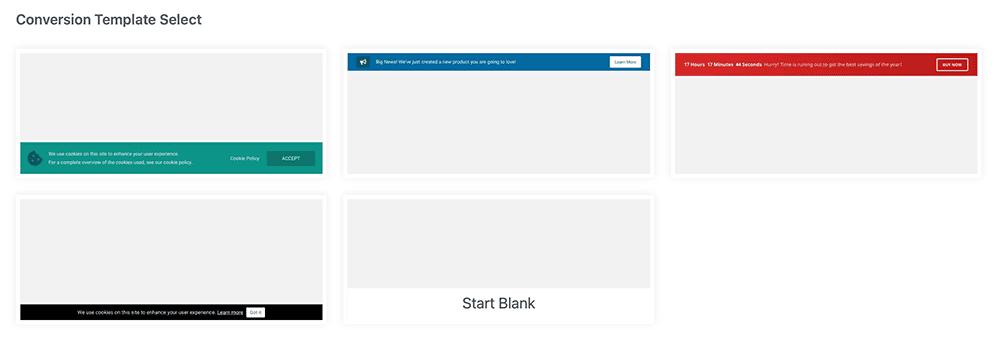
Banner starters