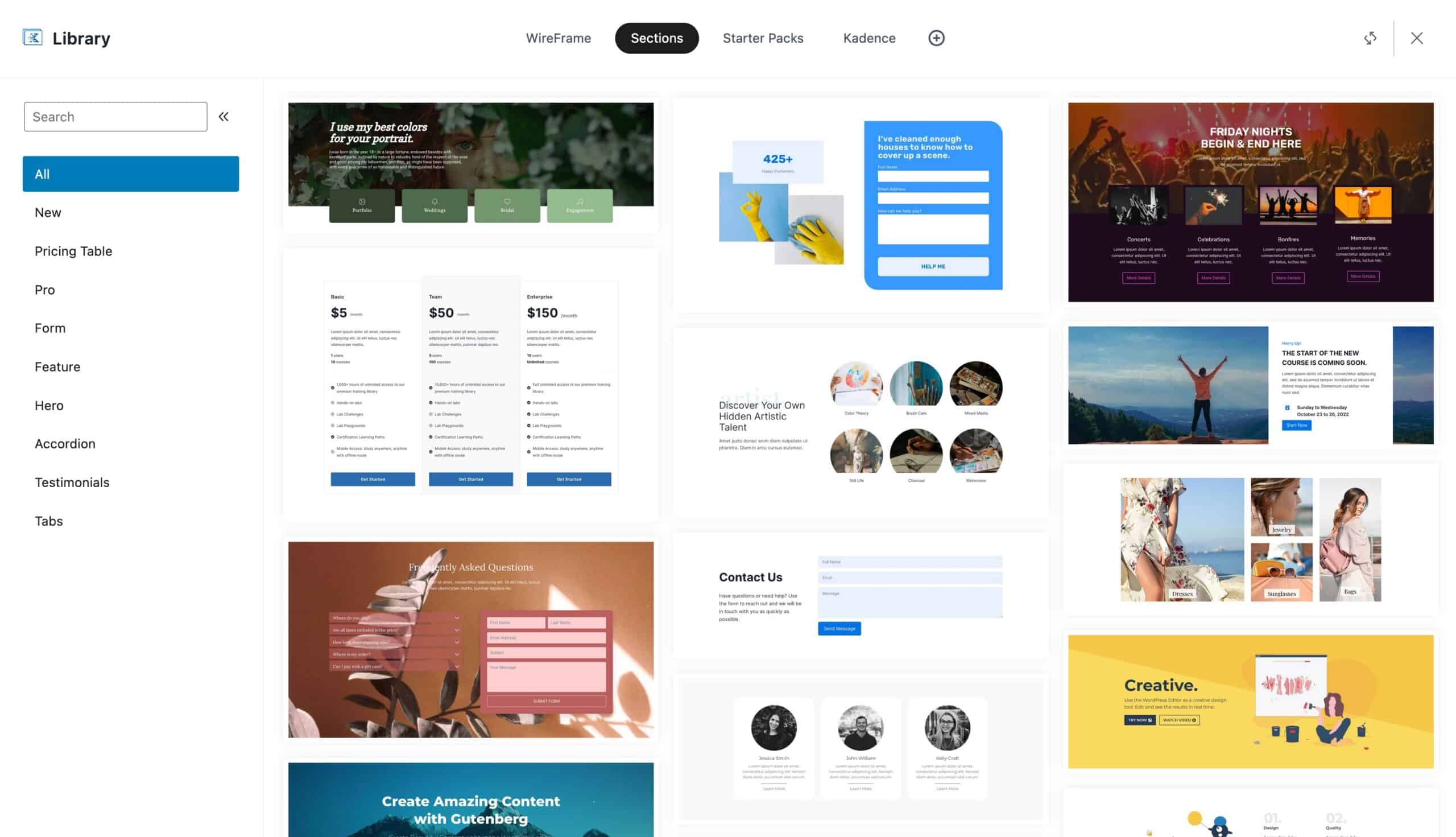
Adding Classic Wireframes, Starter Packs, and Sections to the New Design Library
The Kadence Design Library has been updated with new wireframes. By default, the new Design Library no longer automatically features our old wireframes, starter sections, or starter packs (pages). You can, however, still add these packs to your Kadence website. We will review how to add each one of these packs to your Design Library.
Adding Starter Packs (Pages)
Starter Pages allow you to import different pages from our Starter Templates. You can add the Starter Pages back to your website by going to your Editor and clicking on the Kadence Block Controls Icon.
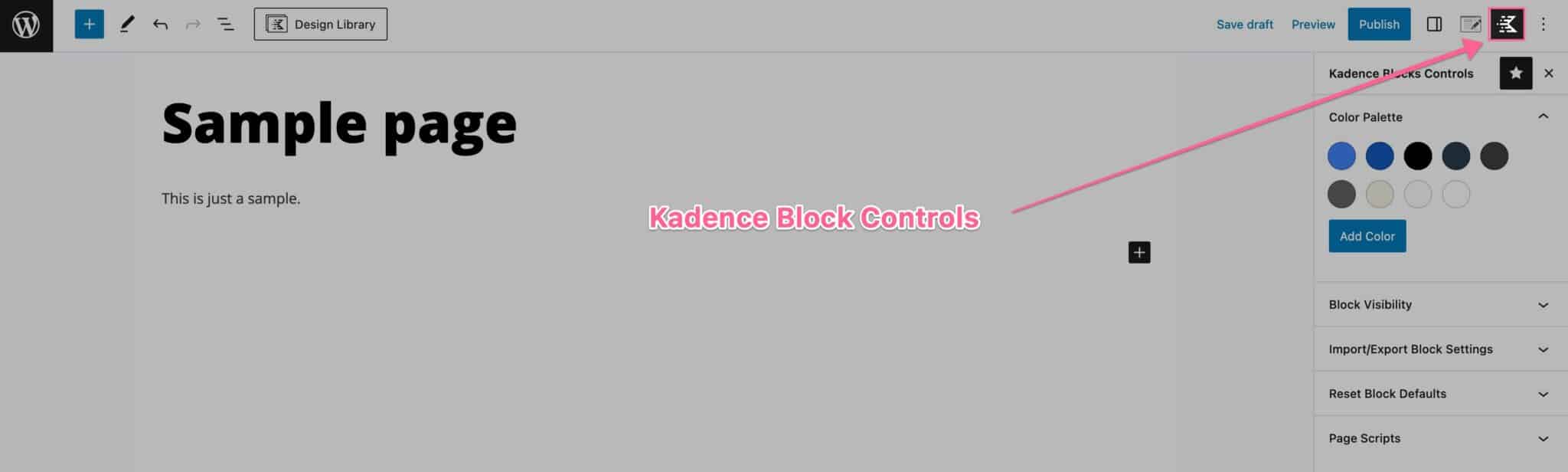
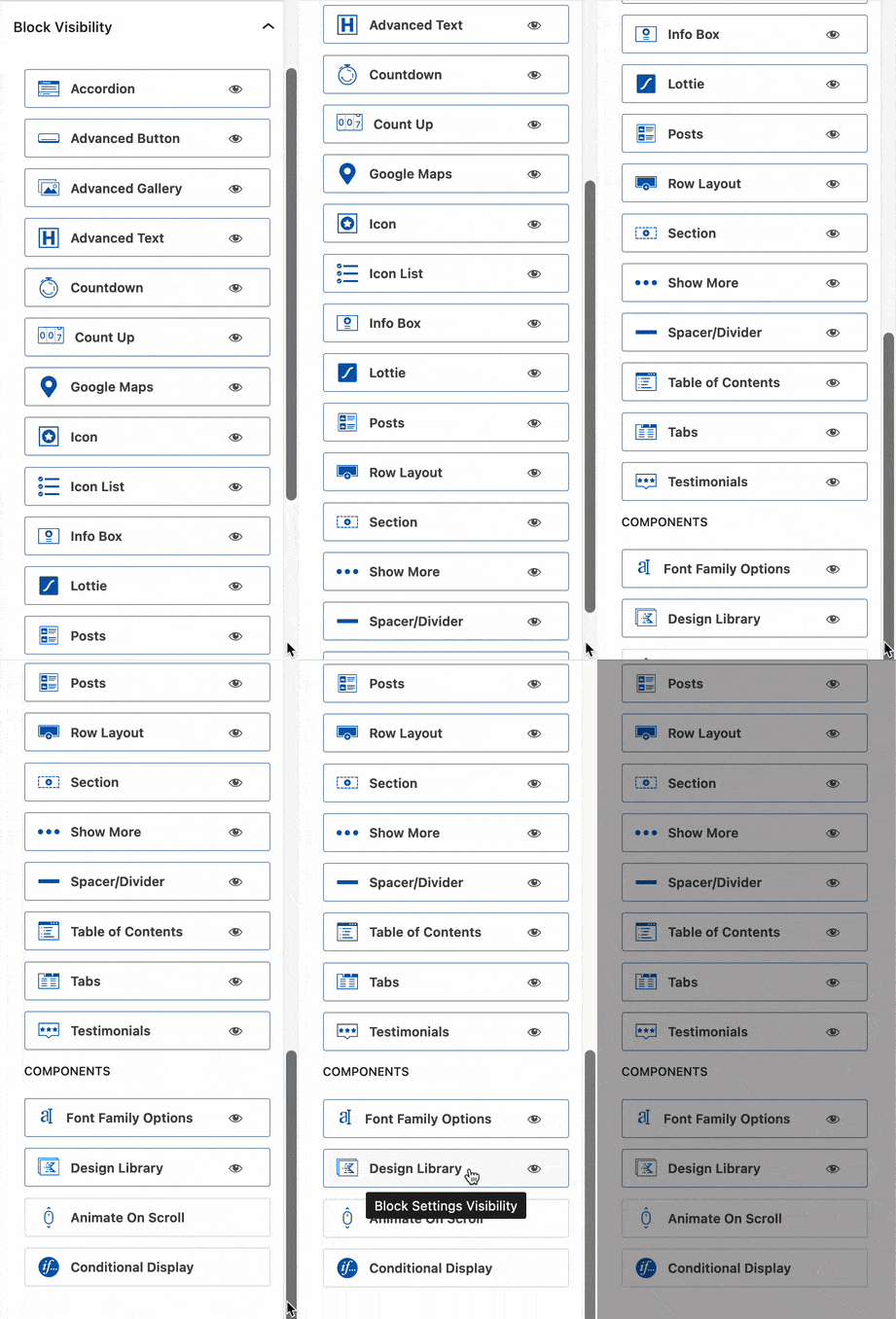
Then you can expand the Block Visibility settings. You will see the Design Library component. Click on it to access the Design Library Settings.
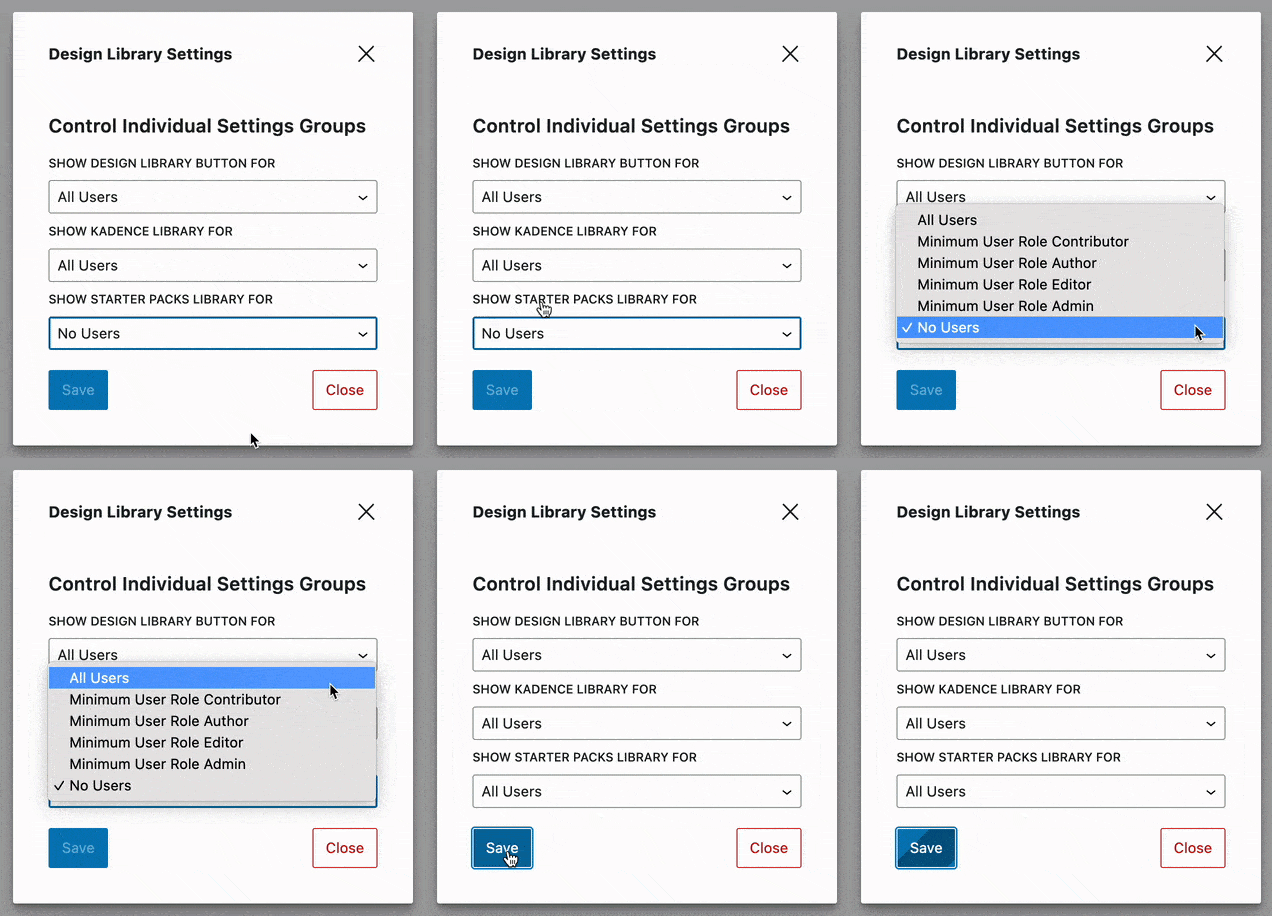
In the Design Library Settings, you can specify which user roles you would like to be able to access the Starter Packs Library. You can set this to all users or a minimum role requirement.
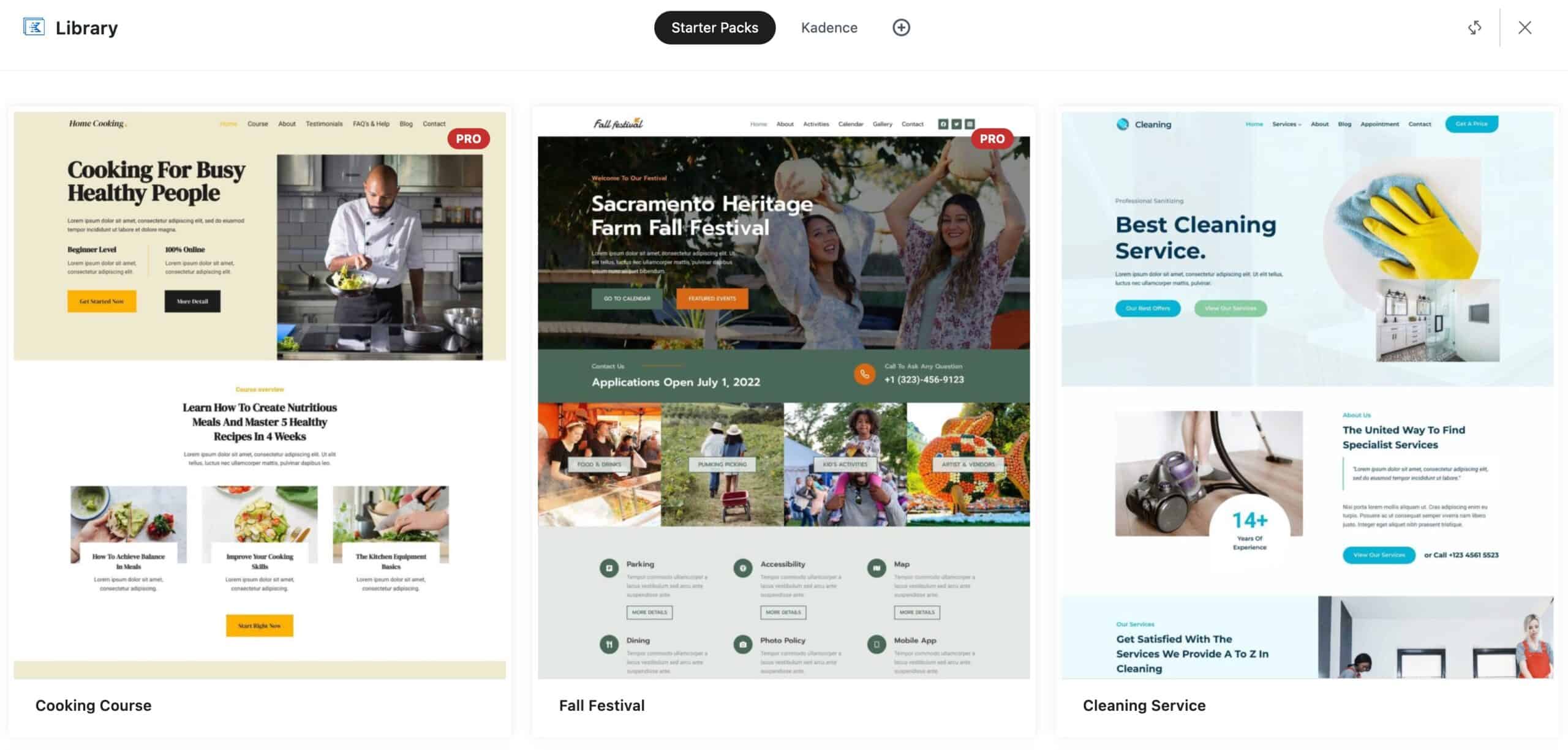
Adding Starter Sections & Wireframes
Our Starter Sections and Wireframes can be added through Cloud Connect. You can access Cloud Connect by going into your Editor and clicking on the Design Library Button near the top left of the page. You will see a pop-up with a Plus Icon. Click on the Plus Icon to add connections to your Cloud.
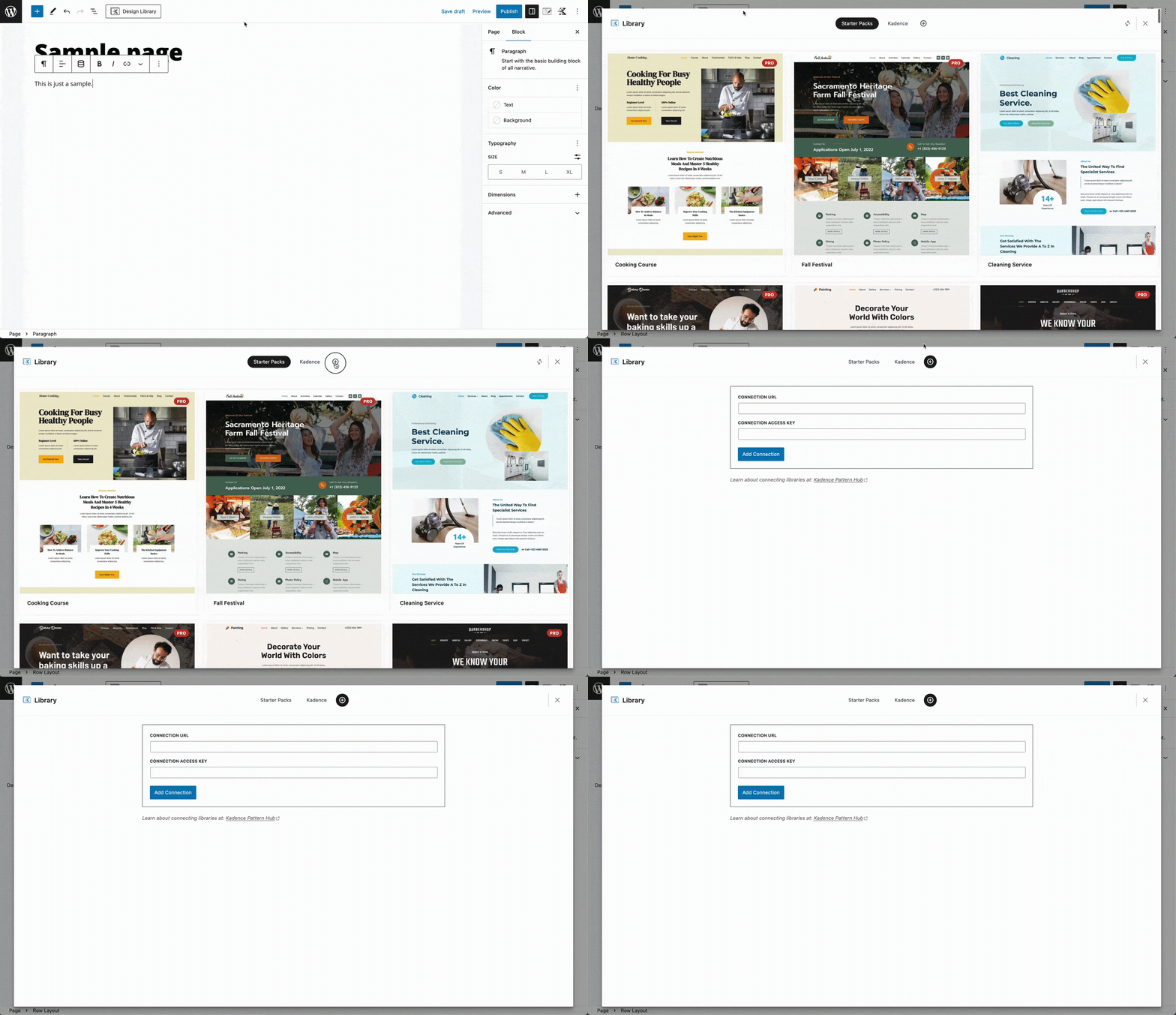
You can use the following credentials to add our old Wireframes:CONNECTION URL: https://wire.kadenceblocks.com
CONNECTION ACCESS KEY: wire
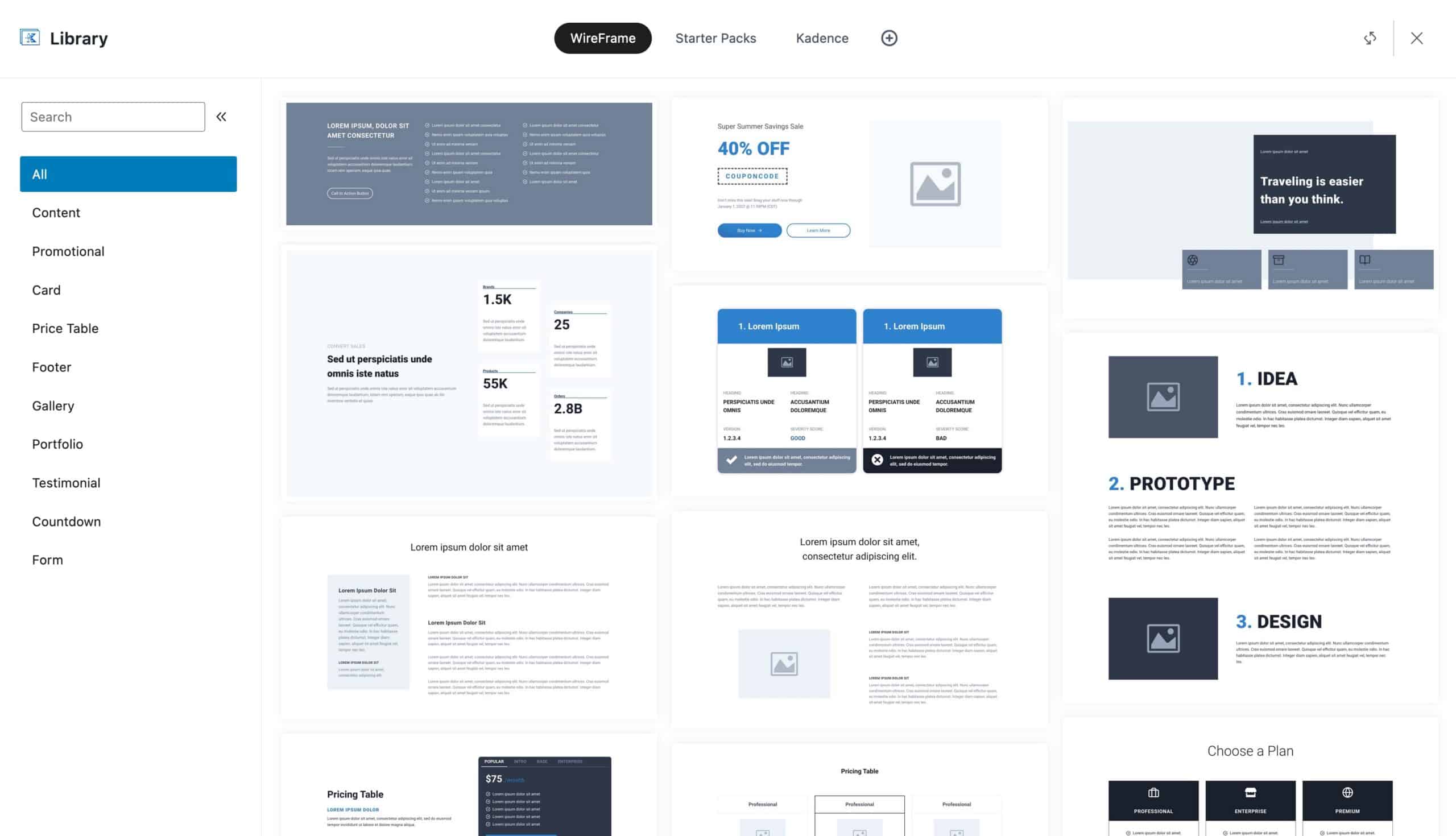
You can use the following credentials to add Starter Sections:CONNECTION URL: https://cloud.kadenceblocks.com/
CONNECTION ACCESS KEY: section