

Setting Your Account Preferences
Your Liquid Web Account tab stores personal, company, user details, SSH keys, and enables secure password sharing.
The Account tab in your Liquid Web account houses all your personal, company, additional user information, SSH key storage, and allows you to share passwords securely between yourself and our support teams. When you first open an account with us, you will need to review and update your account preferences. Let’s take a look at how to set your account preferences. To change your address, see our article Updating Your Account Name and Address.
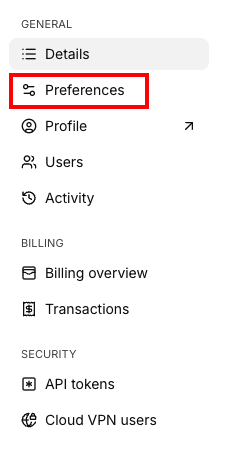
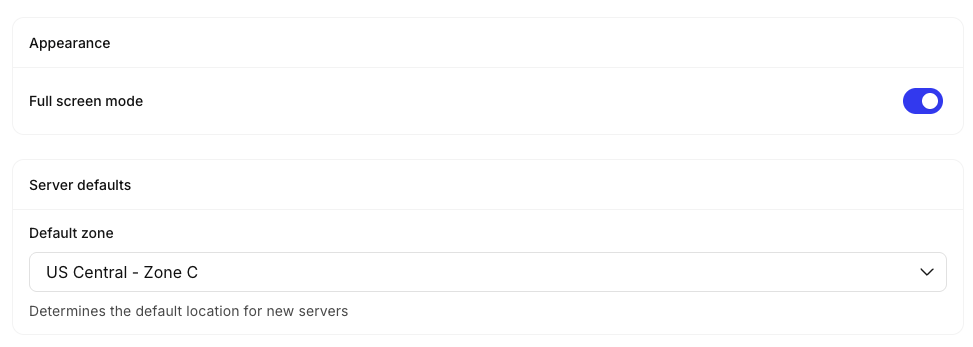
The Preferences section of your account allows you to define your “Default Zone”, meaning the location that new servers will created by default.
Need to change your address? Check out our article Updating Your Account Name and Address.