Setting Up ModSecurity Configuration
The ModSecurity Configuration gives you the ability to configure global settings for ModSecurity. This article will walk you through the settings and how to enable the ones you want. For information on whitelisting in ModSecurity, see our article Whitelisting ModSecurity Rules in WHM.
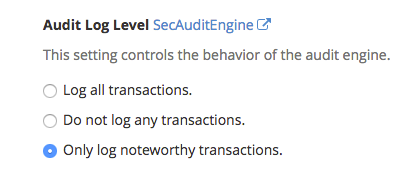
Audit Log Level
Here you will decide what transactions are logged. You can log all, none or only noteworthy transactions. A noteworthy transaction is one that has triggered a warning or error or has a relevant status code. Use the radio buttons to choose what transactions you want to have logged.
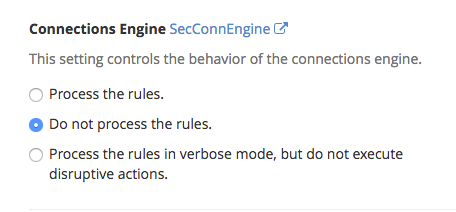
Connections Engine
This setting controls the behavior of the connections engine. You can choose to have the SecConn[Read|Write]StateLimi processed, ignored or only processed by detection and not execute any disruptive actions.
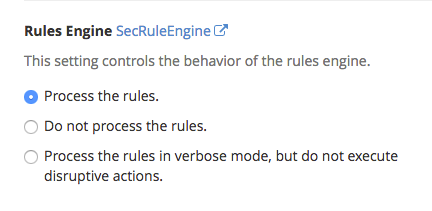
Rules Engine
Here you will control the behavior of the rules engine. It can process, not process or process in verbose mode and not execute disruptive actions. Disruptive actions are ones like block, deny, drop, allow, proxy and redirect.
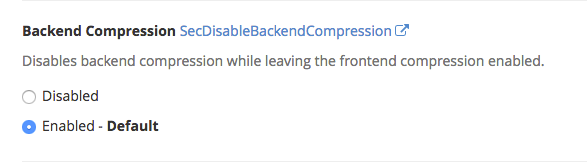
Backend Compression
This disables backend compression while leaving front end compression enabled. By default this is turned to disabled, while disabled ModSecurity will only see compressed content. It is advised to enable compression.
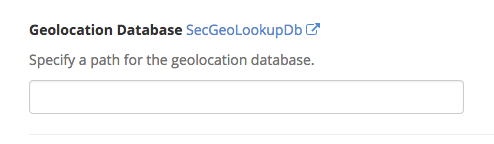
Geolocation Database
You can specify a path for the geolocation database. ModSecurity only supports the legacy GeoIP format, make sure you understand the path format needed prior to adding an entry.
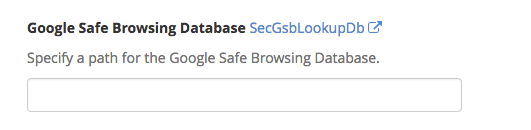
Google Safe Browsing Database
The Google Safe Browsing Database is a service that allows client applications to check URLs against the constantly updated lists of unsafe web resources. If you have a database to use for safe browsing lookups, you can input the path here.
Guardian Log
Here you can specify an external program to pipe transaction log information for additional analysis.

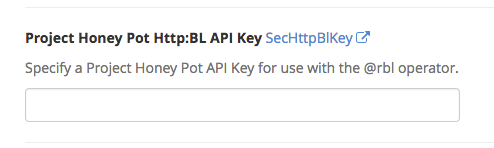
Project Honey Pot Http:BL API Key
Enter your API key for use with the @rbl operator if you have one.
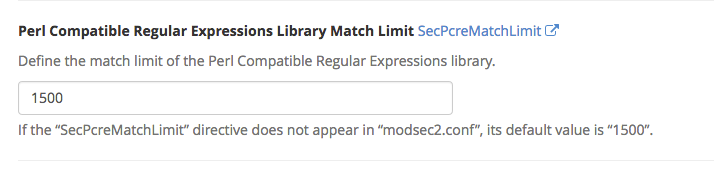
Perl Compatible Regular Expressions Library Match Limit
You can define the match limit of the Perl Compatible Regular Expressions Library. The default is 1500.
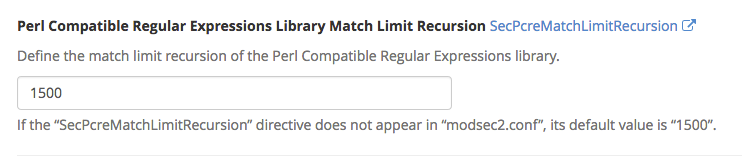
Perl Compatible Regular Expressions Library Match Limit Recursion
Set the match limit recursion of the Perl Compatible Regular Expressions Library, by default it is set at 1500.