Restoring CSF Firewall Configuration from a Backup
Protect your server by reverting unwanted changes. Learn how to safely restore your CSF firewall configuration from a backup in WHM's Firewall Profiles.
We’ve covered backing up your CSF firewall configuration, and why a backup is so important before you make changes to it. Now, let’s take a look at how to restore your configuration from the backup. This will help keep your site protected if the configuration changes don’t work as expected or break something within the CSF firewall.
- Log into WHM and navigate to the ConfigServer Firewall (CSF) plugin.
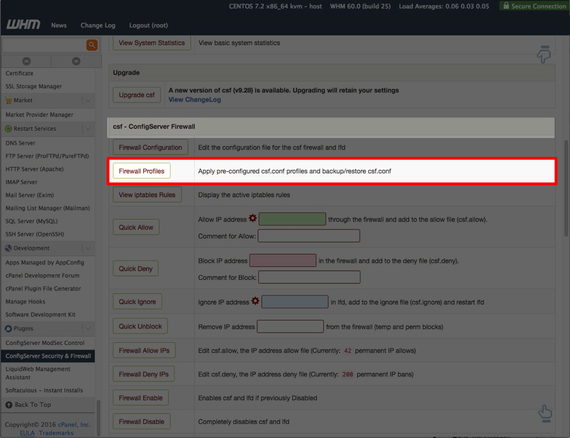
- From the CSF home page, scroll down to the Firewall Profiles button.

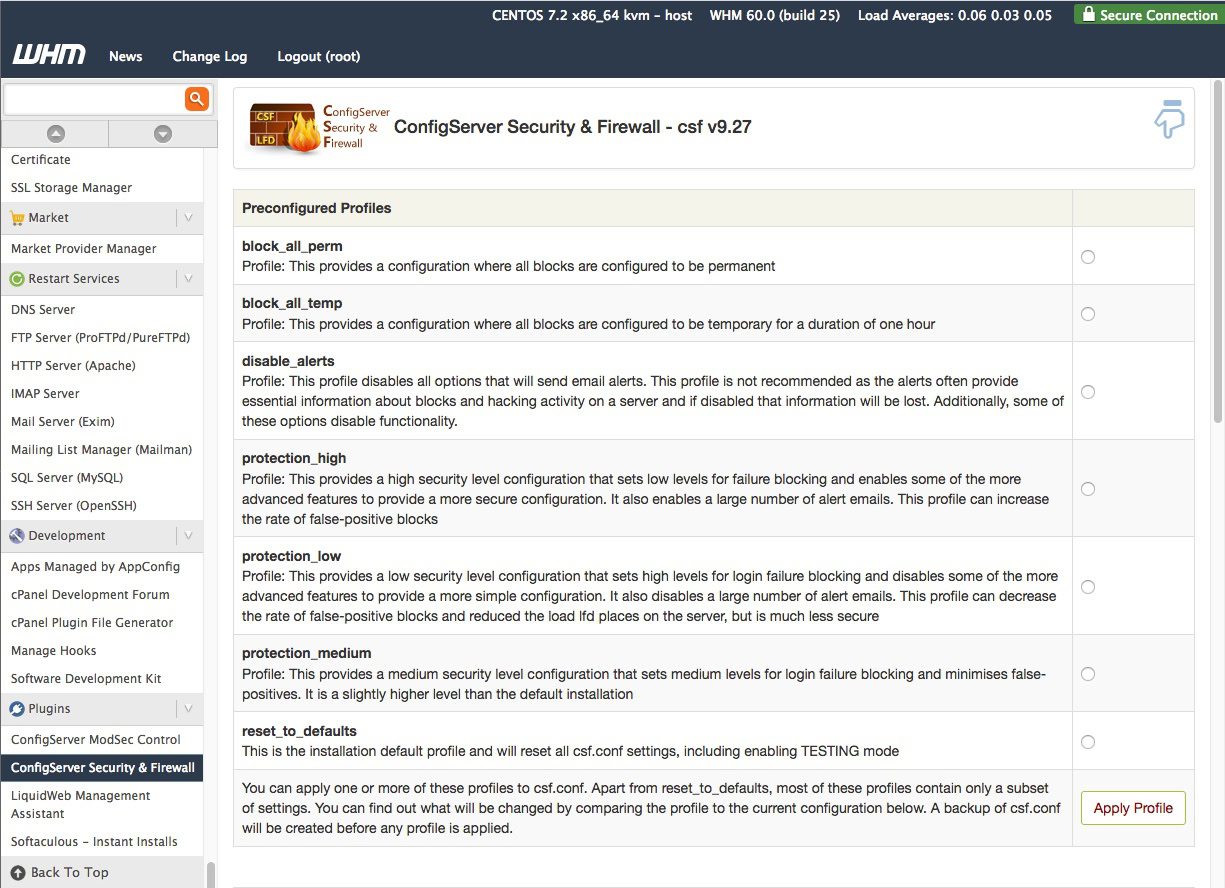
- Click the Firewall Profiles button to open the profile.

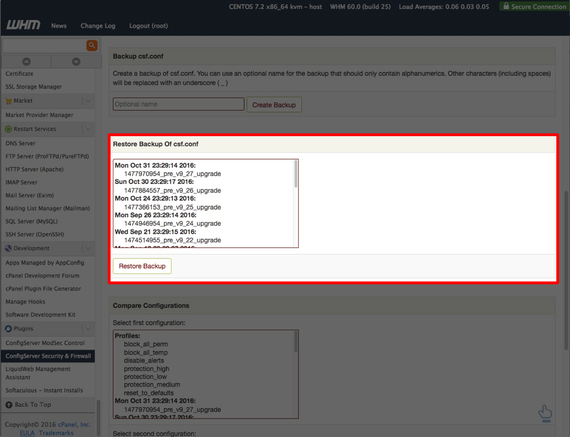
- Scroll down to the Restore Backup Of csf.conf section.

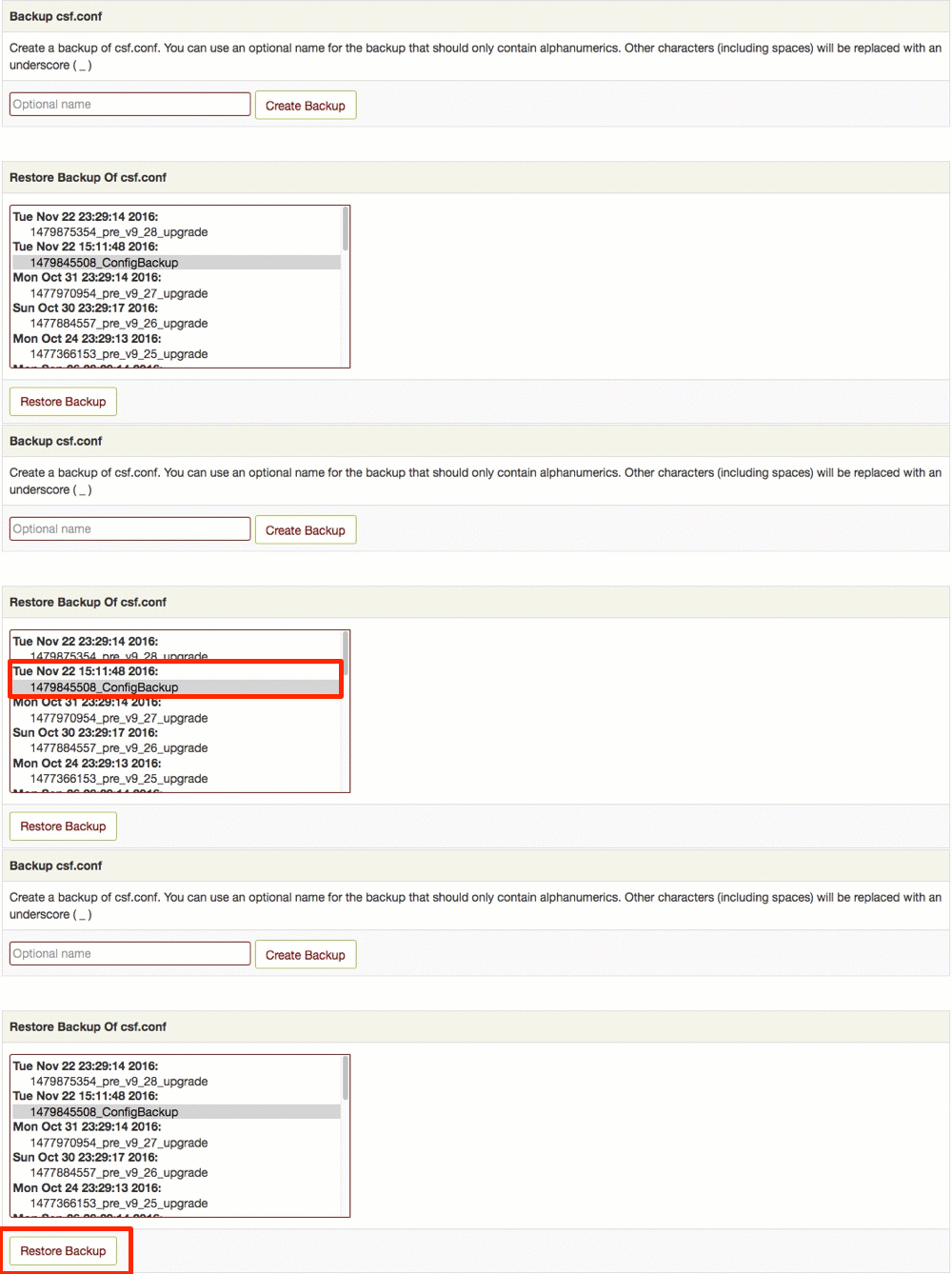
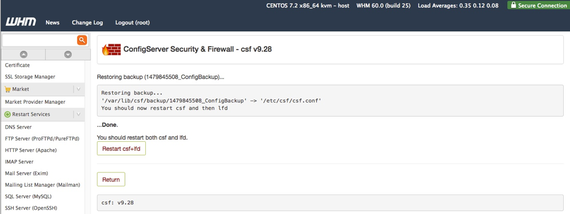
- Select the backup you created, and click Restore Backup.

- Once the backup is complete, restart csf and lfd.