Logging In With Your Mobile Device
Whether you have an iPhone or an Android, access to your Liquid Web account is at your fingertips with our mobile site.
Mobile Login
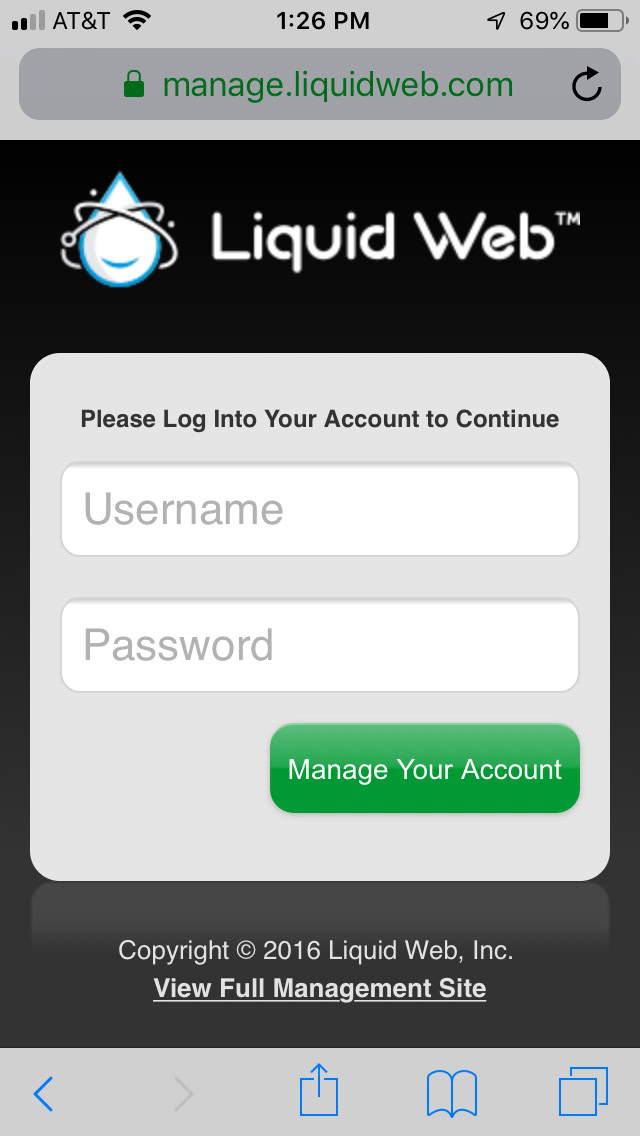
To begin, log into your account by opening the internet browser on your phone and go to https://login.liquidweb.com/. You will be directed to enter your username and password.
Note: |
| Depending on your mobile service provider, using the mobile Liquid Web account application may incur data usage and/or roaming charges where applicable. |
Navigation
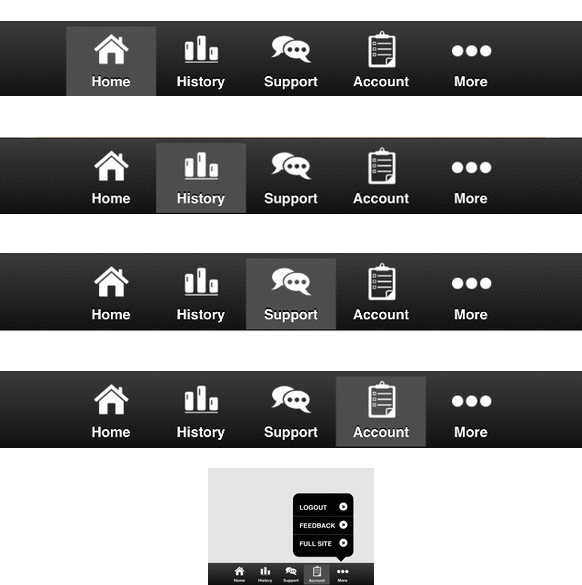
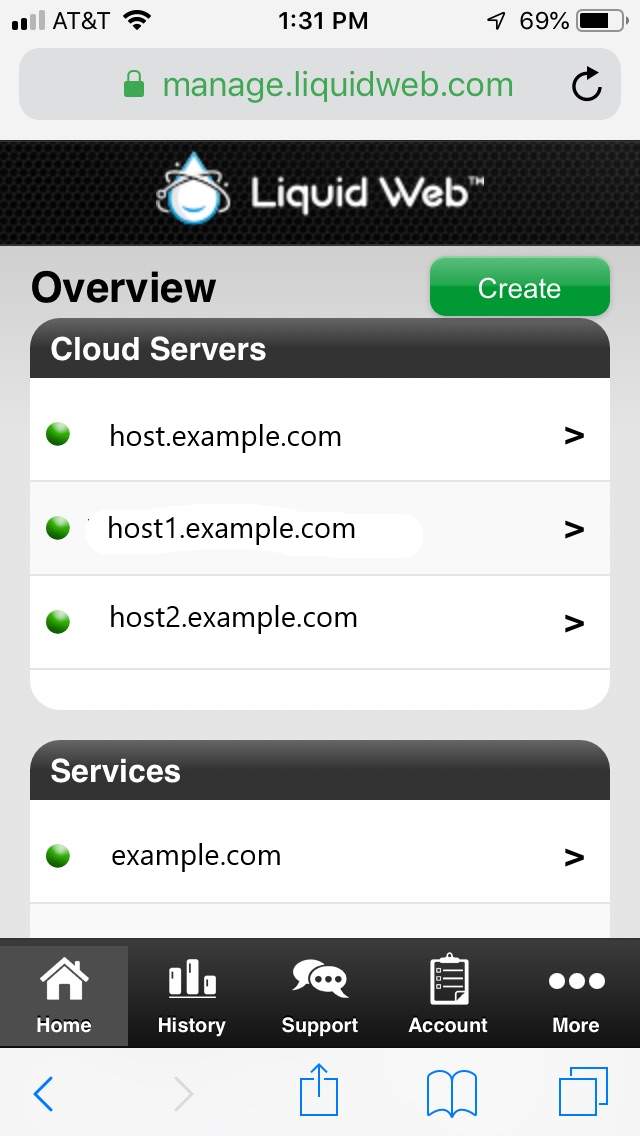
Once you are logged in, you will see an overview of your servers and a menu at the bottom of the screen shows the different sections available for you to manage your account.
Server Dashboard
On the home screen of your account you can view the server dashboard by clicking the [>] to the right of the server name. Scroll down on the screen to see all activities on your server. You can also create a server by clicking on the Create button at the upper right corner of the screen. For more information on how to create a server, see our article Creating a Cloud VPS.
Server History
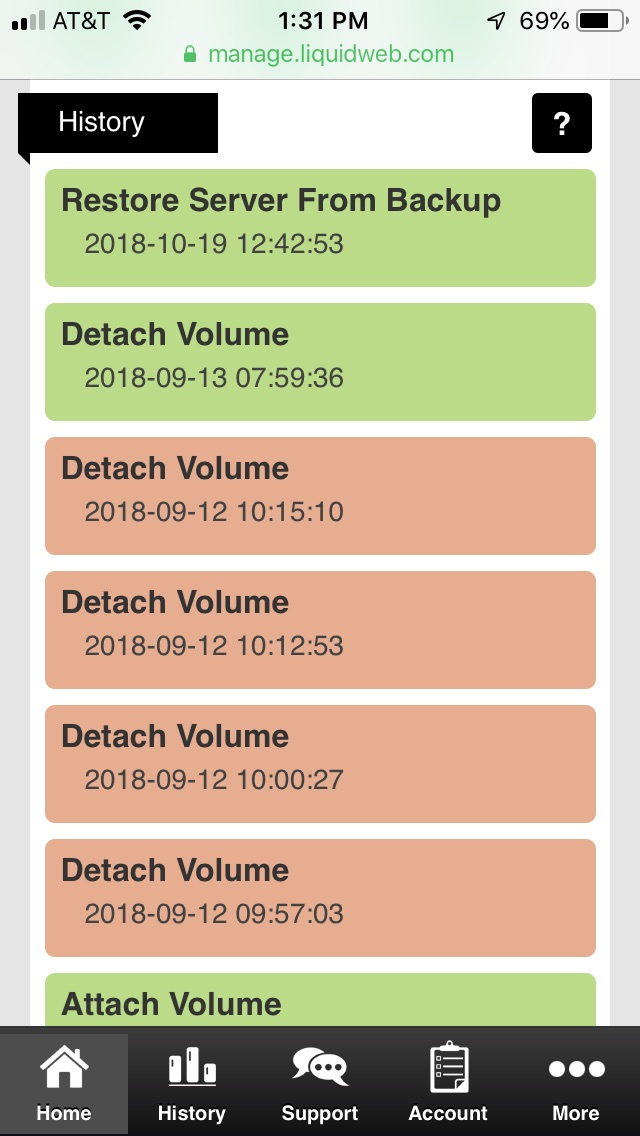
The History button shows the Event History of your servers. Here you will see any monitoring issues and maintenance being done to your server.
Support
The Most Helpful Humans in Hosting ™ are available on your phone.
Account Information
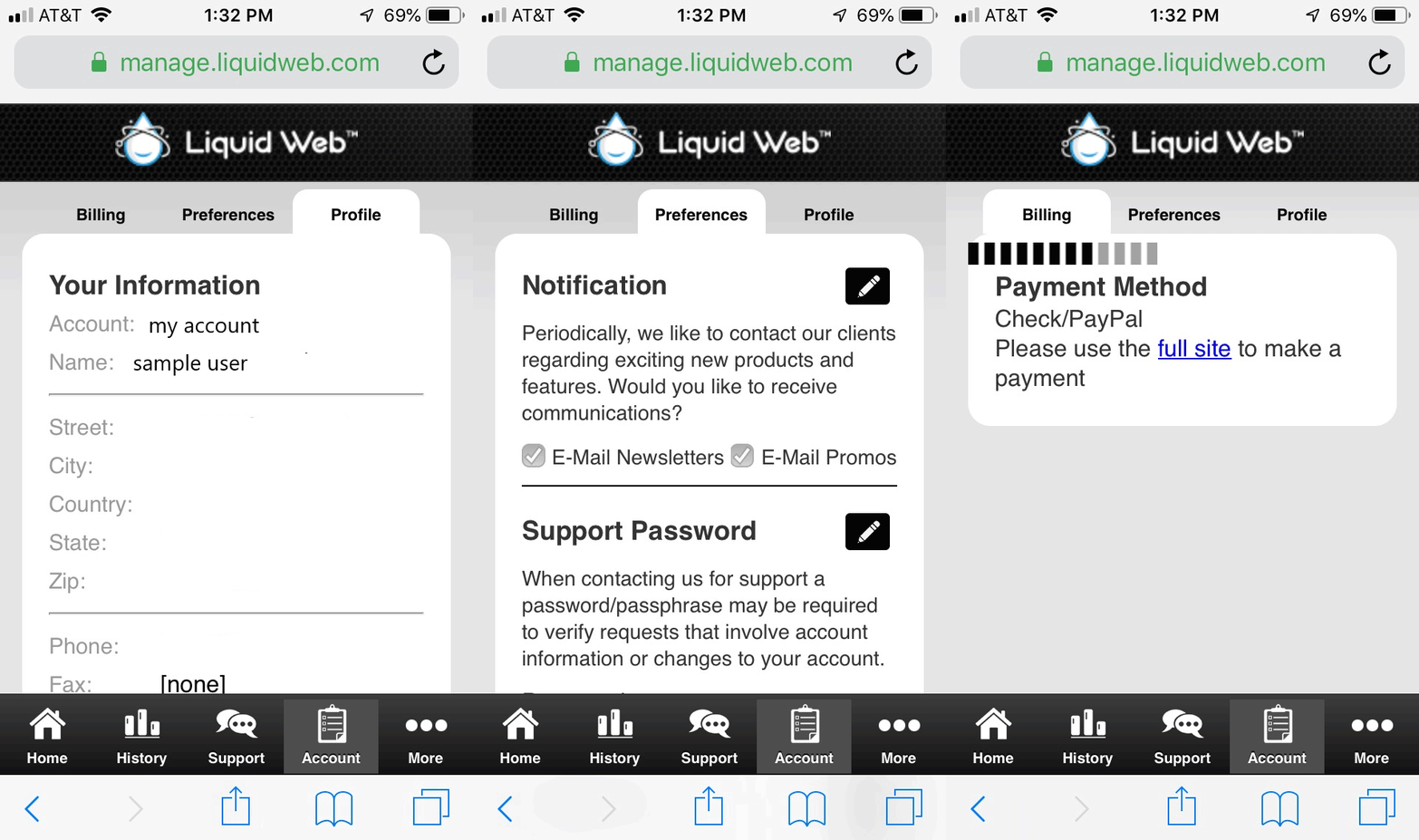
The Account tab will show you any current balance due on your account as well as allow you to change your preferences and edit your account holder information.
Logout, Full Site Access and Feedback
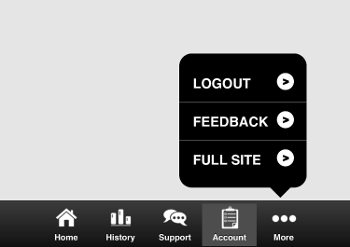
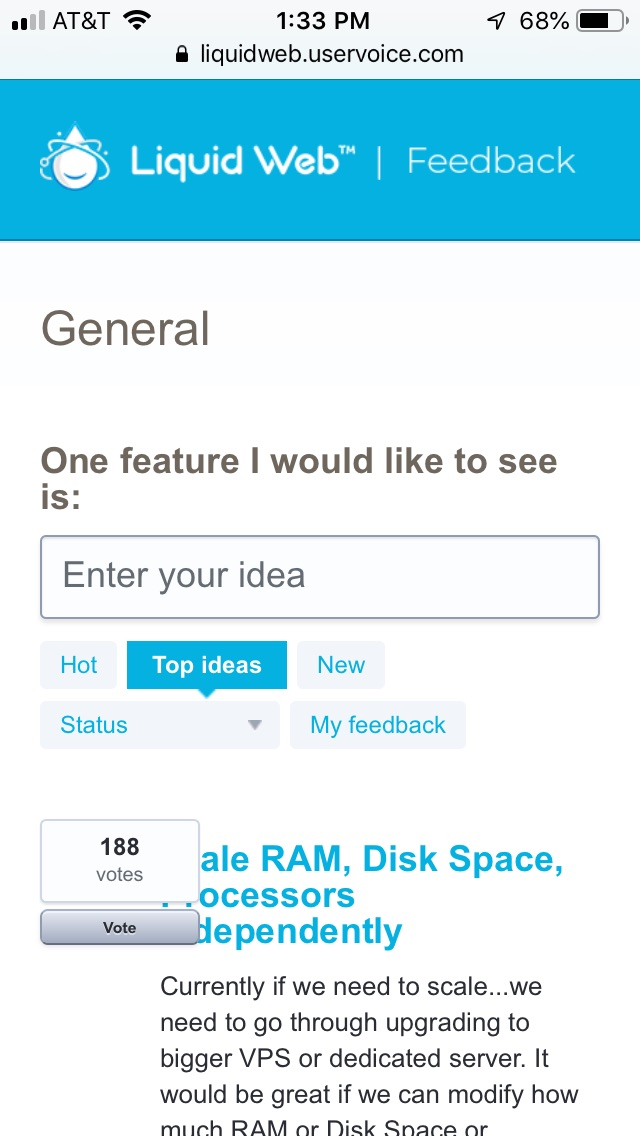
The More section on your mobile Liquid Web account allows you to logout of the manage interface, go to our full website instead of the mobile version and also gives you the opportunity to send us feedback.