Creating an Authorized User in Your Account
You can create multiple users to your Liquid Web account and give them access to specific functions as needed to manage your account. Once you select the permissions for the user, they will only have access to those areas of your account. Each user has their own account login and will need to set up a Support Passphrase to verify themselves as a user if they are given permissions to contact our Support team.
Once you create a user, you can not delete them from your account. However you can deactivate the user and change their authorization at any time. See our article Editing User Authorization in Your Account for more information.
Creating a User in my.liquidweb.com
Our account portal, my.liquidweb.com, allows you to create and manage users with a simplified range of permissions.
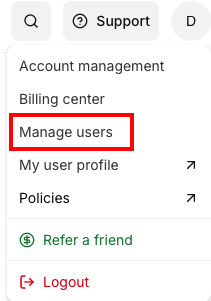
- To create a new user, log in to your Liquid Web Account, click the Account tab, then click Manage Users.

- Click +Invite User to create a new user.

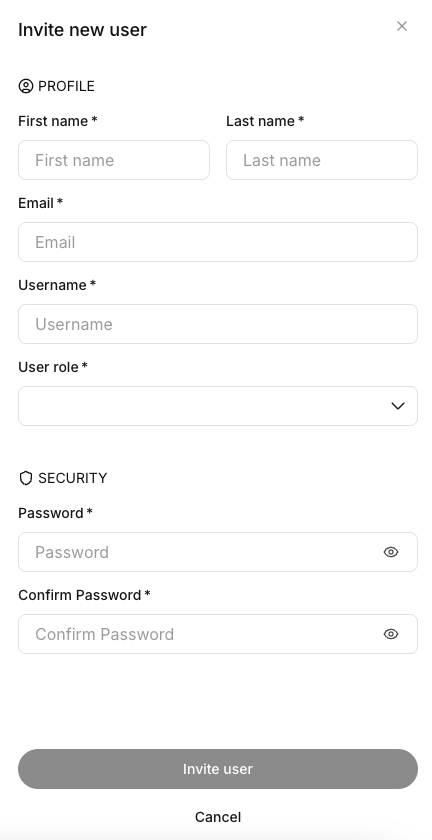
- Select a User Role for the user you are creating. For more information, see User Roles in my.liquidweb.com.
- Enter the required information in the remaining fields and click Invite User to create the user.