

How to check your credit balance and billing credits
Locate the username and password used in conjunction with your Nexcess web hosting account. Then, head over to sites-portal.liquidweb.com, and we can get started learning how to check your credit balance.
If you do not remember your username or password, you can click on the link for the forgot password feature or contact us using the support@nexcess.net email address.
About your Nexcess credit balance
The account credit balance is a balance on your Nexcess account that you may have received or earned in different ways. You might have redeemed a Nexcess promo code, or, most likely, earned credit via our affiliate program.
Account credit is internal to Nexcess. It is not something you can add to or reload. This credit is only usable for paying your invoice online at Nexcess and is non-transferable. Let’s take a look at how to check your credit balance.
Logging in and viewing your credit balance and billing credits
Here are the steps involved with regard to checking your credit balance.
- Log in to sites-portal.liquidweb.com with your username and password.
- On the dashboard, immediately after logging in, you can see at a glance your total account credit balance.
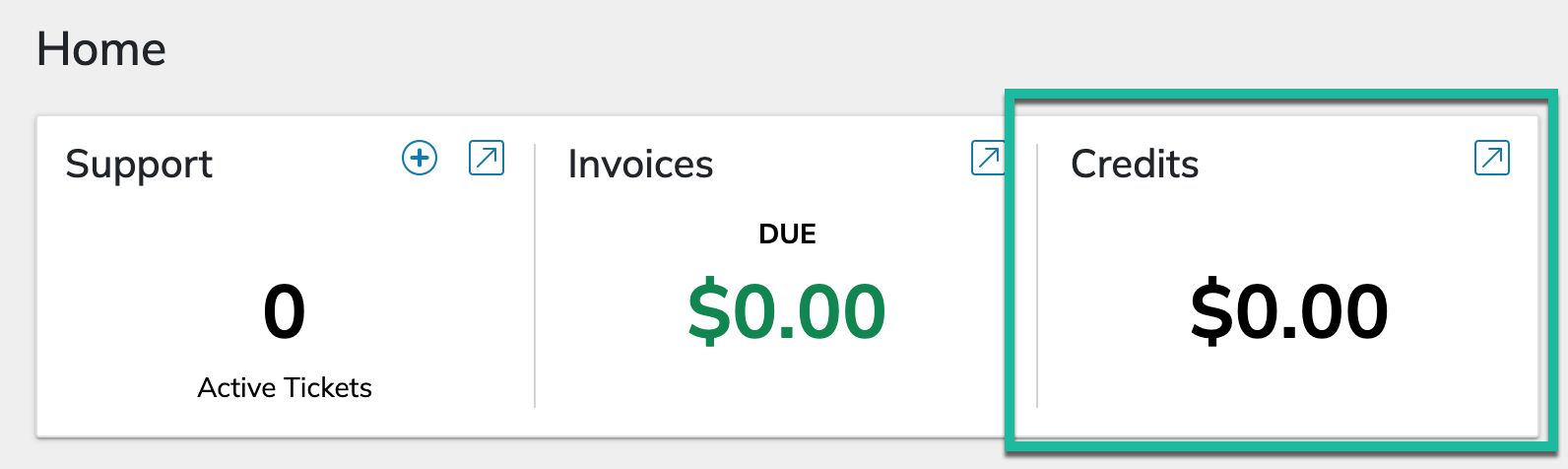
- There are two ways to see more detail. First, you can click on the arrow in the upper right-hand corner of the Credits Box, which will take you directly to your Credits history page.
- Or, with just a couple clicks in the left-hand menu, you can see how to check your credit balance the slightly longer way. Click on Billing in the left-hand menu:
- The next step is to just click the Credits option in the user interface:
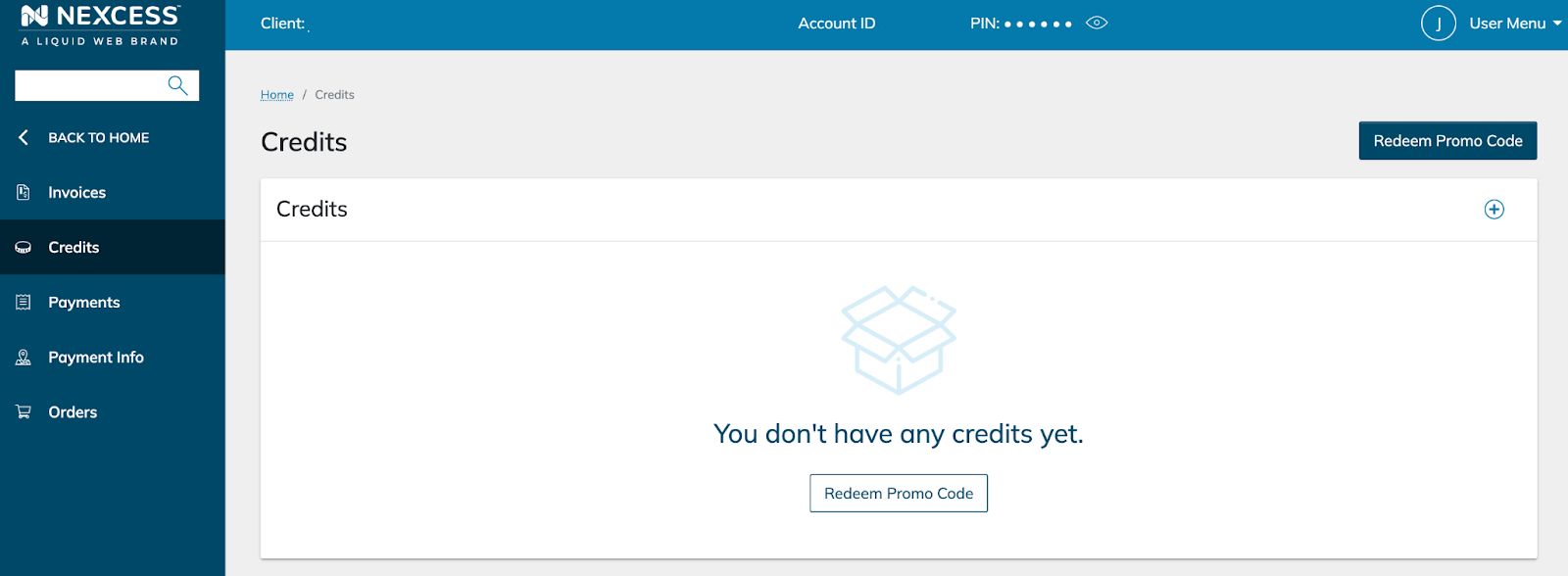
- On the resulting page, you will see a list of credits. Both credits available to you and redeemed credits will be listed on this page. Remember these credits can be added by Nexcess, or if provided to you, you are also able to enter any promo codes you might have received on this screen.
Redeeming Nexcess promotional codes?
Enter the promotional codes by clicking on the Redeem Promo Code buttons in the upper right-hand corner of the Credit screen or towards the bottom of the Credits box on the Credits screen, if you do not have any credits listed:
About your Nexcess billing credits
There are some things to keep in mind about your Nexcess billing credits. The most important being is that if you have a positive credit balance, it will be applied before your payment method is charged. If your invoice is ever much less than you expect, checking your account’s history is a great place to start your investigation.