Editing HTML and Code in SiteWorx
While you can use any text editor you like to modify code via SSH (Sublime, Notepad++, and Vim are a few examples), you have the ability to edit html and code within SiteWorx using the File Manager. You can use the File Manager to create or edit files and directories within your website.
While you can use any text editor you like to modify code via SSH (Sublime, Notepad++, and Vim are a few examples), you have the ability to edit html and code within SiteWorx using the File Manager. You can use the File Manager to create or edit files and directories within your website.
- First, upload or create the file you want to edit using the File Manager utility.
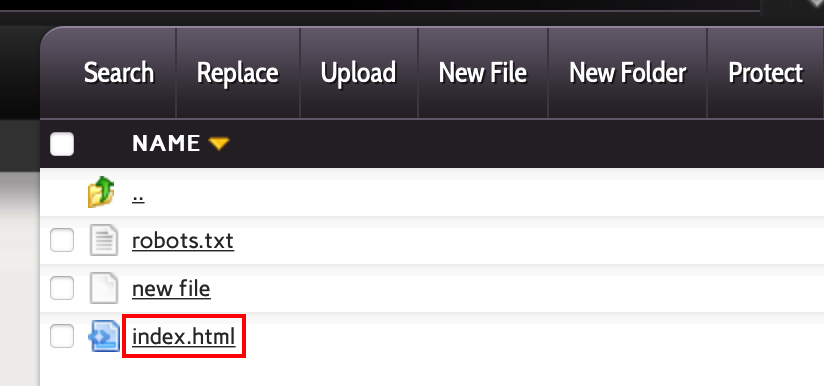
- Click the name of the file that you want to edit.
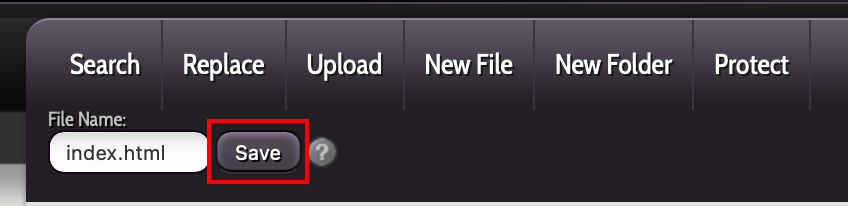
- The file will open in the text editor. Make the changes that you want to make, then click Save to save the changes.
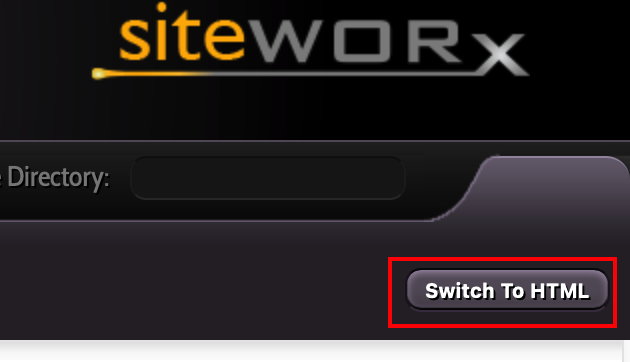
- To use a What You See Is What You Get (wysiwyg) editor, click on Switch to HTML to the right of the screen.
- Again, when you are finished, you can click Save to save your changes. You will receive a banner indicating that the file has been saved.