Managing Customers in Plesk
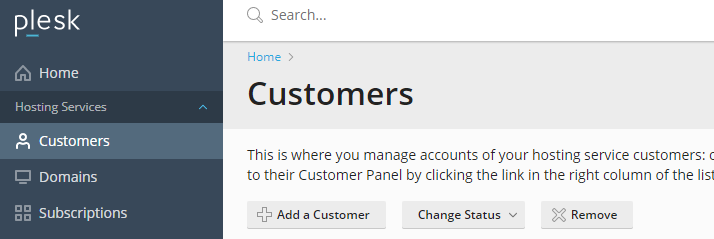
Plesk is a control panel that allows you to manage your server from an easy to use web page. You can use Plesk to manage your single business website, but the benefits of this panel are clearly in hosting multiple websites. As a developer, you can host websites, email, and databases for many customers and manage them all in one convenient panel.
Setting up your Plesk server correctly makes managing your customer’s sites and data much easier. Plesk uses a few different structures to help you organize and maintain all of your customer accounts. Service Plans, Subscriptions, Customer Accounts, and Reseller Accounts all provide helpful tools for automating your server management tasks. We’ll look at the basic steps you’ll need to complete to get things setup correctly.
Service Plans
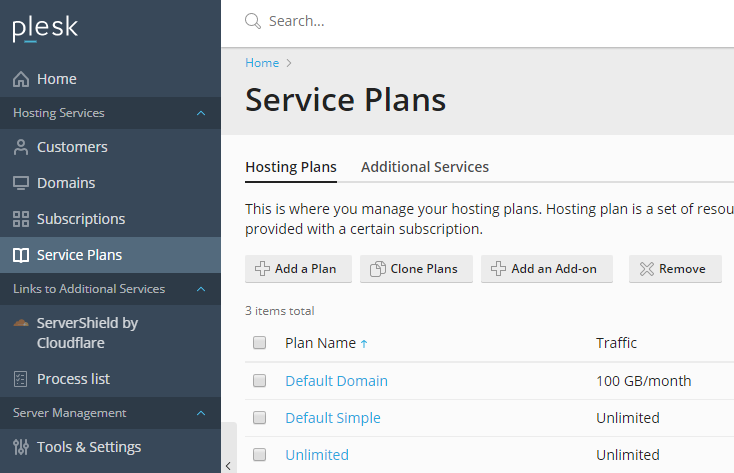
Because Plesk functions as a customer management portal, the first step in enabling effective management is setting up Service Plans to specify what resources your customers will be able to access. By default, Plesk starts with 3 service plans: Default Domain, Default Simple, and Default Unlimited. The Default Domain plan restricts users to modest levels of traffic, data, mailboxes, etc. These levels would be appropriate for a new, basic website customer. The Default Simple and Unlimited plans start the same as basically unrestricted accounts. These would be appropriate for higher volume customers for whom you want offer full server resources.
Determining what level of quotas you want to apply to customers can help you develop your business model. Do you want to offer a low cost, low volume type account? Add a Basic plan with very limited storage and traffic limits. Customers can then upgrade to more resources on a Preferred plan, or spend the maximum amount of money on an Unlimited Plan. You can Add, Remove, and Clone plans from the Service Plans section in Plesk.
Once you’ve determined your tiers of service, you can begin adding Customers and Subscriptions to the server.
Subscriptions
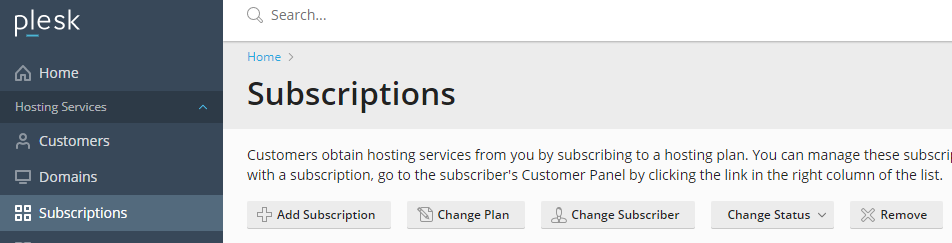
Subscriptions host the websites, email, and databases for your customers. Each subscription will host at least one website (domain) and will be assigned a Service Plan to determine what resources are available. From the Subscription section in Plesk, you can Add, Remove, or Change Subscriptions.
Once you’ve added the subscription and registered the domain name with a registrar (see Registering a Domain Name (Main URL), you’ll be able to add content and start hosting the website.Once you’ve created the subscription and its primary domain, you can add additional subdomains and content as needed. We don’t recommend adding additional top level domains to a single subscription as this limits some customization and security options (for instance, you can only assign the domains in single subscription to one IP address).
Customers