FTP User Folder Access in Cloud Sites
In Cloud Sites, you can choose what folders specific FTP users can access. When you create FTP users, you choose this folder access and you can adjust access at any time.
In Cloud Sites, you can choose what folders specific FTP users can access. When you create FTP users, you choose this folder access and you can adjust access at any time.
- Log into your Cloud Sites account.
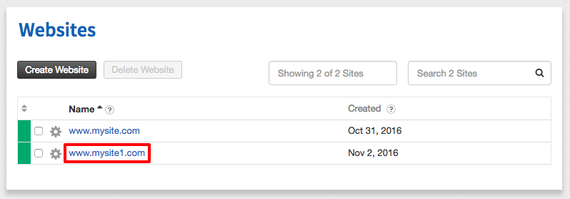
- In your website list, click on the website where you’ll be editing FTP users.

- Click on FTP to expand your site’s FTP information.
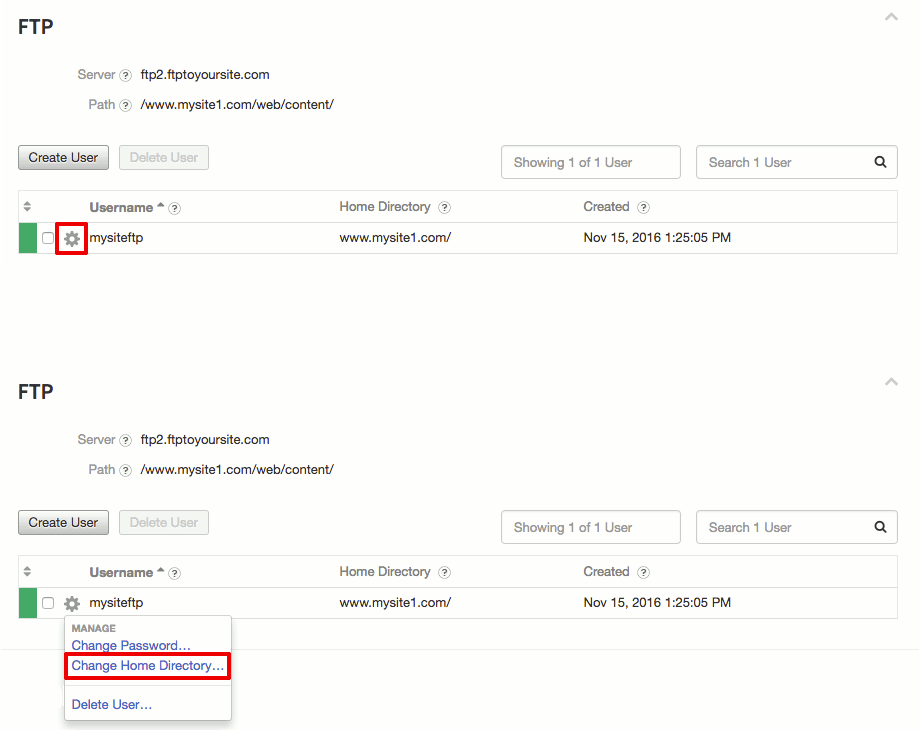
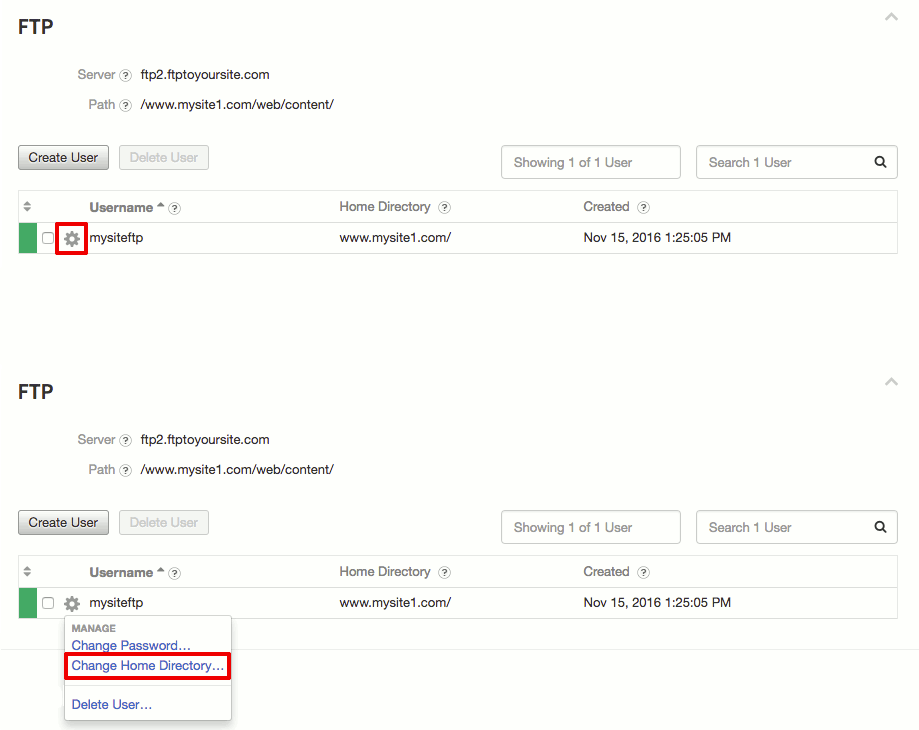
- Find the user you’d like to edit and click on the gear icon
 . Then, click on Change Access Level.
- Choose the new folder you want to use for the user’s main folder. Then, click Change Access Level to save your changes.
 . Then, click on Change Access Level.