Create a Database in Cloud Sites
Create your database through your Cloud Sites control panel in just a few clicks.
To help you create engaging content and provide an exceptional experience for your viewers, Cloud Sites provides you with simple database setup. In just a few clicks, you can create your database. This is important because databases drive dynamic content and create a seamless experience for your customers and viewers. You can use myLittleAdmin and phpMyAdmin through your Cloud Sites control panel when you need to work directly within the database,
- Log into your Cloud Sites control panel.
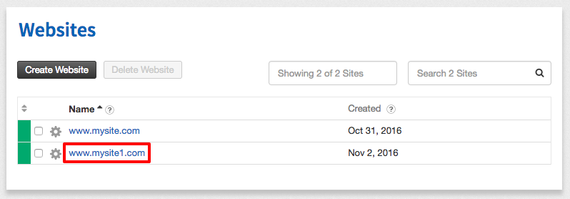
- Click on the website where you’ll be creating your database.

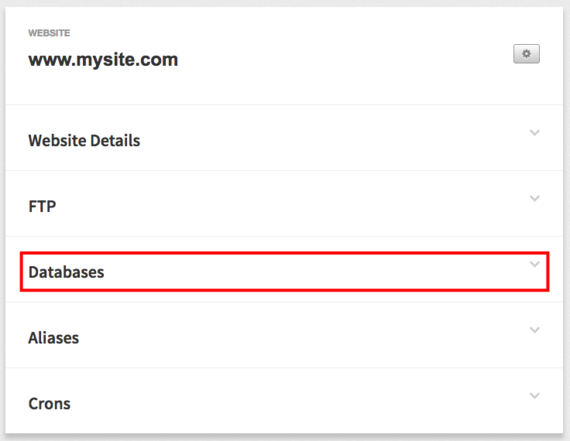
- Click on Databases to expand your site’s database options.

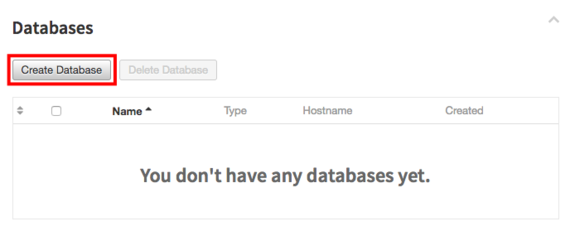
- Click the Create Database button.

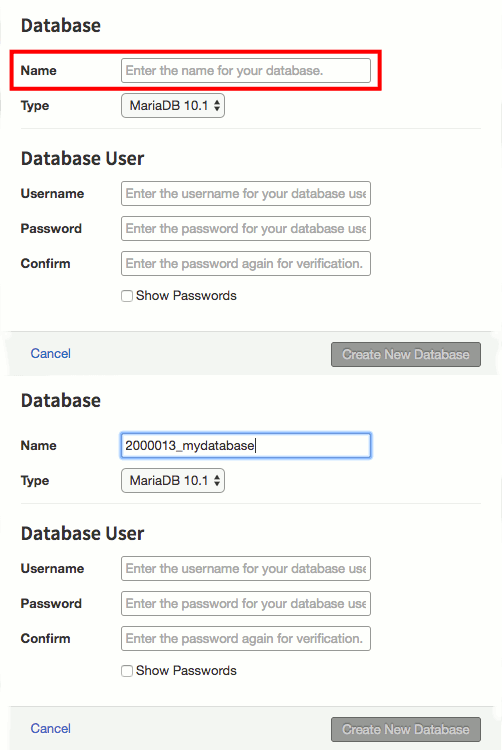
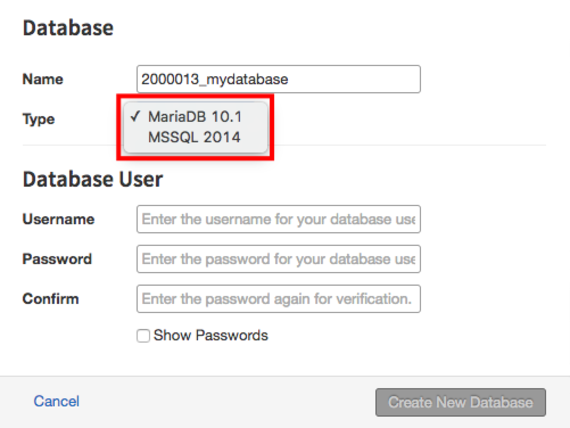
- Enter a name for your database. A numeric identifier will be automatically added to each database.

- We recommend you use the same database type throughout your whole website. Choose if you’d like your database to use MariaDB or MSSQL.

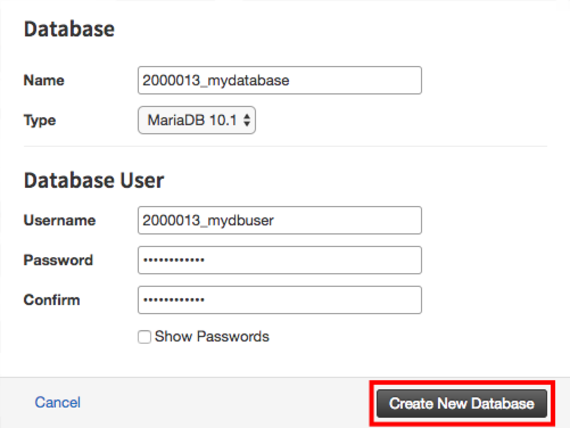
- Enter a database user username and enter and confirm a password. Then, click Create New Database.