

Accessing Unbranded Premium Business Email
Discover how to access white-labeled Premium Business Email management and webmail portals. Perfect for providing clients an unbranded experience.
Your new Premium Business Email from Liquid Web provides a wealth of features and value. However, the default interface has prominent Liquid Web branding. If this is a new service, that branding may not be a problem, but if you are providing this service to your customers or migrating from an existing service, the change in branding could be confusing. Fortunately, there is a simple way to provide your users an interface for both management and webmail that is completely free of any logos or branding.
Email Management Interface
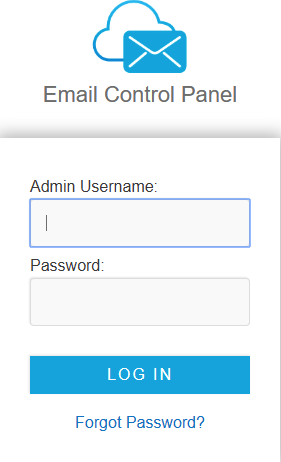
- To access the default, branded management interface, use this URL: https://managemail.liquidweb.services. You’ll see the following login screen:
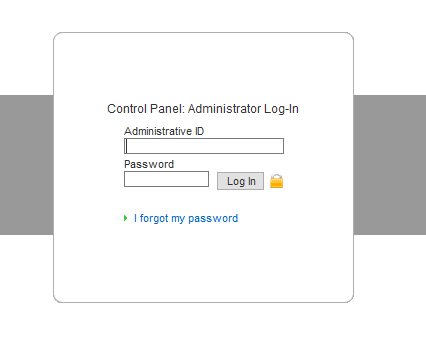
- For an un-branded management interface, use this URL: https://mycpsrvr.com. You’ll see the following login screen:
Webmail Interface
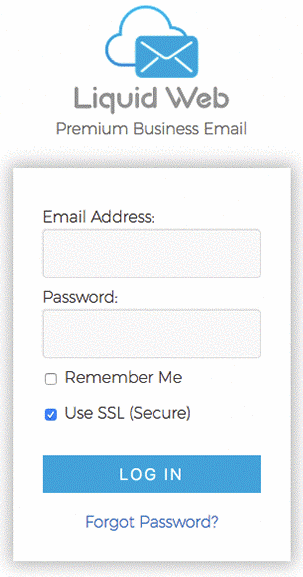
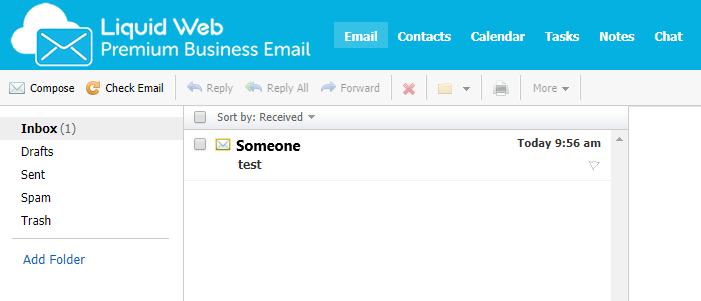
- To access the default, branded webmail interface, use this URL: https://webmail.liquidweb.services. You’ll see the following login screen and interface:
- For an un-branded webmail interface, direct users to https://mywebmail.mymailsrvr.com. They will see the following login screen and interface:

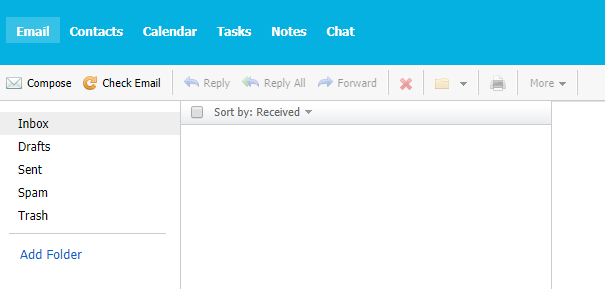
That’s all there is to it! Your users will have all the great features of Premium Business Email Webmail without any of the branding.
NOTE: |
| At this time, we are not able to offer customized branding for Premium Business Email Webmail |