 Liquid Web
 Are you thinking about starting a podcast? Here’s some exciting news: The podcast market is growing rapidly worldwide.
The podcast market is worth about $23.56 billion. There are over five million podcasts out there, and about 465 million people listen to them.
And guess what? The podcast market is only going to get stronger. Experts say that from 2023 to 2032, the podcast market will keep growing at about 27.8% per year. The opportunities are endless for podcasters today.
But money isn’t the only reason to start a podcast. Having your own podcast lets you have a voice. It can also help you connect with potential customers and authority figures in your niche.
Now that you know why you should start a podcast, you might still wonder why you need to create a WordPress site. After all, aren’t podcasting platforms like SoundCloud, iTunes, or Google Podcast enough to host your podcast?
Let’s find out why your podcast needs a website and the steps it takes to host a podcast on WordPress.
Here’s what we’ll cover:
- Why your podcast needs a website
- Why you should use WordPress to build your podcasting website
- WordPress podcast hosting: What you need
- How to host a podcast on WordPress
- Best WordPress podcast plugins
- Best WordPress podcast themes
- Final thoughts: A step-by-step guide to WordPress podcast hosting
Why your podcast needs a website
Wondering why your podcast needs a website? A podcasting website lets you:
Gain organic traffic through search engine visibility
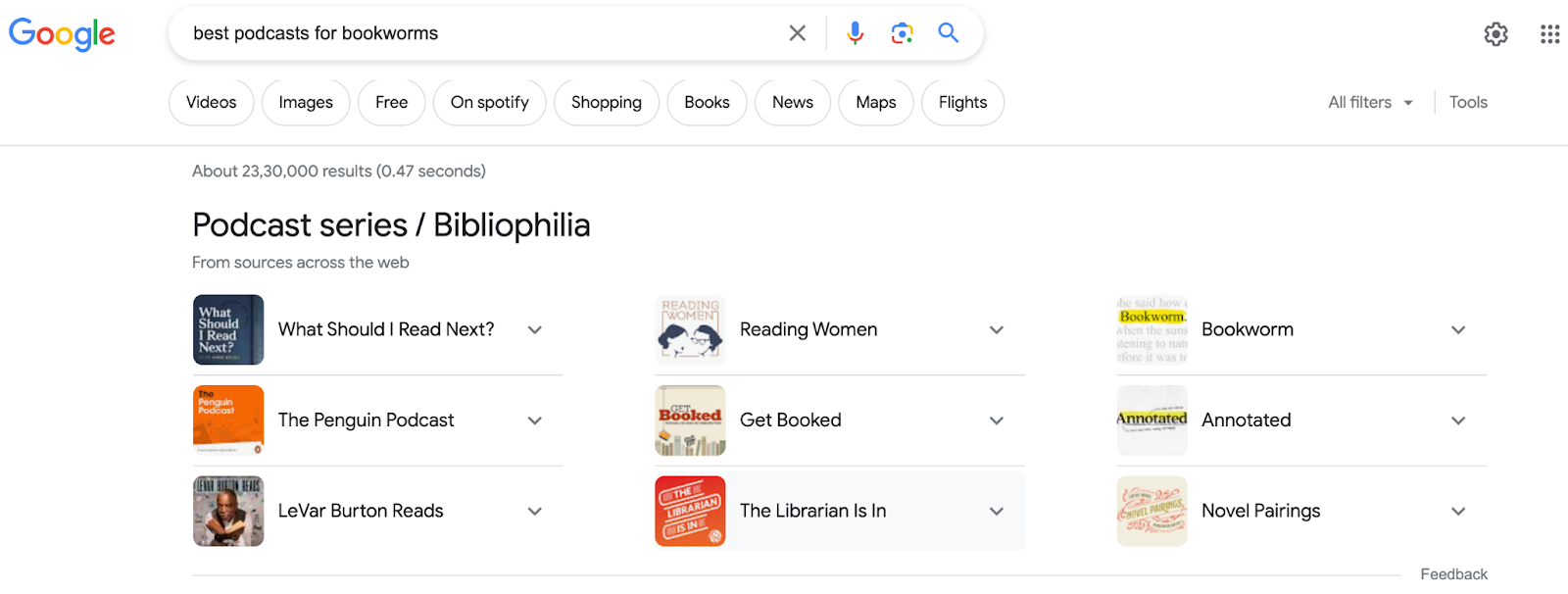
The success of your podcast hinges on one crucial factor: your audience.
And to reach a wider audience, you need more than just a podcasting platform. You need a search-engine-optimized (SEO) website that allows your potential fans to discover your podcast.
You can rank higher in search results by including relevant keywords and phrases in your episode titles and descriptions.
Share the stories behind your podcast episodes
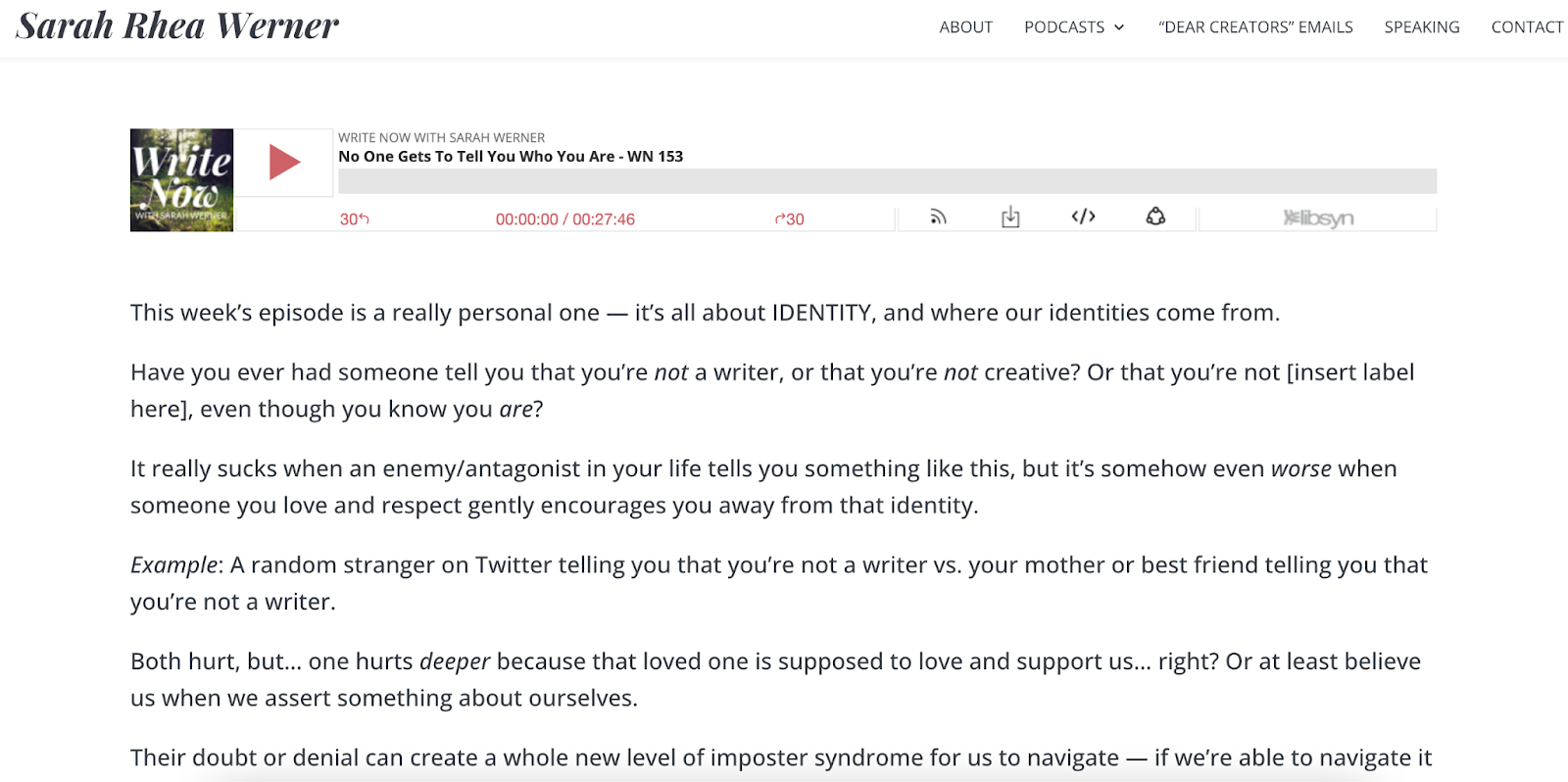
A website provides you with a platform to share the compelling story behind your podcast. It allows you to delve deeper into your episodes and provide additional details that engage your audience and foster meaningful connections.
Most people love bonus content. You can share valuable links to articles, books, or other podcasts that offer further insights.
By providing this additional material, you may also entice new listeners to hit play.
In the example above, author Sarah Rhea Werner beautifully articulates the concept of identity. Her words are bound to resonate with many creatives. Reading her engaging content might inspire them to listen to her podcast and discover more of her compelling perspectives.
Make money from your podcast
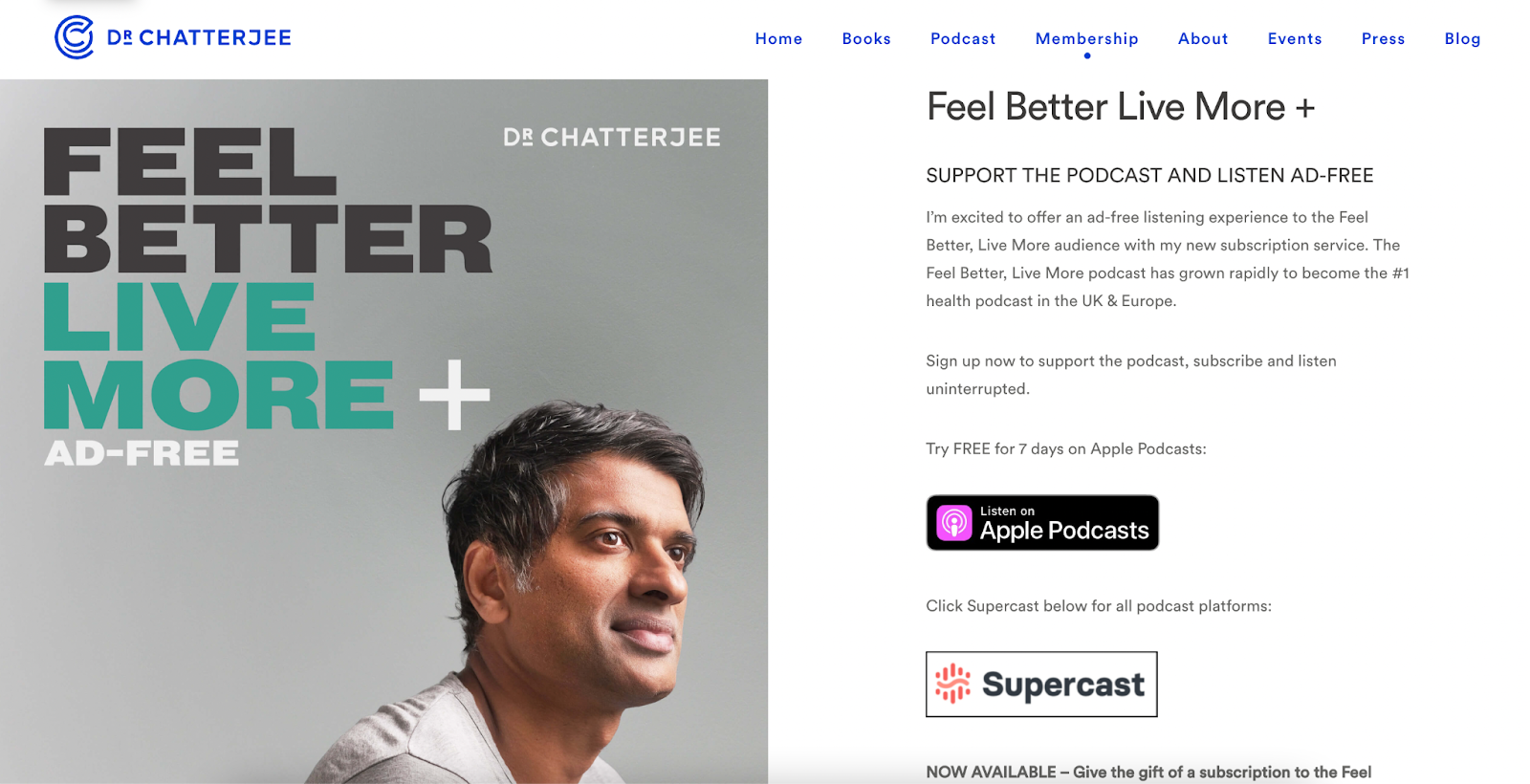
A website becomes even more crucial if you want to monetize your podcast. It acts as a central hub for your brand, providing opportunities to showcase merchandise, request donations, or generate income through affiliate links.
Like in the example above, many podcasts offer ways for patrons to support their efforts. In return, subscribers get benefits like an ad-free listening experience.
With a website, you have the power to create a sustainable revenue stream and provide added value to your loyal audience.
Have control over your content
A website provides you with stability and control. It serves as a permanent home for your podcast, unaffected by sudden shifts in social media trends or policies.
You have the freedom to customize your website, adding or removing content as you see fit, and adapting the focus of your episodes to changing contexts.
You also can choose which content you want to share for free and which you’d like to offer through payment gateways.
Create a content repository
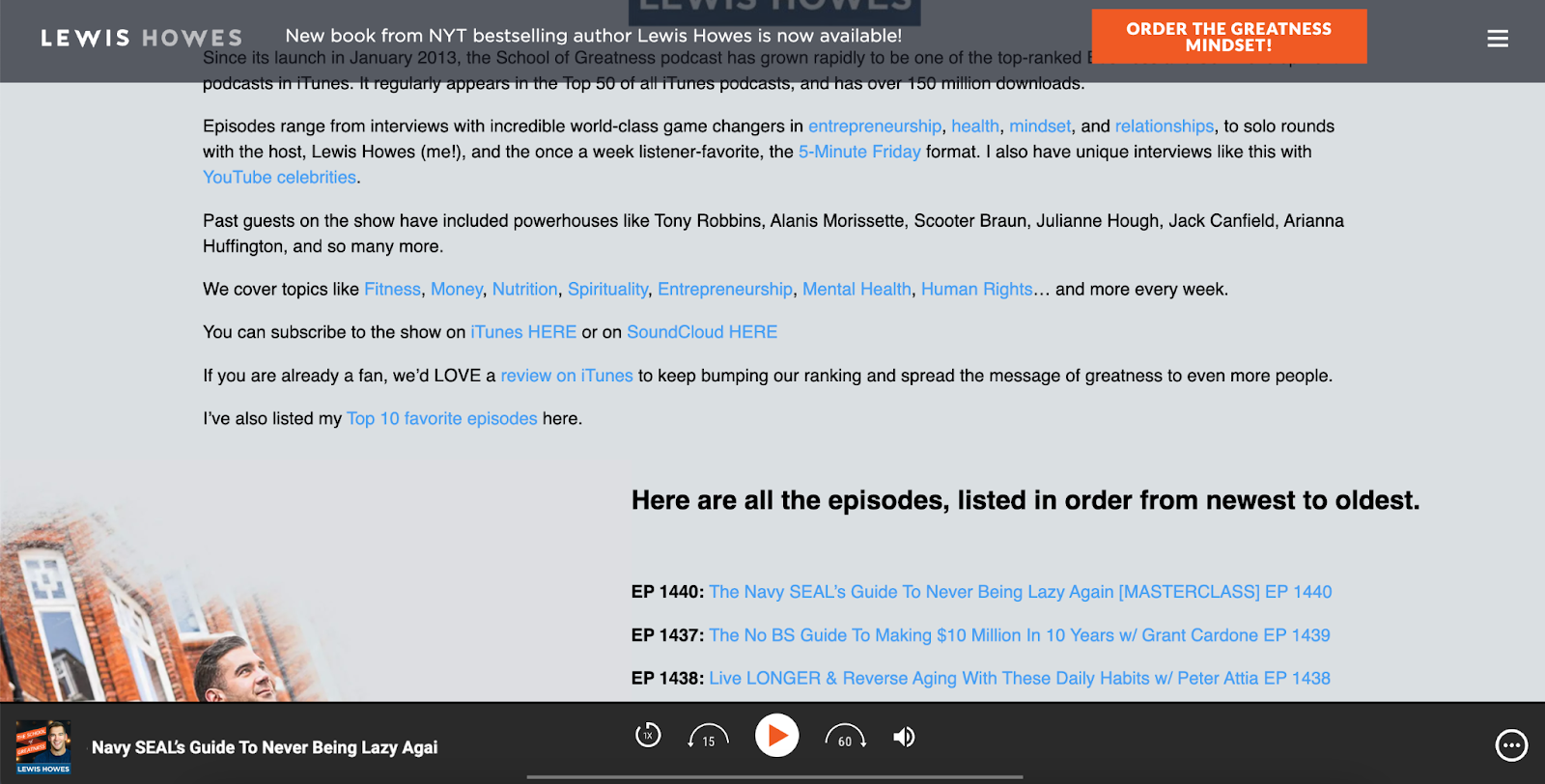
A podcasting website lets you store and share your podcast episodes in different formats. You can transform your episodes into blog posts or YouTube videos and keep them all in one convenient place.
When someone listens to one of your episodes and wants more, they can find all your episodes and related content neatly organized on your website. It’s like having a library of your content that people can explore and enjoy.
Connect with your listeners
A podcasting website opens up avenues for building connections and fostering meaningful interactions.
When you provide contact information, such as a form, social media handles, or an email address, interested individuals can reach out to you directly. Listeners can give you feedback, seek out collaboration opportunities, or express their appreciation.
Having these contact options readily available on your website enhances the overall experience for you and your audience.
Why you should use WordPress to build your podcasting website
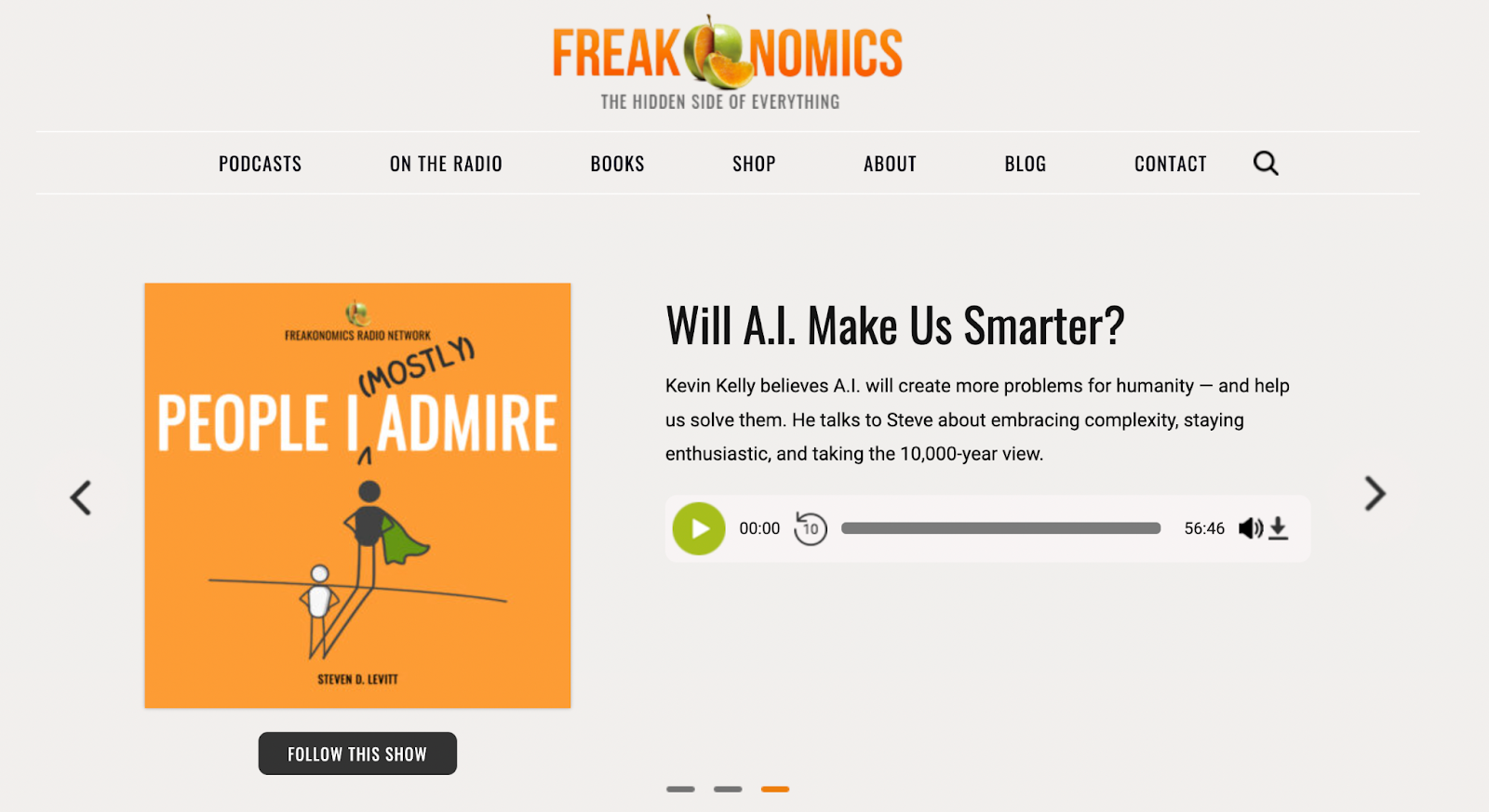
If you’re wondering why we’re suggesting WordPress, the answer is crystal clear.
WordPress dominates the web landscape, with a staggering 43% of all websites worldwide built on this powerful platform.
But that’s not all. WordPress holds a nearly 30% share among the top 10,000 websites, including renowned names like the TED blog, Sony Music, and Best Buy.
So, what makes WordPress so popular? No matter your level of technical skill or your website’s scope, you can easily use WordPress thanks to its versatility.
After you download the free software from WordPress.org, all you need is a reliable web hosting provider.
Note that WordPress.com and WordPress.org aren’t the same. WordPress.com is a hosted platform with a curated selection of templates, themes, and plugins. However, the more extensive options on WordPress.org give you the freedom to fully customize your website.
WordPress podcast hosting: What you need
Before you can dive into the exciting part of creating a podcast, you need these three things to host a podcast on WordPress:
- A server to store your audio and video files. WordPress, your web hosting provider, or a podcast service can host these files.
- A WordPress podcast plugin. This adds features that help you host and manage your podcast on WordPress. The most important features include dedicated audio and video players, tools for managing your podcast RSS feed, SEO and analytics tools, and automatic syncing with your podcast hosting platform.
- A WordPress theme to design your podcast site. A dedicated podcast theme will look more professional and have the features you need.
How to host a podcast on WordPress
- Record your podcast.
- Set up your WordPress website.
- Select the perfect WordPress podcast theme.
- Integrate a podcast plugin.
- Upload your podcast episodes.
Plan and record your podcast
First, choose a topic for your podcast that you’re passionate about or that reflects your expertise.
Then, decide on the format. Will you host it alone or have a co-host? Do you want to do interviews? Plan out your content for the near future, decide how often you’ll release episodes, and determine the ideal duration for each episode.
Get some basic tools to ensure professional-quality recordings. Invest in a reliable microphone, recording equipment, and editing software, like Audacity.
Find a quiet room to record in. A closed space like a small bedroom can work well if you’re on a budget.
Once you’ve recorded and edited your amazing episode, it’s time to share it with the world. Upload it to a podcasting platform and then publish a webpage dedicated to the episode.
Set up your WordPress website
WordPress.org lets you create a website for free and with no restrictions. This implies you can monetize your podcasts or have sponsors. But remember, WordPress.com (the hosted version) doesn’t allow this.
WordPress also offers useful plugins and themes. We’ll talk about them later.
To get started, you’ll need to find a domain name and website hosting platform.
How to choose the right WordPress podcast host
Podcasters have two web hosting options when creating a WordPress website: self-hosted (using a WordPress web host) or traditional podcasting platforms (using platforms like PodBean).
Both approaches have unique strengths and limitations, so choosing the right one depends on your goals, technical comfort level, and desired control over your content.
| Self-hosted WordPress | Traditional podcasting platforms |
|---|---|
| Requires initial setup | Simplified setup |
| Full design and customization control | Limited design and customization control |
| No limits on content and monetization | Platform can restrict your content and monetization |
| Best for maximizing monetization potential | Best for beginners seeking simplicity |
While a traditional podcasting platform may meet your needs now, you’re likely to run into restrictions eventually. Choosing to host your WordPress podcast site with a reputable provider will give you plenty of room to grow.
Select the perfect WordPress podcast theme
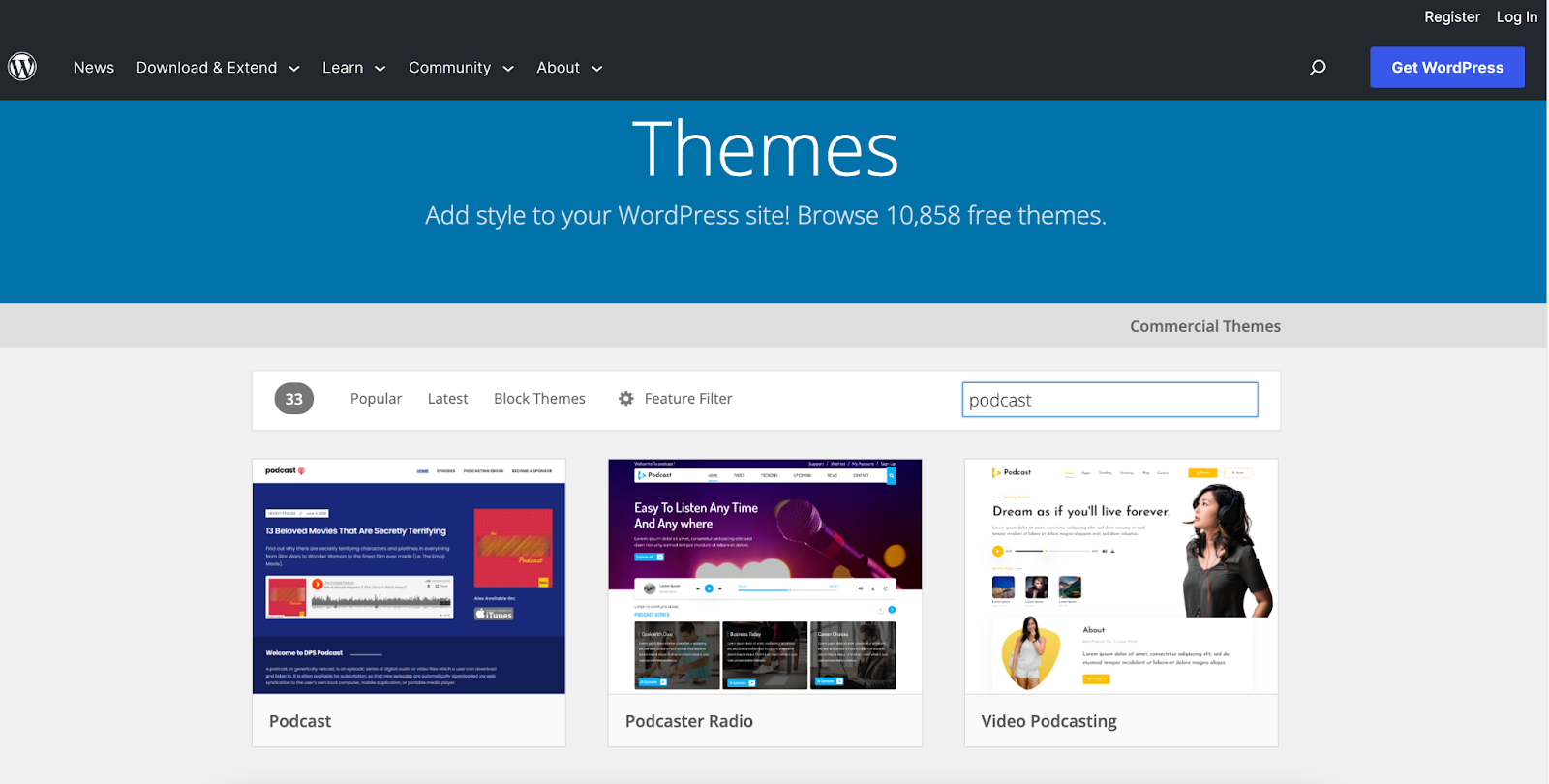
You must choose a WordPress theme designed specifically for podcasts. Look for a responsive theme that adjusts content and images according to the listener’s device and screen size.
The WordPress podcast theme may include a playback button (which also can be added using a plugin) and should offer excellent customer support.
If there’s room in your budget, choose a premium theme costing around $50 to $100 annually, as it will provide extra features.
Integrate a podcast plugin
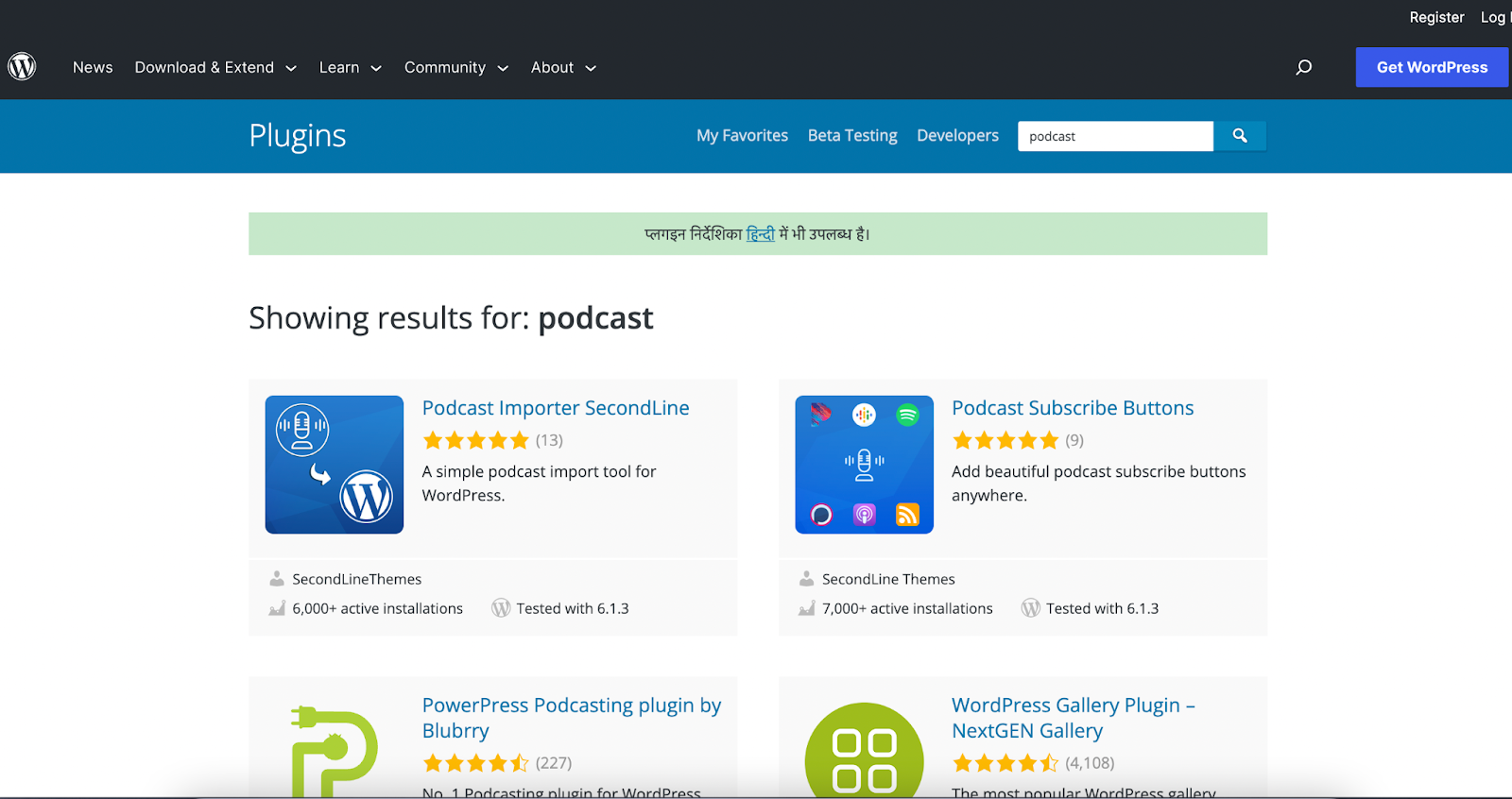
You’ll need a reliable WordPress podcast plugin to make your podcasting journey seamless.
Look for a plugin that makes it easy to add episodes to your website and integrate with popular podcasting platforms. You also will want access to analytics to get a better handle on what your audience likes.
Many of these plugins also let you customize your player, such as changing background colors.
Publish your podcast episodes
The next step in hosting your own podcast on WordPress is to publish your episodes. Once you have your podcast plugin activated, this process is a breeze. Most plugins also provide user-friendly instructions to guide you.
To start, create a new post on WordPress dedicated to your episode.
Within this post, you’ll embed your audio player using a WordPress shortcode and include all the necessary details, such as show notes and the episode description.
It’s also a great idea to provide a transcript of your episode. Search engines find podcasts more easily with the help of keywords and phrases from transcripts, and time-strapped listeners can quickly browse the episode’s content.
Now, let’s explore some of the best plugins and themes you might need for your podcast website.
Best WordPress podcast plugins
Here are some of the best WordPress podcast plugins for beginners, advanced users, and even those with existing podcasts who are looking to build a website.
Seriously Simple Podcasting
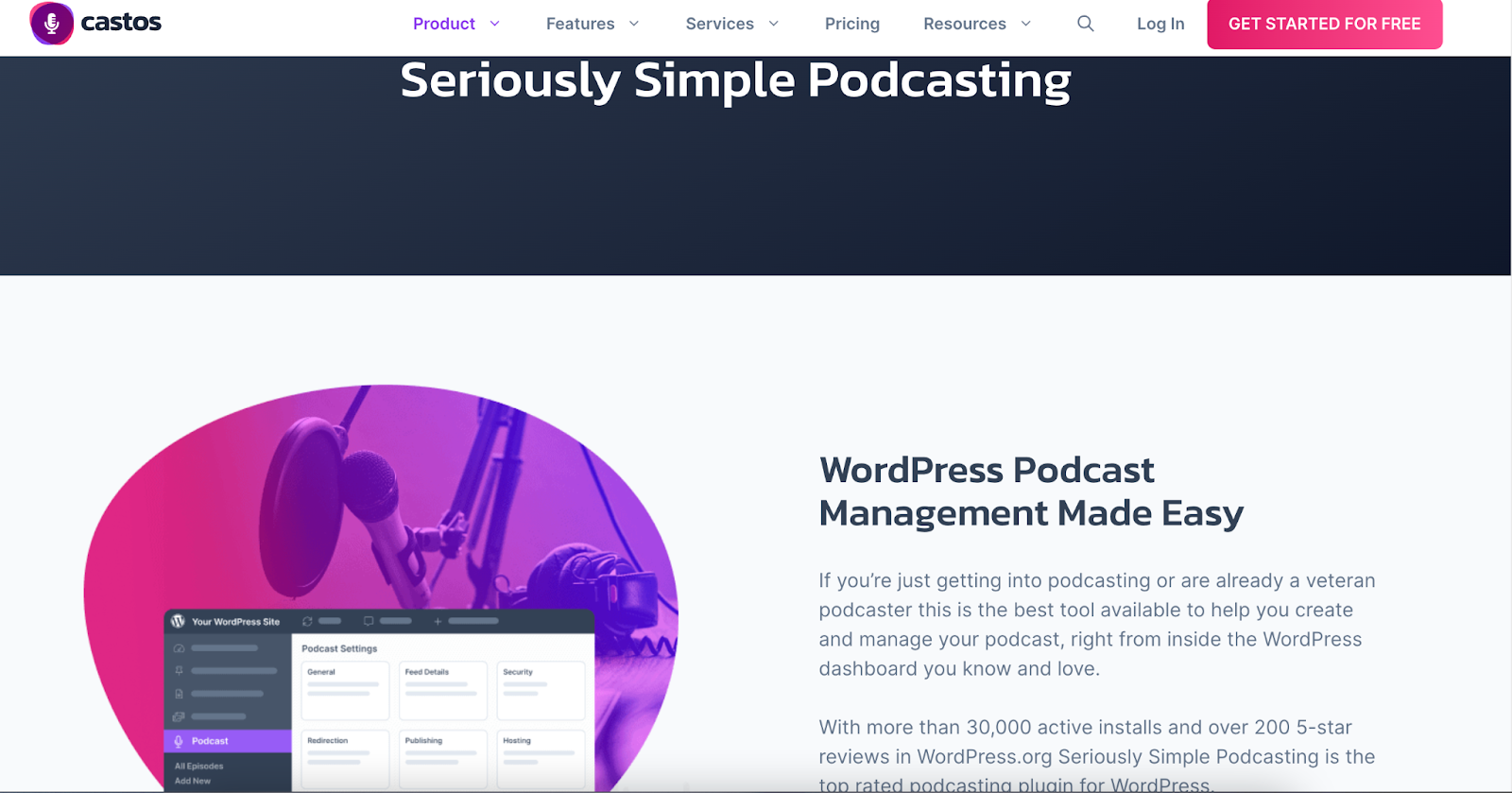
The Seriously Simple Podcasting plugin offers a user-friendly audio and video podcast experience. Perfect for beginners, this free plugin allows easy configuration with one-click imports.
With built-in analytics tools, the Seriously Simple Podcasting plugin lets you track the performance of each episode. It also offers free add-ons, like media player customization and featured speaker boxes.
Moreover, you can host multiple podcasts with unique podcast RSS feeds on the same website, expanding your podcasting universe.
While it integrates seamlessly with Castos podcast hosting, it’s also compatible with other hosting options.
Price: Free for the plugin. Castos hosting starts at $190/year.
Blubrry PowerPress
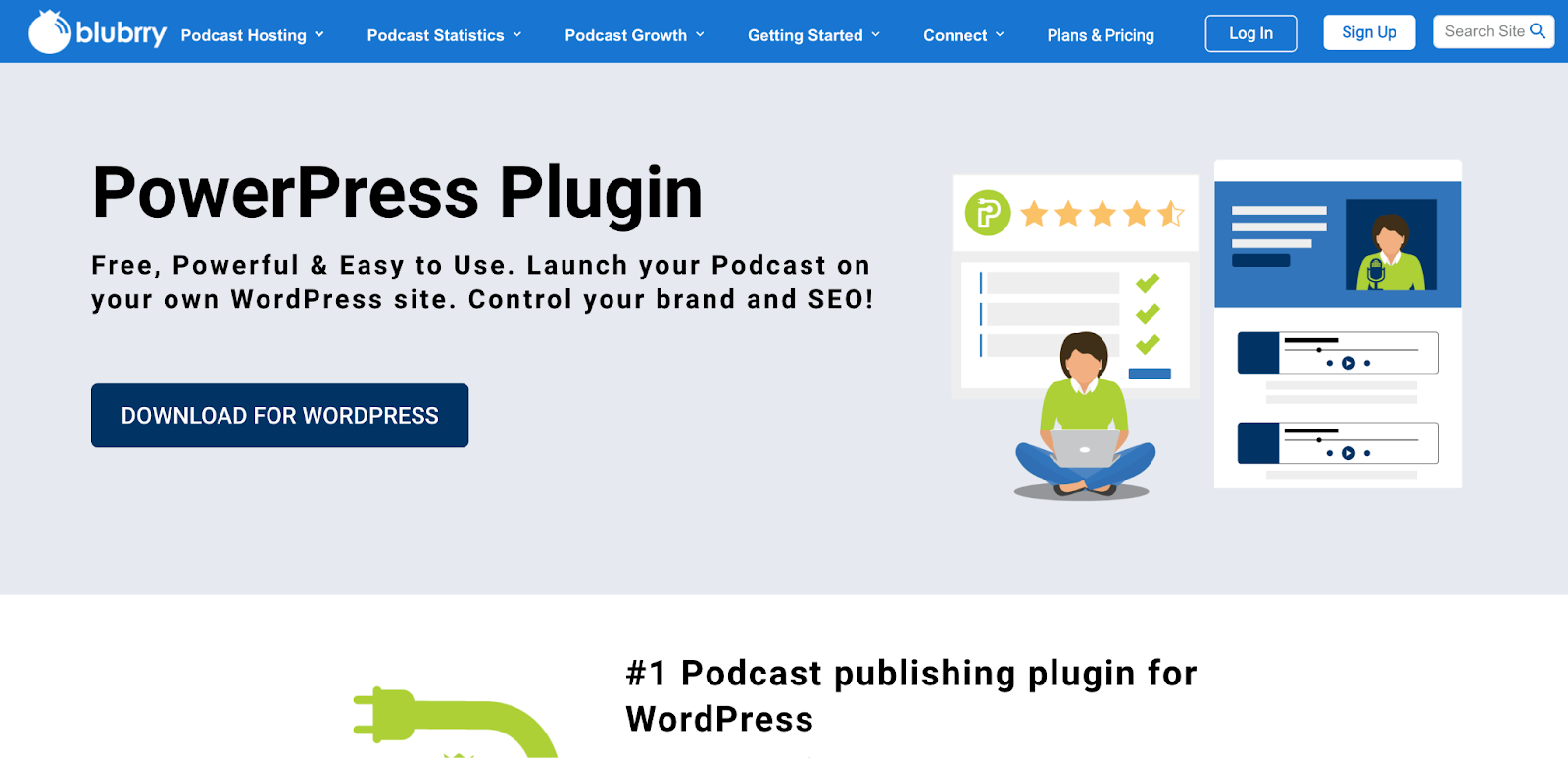
With the Blubrry PowerPress plugin, you can easily start new podcast episodes and take advantage of a range of audio and video player options.
Using its RSS feed feature, you can customize your episode titles, create playlists, and easily share your content on popular podcast platforms.
With built-in SEO tools, Blubrry PowerPress helps improve your organic growth, giving you higher visibility on search engines and directories.
The plugin also supports closed captioning and rich show notes for a more immersive experience. Plus, it’s easy to set up subscriptions and monetize your podcasts.
Price: Starts at $120/year with the first month free.
Podcast Player
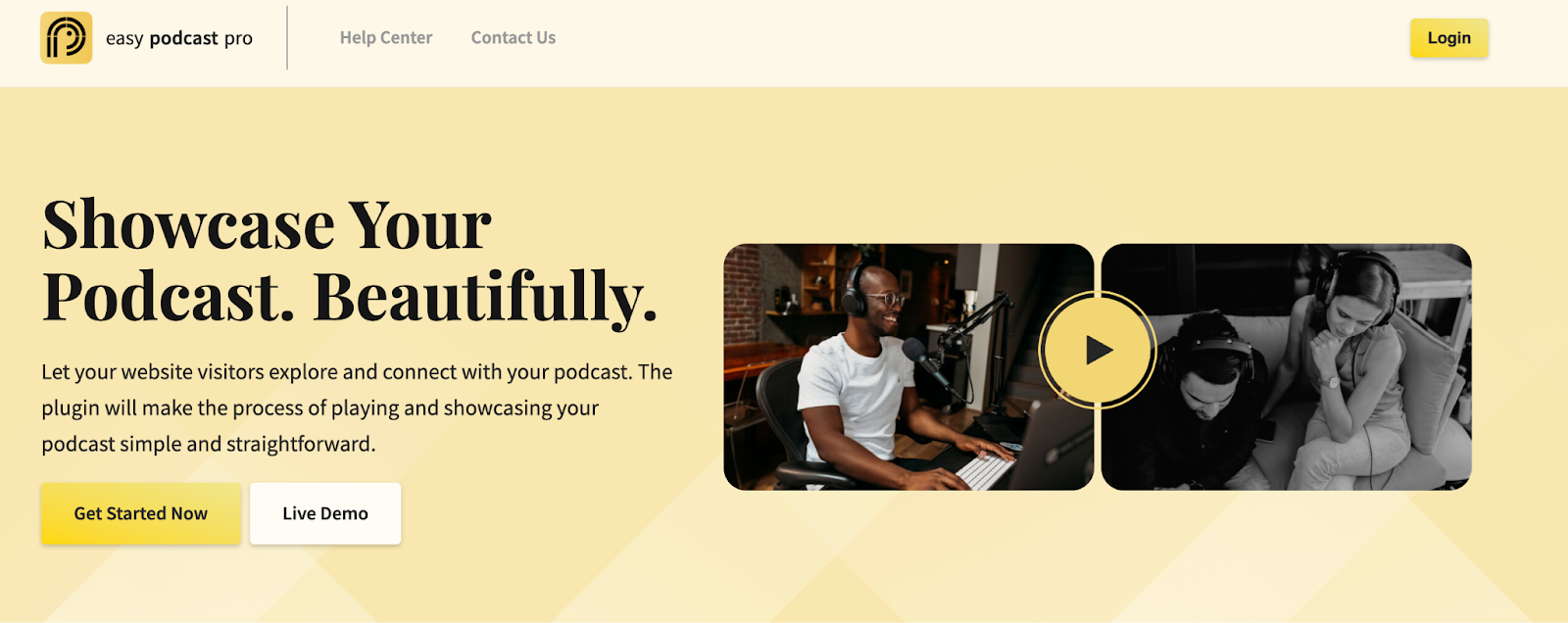
Podcast Player, also known as Easy Podcast Pro, is a user-friendly plugin for adding a podcast to your website. Just enter the URL of your podcasting feed, and the plugin does everything else.
You can use shortcodes, widgets, or editor blocks to show off your podcast. Your listeners can enjoy your podcast from any page.
The plugin also includes SEO features and analytics tools to help improve your visibility and track performance.
With the Podcast Player plugin, you can effortlessly showcase and optimize your podcast for a better listening experience.
Price: Free (with limited features). Pro version starts at $39.99/year.
MP3 Audio Player by Sonaar Music
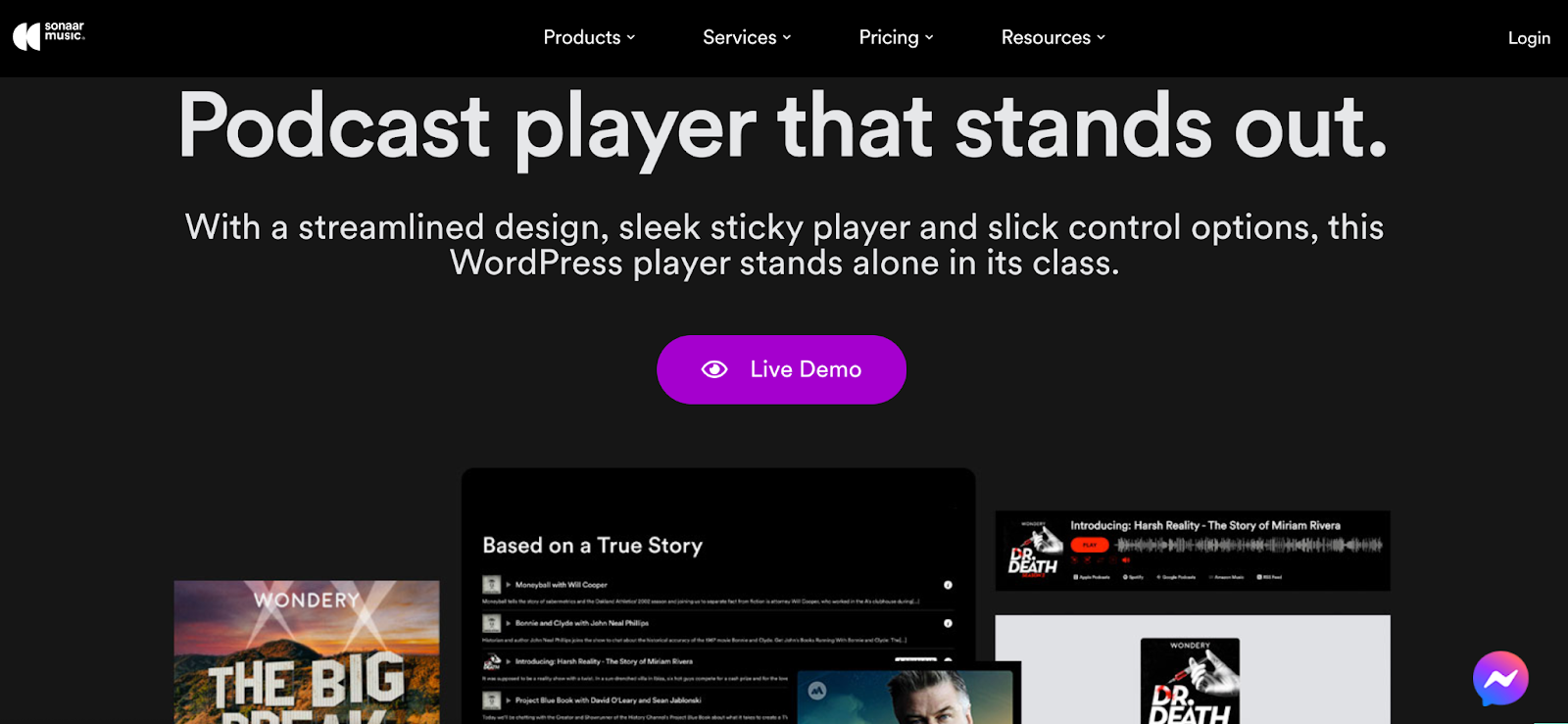
If you want a stylish-looking podcast website that offers a great user experience, then MP3 Audio Player is the plugin for you. This is a truly versatile and beginner-friendly plugin custom-built for podcasters and musicians.
You can add as many episodes as you wish on your blog posts and easily import them from major podcast hosting platforms.
The audio player is visually stunning and feature-rich. You can choose between basic progress bars and gorgeous waveform designs.
Price: Free (with limited features). Pro version starts at $49/year.
Podlove Podcast Publisher
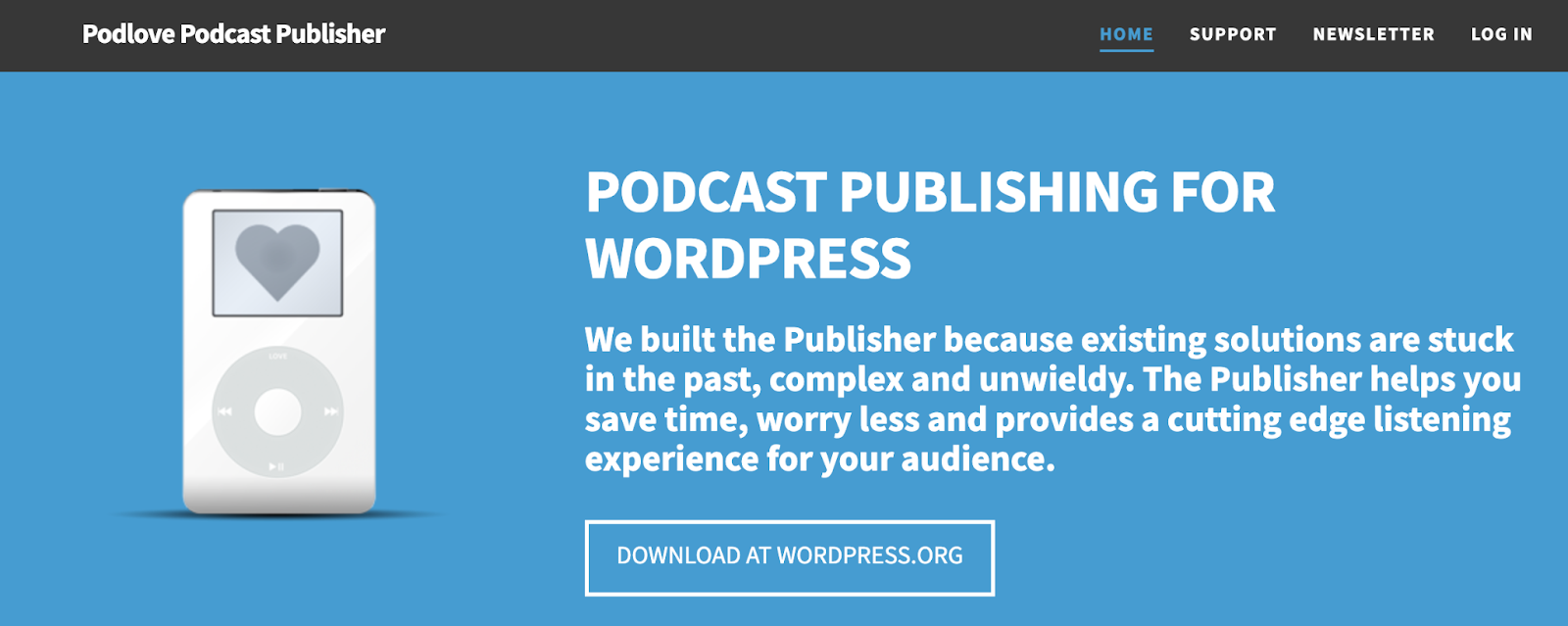
Podlove Podcast Publisher is a powerful free, open-source plugin designed specifically for WordPress podcasts.
You can easily set up subscriptions, and the robust analytics tools will help you track your progress.
This plugin is highly customizable and offers a modular interface, making it perfect for both beginners and advanced users who want to fine-tune the back end.
Price: Free.
Best WordPress podcast themes
You need the perfect WordPress podcast theme to create a professional-looking website with an easy-to-use interface. Check out these stylish and feature-rich WordPress podcast themes:
OceanWP
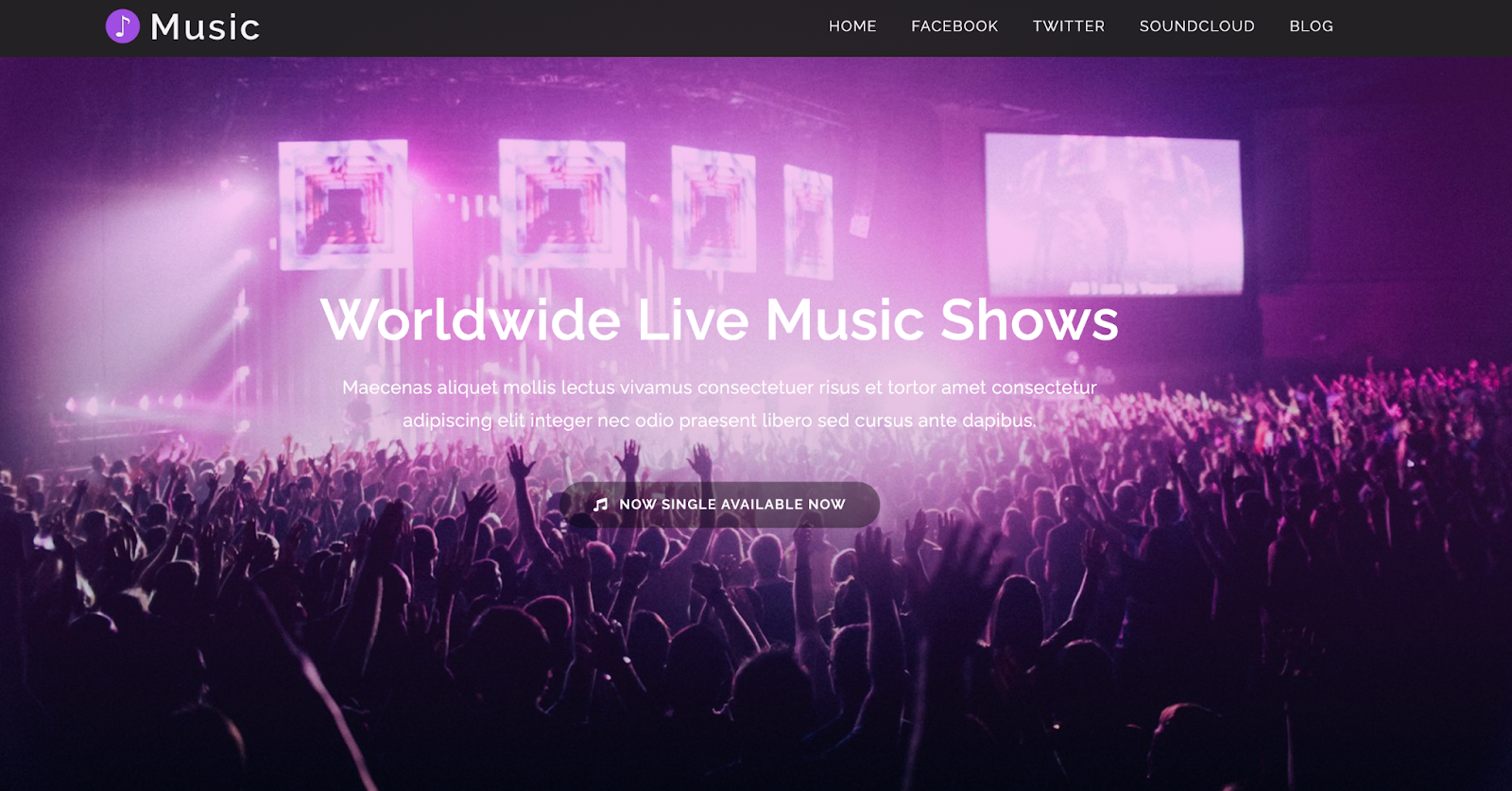
OceanWP is a free WordPress theme that provides you with an array of templates. It works well with most of the page builders, including Elementor, Divi, and Beaver Builder.
This theme is a fantastic choice if you plan on selling podcast merchandise using WooCommerce.
Plus, the premium version has add-ons like social media icons and user registration.
Price: Free (with limited features). Personal version starts at $43/year.
Astra
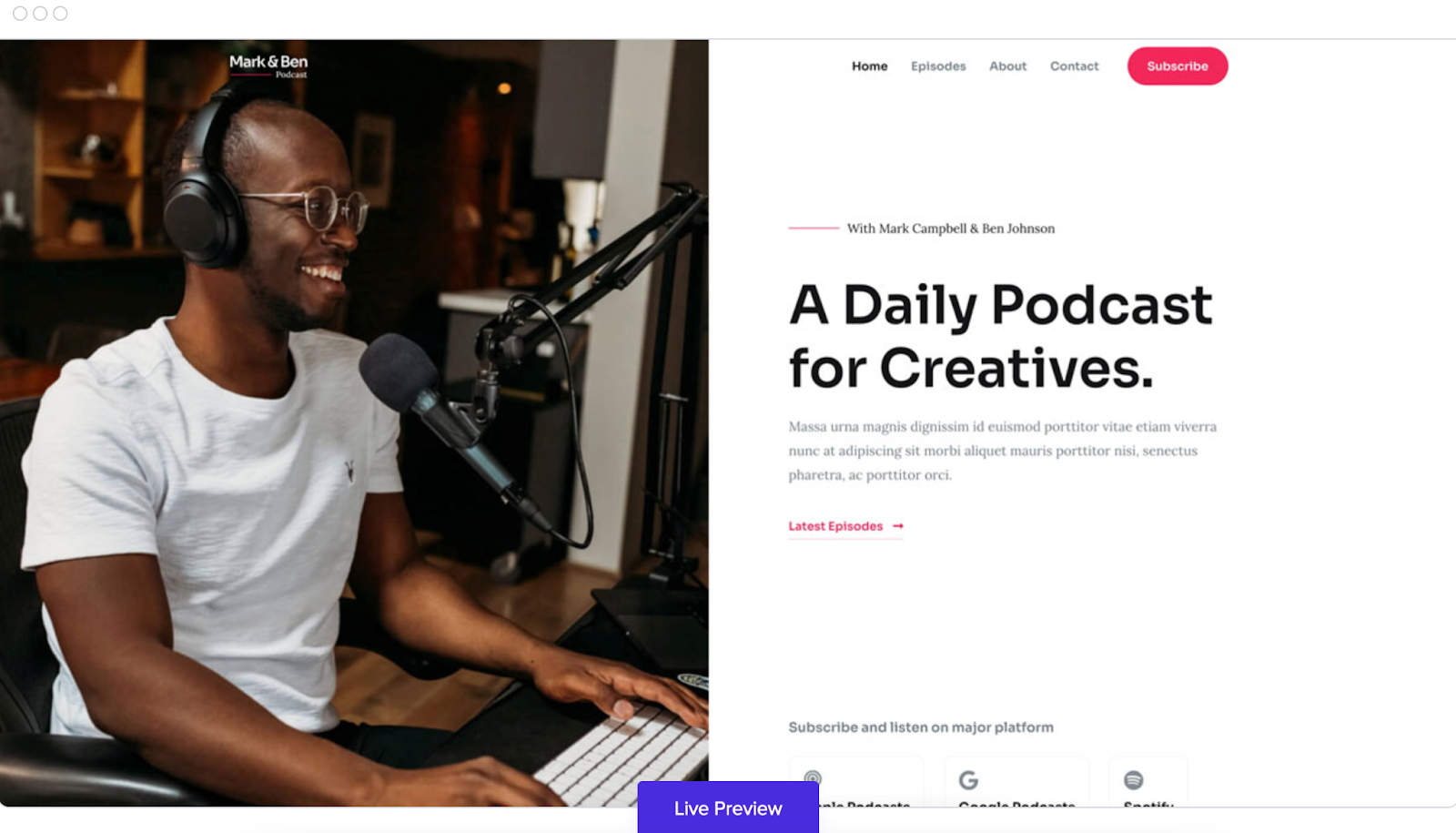
Astra is a stunning free WordPress theme designed for multimedia websites, including podcasts.
It offers 180+ demo sites, and the Creative Podcaster option is built specifically for podcasters.
You can customize the colors, headers, page layouts, and backgrounds. Plus, Astra integrates seamlessly with drag-and-drop builders like Beaver Builder. This helps you to personalize your website effortlessly.
Price: Starts at $47/year.
Hestia Pro
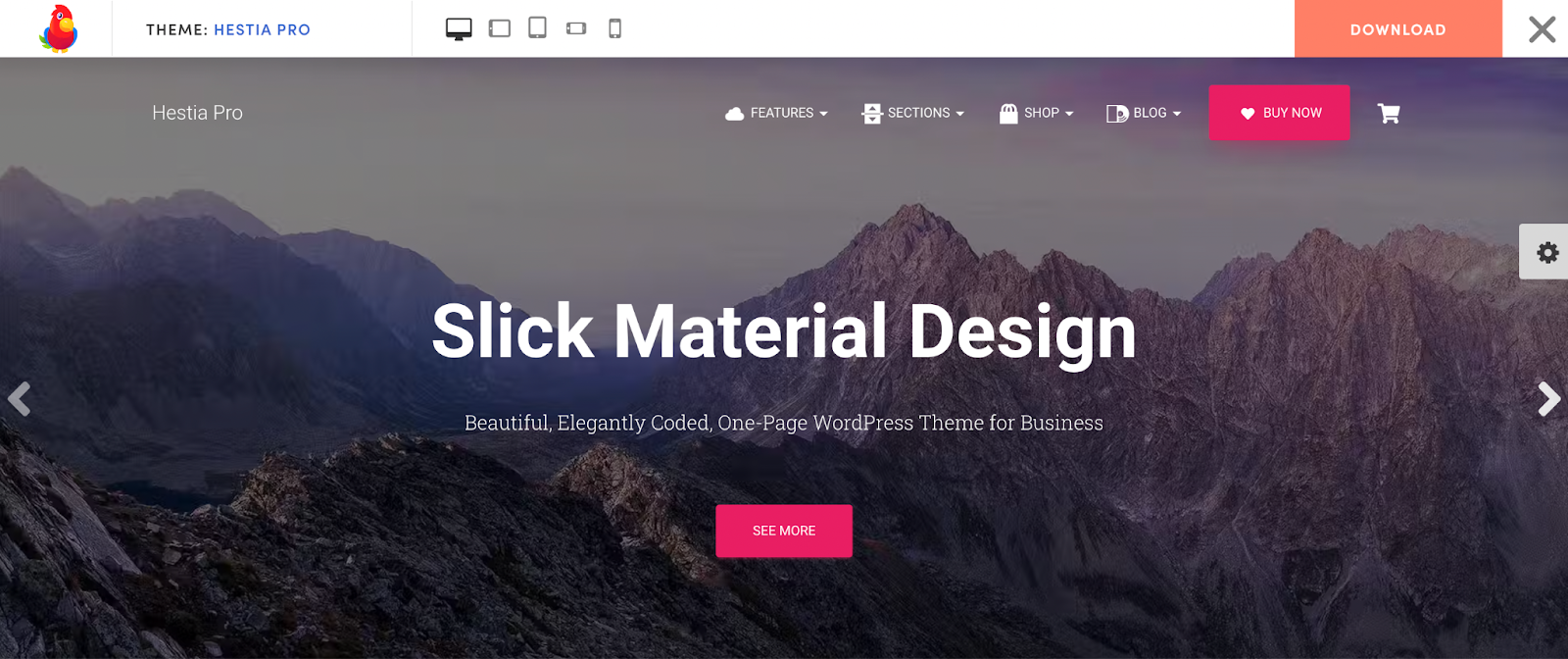
Hestia Pro is suitable for both audio and video podcasts. It comes with starter sites you can easily customize.
Hestia Pro offers useful features like widgetized footers, blog pages, and one-page designs.
The theme is responsive and retina ready, meaning visual and audio experiences remain uncompromised across devices and screens of different sizes.
Hestia Pro is SEO friendly, too, offering you the chance to improve your visibility in internet searches.
Price: Free (with limited features). Premium plans start at $69/year.
Divi
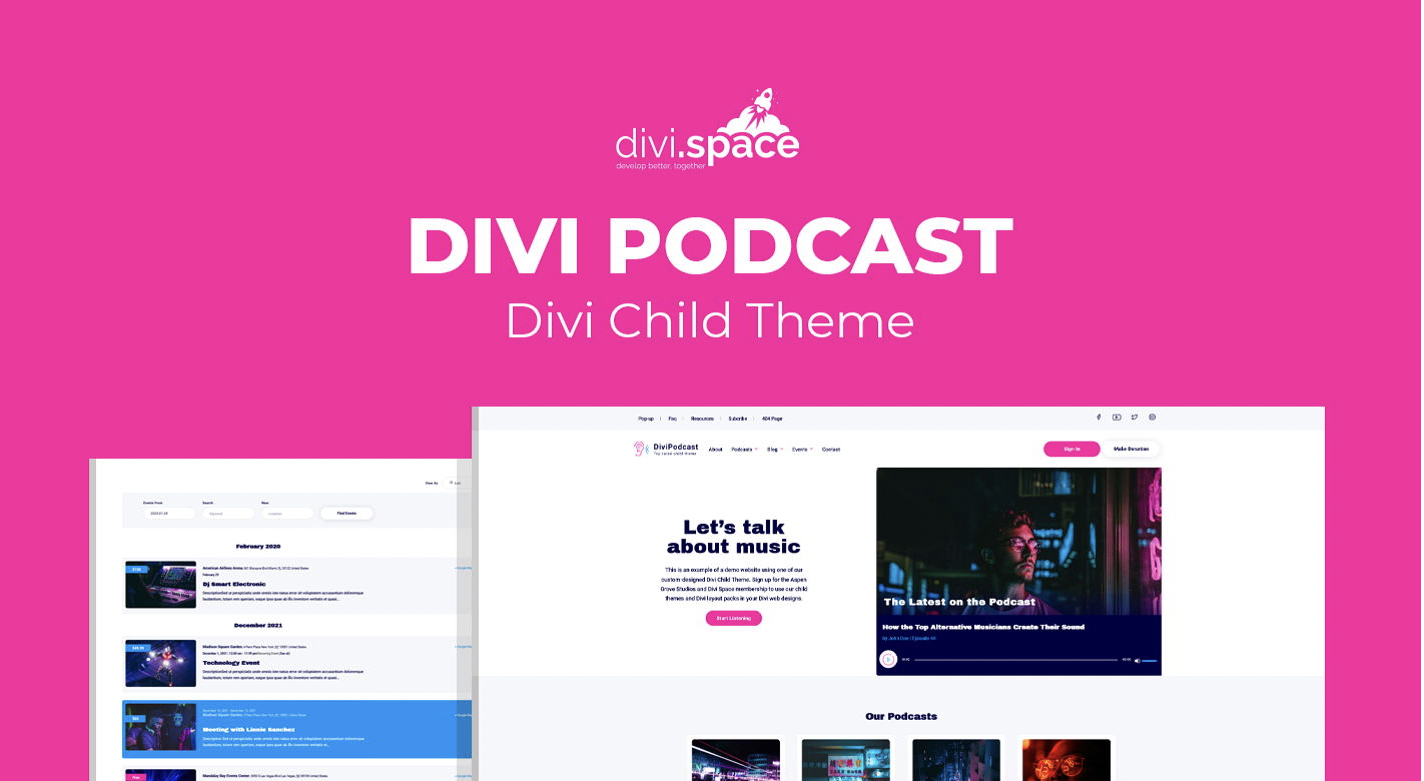
With Divi, you get ready-made website templates for podcasts, videos, and vlogs. You can easily customize your pages with the Visual Builder.
Pre-designed pages like Home, About, Blog, Events, Donations, and Subscribe Now make it easy and fast to set up your website and get in touch with your audience.
The Divi podcast theme comes with helpful add-ons, like a podcast icon pack that helps you promote and market your podcast. It also includes a built-in events calendar.
Price: $39. Includes a year’s worth of updates and customer support.
Final thoughts: A step-by-step guide to WordPress podcast hosting
WordPress has all the features you need for your podcasting website in one place. Some plugins we discussed even have analytics features, giving you helpful insights about your podcast’s performance.
Knowing which episodes your audience likes, how many people listen on different devices, and other important information helps you improve your content and plan future episodes.
But there’s more to think about. You also need a secure and dependable hosting provider to ensure your WordPress site runs smoothly.
At Liquid Web, our user-friendly WordPress hosting plans can grow with your podcasting website. With options ranging from managed WordPress hosting to WordPress VPS, you can confidently switch to Liquid Web.
Our customer care team is available 24/7365 to help with any issues or questions you have. We’re here to support your podcasting journey.
Take your podcast to new heights with powerful WordPress podcasting plugins and reliable hosting from Liquid Web. Get started today.