
 Maddy Osman
 Data breaches are a continuous threat — and for those on bare metal infrastructure, system state and bare metal recovery are two robust options for consideration.
In fact, 68 percent of data breaches involved human error or targeting a non-malicious staff member through social engineering, according to Verizon.
Humans are the weak link, and data loss can happen at any time, even without an angry employee causing deliberate harm. You need comprehensive data backup and recovery methods to protect your organization’s data.
In this article, we’ll walk you through two options: system state and bare metal recovery. We’ll also cover their differences, pros and cons, and how to choose and test the right plan for your company.
Here’s what we’ll cover:
- What is the difference between a system state recovery and a bare metal recovery?
- System state recovery
- Bare metal recovery
- Choosing the right recovery method and tools
- Testing your recovery plan
- Compliance requirements
- Final thoughts: Complete guide to system state and bare metal recovery
Key points
- A system state recovery rolls back a system to a previous working configuration.
- Bare metal recovery restores an entire system and data to a previous working state.
- System state and bare metal recovery differ in what content they recover and the time needed.
- System recovery is quick to execute, but bare metal recovery is more thorough.
- Choosing the right recovery method requires a needs assessment.
- Complying with data protection regulations helps protect your business from financial loss from lawsuits and fines due to a data breach or loss event.
What is the difference between a system state recovery and a bare metal recovery?
A system state recovery (SSR) rolls back critical operating system files to the last known working configuration. Bare metal recovery (BMR) restores a system and its dependencies on the critical system volume (Local Disk (C:) on Microsoft Windows).
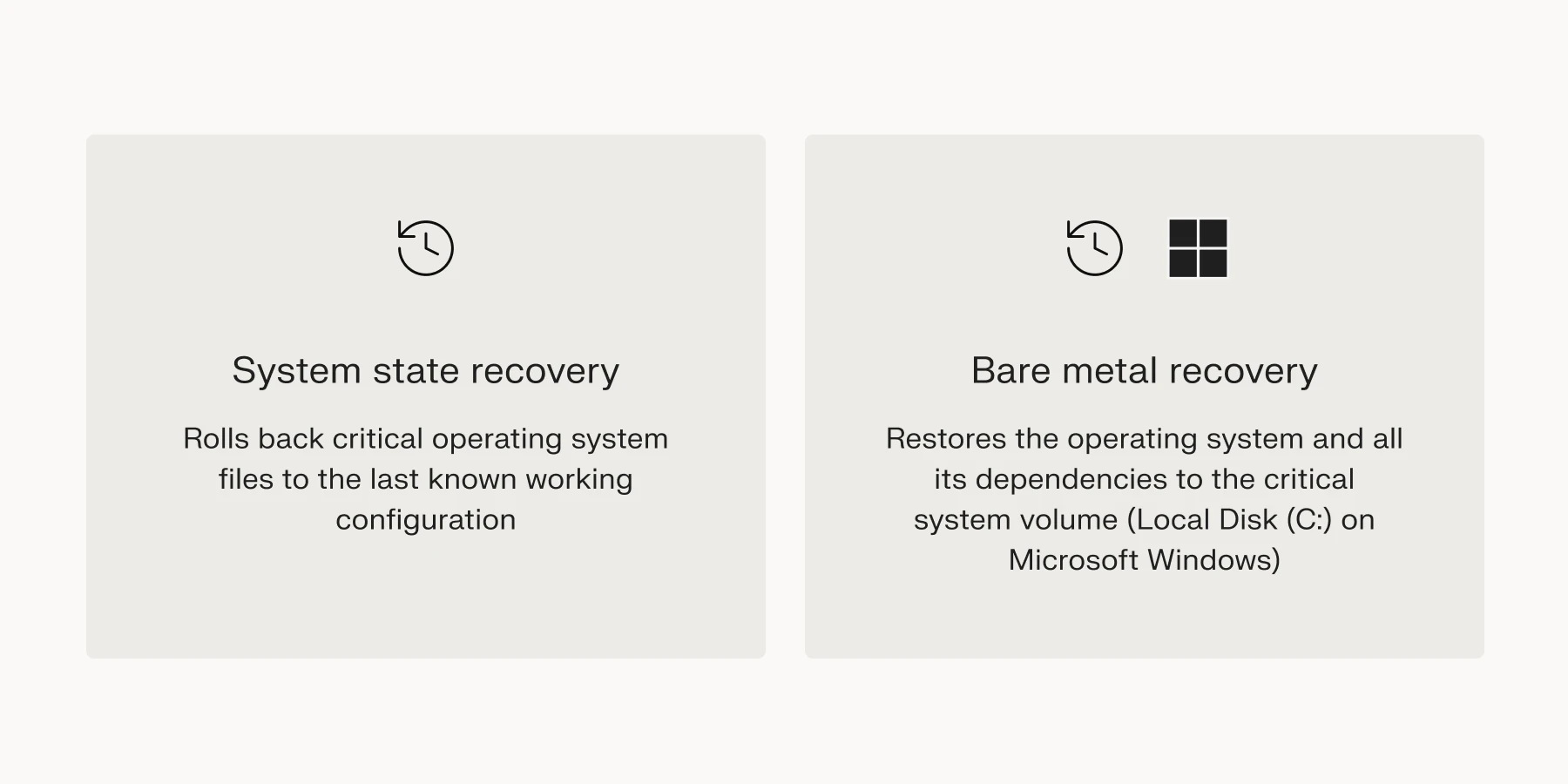
A system state recovery typically restores components responsible for managing the operating system’s behavior. You need it when your server starts, but the software fails or doesn’t work as it should.
That means that a bare metal recovery restores the operating system in its entirety. It’s ideal when the server is completely dead due to a failed hard drive, ransomware, malware infection, or hardware migration.
Recovery content
System state and bare metal recovery are designed with different objectives in mind and differ in terms of the content they recover.
To restore your system to a previous working configuration, a system state recovery restores (Windows Server):
- Boot files
- COM+ registration database
- Registry
- Active Directory (AD)
- System files on critical volumes
Imagine installing new software that changes your server’s network and registry settings. However, the operating system stops working when you uninstall the application. This is when you execute a system state recovery.
Unlike system state recovery, bare metal recovery restores all the operating system’s files. Although it doesn’t restore user data like documents, media, and applications by default, you can configure it to do that. Bare metal recovery also performs a system state recovery by default.
Backup and recovery time
System state and bare metal recovery take different amounts of time to execute, with the difference caused by the varying backup sizes. A system state recovery is faster because it’s a quick snapshot of the operating system state.
However, a bare metal recovery takes longer to execute. It’s an intricate and comprehensive recovery of the operating system. Additionally, when specified, it contains user data from various logical hard drive partitions.
System state recovery
Let’s examine the pros and cons of system state recovery to better identify use cases.
Pros
- You can create system state backups more frequently since they are less expensive in terms of computing resources and time.
- A system state recovery doesn’t interfere with user data. It only backs up and restores operating system components.
Cons
- Once you create a system state backup, you can’t use it to restore another machine. You can only use it on the machine on which you created it. This necessitates the creation of a backup for each server in your cluster.
- A system state recovery is only possible if the server is functional. Natural disasters like floods or fires and attacks like ransomware can render it unusable.
- In a recovery operation, you can’t partially restore the system — it’s all or nothing. However, in its entirety, a system state recovery is a selective restoration because it only recovers the configuration bit of your system.
- System state recovery doesn’t cover user data. You need an additional backup and recovery solution for this.
Bare metal recovery
System state recovery isn’t the best choice in all situations. Let’s look at the strengths and weaknesses of bare metal recovery to get a complete overview.
Pros
- BMR backup software provides recovery options that allow you to partially restore systems from full backups.
- Bad actors can inject malware into backups. However, bare metal backups are encrypted to protect them against this. Encrypted files are only accessible to users with decryption keys.
- You can execute a bare metal restore from start to finish in one step. Additional steps to configure the restore process are not necessary.
- A bare metal recovery features a system state restore by default. This means your system’s configuration and functionality are recovered by default.
- A bare metal recovery can backup and restore user data. However, this option is turned off by default for most systems. You have to enable it manually.
Cons
- The initial setup for bare metal recovery requires skilled personnel to configure it correctly. However, you can remedy this by outsourcing disaster recovery to a third-party Disaster-Recovery-as-a-Service (DRaaS) business.
- Hardware independence hinges on the tool you use to manage your data recovery. Some solutions let you recover on dissimilar hardware configurations, and others don’t.
Choosing the right recovery method and tools
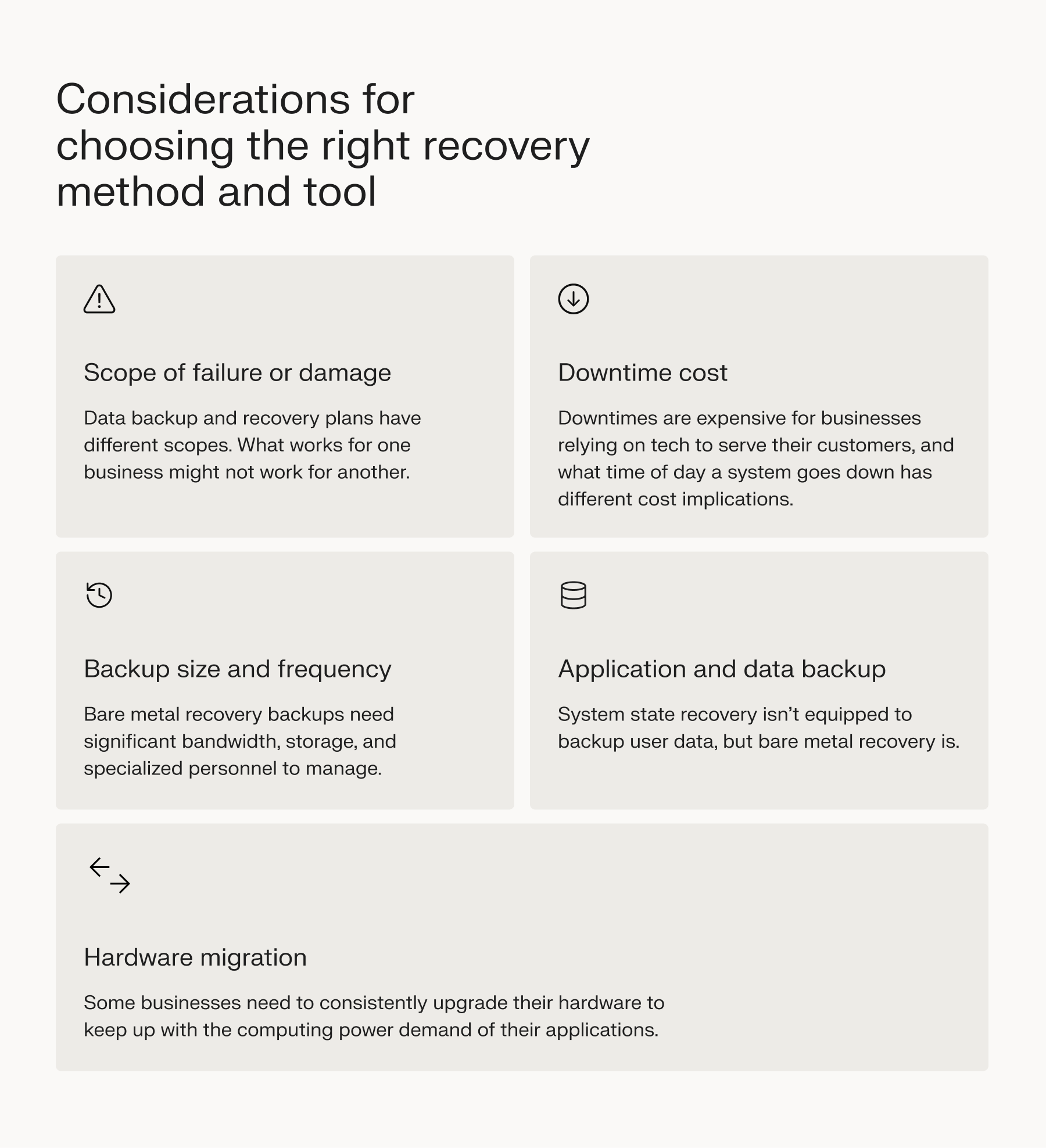
Although system state and bare metal recovery are reliable backup methods, they serve different functions. As such, there are several considerations to examine before making a choice.
Scope of failure or damage
Data backup and recovery plans have different scopes. What works for one business might not work for another. For instance, system state recovery is not enough for a data-intensive ecommerce business, but a bare metal recovery most likely is.
Backup size and frequency
BMR backups need significant bandwidth, storage, and specialized personnel to manage. Therefore, assessing your backup size and frequency is key in anticipating and managing costs.
Hardware migration
Some businesses need to consistently upgrade their hardware to keep up with the computing power demand of their applications. If this description fits your business, you’re probably better off using bare metal recovery.
However, to ensure seamless transitions, you’ll still need to find a backup and recovery solution that supports hardware independence.
Downtime costs
Downtimes are expensive for businesses relying on tech to serve their customers, and what time of day a system goes down has different cost implications.
Recovery time objective (RTO) and recovery point objective (RPO) are great metrics for estimating downtime costs, ultimately influencing your chosen recovery method.
Application and data backup
System state recovery isn’t equipped to back up user data, but bare metal recovery is. Although not enabled by default, you can adjust the settings of your backup and recovery software to cover applications and user data.
However, if you prefer a system state backup only, you can opt for auxiliary third-party backup and disaster recovery services.
Testing your recovery plan
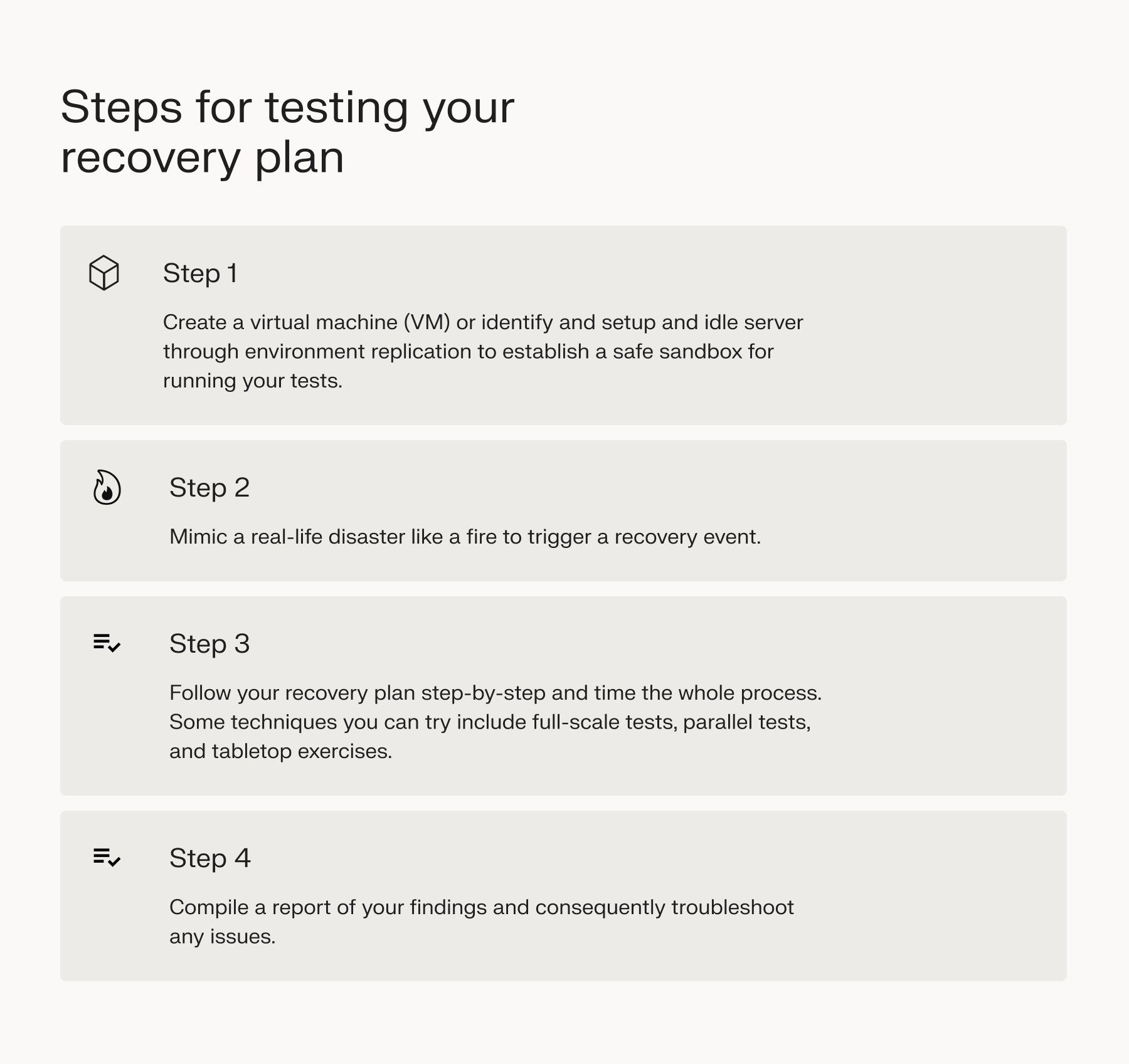
Testing your system state or bare metal recovery plan is just as important as setting it up. It’s the next step in ensuring you’re not caught unawares when disaster strikes.
To test your disaster recovery plan:
- Create a virtual machine (VM) or identify and set up an idle server through environment replication to establish a safe sandbox for running your tests.
- Mimic a real-life disaster like a fire, flood, or data corruption to trigger a recovery event.
- Follow your recovery plan step-by-step and time the whole process. Some techniques you can try include:
- Full-scale test: This test engages every component of your recovery process (i.e., staff, hardware, software, communication.)
- Parallel tests: This test is ideal for bare metal recovery. It involves restoring your backup to a replicated environment, pointing out areas for improvement, and working them out.
- Tabletop exercises: Create a specific disaster scenario and test how your staff would handle it. The goal is to test their knowledge of key business processes and mastery of the recovery plan.
- Compile a report of your findings and consequently troubleshoot any issues.
Compliance requirements
With everything in place now, you must ensure your methods comply with international and regional data protection laws. This helps you avoid financial loss from lawsuits and statutory fines in case of a data breach or loss.
Some of the largest data protection regulations include:
- General Data Protection Regulation (GDPR)
- Health Insurance Portability and Accountability Act (HIPAA)
- Payment Card Industry Data Security Standard (PCI DSS)
Final thoughts: Complete guide to system state and bare metal recovery
Investing in a solid disaster recovery plan is a strategic move for your business. It provides peace of mind and guarantees business continuity when disaster strikes.
System state and bare metal recovery plans vary in complexity depending on your business’s size. Automating it using a tried-and-tested tool can free up your time and relieve unnecessary stress.
For Liquid Web customers, whether you’re on dedicated cloud or a private cloud, you can automate backups using Acronis Cyber Backups. It offers a self-service portal to configure your backups, off-server security, and flexible storage to keep your backups secure.
If you aren’t a current customer, contact us today to see how you can migrate and start protecting your systems, or check out our plans to get started.