
 Mohammed Noufal
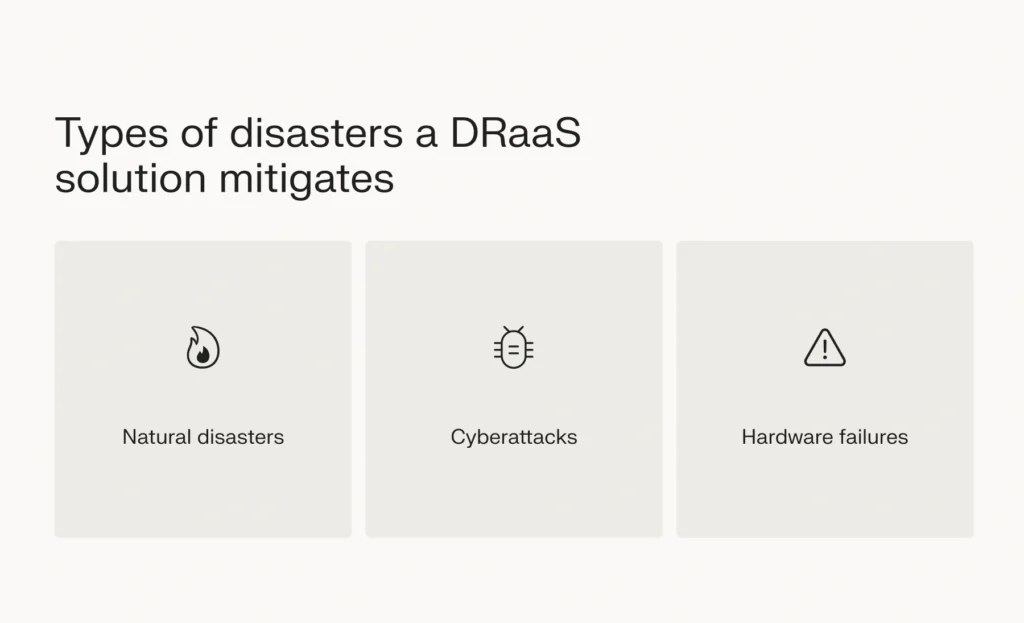
 DRaaS (Disaster Recovery as a Service) is a cloud computing service model that provides organizations with backup and recovery of critical systems and data through a third-party provider’s cloud infrastructure. It offers businesses a complete solution for replicating and hosting their physical or virtual servers to provide failover protection in the event of a natural disaster, system failure, cyberattack, or other disruptive incidents.
Think of it like having an insurance policy for your IT infrastructure – instead of managing a separate physical disaster recovery site, companies can rely on a service provider to maintain a ready-to-go copy of their systems that can be activated when needed.
Key points
- Disaster recovery as a service works by copying your business data and configurations onto host servers in the cloud. This acts as a failsafe IT infrastructure to which you can quickly switch.
- The cloud-based automation in DRaaS enables real-time data replication, seamless failover, consistent monitoring, and flexible objectives for recovery, which all enhance business continuity.
- Disaster recovery as a service is a significant upgrade to traditional disaster recovery approaches when it comes to risk mitigation, processes, technologies, and coverage./li>
- Among many benefits, DRaaS helps you sidestep operational downtime and data loss events that can result from natural disasters, cyberattacks, and hardware failures.
- When choosing a DRaaS provider, prioritize reliability based on past performance and customer feedback. Next, consider customization options, compliance, and support.
How does DRaaS work?
DRaaS works through several key mechanisms:
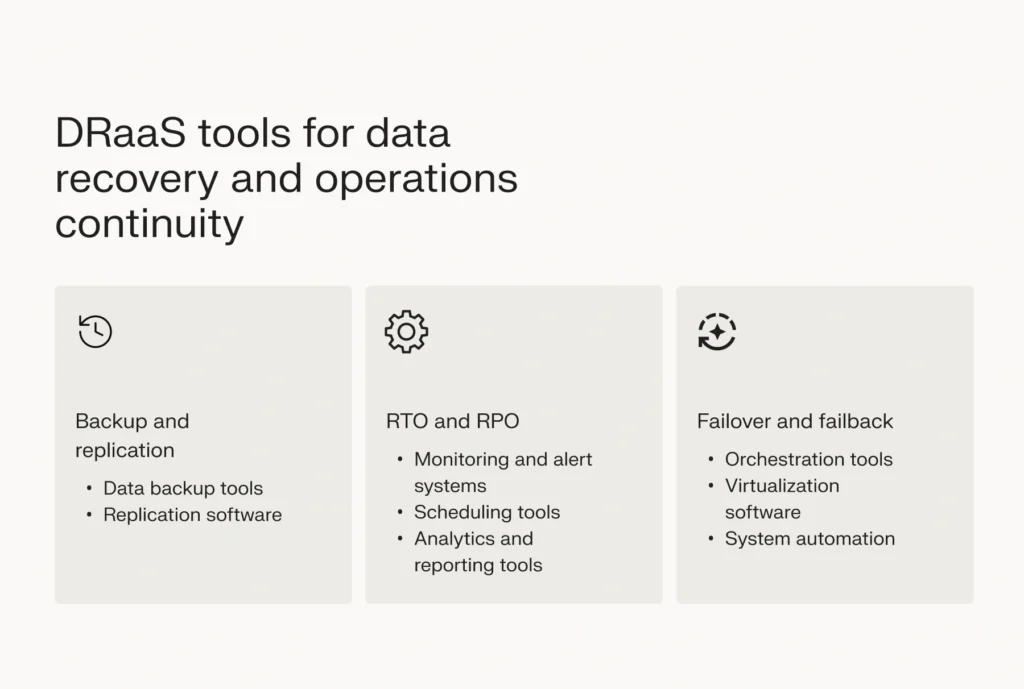
- Data replication: Your production environment (servers, applications, and data) is continuously replicated to the service provider’s cloud infrastructure. This happens either synchronously (real-time) or asynchronously (at set intervals).
- Infrastructure setup: The service provider maintains a virtual copy of your IT environment, including:
- Virtual machines configured to match your production servers
- Network configurations
- Storage resources
- Application dependencies
- Recovery process flow:
- Constant monitoring for disruptions or failures
- Automated failover triggers when issues are detected
- Traffic is redirected to the cloud environment
- Systems are brought online in a predetermined order
- Users connect to the backup environment while the primary site is restored
- Testing and validation:
- Regular testing of failover capabilities
- Verification of recovery time objectives (RTO) and recovery point objectives (RPO)
- Validation of application functionality in the recovery environment
Think of it as having an understudy for your IT environment running in the cloud, ready to take over when needed.
What are the benefits of using DRaaS?
The following are the most significant benefits of Disaster Recovery-as-a-Service (DRaaS):
Scalability
Scalability is a critical advantage of cloud services over physical, on-premise infrastructures. You’ll want your disaster recovery choices to grow along with your organization when you’re looking to expand. This can be extremely challenging with an on-premise disaster recovery system for various reasons. A non-cloud-based DR system requires a certain amount of physical space to create and expand.
Buying the appropriate equipment will be expensive when scaling up. You may constantly analyze your needs with DRaaS, changing and growing your system. You may cover as many VMs, storage locations, sites, and databases as you need by using DRaaS. And you can do it for a much lower price.
Security
In-house DR systems are susceptible to hacker attacks, as many firms have learned the hard way in recent years, which puts sensitive and vital data at risk of exposure. You’ll have a more secure data infrastructure backup with a cloud-based disaster recovery system from a private provider since many now come with essential encrypted data storage.
Flexibility
A quality DRaaS shares with other cloud-based platforms is flexibility. You can choose the operating systems, platforms, management systems, and backup tools that are most effective for you according to DRaaS, which won’t lock you into any particular server, database, backup, or network technology. Moreover, it will allow you to select recovery destinations and options, such as restoring specific files or a complete system.
To develop a solution that fits the demands of your particular business, you may alternatively select a disaster recovery service that enables you to use resources as and when you need them.
Cost efficiency
Several expensive hardware components frequently make up in-house DR systems. DRaaS provides the same DR capabilities at pay-as-you-go pricing that is significantly lower than the expense of constructing a cumbersome, on-premise solution.
Also, the fact that DRaaS is off-site can result in considerable savings because it will let your organization resume operations much faster in the case of an IT failure, which can be highly costly to a business for even a brief outage. The most significant benefit of using an outside service is that it will save your company money in the long run by removing the need to hire an IT crew to manage an internal system.
Reduced risk
Reduce manual operations with automation and orchestration. This enables relatively immediate failover and improved time-to-recovery with priority apps and virtual machines brought up correctly every time.
Compliance
Your organization will have access to the controls required to monitor and safeguard your critical data using DRaaS, assisting in the IT infrastructure’s compliance with essential compliance and regulatory standards. Using DRaaS, your company can demonstrate to regulators, auditors, and clients where your data is housed, who manages and has access to it, who backs it up, and how – all within a single graphical user interface. Modern security measures and the additional advantages of a cloud-based service make this possible.
Reduced demand for staffing
Use automatic failover procedures to save staff time, or call your DRaaS provider just once. This enables workers to focus on projects that provide income rather than disaster recovery management and preparation.
Choose the right DRaaS solution for your business needs
When it comes to implementing DRaaS for your organization, Liquid Web provides a comprehensive solution powered by Acronis Cyber Backups. Our enterprise-grade DRaaS protection extends across all our hosting solutions, including:
With Liquid Web’s DRaaS implementation through Acronis Cyber Backups, you get:
- Zero impact on server performance – backups don’t consume additional server resources
- Built-in ransomware protection
- Faster recovery times compared to standard backup plans
- 24/7/365 monitoring and support from experienced technicians
- Industry-leading SLAs with guaranteed response times
- Customizable recovery plans tailored to your business needs
- Seamless integration with existing infrastructure
- Regular testing and validation of recovery procedures
- Compliance-ready solutions for regulated industries
Don’t wait for disaster to strike – protect your business’s critical data and systems with Liquid Web’s DRaaS solution. Contact our solutions team today to learn how Liquid Web can safeguard your organization’s future.