
 Maddy Osman
 With more companies moving to the cloud, it‘s no surprise that cloud spending continues to increase. In 2024, end-user spending on public cloud services is expected to reach $678.79 billion, up from $563.59 billion in 2023.
Ensuring that you’re getting what you paid for from cloud Software-as-a-Service (Saas), Infrastructure-as-a-Service (Iaas), and Platform-as-a-Service (PaaS) providers is vital for protecting your budget.
Cloud monitoring tools, most of which are available to individual customers and enterprises alike, help you track cloud performance and results.
Here’s what we’ll cover:
- What is cloud monitoring?
- Types of cloud monitoring tools
- Popular cloud monitoring tools
- How cloud monitoring can benefit your business
- Cloud monitoring best practices
- Final thoughts: Guide to cloud monitoring for enterprises
What is cloud monitoring?
Cloud monitoring is an approach, or combination of approaches, used for gaining insight into your IT resources in the cloud. It usually involves collecting and analyzing data on cloud key performance indicators (KPIs), such as website performance and security, using one or more monitoring tools.
Monitoring is vital regardless of whether your IT resources are in a single cloud service, a hybrid cloud setup (combination of on-premises, public, and private cloud), or a multi-cloud environment (services from multiple cloud providers).
Types of cloud monitoring tools
A host of different cloud monitoring programs and applications are available to help you get the most from your IT setup. In particular, enterprises with cloud-based mission-critical workloads benefit from the following.
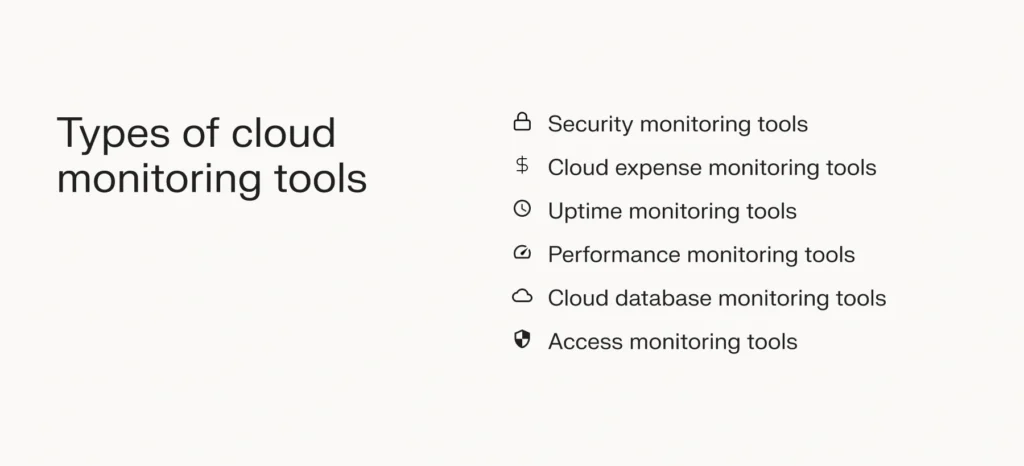
Security monitoring tools
These tools help you assess the security of cloud servers, databases, applications, and websites. They can help you identify vulnerabilities and minimize damage in a breach.
Cyberattacks are particularly disruptive and expensive for enterprises, so investing in reputable security monitoring tools is a vital safeguard. They could help you maintain data integrity and meet regulatory requirements like HIPAA compliance (if you handle sensitive health data).
Cloud expense monitoring tools
Cloud hosting is easily scalable, so ensuring you aren’t overpaying for resources you aren’t using is vital for cost control. A quality cost-monitoring service can help you lower CPU usage and boost the performance of virtual machines.
For example, load balancing could be an alternative to increasing the power of your cloud servers. Load balancing is included as standard in many Liquid Web hosting solutions, such as private cloud and cloud dedicated.
Uptime monitoring tools
Prolonged downtime can disrupt your company operations, slash ecommerce revenue, and guide customers toward your competitors.
Uptime monitoring tools are essential to help quickly identify any downtime. If you have a service-level agreement with customers or service providers, like Liquid Web’s 100 percent network uptime guarantee, monitoring helps you see that promise in action.
Uptime monitoring tools can automatically check the availability of your cloud applications, websites, and servers as often as every 30 seconds from various locations worldwide. When an issue is identified, you’ll get notifications to your preference, such as email, phone, or Slack.
Cloud performance monitoring tools
These tools assess the performance of your cloud-based IT infrastructure, such as applications and websites. Common performance metrics for applications and websites include latency and response time.
By monitoring cloud performance, you can spot issues like a slow shopping cart response early and fix them before they affect your customers.
Database monitoring tools
Some tools, such as SQL query metrics, have been designed specifically for monitoring database operations.
You’ll want to monitor the performance, resource utilization, and security of your databases and proactively ensure backups are successful in case of a server outage.
Access monitoring tools
Staff members, customers, and third-party service providers use your IT systems, and all need different access levels. Monitoring who is accessing your system when helps prevent sensitive data from being compromised.
These tools can monitor your systems for location- or activity-based anomalies and send alerts in the event of suspicious activity.
Popular cloud monitoring tools
Depending on your business needs, you might use an all-in-one solution or need several cloud monitoring tools working together. High-quality managed hosts like Liquid Web handle many cloud monitoring tasks without needing extra tools, but until you are ready to switch, you’ll need stand-alone apps.
Some of the most popular include AppOptics, Pingdom, and CrowdStrike for applications, cloud performance, and security.
AppOptics
Owned by IT titan SolarWinds, AppOptics is an application (app) and infrastructure cloud monitoring solution that includes hybrid cloud environments. Key features include root cause summaries, full stack visibility, and over 150 plugins and integrations.
Pingdom
Pingdom, also owned by SolarWinds, is one of the top cloud monitoring solutions for website performance monitoring. Top features include page speed, uptime, Real User Monitoring, transaction testing, root cause analysis, and availability checks every 60 seconds.
CrowdStrike Falcon
This unified cloud security platform provides security features such as workload protection, security posture management, cloud infrastructure posture management, and application security posture management.
How cloud monitoring benefits your business
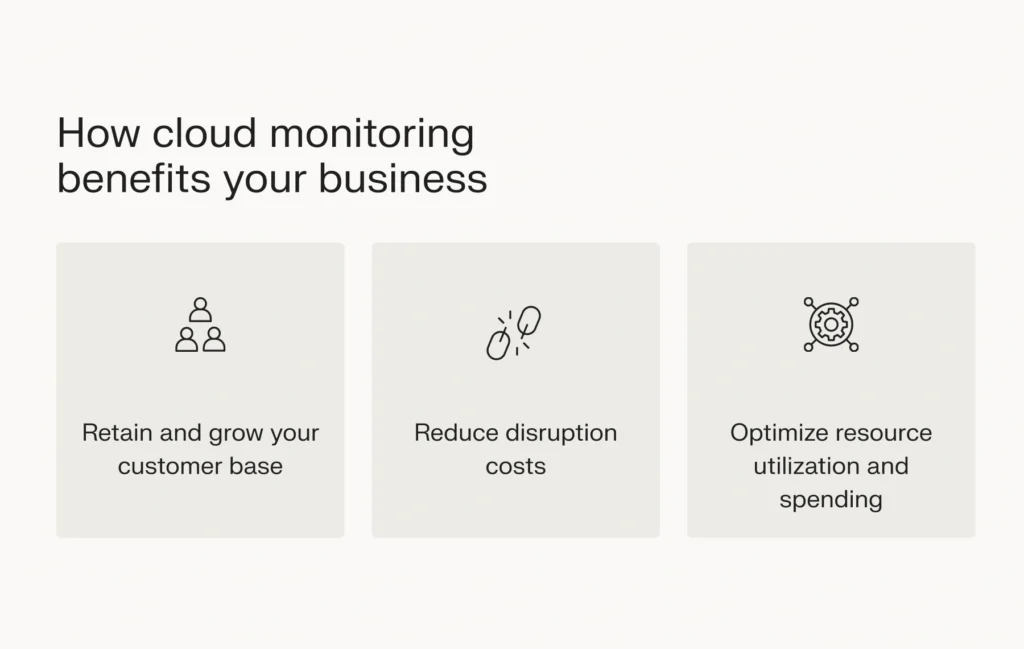
Cloud monitoring tools provide more than flashy reports for business owners. Here are some concrete examples of how cloud monitoring helps small businesses and large enterprises.
Retain and grow your customer base
If you can discover — and quickly fix — website and application performance issues, such as slow response times, you improve customers’ experience with your digital products.
Good website performance is especially important for ecommerce retailers. According to data compiled by HubSpot, your website should load in zero to four seconds for optimal conversion rates. Slower websites often move slower than customers’ patience, while faster websites create positive customer experiences and encourage sales.
Reduce disruption costs
Downtime from security breaches and website crashes can have a huge impact on your bottom line. Pingdom puts the average cost of downtime for small businesses at up to a staggering $427 every minute.
With effective cloud monitoring, you can identify potential security breaches that could cause downtime and detect outages quickly so you can minimize disruptions.
Optimize resource utilization and spending
The cloud model provides a promising opportunity to cut costs by only paying for what you need. But if you aren’t keeping track of resource usage, you won’t know where you can make cuts.
By using cloud expense monitoring tools, you can make tweaks to your cloud infrastructure without sacrificing the performance of your virtual machines (VMs).
Cloud monitoring best practices
An unplanned monitoring setup can quickly create too much data or even introduce more problems by monitoring too much. Stay on track and get the most out of your tools with our cloud monitoring best practices.
Keep end-user experience front and center
Your website must serve your customers. Focusing on website and application performance ensures customers quickly get what they want. To ensure responsiveness, you’ll also want to monitor user experience on different devices (e.g., mobile, laptop, and desktop) and for various locations worldwide.
A good cloud performance monitoring tool will let you check website performance for most regions and devices.
Choose monitoring tools with strong integrations
For enterprises with many tools and applications, cloud monitoring can become overwhelming. By selecting monitoring tools that integrate and communicate with each other, you’ll streamline your monitoring tasks and get more accurate data.
Ensure your cloud monitoring tools have easy-to-use dashboards
Your monitoring tools must be accessible for your IT team. A good dashboard should be straightforward and provide real-time monitoring data at a glance. In addition to snapshot observations, you should be able to generate cloud performance monitoring reports easily.
Refine your cloud monitoring approach
With so many cloud monitoring options at your disposal, it’s tempting to tool up and try to monitor everything in your cloud setup.
But if you use too many tools and metrics, you might lose sight of your KPIs, such as performance and uptime. Ensure your tools cover basic monitoring, troubleshooting, and reporting tasks to safeguard your company data center and cloud operations.
Find a plan that suits your needs
Just like monitoring usage to control cloud costs, it’s vital to fit your monitoring package to your requirements. If your IT team is small and you only run one website, you won’t need a higher-tier plan with unlimited user accounts and websites.
But you also need quick scaling up as your business grows. For example, you should be able to switch to a higher-tier plan if you max out your current plan’s number of permitted users or reports.
Compare the plan options, ensure you have room to grow, and use any free trials available before you buy.
Automate your cloud monitoring
Monitoring tools that require minimal intervention simplify IT tasks. For example, once they are set up, uptime monitoring tools can run automatically at regular intervals instead of waiting for your go-ahead.
Leverage fully managed hosting
For end-to-end cloud resource monitoring without spending big on an arsenal of tools, you can lean on the support of high-quality managed hosting providers.
If you choose fully managed hosting from Liquid Web, you’ll get proactive security, availability, and network monitoring included in your hosting plan.
Final thoughts: Guide to cloud monitoring for enterprises
Before you stretch your IT budget to purchase cloud monitoring tools, check if your web host is already monitoring your cloud infrastructure.
At Liquid Web, fully managed hosting is our standard offering, so we’re always monitoring the health of your server setup. And if you need tips on what to monitor, you can get them from our expert support team.
To boost your website security while leveraging cloud performance, you can choose cloud dedicated hosting, which combines the resource isolation of a dedicated server with the power and scalability of cloud computing.
Contact our support team today to find out about our fully managed cloud server options.