

Compatibility Add-Ons
LearnDash is built to “play nice” with many of the popular themes and plugins available for WordPress. However, there are some instances where a little more is needed in order to improve compatibility between LearnDash and other tools in the WordPress ecosystem.
That is where our Compatibility Add-ons come to the rescue! Simply activate the desired compatibility add-on and you are done. There are no settings to configure!
Elementor Integration
Learn more about the LearnDash Elementor Integration here.
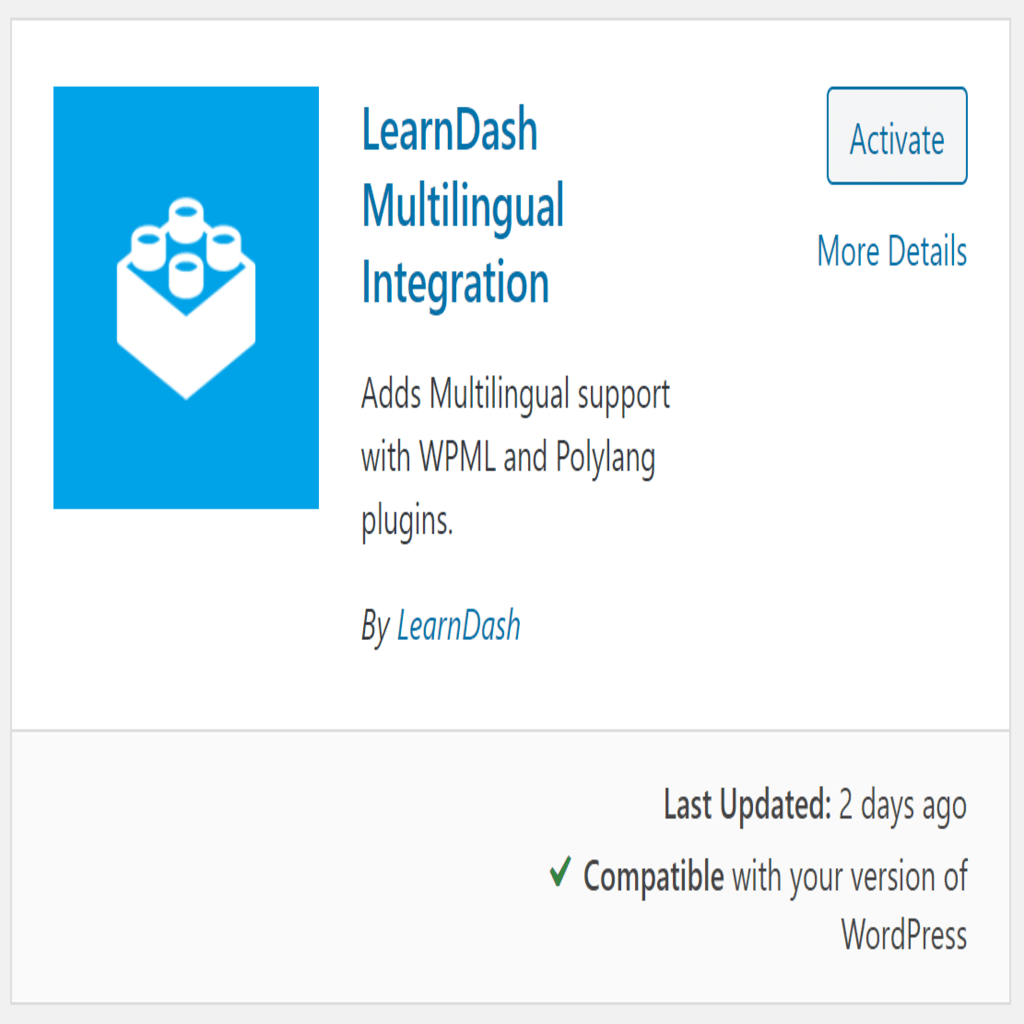
Multilingual Integration
This add-on allows for greater compatibility between LearnDash and multilingual sites that are using 3rd party plugins for administering the multilingual translations.
This add-on should be activated if you want to use the LearnDash Course Builder and Quiz Builder along with a multilingual set-up. In addition, this add-on should be activated in order to translate URLs (WPML only).
NOTE: This compatibility add-on is not intended for adding or modifying translation files. Please see the Translation User Guide for information on translations.
Installation
Option 1: Add-ons Menu (requires an active LearnDash license)
- In your WordPress admin area, navigate to LearnDash LMS > Add-Ons
- Locate the LearnDash Multilingual add-on
- Click Install Now
- Click the Activate Plugin button
Option 2: Manual Upload
- Download the plugin file (must be logged in to download)
- In WordPress, navigate to Plugins > Add New
- Click Upload Plugin
- Browse for the
.zipfile you downloaded in Step 1 - Click Install Now
- Click Activate Plugin
Supported Vendors
FAQ
This has with the WPML and Polylang core plugins. This add-on may help the compatibility for other multilingual plugins, but at this time others have not been tested.