Instructor Role Reports
Reporting
Since the Instructors are the ones who design and manage the course. So, they have a provision to check for reports of the courses they are associated with.
View Course Reports
An instructor can view reports for courses created by going to LearnDash LMS Course Reports.

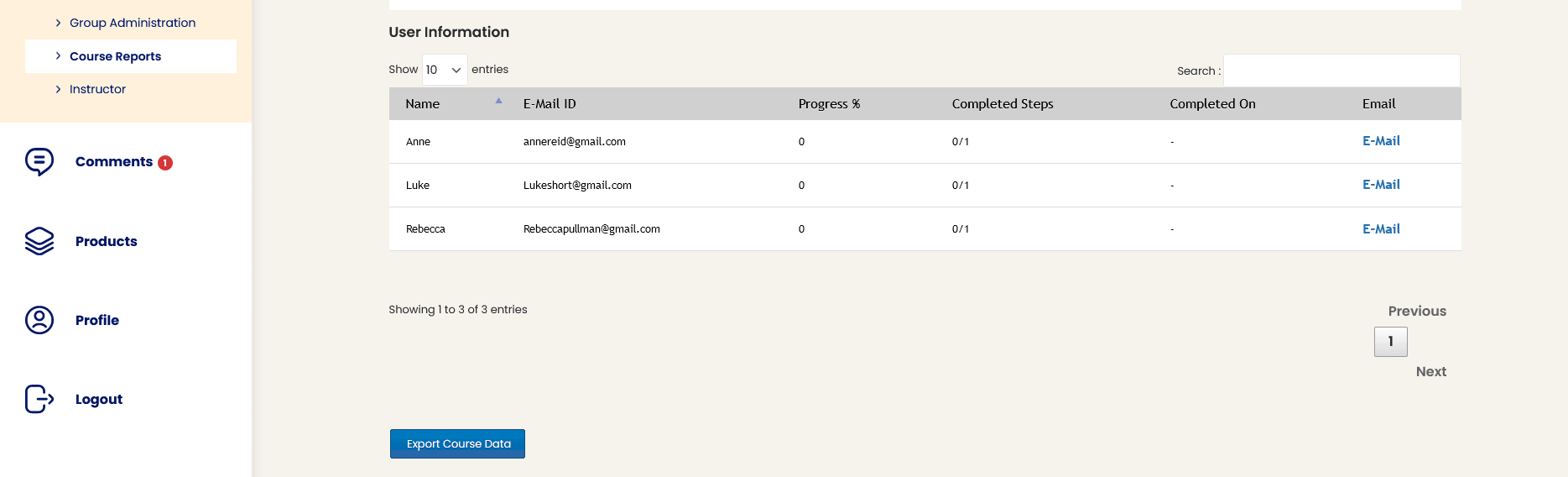
The report for a course is displayed using a pie chart, and details for each student enrolled for the course are displayed in a tabular format.
Export Course Reports
The course reports can also be exported as a CSV using the Export Course Data button.