

Central Account Settings
Account Settings
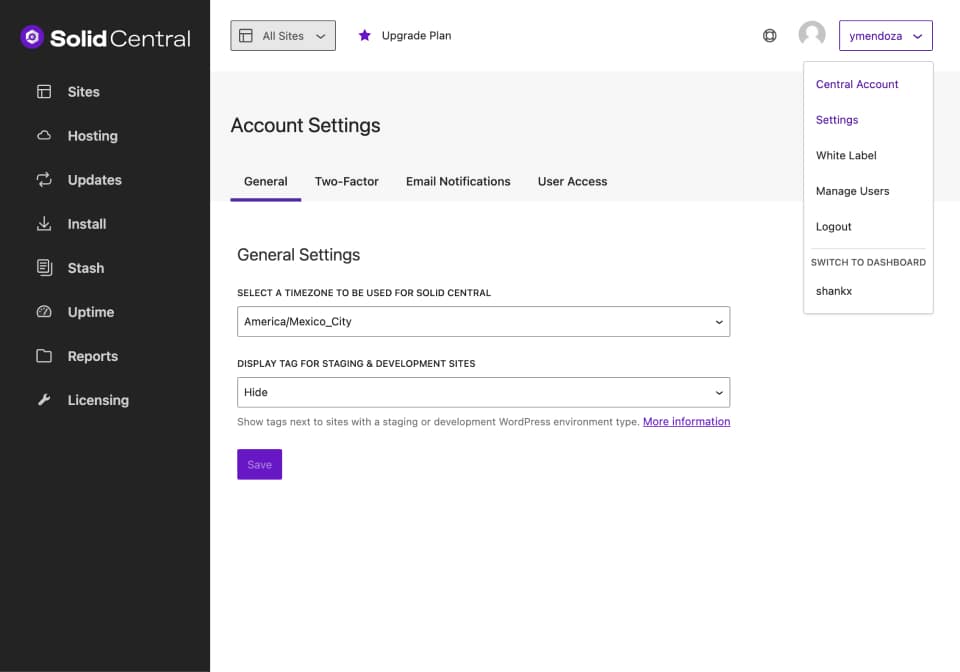
To access the Solid Central Account Settings, visit the Settings page by clicking on the drop-down menu located next to your username in the top right corner.
On the General Tab, you will be given the option to choose your timezone.
Notifications
On the Email Notifications tab, you will be given the option to enable a daily reminder. You can know almost immediately when updates are available, so you can ensure you�re always running the latest (and most secure versions) of your themes, plugins and WordPress core.
