


Delete Donors
In the event you want to delete a donor, that functionality is built into the Donor page itself. This document outlines that functionality.

To prevent accidentally deleting a donor, the “Delete Donor” functionality has its own tab within the individual Donor’s admin screen. Additionally, you have to confirm that you are sure you want to delete the donor by checking an extra box to confirm
Donors can also be bulk-deleted from the main donor page, using the Bulk actions drop-down at the top of the page.
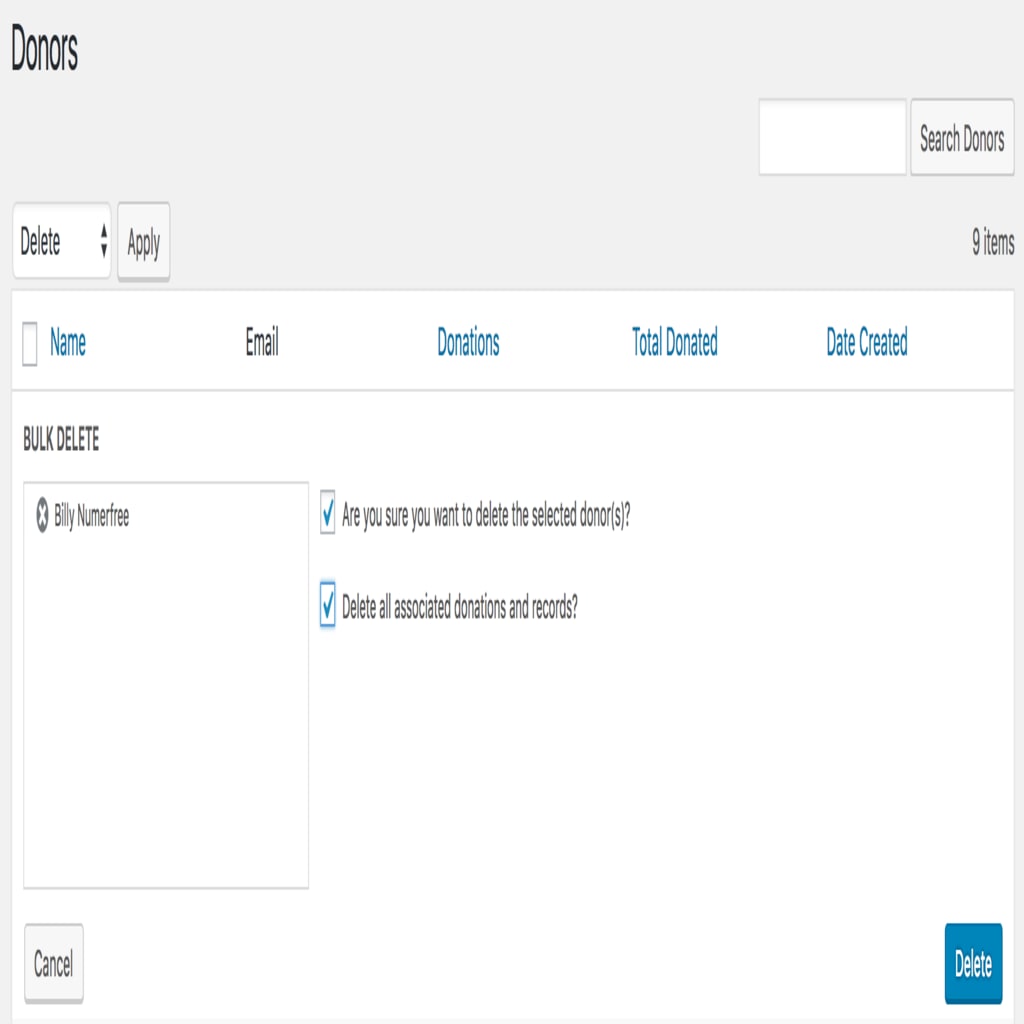
You still have to confirm that you’re confident you want to delete donors by checking a box there.
On either the individual donor page or the bulk-delete option, there is an additional option to delete data associated with those donors. If you delete donors and opt NOT to delete the additional data, it will leave some donations listing (donor missing) as the donor.