Launch Triggers
A launch trigger determines when your conversion will be shown to your site visitors. There are a number of options for Launch Triggers, and each conversion item will have only one launch trigger.
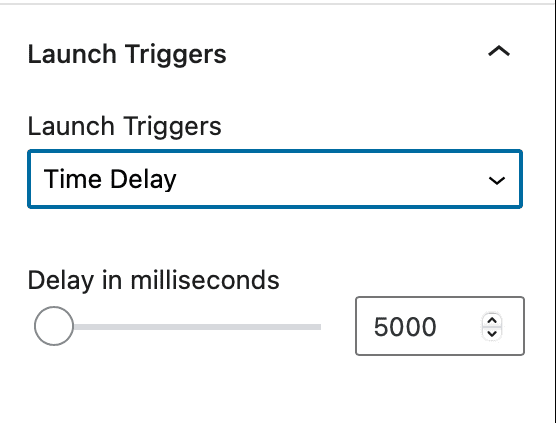
Time Delay
How long of a delay do you want before the conversion item is shown to a site visitor? The delay will be set in milliseconds.
Exit Intent
Exit intent is measured when a user begins to scroll their mouse off the page, either to navigation bar or to the bottom of the page. Note: mobile devices don’t typically trigger exit intent so this setting my not work for mobile devices.
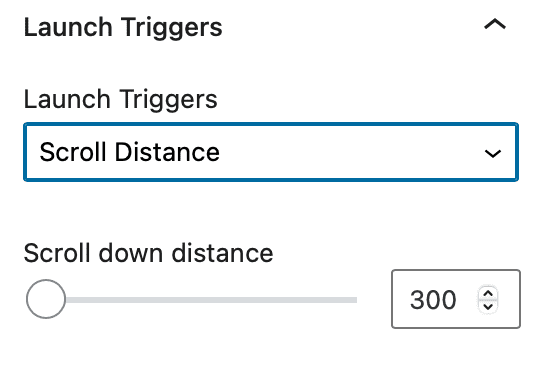
Scroll Distance
Set in pixels, how many pixels down will a user scroll before the conversion item is shown.
End of Content
If the user scrolls to the bottom of the page, the conversion item will be shown.
On Load
Immediately when the page is fully loaded, the conversion item will be shown to the end user.
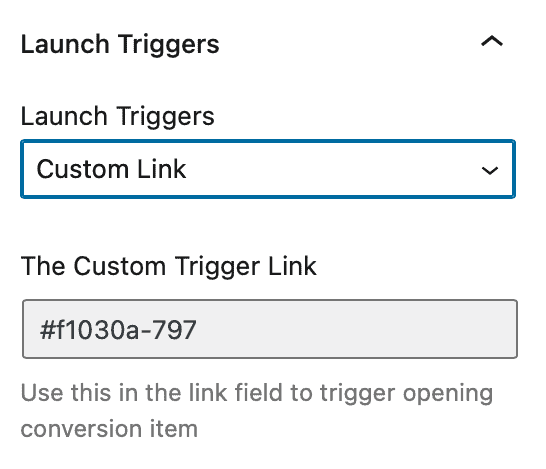
Custom Link
If you would like to show the conversion item to a site visitor when they click a link or a button on your page, use the custom trigger link in this setting in your link.