

What To Expect After Installing WooCommerce QuickTray
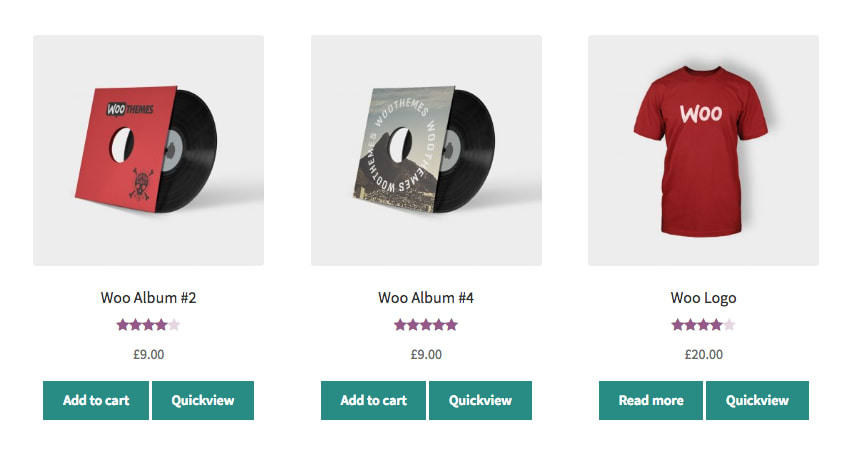
After installing WooCommerce QuickTray, your first step should be to ensure it is working correctly.
- Navigate to your WooCommerce shop page.
- Each product should now have a “Quickview” button.
- Clicking the “Quickview” button, should initiate a modal tray containing the product information.

- From here you can add to cart, view the images, read the product description, etc.
If all of the above works well, then everything is as it should be.