

How to use Qubely Pro

Qubely Pro is a premium plugin provided by Liquid Web for free with your Managed WordPress/WooCommerce web hosting plan. This page builder plugin works with the Gutenberg block editor in WordPress.
Get fast, reliable hosting for WordPress
Power your site with the industry’s fastest, most optimized WordPress hosting
Using Qubely Pro
Qubely is a page builder plugin which works with the new block editor in WordPress 5.0 (Gutenberg).
Qubely Pro is a premium plugin which can be installed using the Liquid Web Installer on all Managed WordPress and Managed WooCommerce sites. We take care of the cost so you don’t pay anything.
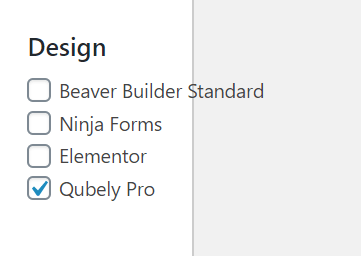
Once installed the next step is to set the license. You will need to click on the Click Here section in the Liquid Web Installer in order for the license to be set for Qubely Pro.


When you look in the plugin list of wp-admin you will now see two plugins installed for Qubely and Qubely Pro this is intentional and you won’t want to delete either plugin. Since both plugins will need to be installed and active.

Once you’re done you can add all of the Qubely blocks you like and customize pages to your heart’s desire.
Note: in order to be able to use Qubely you will need to make sure that you are not using the Classic Editor or have the block editor disabled on your site.
When you add or edit pages & posts you will notice new sections for Qubely. If you click on the Import Layout button then you can import sections and starter packs into your page.


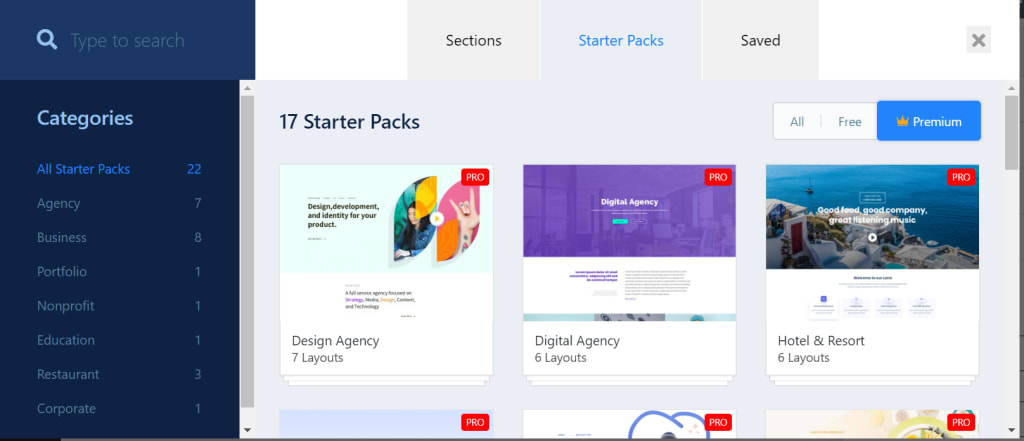
If you click on the Q icon next to the Publish button you will see the Qubely global settings.

When you are adding blocks on your page when you scroll down you will see a whole Qubely section of new blocks that can be used on your site.

And because you automatically have the premium version you’ll see both the basic blocks and the premium blocks.
Between sections, starter packs and all of the extra new blocks Qubely expands what is easily capable using the block editor on your site.
Additional resources
9 best booking and appointment plugins →
Explore top booking plugins for easier scheduling and reservations.
Cart abandonment options for WooCommerce →
Discover cart abandonment plugins to help recover missed sales.
8 best WooCommerce subscription plugins →
Shortcodes make life easier. Learn how to get started!
