

◦ Comprehensive security
◦ 24/7 support
WordPress Guide → Plugins → Accessibility
WordPress accessibility plugin: Top 10 tools

Making your website accessible to all individuals, regardless of their abilities, is not just a legal requirement but a step towards inclusivity. WordPress, as a leading content management system, provides a range of accessibility plugins that enhance the user experience for every visitor.
Here, we will delve into the 10 top WordPress accessibility plugins that can help transform your site into a more inviting environment. Each plugin is tailored to boost accessibility features, making it easier for users with disabilities to access your content. Let’s explore how you can improve your WordPress site’s accessibility!
Get fast, reliable hosting for WordPress
Power your site with the industry’s fastest, most optimized WordPress hosting
What is a WordPress accessibility plugin?
A WordPress accessibility plugin is a tool that helps make your website easier to navigate and interact with for users of all abilities. These plugins provide adjustments like text resizing, color contrast controls, keyboard navigation, and screen reader support so people with visual, auditory, or motor impairments can browse without barriers.
A WordPress accessibility plugin is a tool that helps make your website easier to navigate and interact with for users of all abilities. These plugins provide adjustments like text resizing, color contrast controls, keyboard navigation, and screen reader support so people with visual, auditory, or motor impairments can browse without barriers.
While no plugin can fully guarantee legal compliance, they serve as a strong foundation for building an inclusive site.
These plugins are also valuable for improving the overall user experience. Options like skip links, readable fonts, or text-to-speech are helpful not just for users with disabilities but also for anyone browsing on small screens, in bright sunlight, or with slow internet speeds.
Common features
Accessibility plugins often include a range of features that address different needs. Some of the most common include:
| Plugin | Text Resizing | Contrast Tools | Keyboard Navigation | Screen Reader Support | Accessibility Checker | Text-to-Speech | Toolbar/Widget |
|---|---|---|---|---|---|---|---|
| Ally | ✔ | ✔ | ✔ | ✔ | ✖ | ✖ | ✔ |
| WP Accessibility | ✔ | ✔ | ✔ | ✔ | ✖ | ✖ | ✔ |
| Accessibility by UserWay | ✔ | ✔ | ✔ | ✔ | ✖ | ✖ | ✔ |
| WP Accessibility Helper | ✔ | ✔ | ✔ | ✔ | ✔ | ✖ | ✔ |
| Web Accessibility by accessiBe | ✔ | ✔ | ✔ | ✔ | ✔ | ✔ | ✔ |
| All in One Accessibility | ✔ | ✔ | ✔ | ✔ | ✔ | ✔ | ✔ |
| Equalize Digital Accessibility Checker | ✖ | ✖ | ✖ | ✔ | ✔ | ✖ | ✖ |
| Text To Speech TTS Accessibility | ✖ | ✖ | ✖ | ✔ | ✖ | ✔ | ✖ |
| Accessibility Widget by OneTap | ✔ | ✔ | ✔ | ✔ | ✖ | ✖ | ✔ |
| AccessYes | ✔ | ✔ | ✔ | ✔ | ✖ | ✖ | ✔ |
1. Ally
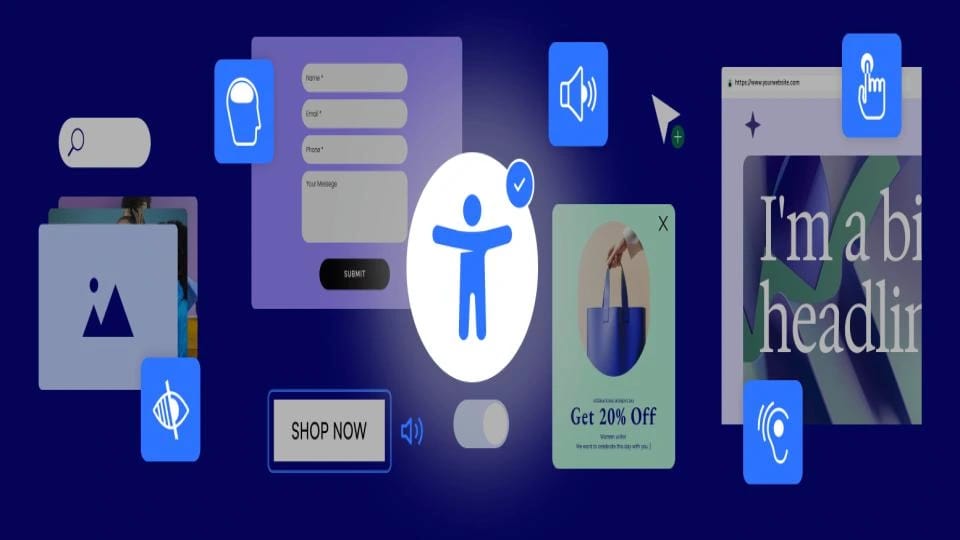
The Ally plugin is one of the most widely used accessibility tools for WordPress. It offers a straightforward set of options that improve usability for visitors with disabilities, including adjustments for font size, contrast, and keyboard navigation.
Because it focuses on essential accessibility features, Ally is easy to set up and doesn’t overwhelm users with complicated settings. It includes skip links and outlines for keyboard focus, making it especially useful for screen reader users and visitors navigating without a mouse.
Key features:
- Toolbar with text resizing and contrast controls
- Skip links for quick navigation
- ARIA landmarks support
- Outlined focus indicators for keyboard users
Best for: Beginners looking for an easy way to add basic accessibility features.
Starting at: Free
2. WP Accessibility

WP Accessibility is one of the most established accessibility plugins in the WordPress ecosystem. It focuses on practical fixes that address common accessibility issues in themes, such as missing skip links or poorly handled form labels.
The plugin includes an accessibility toolbar, text resizing, contrast adjustments, and skip links. It also offers settings to improve ARIA support and add long descriptions to images, making it valuable for users with screen readers.
Key features:
- Accessibility toolbar with text and contrast controls
- Skip links and landmark roles
- Support for long image descriptions
- Form label adjustments for better screen reader compatibility
Best for: Site owners who want a reliable plugin for fixing common theme accessibility issues.
Starting at: Free
3. Accessibility by UserWay

Accessibility by UserWay provides a polished accessibility widget that adds a range of features in a user-friendly interface. The widget can be customized to match your site’s design, and it allows users to adjust text, contrast, and spacing with ease.
The plugin is widely used by businesses and organizations that want to demonstrate a commitment to accessibility. It doesn’t just improve usability but also helps with ADA and WCAG compliance by offering tools that meet accessibility requirements.
Key features:
- Accessibility widget with customization options
- Text and contrast adjustments
- Spacing and readability controls
- Keyboard navigation support
Best for: Businesses and organizations that want a professional-looking accessibility widget.
Starting at: Free with premium options
4. WP Accessibility Helper

WP Accessibility Helper (WAH) is a powerful plugin with a wide range of tools designed to enhance accessibility. Unlike some plugins that focus only on front-end adjustments, WAH also provides accessibility settings for developers and site managers.
The plugin includes contrast adjustments, font resizing, and skip links, but it goes further by offering an accessibility checker that identifies compliance issues. This makes it a good fit for those who want both front-end tools and behind-the-scenes diagnostics.
Key features:
- Accessibility toolbar with multiple options
- Site-wide accessibility checker
- Highlight links and headings
- ARIA landmarks and skip links
Best for: Site managers who want both user-facing tools and compliance checks.
Starting at: Free with premium add-ons
5. Web Accessibility by accessiBe
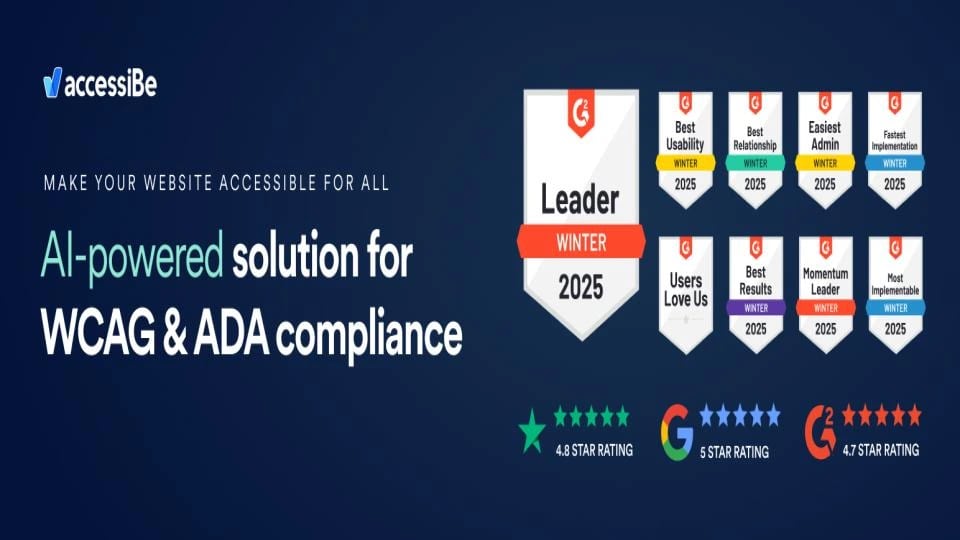
Web Accessibility by accessiBe is a comprehensive plugin that uses AI-driven adjustments to make websites accessible. It automates many of the technical aspects of compliance, such as applying ARIA attributes and handling keyboard navigation.
This plugin is aimed at businesses and organizations that need to quickly meet accessibility requirements. By combining manual adjustments with automated solutions, accessiBe offers a balance of flexibility and ease of use.
Key features:
- AI-driven accessibility adjustments
- Accessibility toolbar with text, color, and spacing options
- Automated ARIA and keyboard navigation fixes
- Compliance-focused features for WCAG and ADA
Best for: Businesses looking for automated accessibility compliance tools.
Starting at: Paid plans available
6. All in One Accessibility
All in One Accessibility lives up to its name by offering a broad set of accessibility tools in one plugin. It includes text resizing, contrast adjustments, text-to-speech functionality, and an accessibility checker.
The plugin is designed to make compliance easier for site owners who want a complete package. Its toolbar offers multiple accessibility options in one place, reducing the need for additional plugins.
Key features:
- Accessibility toolbar with multiple features
- Text-to-speech functionality
- Accessibility checker for compliance issues
- ARIA and keyboard support
Best for:Site owners who want an all-in-one solution without juggling multiple plugins.
Starting at: Free with premium upgrades
7. Equalize Digital Accessibility Checker

The Equalize Digital Accessibility Checker plugin scans your site for accessibility issues and provides detailed reports. While it doesn’t offer a front-end toolbar, it’s valuable for developers and site managers who want to maintain compliance over time.
It checks content against WCAG standards and flags problems directly in the WordPress dashboard. This proactive approach helps ensure new content is accessible before it goes live.
Key features:
- Accessibility checker with detailed reports
- WCAG compliance testing
- Dashboard integration for issue tracking
- Highlighted problem areas in content
Best for: Developers and site managers focused on ongoing compliance.
Starting at: Free with premium options
8. Text To Speech TTS Accessibility
Text To Speech TTS Accessibility adds audio playback functionality to your website, making content accessible to users with visual impairments or reading difficulties. It’s simple but highly effective for sites with text-heavy content.
The plugin uses text-to-speech technology to read posts, pages, or selected text aloud. It’s particularly useful for blogs, news sites, or educational platforms where audio support enhances the experience.
Key features:
- Text-to-speech functionality for site content
- Supports posts, pages, and custom text
- Easy setup with shortcode support
- Enhances accessibility for visually impaired users
Best for: Publishers and educators who want to add audio playback to content.
Starting at: Free
9. Accessibility Widget by OneTap
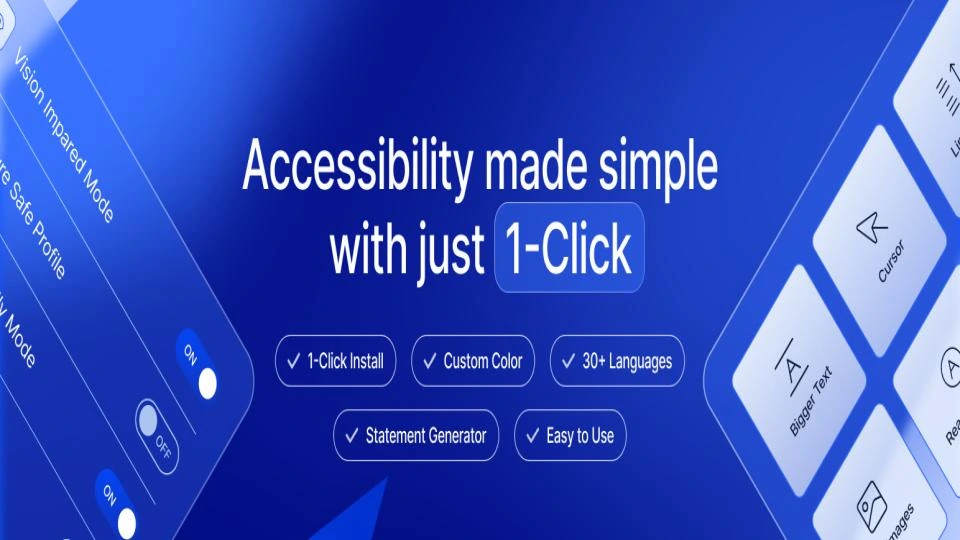
The Accessibility Widget by OneTap provides a simple yet effective way to add accessibility controls to your WordPress site. The widget includes tools for text resizing, contrast, and keyboard navigation.
It’s a lightweight option that integrates easily with most themes. By focusing on core accessibility features, it ensures that visitors can customize their browsing experience without slowing down the site.
Key features:
- Accessibility widget with core features
- Text resizing and contrast options
- Keyboard navigation support
- Lightweight and easy to set up
Best for: Site owners who want a simple, lightweight accessibility solution.
Starting at: Free
10. AccessYes

AccessYes is an accessibility widget plugin that provides essential adjustments for website visitors. It offers a set of simple controls like text resizing, color contrast, and skip links.
While not as feature-rich as some other plugins, AccessYes focuses on usability and ease of implementation. It’s a solid choice for smaller sites that want to improve accessibility without adding complexity.
Key features:
- Accessibility widget with basic controls
- Text resizing and contrast options
- Skip links for better navigation
- Keyboard navigation support
Best for: Small websites that need basic accessibility improvements.
Starting at: Free
How to choose a WordPress accessibility plugin
Selecting the appropriate WordPress accessibility plugin is vital for enhancing your website’s usability for all visitors. Here are some important factors to consider during your decision-making process:
- Compliance Standards: Ensure the plugin meets recognized accessibility standards, such as WCAG (Web Content Accessibility Guidelines). This compliance helps your website serve users with disabilities and mitigates potential legal issues.
- Ease of Use: Seek plugins that provide an intuitive interface. A straightforward setup and configuration process will save you time and enable you to implement necessary accessibility features without requiring extensive technical expertise.
- Compatibility: Confirm that the plugin works well with your current WordPress theme and other plugins. A well-integrated plugin will operate smoothly without causing conflicts or performance issues on your site.
- Features and Customization: Different plugins come with various features, such as keyboard navigation, text resizing, and color contrast modifications. Evaluate your needs and select a plugin that offers customization options to enhance user experience while aligning with your site’s design.
- Support and Updates: Choose a plugin that is actively maintained and provides dependable customer support. Regular updates ensure that the plugin stays compatible with the latest WordPress versions and addresses emerging accessibility concerns.
By thoughtfully evaluating these aspects, you can choose a WordPress accessibility plugin that meets your site’s needs and enhances the overall experience for every user.
What is an “accessible” website?
An accessible website is one that people of all abilities can use without barriers. This means the content, navigation, and interactive elements are designed to work with assistive technologies like screen readers, as well as being adaptable for users with visual, auditory, or motor impairments.
Accessibility also benefits users in temporary situations, such as browsing on a cracked screen or in noisy environments.
Web Content Accessibility Guidelines (WCAG)
The Web Content Accessibility Guidelines (WCAG) are internationally recognized standards that outline how to make digital content more accessible. They cover principles like making content perceivable, operable, understandable, and robust (POUR).
Accessibility plugins often aim to help site owners align with these standards, though full compliance usually requires manual adjustments as well.
Why your web hosting matters for accessibility
Hosting plays an important role in accessibility. A slow or unreliable server can make a site harder to navigate, especially for users relying on assistive technologies that process extra markup.
Hosting that supports SSL certificates, content delivery networks (CDNs), and consistent uptime ensures accessibility features function smoothly. Reliable hosting providers also often include security measures that prevent accessibility plugins from breaking due to malware or downtime.
WordPress accessibility plugin FAQs
Getting started with WordPress accessibility plugins
When it comes to improving your WordPress site’s accessibility, the right plugins can make a significant impact. Our examination of the 9 best WordPress accessibility plugins showcases tools that are not only powerful but also user-friendly, ensuring that your website is accessible to all users, regardless of their abilities. Each plugin aims to enhance your site’s compliance with accessibility standards, facilitating easier navigation and engagement with your content.
Are you prepared to upgrade your WordPress experience? The next step is straightforward: consider our business-class WordPress hosting. Our managed hosting solutions are optimized for speed, security, and scalability, allowing you to concentrate on what matters most—growing your business. With features tailored for WordPress, including automatic updates and daily backups, you can ensure that your site remains accessible and performs optimally.
Liquid Web has been leading the industry in WordPress hosting for decades. And if you select managed WordPress hosting, our team of experts will manage server IT for you — so you can focus on growing your brand.
Click below to explore options or start a chat with one of our WordPress hosting experts now to get answers to your questions and further guidance.
Additional resources
What is a WordPress plugin? →
A complete beginner’s guide to WordPress plugins and how to manage them
8 best anti-spam WordPress plugins [2025] →
Discover the best anti-spam plugins for WordPress to keep your site secure and free from unwanted spam.
How to check if a plugin is safe →
Simple steps to evaluating a plugin before you install and activate it