


 Maddy Osman
 When it comes to delivering valuable content on your WordPress website, PDFs often serve as the perfect medium. From downloadable user guides and product catalogs to visually stunning brochures, PDFs bring a professional edge to your content that’s both portable and print-ready. Yet, just uploading a PDF and hoping for the best won’t cut it – especially since visitors expect a smooth, mobile-friendly browsing experience.
WordPress PDF viewer plugins come in handy in this scenario, ensuring your PDFs look great on any screen size. They offer helpful features like zooming, password protection, and even turning static documents into a dynamic flipbook.
Whether you’re a business owner sharing product manuals or a content creator showcasing a beautifully designed ebook, the right plugin can make all the difference in presenting your information clearly, securely, and with style. That’s why this post will explore some of the best mobile-optimized WordPress PDF viewers to help you pick the perfect fit for your site!
Key points
- Native WordPress PDF embedding is limited; specialized viewers offer smoother, mobile-friendly experiences.
- Top plugins provide responsive layouts, flipbook modes, and security controls.
- Features include password protection, watermarking, and easy embedding via shortcodes.
- A dedicated PDF viewer enhances user trust, engagement, and your site’s overall professionalism.
- Pairing the right PDF viewer with quality hosting like Liquid Web ensures optimal performance.
Best PDF viewer plugins: Features and pricing compared
Sure, the WordPress editor allows you to embed PDFs via the “File” block, but native embedding isn’t always the most polished or mobile-friendly solution. If you want your site’s documents to shine – no matter the screen size – they need a dedicated PDF viewer that delivers a clean, intuitive reading experience.
We’ve rounded up five popular plugins and put them under the microscope to help you make an informed decision.
PDF Embedder
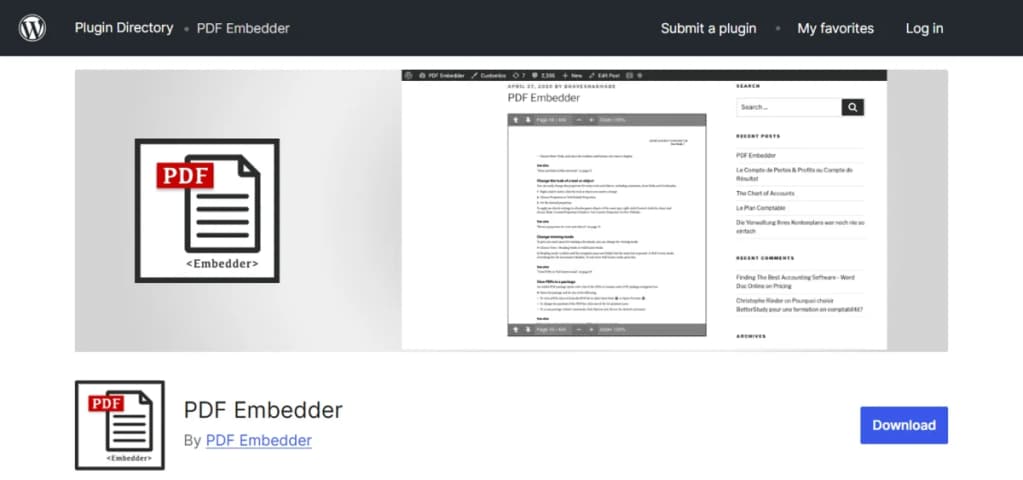
PDF Embedder is a simple, user-friendly plugin that integrates your PDFs right into your pages or posts. Rather than relying on iframes, it uses JavaScript to display documents, ensuring that PDFs adapt perfectly to the viewer’s screen size – ideal for a smooth mobile experience.
Key features
- Responsive display: Automatically adjusts to fit screens large and small.
- Customizable toolbar: Control how users navigate – zooming in, paging through, or downloading (premium version).
- No iframes: Renders directly onto the page, maintaining consistent styling.
Pricing
PDF Embedder offers a free version with basic features. The premium plans start at around $20 and add functionalities like page jump links, continuous scroll, and enhanced download control. It’s a great starting point if you’re after simplicity and responsiveness.
TNC PDF Viewer

The TNC PDF Viewer plugin stands out for its dynamic approach to displaying PDFs. With both a standard viewer layout and a stylish flipbook mode, TNC focuses on visual impact and user engagement. This flexibility makes it a good choice if you want to present catalogs, lookbooks, or reports in a more interactive format.
Key features
- Flipbook conversion: Instantly transform static PDFs into flipbooks that simulate a realistic reading experience.
- Customization and shortcodes: Easily insert PDFs anywhere on your site via shortcodes, and tweak UI elements, colors, and layouts to match your branding.
- Responsive page builder integration: Works with popular page builders, ensuring your embedded PDFs look sharp on any device.
- Security options: Set password protection to keep sensitive content guarded.
Pricing
TNC PDF Viewer offers a freemium model, with core features available at no cost and additional premium add-ons for advanced customization and functionality.
Print, PDF, Email by PrintFriendly
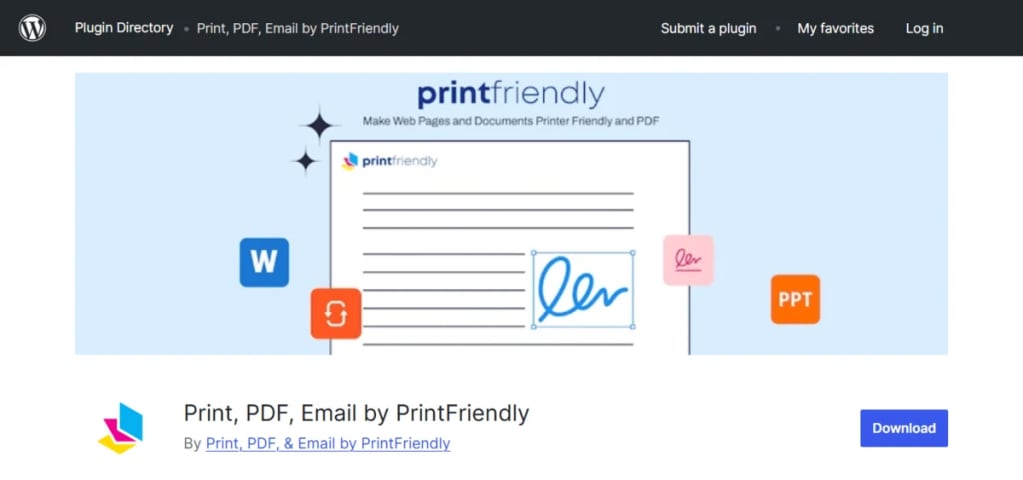
Print, PDF, Email by PrintFriendly is a toolkit that gives your readers the flexibility to print, save, and share your content. If you prioritize user convenience and shareability, this plugin might be the perfect fit.
Key features
- Interactive buttons: Easily add print, PDF, and email buttons that let users select what they want to do with your content.
- PDF generation: Converts your posts or pages directly into a clean PDF format, ensuring a mobile-friendly layout that’s easy to read.
- Customization: Adjust button style, placement, and even the PDF’s appearance.
- Speed and compatibility: Lightweight code ensures fast load times, and it works alongside most themes and plugins without issues.
Pricing
While the basic version is free, a premium plan (starting around $4 per month) unlocks advanced styling options and removes the PrintFriendly branding. It’s a great pick if convenience and customization matter most.
Embed PDF Viewer
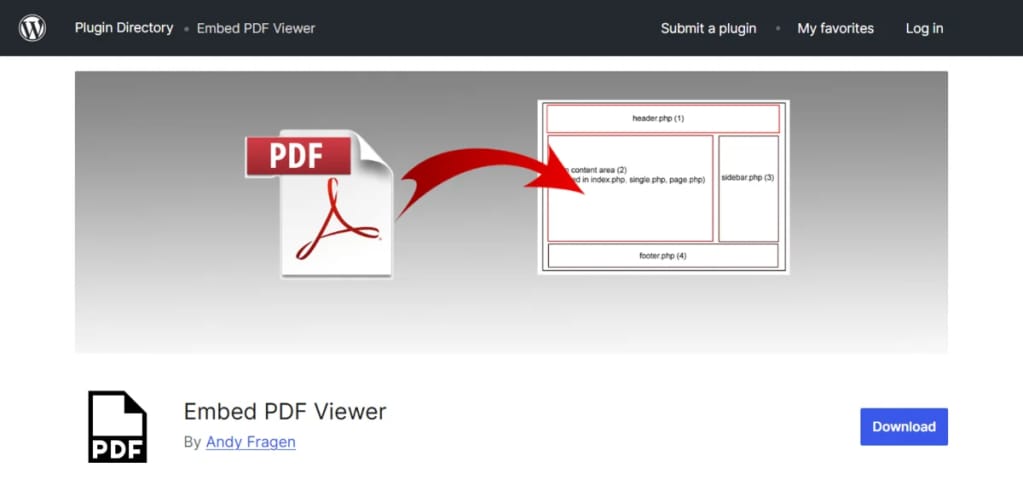
Embed PDF Viewer taps into the familiar Google Docs viewer to display your PDFs, offering a fast and straightforward solution. It’s particularly useful if you want a no-frills method that’s both easy to implement and widely supported.
Key features
- Google Docs integration: Leverage Google’s rendering tech for quick, smooth PDF viewing, even on mobile devices.
- Shortcodes for easy embeds: Insert PDFs anywhere by simply pasting a shortcode into your post or page.
- Fast loading: Google’s servers ensure reliable, speedy viewing without bulky scripts slowing you down.
Pricing
Embed PDF Viewer is completely free, making it an excellent choice for beginners, minimalists, or anyone who wants a reliable solution without investing in premium plugins.
Real3D Flipbook Lite

Real3D Flipbook Lite is for those who want to wow their audience. Instead of a static PDF, this plugin transforms your documents into immersive, 3D-rendered flipbooks that feel interactive and premium. It’s perfect for portfolios, magazines, or catalogs that need more visual flair.
Key features
- 3D & 2D flipbook: Provide a realistic page-flip effect, complete with customizable skins, backgrounds, and sounds.
- Mobile-optimized: The flipbooks scale beautifully, ensuring that mobile users enjoy a similarly rich experience without awkward formatting.
- Security and branding: Add password protection, watermarks, and even restrict downloads to secure your content and preserve exclusivity.
- Integration: Works well with page builders and can be displayed in lightbox pop-ups or as embedded elements.
Pricing
Real3D Flipbook is a premium-only plugin, available for a one-time purchase of around $40-$50. It’s worth every penny if you value a polished, high-end presentation of your PDFs.
Why you need a mobile-optimized PDF viewer for WordPress
While WordPress has come a long way in providing native embedding options – such as the file block in the Gutenberg editor – it doesn’t fully address the needs of modern, mobile-first browsing. Simply uploading a PDF and inserting it into a post might display the document, but it often requires a separate app or forces users to zoom and scroll awkwardly. In other words, the native option leaves a lot of room for improvement, especially when it comes to user experience on smartphones and tablets.
A mobile-optimized PDF viewer plugin is designed to eliminate these pain points. By ensuring that PDFs are responsive and readable right within your site’s layout, you’ll enhance navigation, readability, and loading times across all devices. These specialized tools also let you customize the viewing experience – offering intuitive controls, branding elements, and security features that keep your content both accessible and protected. With a dedicated PDF viewer, you can deliver a polished, professional presentation that feels like an organic part of your site, strengthening user engagement and trust in your brand.
Upgrade your WordPress PDF experience today
While WordPress’s native embedding method is a handy starting point, it can’t match the polished, responsive experience that a dedicated PDF viewer plugin provides. From secure password protection and watermarking to dynamic flipbook conversions, these specialized tools will help you present your PDFs in a way that reflects the quality of your brand.
And remember, performance matters, too. To maximize the impact of your enhanced PDF experience, ensure you’re hosting on a platform that delivers top-notch speed and reliability.
Explore Liquid Web’s managed WordPress hosting today and give your visitors the smooth, professional PDF experience they deserve!