


 Liquid Web
 WordPress has been helping web developers create beautiful, functional websites since 2003. It’s become the most popular website-building software in the world, currently powering 43.2% of all websites, according to W3Techs.
The appeal of WordPress stems from its extensive flexibility and customizability. For example, this open-source platform features a vast, extensive library of plugins that serve different goals, such as optimizing the web development process, increasing functionality, and improving user experience.
Plugins are convenient if you work in a web agency that creates websites or web applications at a large scale. These tools can transform a potentially complex and time-consuming process into one that’s manageable and easily repeatable.
With that in mind, let’s look at some must-have web development plugins for large-scale website development in 2024 and beyond.
Key points on WordPress dev plugins
- Creating WordPress websites on a large scale comes with challenges like maintaining consistent quality, balancing customization demands with scalability, and optimizing performance and security.
- The best web development tools reduce the time and effort required to create, customize, and maintain multiple websites.
- Plugins help with workflow optimization, bulk website management, scalable customization, and building multilingual functionality.
- Some of the best web development plugins to help you create websites at scale faster and more efficiently are ManageWP, Advanced Custom Fields (ACF), Elementor, and WooCommerce.
Challenges of developing WordPress websites at scale
How can plugins help create WordPress websites at scale?
Best plugins for creating WordPress websites at scale
Final Thoughts: Must-have web development plugins to create WordPress websites at scale
Challenges of developing WordPress websites at scale
Before we get into how plugins can help optimize your large-scale web development endeavors, let’s look at some of the common challenges of creating websites at scale.
Ensuring consistent quality across websites
Maintaining a uniform standard in design, functionality, and performance is one of the biggest challenges when creating websites on a large scale. Every client expects a high-quality product. It’s easier to consistently hit quality targets with the right web development tools, systems, and processes.
Effective management
When overseeing many websites, project management and administrative tasks like tracking updates, monitoring security, and ensuring optimal performance across the board can quickly become overwhelming.
Using a web hosting company like Liquid Web that offers managed hosting plans helps directly address this challenge. With managed hosting, the web host handles almost all technical aspects of hosting for you, including updates, debugging, backups, and even security.
This lightens your management load and frees time for other tasks like website building, marketing, and customer engagement.
Customization demands vs scalability
Balancing customization demands with scalability is another major challenge linked with large-scale website development.
For example, while your clients understandably want you to create websites tailored to their specific business goals, branding, and user experience expectations, the time investment for customization can be huge. That time investment can prevent you from taking on other clients.
For agencies planning on growing, operations must be scalable. That means handling an increasing number of projects without sacrificing efficiency (in terms of cost and production time) or output quality.
Finding a middle ground between these two conflicting demands can be challenging.
Performance optimization across all websites
Ensuring that your websites load quickly and provide a good user experience is essential to web development. While relatively simple to achieve when working with one website, it becomes a challenge when developing and managing websites on a large scale.
Suppose your websites are hosted on several different platforms and vary significantly in content volume and traffic levels, for example. In such circumstances, you can’t optimize performance universally — you’ll need to do it one website at a time, which can take up a lot of your time and resources.
Hosting your agency clients’ websites under one roof can make things easier. Additionally, if you’re on a managed plan, the web host can handle performance optimization on your behalf.
Fastest WordPress hosting with maximum uptime
Power your site with the industry’s most optimized WordPress hosting
Security and compliance
Ensuring your websites are secure from external threats and meet relevant regulatory standards is vital in today’s world of growing cyber threats. However, it becomes exponentially difficult as your portfolio grows.
A reputable managed hosting provider can help. For instance, Liquid Web’s managed hosting service features an extensive toolkit of security measures like malware scanning, advanced firewalls, and DDoS protection to safeguard your clients’ online assets. In addition, we provide hosting solutions that comply with key regulatory standards, such as PCI and HIPAA.
How can plugins help create WordPress websites at scale?
While creating WordPress websites at scale is complex, there are tools that help simplify the process. Web development plugins can make this process more efficient. Think of them as premade bits of code to help handle repetitive tasks quickly.
Workflow optimization
Web development plugins can help you optimize your workflow. For example, website builders that include drag-and-drop interfaces and pre-built templates allow you to design and create many websites quickly.
Some plugins also allow you to clone existing websites or create templates you can reuse for new projects, cutting down development time considerably.
Bulk website management
Managing multiple WordPress websites can be an administrative nightmare without web development plugins designed specifically for this task.
These plugins allow you to manage all your WordPress websites from one dashboard, transforming what would otherwise be a hectic and time-consuming process of jumping from one website to the next into an efficient operation. Some even let you complete bulk actions with a single click, such as updates.
Scalable customization and functionality
Some plugins provide scalable customization options — that is, they allow you to adapt websites to meet specific client requirements without extensive coding or starting each project from scratch.
Multilingual website creation
Offering websites in multiple languages is becoming increasingly important in our globalized world. If you have clients with such needs, there are web development plugins to help you create versions of websites in different languages without having to build each one from the ground up.
Best plugins for creating WordPress websites at scale
Now that we’ve explored how plugins can help you meet the unique demands of creating websites at scale, let’s review our favorite web development plugins to help jump-start your at-scale website creation process.
1. ManageWP

ManageWP makes it easy to manage multiple websites by offering single dashboard management that lets you work with unlimited websites from a single dashboard. You can view a summary from the main dashboard and log into any of them with one click.
Functions accessible from the dashboard also include large-scale website updates and backups. The plugin also lets you add team members or clients to the dashboard with controlled access as needed.
Furthermore, ManageWP includes an uptime and website health monitor that sends you email or text alerts about any outages or vulnerabilities that require immediate attention.
Key features
- Add unlimited websites
- Log into all websites with one click
- Allows team and client collaboration
- Uptime and website health monitoring
Best web development plugin for: Managing numerous WordPress websites in one place.
2. Elementor

Elementor is about as close to an industry standard as is possible in web design and development. It’s a powerful website builder that empowers experts and beginners to create websites with an extensive library of widgets and templates, along with the power to dig into code if necessary. Some of our favorite tools include:
- Finder: Helps you easily navigate between or find different components of the website you’re building.
- Copy-and-paste: Lets you duplicate a layout or element from one website editor to another.
- Add to favorites: Allows you to pin your most used widgets in one place for easy access, so you don’t have to scroll through all the available options.
Elementor’s visual editor also facilitates real-time design changes, providing an instant preview of how your website will look to end users.
Key features
- Drag and drop visual editor
- Wide selection of widgets, templates, and animations
- Responsive design controls
- Workflow-enhancing features like Finder, Copy and Paste, and Add to Favorites
- Custom CSS to further customize the design process
Best web development plugin for: Efficient, scalable website building.
3. Advanced Custom Fields (ACF)
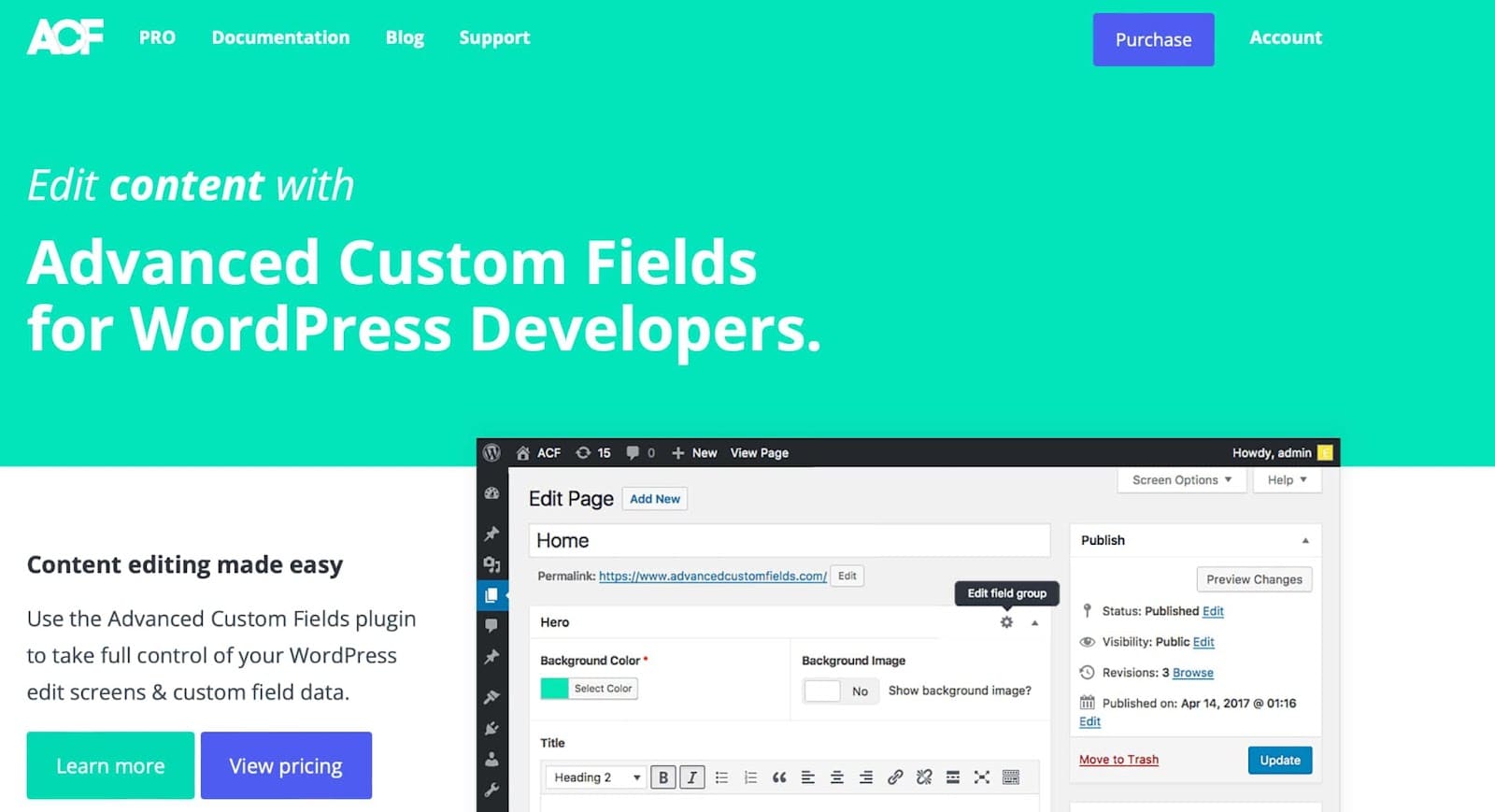
The Advanced Custom Fields plugin (ACF) allows you to add custom fields to WordPress edit screens. This functionality makes it easier to customize each website’s content to specific client needs and requirements.
Featuring an intuitive user interface, ACF supports up to 30 field types. You can add these fields on-demand to various elements of your websites, including posts, users, taxonomy terms, and even media. Once implemented, these customer fields blend seamlessly into your website’s backend, appearing and functioning in the standard WordPress admin style.
Also, ACF comes with extensive documentation, including tutorials, guides, and examples to help you harness the potential of custom fields without a steep learning curve.
Key features
- Over 30 different field types
- Add fields on demand and anywhere on your website
- Extensive documentation
- Plug custom field data into any project’s unique HTML, CSS, or Javascript
- Simple, intuitive API
- Easy integration with WordPress themes and plugins through PHP functions
Best web development plugin for: Adding custom fields at scale.
4. WordPress Multilingual Plugin (WPML)
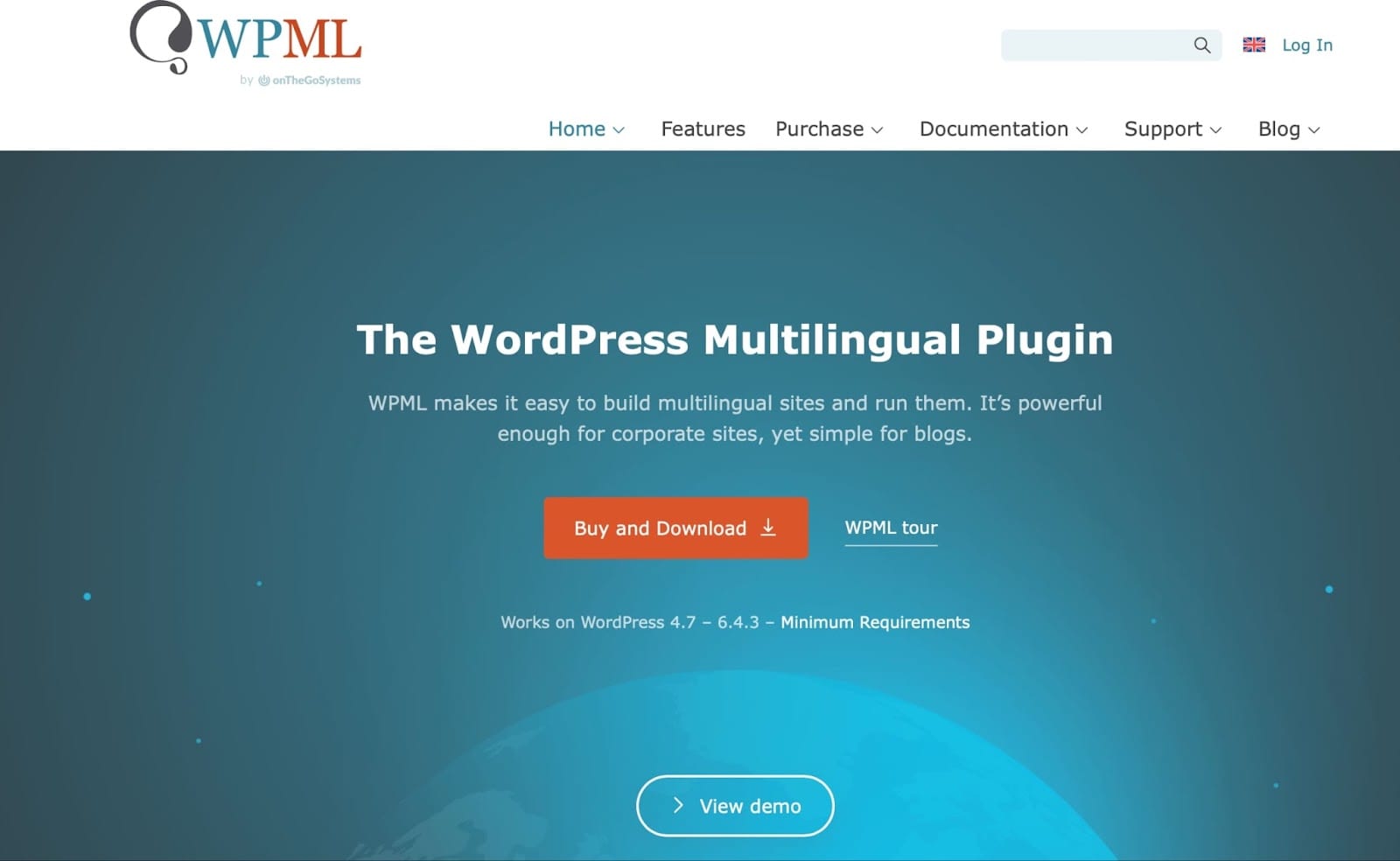
WPML makes it straightforward to create and manage multilingual websites on WordPress. For multinational clients that need to offer their websites in different languages or product sellers with an international audience, WPML is the perfect tool as it is compatible with most other popular WordPress plugins and themes.
With this plugin, you can use a single WordPress installation to craft webpages, posts, and other types of content in various languages. You can also build your website in one language and then translate it automatically to other languages with 90% accuracy.
The plugin supports 65 languages and allows adding custom language variants. WMPL also gives you tools to optimize your websites for search engines in various languages.
Key features
- Support for 65 languages
- Works with most other popular WordPress themes and plugins
- Integration with Google Translate, DeepL, and Microsoft Azure to translate content quickly and accurately
- Ability to add your own human translators to the website
- Support for multilingual ecommerce websites
- Multilingual SEO
Best web development plugin for: Building and managing multilingual websites.
5. NS Cloner – Site Copier

NS Cloner – Site Copier accelerates the process of rolling out new websites within the WordPress Multisite network by allowing you to clone the settings, content, and configurations of an existing website.
You can copy and transfer all settings (including menus, themes, and widgets) and content like posts, pages, and media files from one multisite to another with one click. The premium version of the plugin also allows the cloning of standard single websites.
NS Cloner – Site Copier is ideal for organizations like franchises, educational institutions, and companies with regional offices that must deploy multiple websites with similar structures.
Key features
- Cloning of any website within the Multisite network
- Duplicate any website in seconds
- Ability to clone to a new or existing website
- Copies everything, including settings and content
- Close tabs without interrupting cloning
Best web development plugin for: Creating and deploying multiple similar websites within a multisite network.
6. Yoast

Yoast is a user-friendly plugin for optimizing website content for search engines. With this plugin, you can apply SEO best practices effortlessly across multiple websites.
For example, Yoast provides real-time feedback on how you can optimize on-page elements like keyword usage, titles, and meta descriptions. It also includes a readability analysis of your content, offering insights on improving structure and style to engage readers and rank higher on search engines.
Yoast also generates XML sitemaps, which help search engines better understand your website structure and index it more effectively. Furthermore, it has social preview features that help you visualize what posts from your websites will look like when shared on social media.
Yoast is ideal when used on a multisite network, as you only need one installation. Plus, if you’re using it on multiple single sites, you can get a price discount of up to 50%, making it a cost-effective option for optimizing websites for search engines at scale.
Key features
- Comprehensive SEO analysis tools
- Content readability score
- Social media snippet previews
- Automatic generation of XML sitemaps
- Instant technical SEO improvements
- Bulk-edit titles and descriptions
Best web development plugin for: Search engine optimization (SEO) across multiple WordPress websites.
7. WooCommerce

WooCommerce transforms any WordPress website into a fully functional ecommerce platform. If most of your clients are in the ecommerce sector, you’ll find this tool extremely useful.
With WooCommerce, you can quickly roll out new websites using pre-designed themes and then extend their functionalities with other plugins and extensions to easily meet your clients’ requirements.
A key advantage of WooCommerce is its compatibility with a broad array of payment gateways. This is crucial for clients whose businesses operate globally, as it allows them to accept payments in different currencies from almost anywhere in the world.
Key features
- Easy installation and setup
- Inbuilt support for popular payment gateways
- Supports the creation of online stores for digital and physical products
- Vast selection of themes to choose from
- Extensive library of extensions and other plugins for added functionality and customization
- Pre-configured pages such as product listings and shopping carts
- Plenty of WooCommerce hosting options
Best web development plugin for: Creating ecommerce websites at scale.
Additional web development tools
The list above of our favorite tools is by no means exhaustive, and there are plenty of other web development plugins to help optimize large-scale web development. Other specialized tools include website auditing tools, version control systems, code editors, task runners, code repositories, cross-platform development networks, and automation testing tools.
For example, you may utilize one of these tools for specialized projects:
- Chrome Developer Tools (or Chrome DevTools in short): A set of web developer tools that exist within the Google Chrome web browser.
- Angular: Front-end framework for building web applications.
- Node.js: Cross-platform runtime environment for JavaScript.
- Github: Online developer platform for storing, managing, and collaborating on web development projects.
- jQuery: JavaScript library that simplifies and enhances common web development tasks like HTML document manipulation.
- Visual Studio Code: Source code editor for Windows, macOS, and Linux.
- Bootstrap: Front-end framework for building responsive websites.
- React: JavaScript library for building user interface (UI) components.
- Sublime Text: Multi-platform text editor.
- Typescript: A superset of JavaScript that includes additional features.
- Document Object Model (DOM): Application programming interface (API) for web documents.
Final Thoughts: Must-have web development plugins to create WordPress websites at scale
Building websites or web apps at scale presents a unique set of challenges — from ensuring consistent quality across all created sites to balancing the need for custom solutions with scalability.
The web development plugins we’ve explored offer solutions as you scale your business. Whether you’re in backend or frontend development, integrating them into your workflow can significantly improve your projects’ speed, efficiency, and quality.
To streamline the process of creating WordPress websites even further, partner with a reliable and experienced web host like Liquid Web. Our WordPress hosting solutions are designed to complement the capabilities of web development plugins like those we’ve discussed in this guide, helping you deliver superior results with less effort and time.
Moreover, when you partner with Liquid Web, you unlock additional benefits to help your web development business grow. These include a dedicated partner manager, priority support, and access to the entire Liquid Web family of brands, including StellarWP, which is home to some of the most powerful and dependable WordPress plugins available.
Join the Liquid Web Partner+ Program today and start benefiting from a partnership that’s all about helping your brand grow and succeed.